- Độ tuổi4+
- Danh mụcTiện Ích
- Nhà phát triểnValley Internet
- Ngôn ngữTiếng Anh
- Kích thước34,9 MB
smart.router hiện có thể không có trên App Store
Ở lần kiểm tra gần nhất, chúng tôi không truy cập được trang trên cửa hàng. Liên kết vẫn dẫn đến trang App Store chính thức.
Ảnh chụp màn hình




Giới thiệu
Nhà phát triển chưa cung cấp nội dung này bằng ngôn ngữ của bạn.
smart.router keeps your internet up.
Most buildings now have more than one way onto the internet: fibre, fixed wireless, satellite, cellular. Having two is not the same as staying online, because nothing moves your traffic when one of them stops. That is what this does.
smart.router manages the router on your premises. It watches every connection, moves your traffic to a working one when one fails, and moves it back when it recovers. The router decides on its own, in seconds, and keeps deciding even when it cannot reach us. The app is how you see it and set it.
IN THE APP
• Every line into the building, whether it is carrying your traffic right now, and how it is doing
• Live traffic, and the last hour, day or week
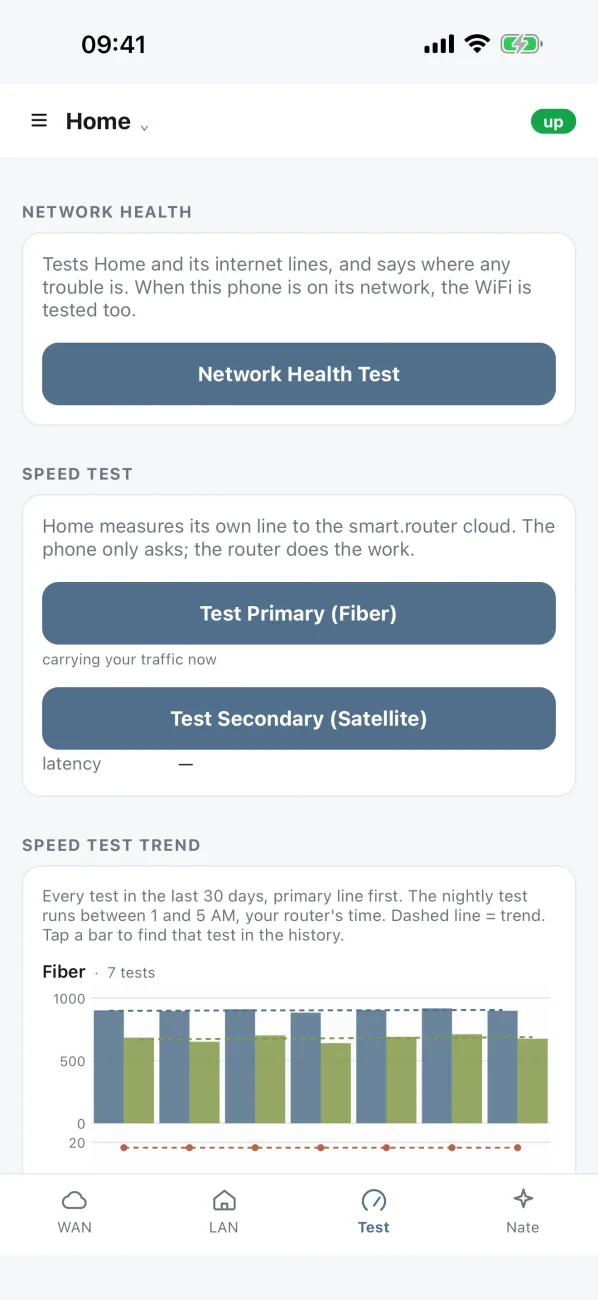
• A speed test on any line, run by the router itself rather than by your phone, so you measure the line and not your wifi
• Network Health Test: your router and every line, tested from anywhere. On your own network it tests the WiFi too
• A nightly speed test on every line, so the day something changed is a point on a chart instead of an argument
• The devices on your network, what they are, and whether they are really there
• A private connection back to your own network from anywhere
• Which line is primary and which is backup, chosen by you
• A message when your internet moves, and another when it comes back
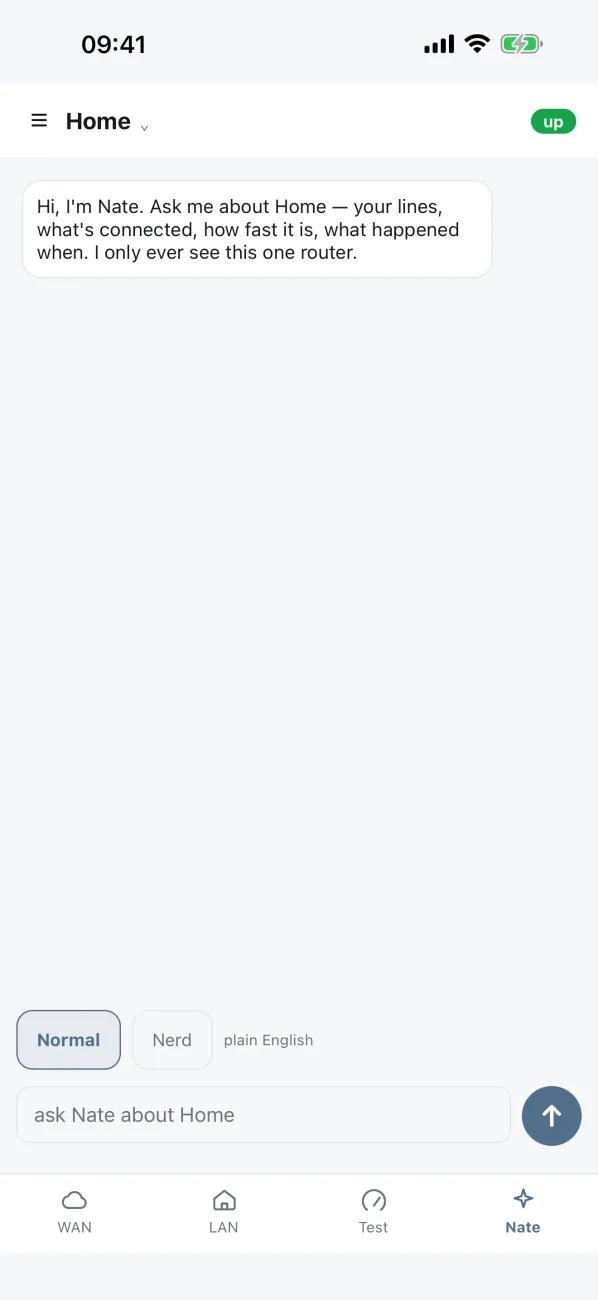
• Nate, a built-in assistant that answers questions about your router in plain language
NO SMART.ROUTER? WIFI TEST
No account and no smart.router needed. In about 30 seconds the app tells you in plain words whether a slow connection is your WiFi or your internet line.
• Phone to router and phone to internet, measured side by side
• Whether large data gets through
• Whether the connection is slow
• A result you can share with whoever supports you
WHAT IT TELLS YOU PLAINLY
A line that keeps dropping is held off until it is steady, and the app says so in words: what happened, and what is usually behind it. You should not have to read a routing table to find out that a cable is failing.
WHAT YOU NEED
For the WiFi Test: nothing. For everything else: a supported router, managed by smart.router. The app is the companion to that service, so it shows your own routers and nothing else. Speeds and connections shown in the App Store images are examples.
The app is free and there is nothing to buy in it. Sign in with Apple or Google. You can delete your account in the app.
No advertising. We do not sell your data, and we do not read the contents of your traffic. What we collect and why is at smartrouter.com/privacy.html.
Có gì mới
Phiên bản 1.1 · 26/10/2026
Network Health Test: with a smart.router, test your router and every internet line from anywhere. On your own network it tests your WiFi too. Without a smart.router the same test is now called WiFi Test. It now works on IPv6 networks as well.
Nate now asks before your first question is sent, and Preferences turns it off.
Speed history shows latency, and every test opens the full list. Support is one tap away in the menu.
Quyền riêng tư của ứng dụng
Những gì Valley Internet khai báo trên App Store về cách ứng dụng này xử lý dữ liệu.
-
Dữ liệu liên kết với bạn
Có thể được thu thập và liên kết với danh tính của bạn.
- Thông tin liên hệ
- Mã định danh
- Dữ liệu sử dụng
- Chẩn đoán
- Dữ liệu khác
Phương thức đảm bảo quyền riêng tư có thể khác nhau, chẳng hạn như tuỳ theo các tính năng bạn sử dụng hoặc độ tuổi của bạn.
Thông tin
- Người bán
- Personal Network Computing, Inc.
- Danh mục
- Tiện Ích
- Phiên bản
- 1.1
- Cập nhật
- 26/10/2026
- Phát hành
- 25/10/2026
- Kích thước
- 34,9 MB
- Yêu cầu
- iOS 16.4 trở lên
- Độ tuổi
- 4+
- Ngôn ngữ
- Tiếng Anh
- Bản quyền
- © 2026 Personal Network Computing, Inc.