
SMSReader - PDF/EPUB Reader
Read books & docs fast, easily
Được thiết kế cho iPhone, iPad
299.000đ
- Độ tuổi4+
- Danh mụcHiệu Suất
- Nhà phát triểnKotatsu RIN
- Ngôn ngữTiếng Anh+ 1 ngôn ngữ khác
- Kích thước15,9 MB
Liên kết đến trang App Store chính thức
Download.org không lưu trữ tệp nào của SMSReader - PDF/EPUB Reader. Nút này mở trang ứng dụng trên App Store, nơi Kotatsu RIN phát hành ứng dụng. Trang được kiểm tra lần cuối: 19/11/2026.
Ảnh chụp màn hình
Giới thiệu
Nhà phát triển chưa cung cấp nội dung này bằng ngôn ngữ của bạn.
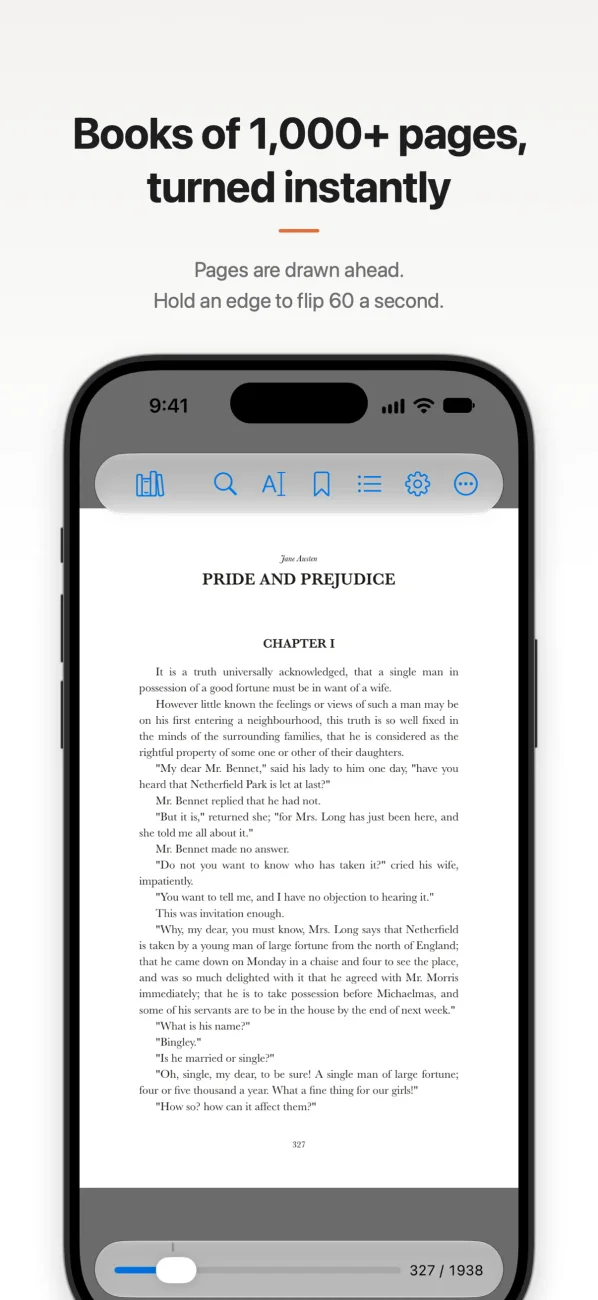
SMSReader is a reader for digital books and documents, built to be fast and comfortable. Even in a book of thousands of pages, the next page appears the moment you tap the edge, and holding the edge flips through pages at speed.
BUILT FOR THE LATEST DEVICES
• A comfortable PDF viewer on iPad and iPhone, and on iPhone Duo too
• Extensive accessibility support (VoiceOver and more)
FAST PAGE TURNING
• Tap the left or right edge to turn the page instantly, or choose a slide animation
• Hold an edge to flip continuously (7 speeds, from 6 to 60 pages a second)
• Flick, drag the slider, or type a page number to move
• Pinch in for an overview of the pages
EASY TO READ
• Home View: keep the zoomed area and move it along one view at a time. Self-scanned books and two-column pages become easy to read
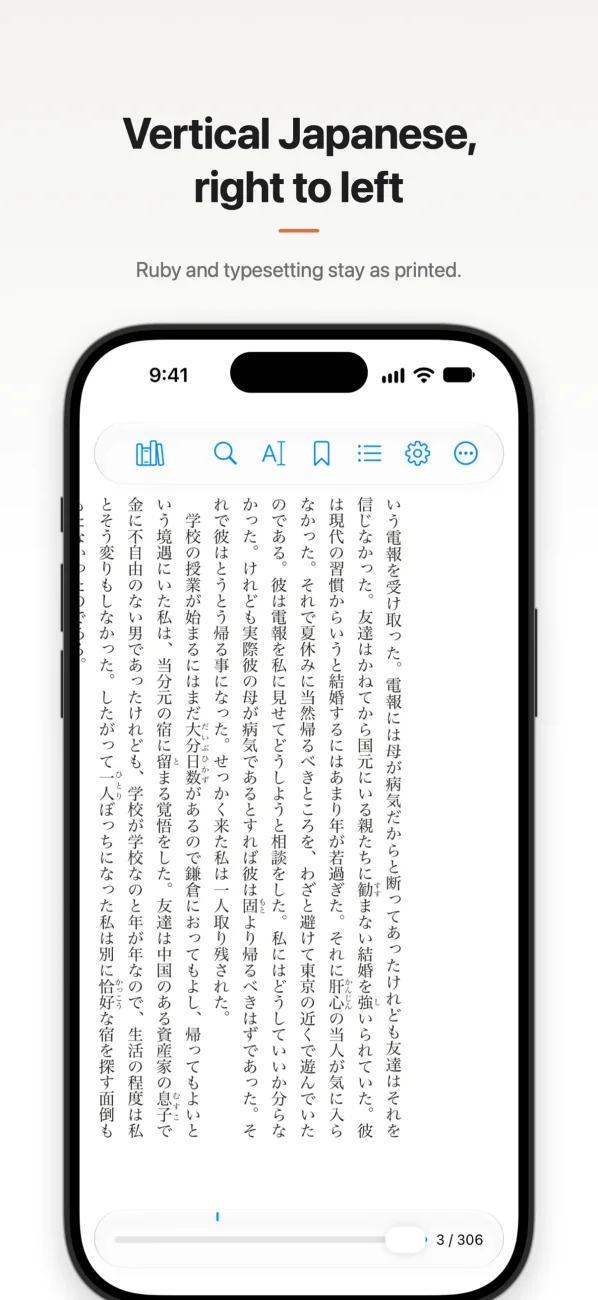
• Right to left (vertical Japanese), left to right, or top to bottom. Two-page spreads and a cover shown alone are set automatically from the PDF
• Tall pages fit the screen's width, handy for web page screenshots
EPUB
• Read reflowable and fixed-layout EPUBs, turning pages as fast as with PDFs
• Vertical Japanese, ruby, tate-chu-yoko and emphasis marks, in the book's own fonts if you like
• Choose the text size, font, margins, line spacing and paper for each book
• Press and hold an illustration to see it over the whole screen, and pinch to zoom. Pictures larger than the page are fitted to it
• Vertical books can show their contents vertically
LISTEN AND SPEAK
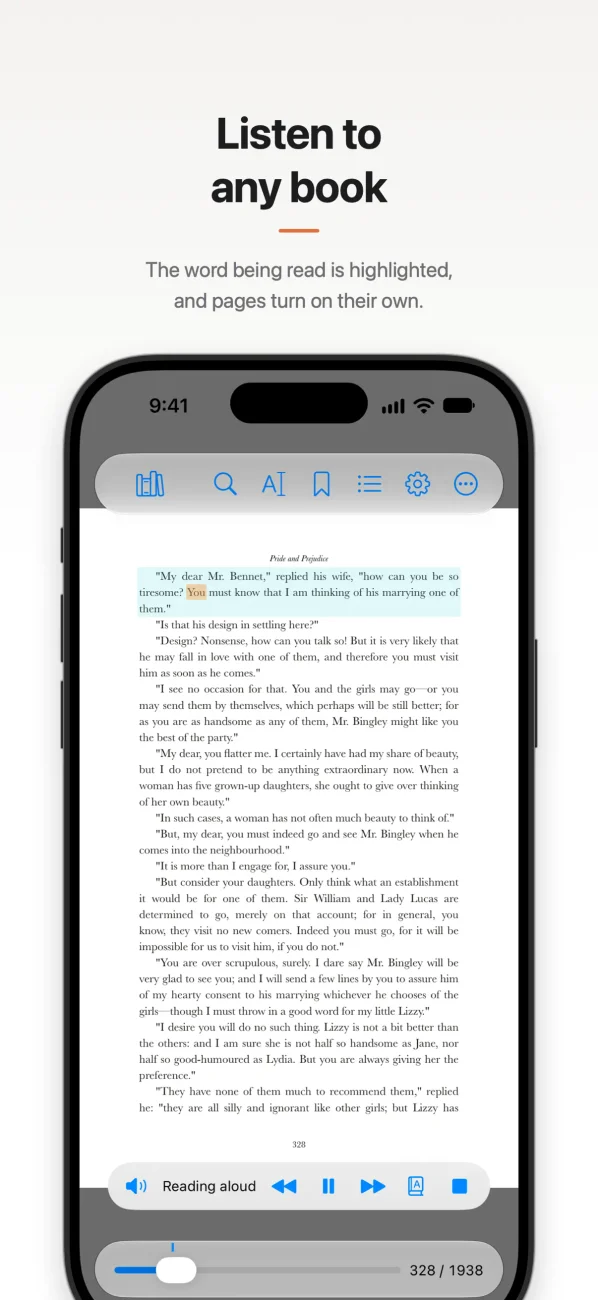
• Read Aloud: reads the text, leaving out running heads and page numbers, and follows the ruby in Japanese. The word being read is highlighted; start from any word, or move a paragraph back or forward
• Turn Pages by Voice: say "next", "previous" or "page 12". Speech is recognized on the device
• Or hear an online speech service's voice, with your own API key: ElevenLabs API / Aivis Cloud API / Amazon Polly
• Siri and Shortcuts: "Continue reading in SMSReader", "Read aloud in SMSReader" and more
SEARCH AND ANNOTATE
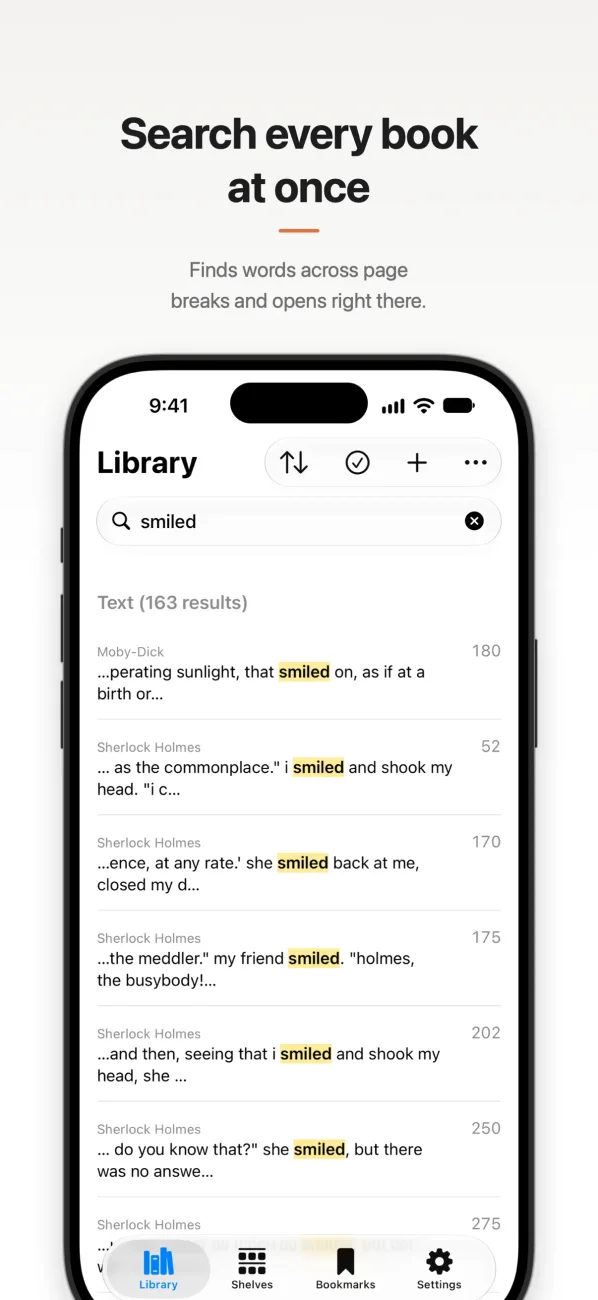
• Search the text of a book or of your whole library, without missing words split across lines
• Select text to copy, look up or share, including vertical text and ruby
• Pages without text, such as scanned books, are read on the device and can be searched, selected, translated and read aloud
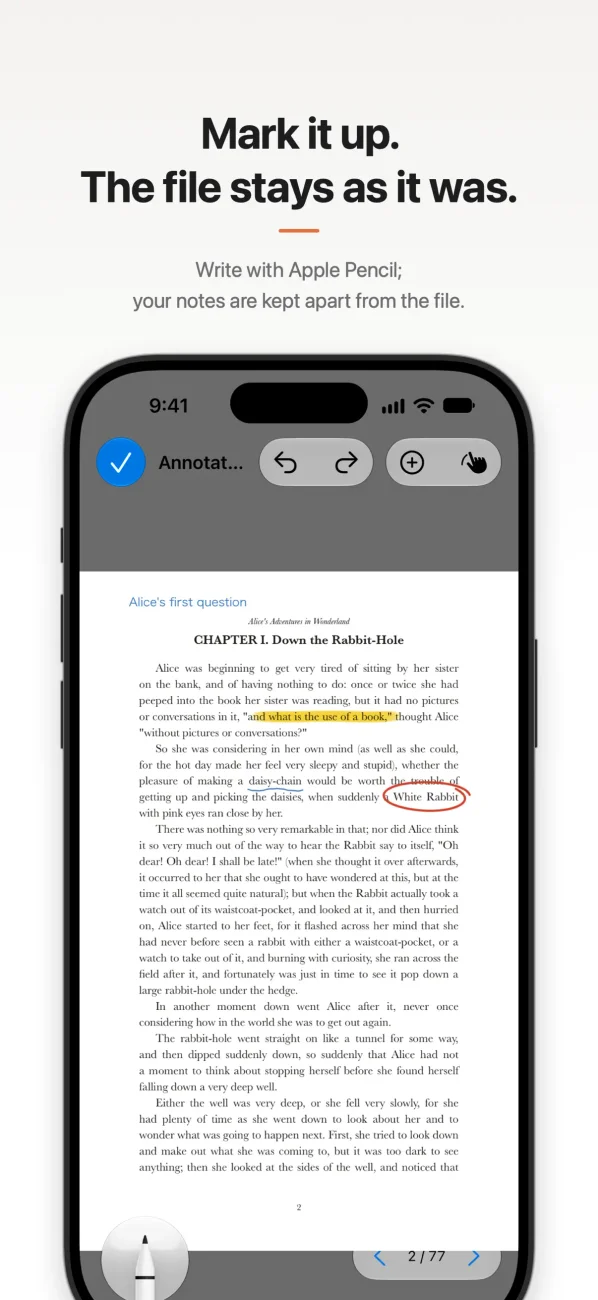
• Annotate and highlight pages with Apple Pencil or your finger (iPadOS 26 or later). The file itself is never changed
TRANSLATION AND SUMMARIES
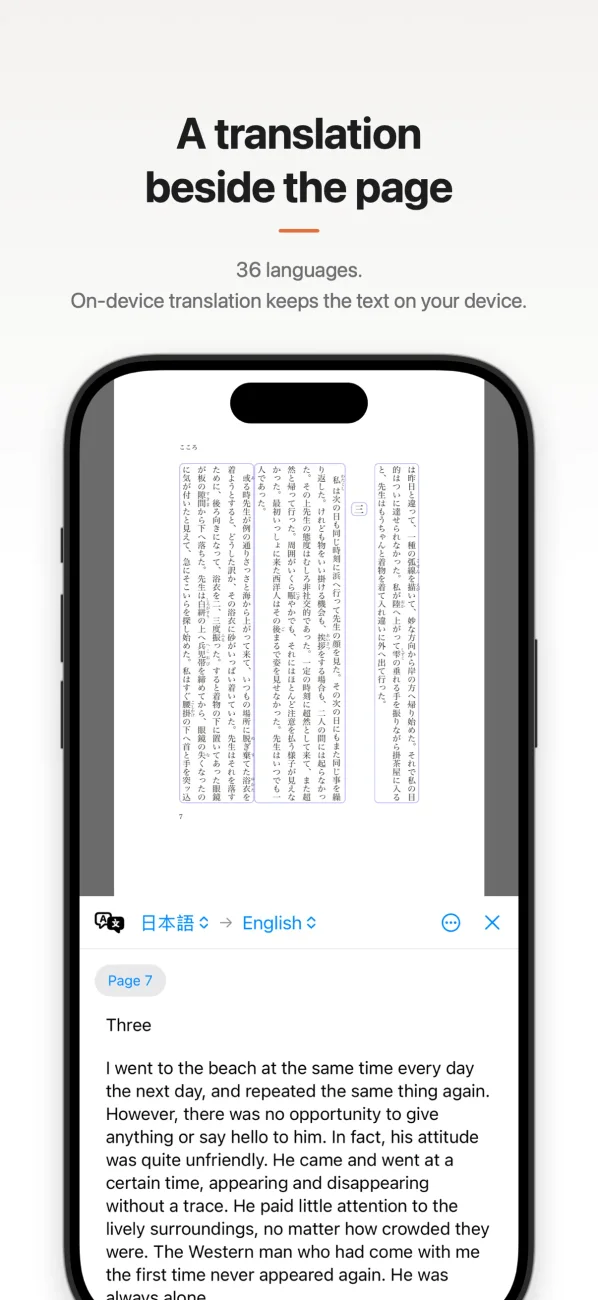
• Open the translation panel beside the page to see a translation of each paragraph. Tap a paragraph to match the original and the translation
• For translation and summaries, use Apple Translate or Apple Intelligence (on device)
• Or an online translation or AI service, with your own API key: Claude / DeepL / PLaMo / OpenAI-compatible
BOOKSHELF
• Organize your library in folders, and folders within folders
• Keep the library on this device, in iCloud Drive, or in a folder the Files app can open, such as Dropbox. Books in the cloud are downloaded when you open them
• Drop a whole folder to import its PDFs and EPUBs
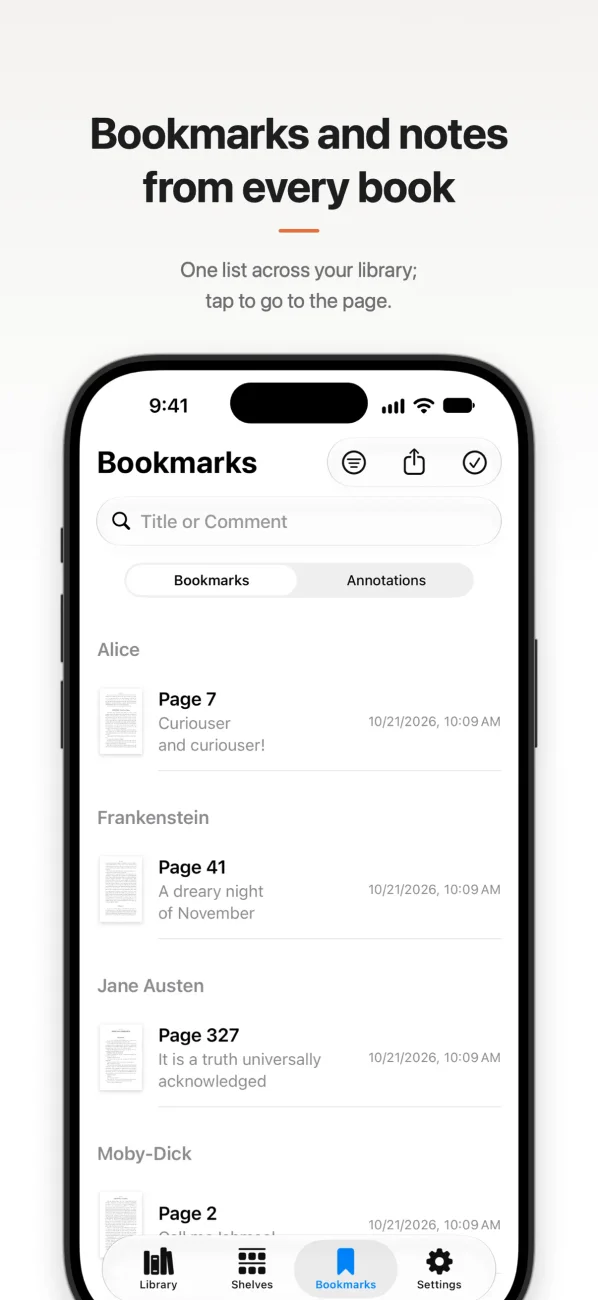
• Sync where you are, bookmarks, annotations, shelves and more across your devices with iCloud
• Join several books to read them on as one
• Password-protected PDFs open with their password
• Shelves, one for each shelf tag, work across folders, and a folder can be filtered by shelf tag
• Use any page or image as a cover. Books can also be hidden
• Lock the whole app or single books with a passcode and Face ID
PRIVACY
• No ads, no account, no analytics
• Books, bookmarks, annotations and settings stay on your device; with sync on, they are kept in your own iCloud
• Text is sent to an outside service only when you have set your own API key, confirmed where it goes and agreed, and then run a translation, summary or read-aloud with it
• Text selection and AI features such as translation and summaries are off for PDFs that forbid copying
For iPad and iPhone (Duo), iPadOS / iOS 18 or later (some features need 26 or later).
Có gì mới
Phiên bản 0.9.0 · 17/11/2026
EPUB AND DAISY
• Reworked how books are taken in, so that more books can be imported.
• Framed text and figures in DAISY books are set better.
TEXT RECOGNITION
• Recognize the text of a whole book from the library's menu ("Recognize All Text (OCR)").
• "Make Index Again" in "About the Book" now reads the pages without text first, then makes the index.
LIBRARY
• Each folder can have its own "Defaults for Books".
AND MORE
• Fixed a crash caused by memory handling while working with scanned books.
• Bug fixes and better stability.
Quyền riêng tư của ứng dụng
Những gì Kotatsu RIN khai báo trên App Store về cách ứng dụng này xử lý dữ liệu.
-
Dữ liệu không được thu thập
Nhà phát triển không thu thập bất kỳ dữ liệu nào từ ứng dụng này.
Phương thức đảm bảo quyền riêng tư có thể khác nhau, chẳng hạn như tuỳ theo các tính năng bạn sử dụng hoặc độ tuổi của bạn.
Thông tin
- Người bán
- Kotatsu RIN
- Danh mục
- Hiệu Suất
- Phiên bản
- 0.9.0
- Cập nhật
- 17/11/2026
- Phát hành
- 22/10/2026
- Kích thước
- 15,9 MB
- Yêu cầu
- iOS 18.0 trở lên
- Độ tuổi
- 4+
- Giá
- 299.000đ
- Ngôn ngữ
- Tiếng Anh, Tiếng Nhật
- Bản quyền
- © con3code / Kotatsu Rin