SMSReader - PDF/EPUB Reader
Read books & docs fast, easily
iPhone, iPad için tasarlandı
₺499,99
- Yaş sınırı4+
- KategoriÜretkenlik
- GeliştiriciKotatsu RIN
- Dillerİngilizce+ 1 dil daha
- Boyut15,9 MB
Resmi App Store sayfasına bağlanır
Download.org, SMSReader - PDF/EPUB Reader için hiçbir dosya barındırmaz. Düğme, uygulamanın App Store üzerindeki sayfasını açar; uygulamayı orada Kotatsu RIN yayınlar. Sayfanın son kontrolü: 19.11.2026.
Ekran görüntüleri
Hakkında
Geliştirici bu metni dilinizde sunmamış.
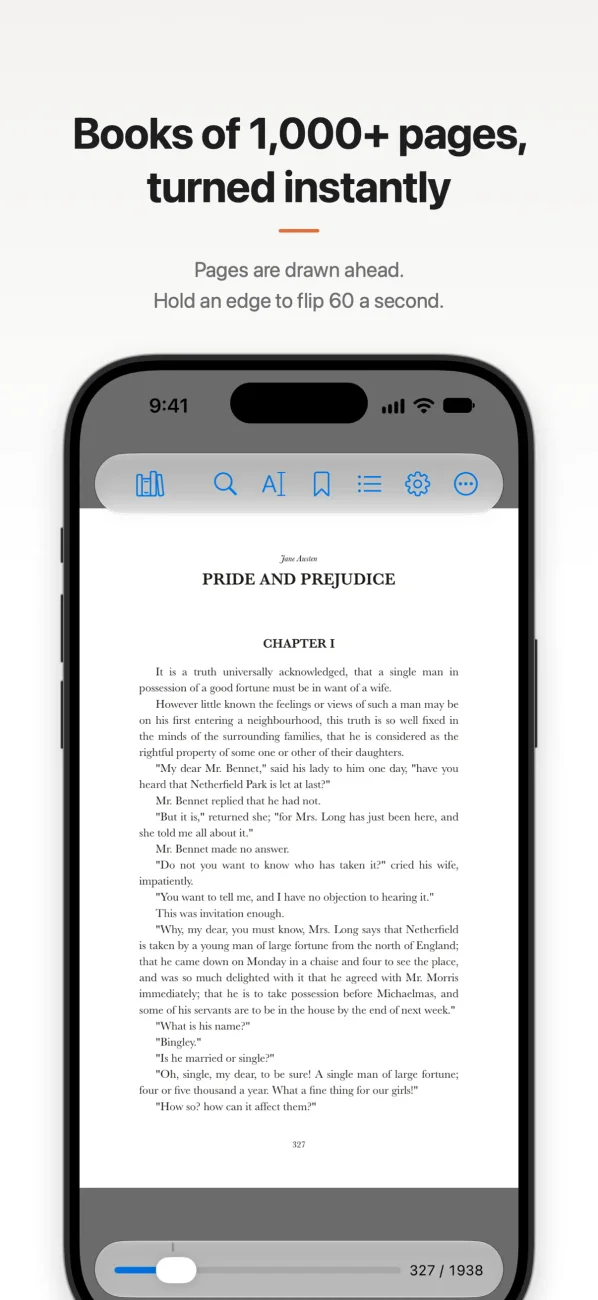
SMSReader is a reader for digital books and documents, built to be fast and comfortable. Even in a book of thousands of pages, the next page appears the moment you tap the edge, and holding the edge flips through pages at speed.
BUILT FOR THE LATEST DEVICES
• A comfortable PDF viewer on iPad and iPhone, and on iPhone Duo too
• Extensive accessibility support (VoiceOver and more)
FAST PAGE TURNING
• Tap the left or right edge to turn the page instantly, or choose a slide animation
• Hold an edge to flip continuously (7 speeds, from 6 to 60 pages a second)
• Flick, drag the slider, or type a page number to move
• Pinch in for an overview of the pages
EASY TO READ
• Home View: keep the zoomed area and move it along one view at a time. Self-scanned books and two-column pages become easy to read
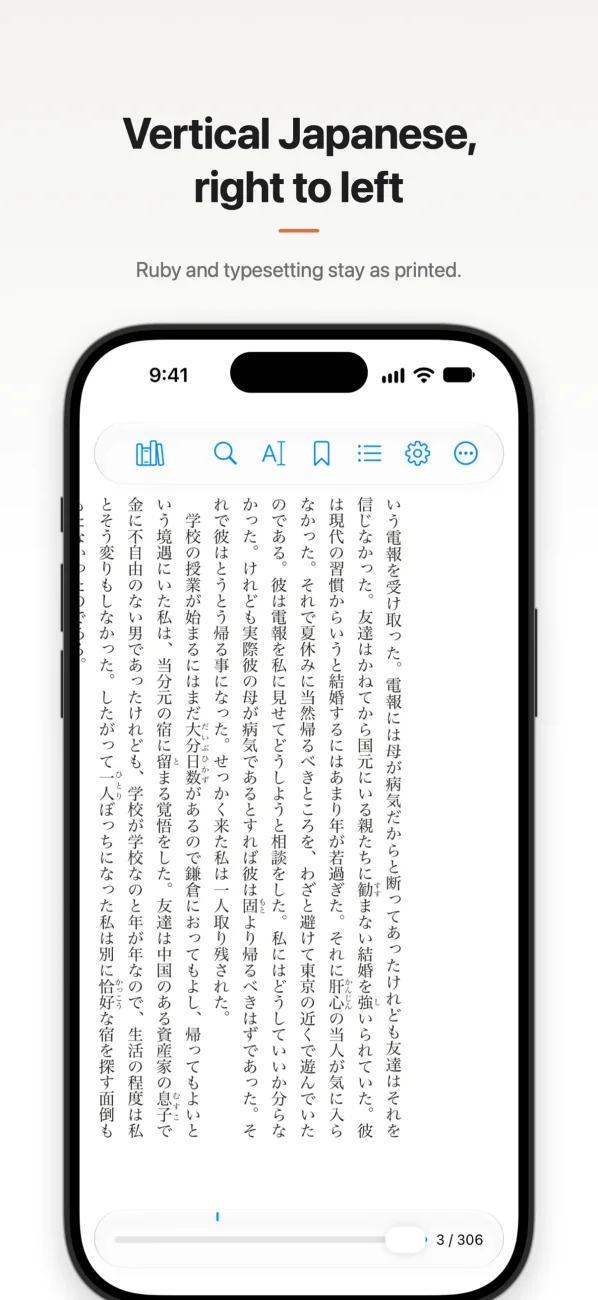
• Right to left (vertical Japanese), left to right, or top to bottom. Two-page spreads and a cover shown alone are set automatically from the PDF
• Tall pages fit the screen's width, handy for web page screenshots
EPUB
• Read reflowable and fixed-layout EPUBs, turning pages as fast as with PDFs
• Vertical Japanese, ruby, tate-chu-yoko and emphasis marks, in the book's own fonts if you like
• Choose the text size, font, margins, line spacing and paper for each book
• Press and hold an illustration to see it over the whole screen, and pinch to zoom. Pictures larger than the page are fitted to it
• Vertical books can show their contents vertically
LISTEN AND SPEAK
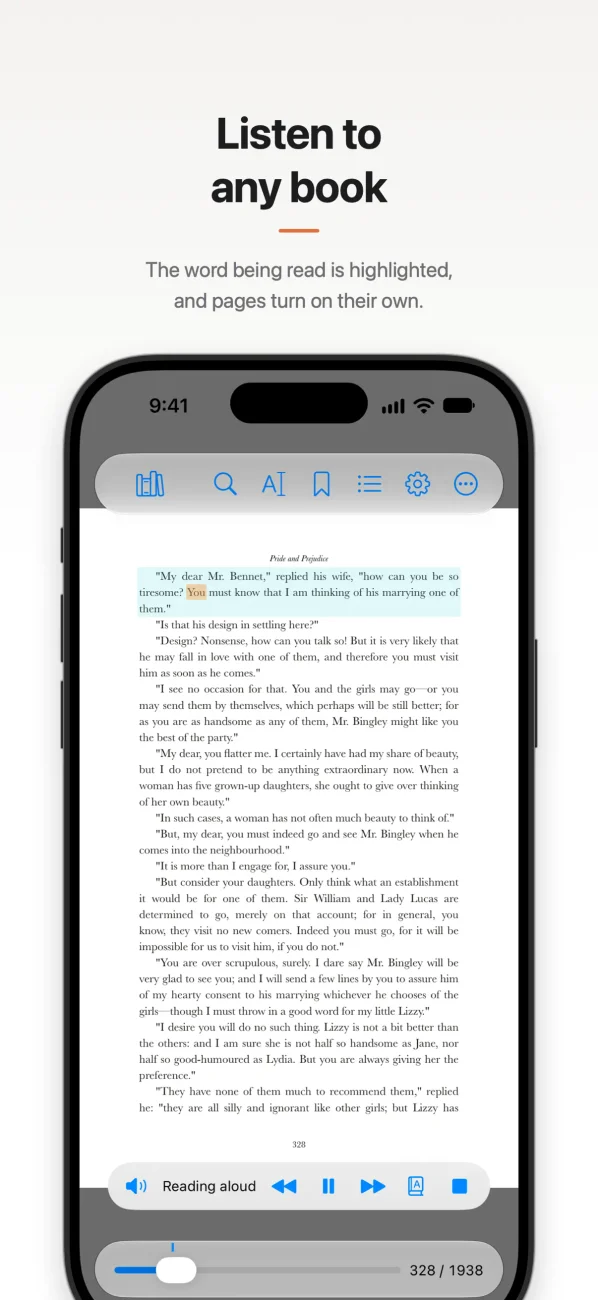
• Read Aloud: reads the text, leaving out running heads and page numbers, and follows the ruby in Japanese. The word being read is highlighted; start from any word, or move a paragraph back or forward
• Turn Pages by Voice: say "next", "previous" or "page 12". Speech is recognized on the device
• Or hear an online speech service's voice, with your own API key: ElevenLabs API / Aivis Cloud API / Amazon Polly
• Siri and Shortcuts: "Continue reading in SMSReader", "Read aloud in SMSReader" and more
SEARCH AND ANNOTATE
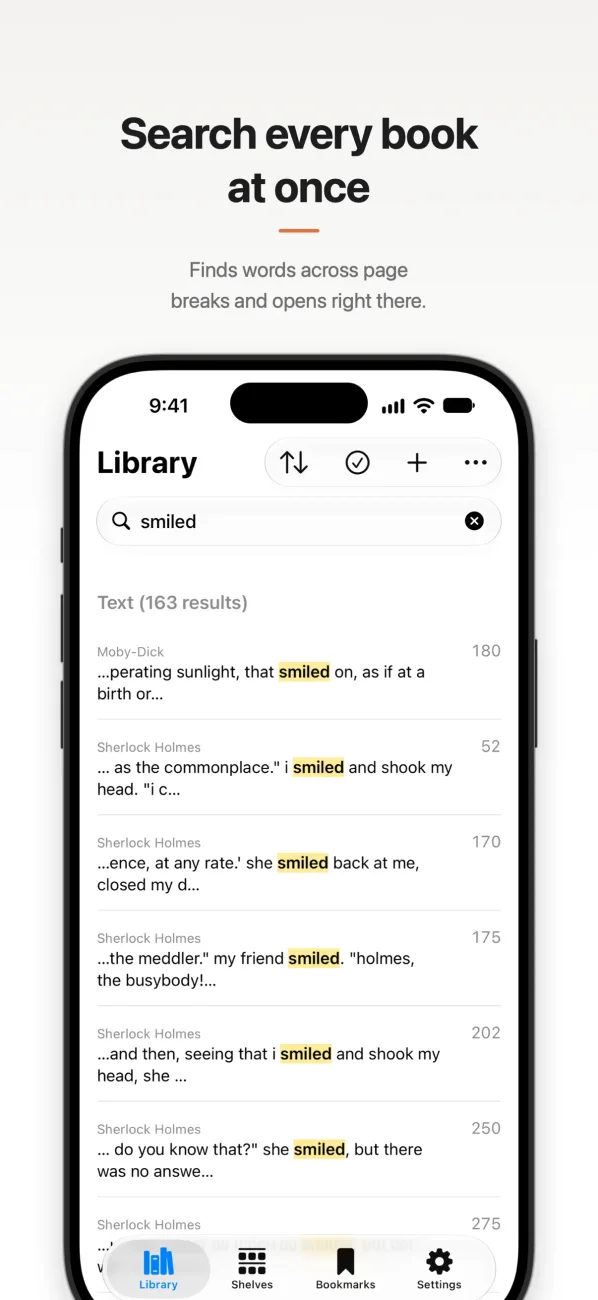
• Search the text of a book or of your whole library, without missing words split across lines
• Select text to copy, look up or share, including vertical text and ruby
• Pages without text, such as scanned books, are read on the device and can be searched, selected, translated and read aloud
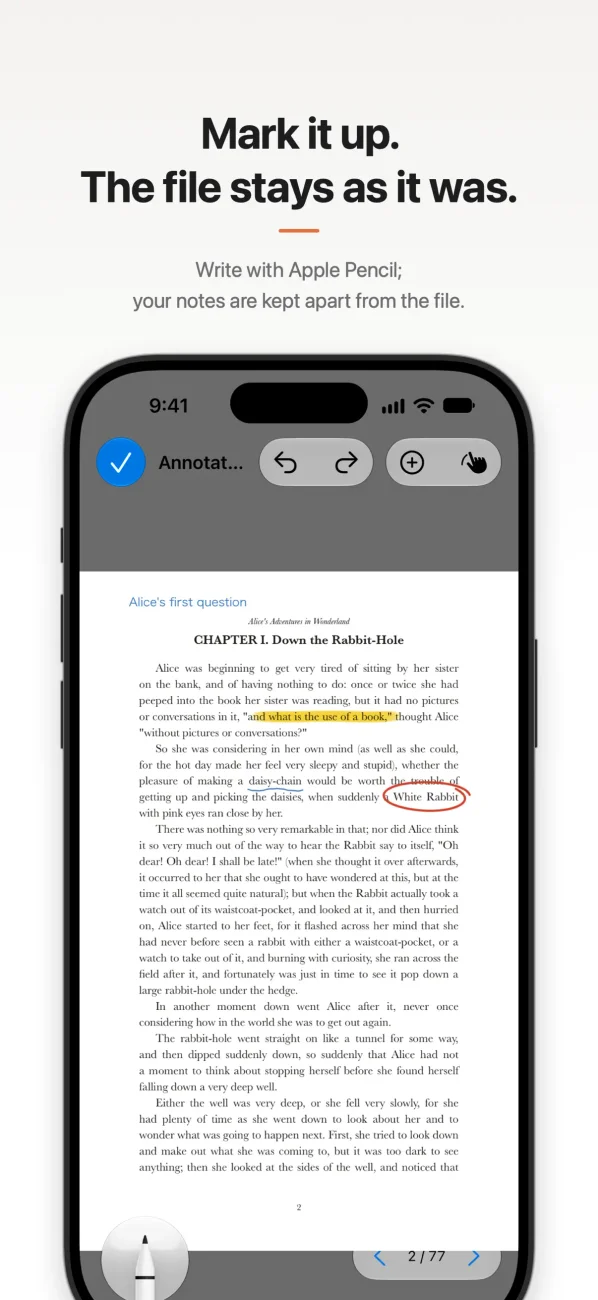
• Annotate and highlight pages with Apple Pencil or your finger (iPadOS 26 or later). The file itself is never changed
TRANSLATION AND SUMMARIES
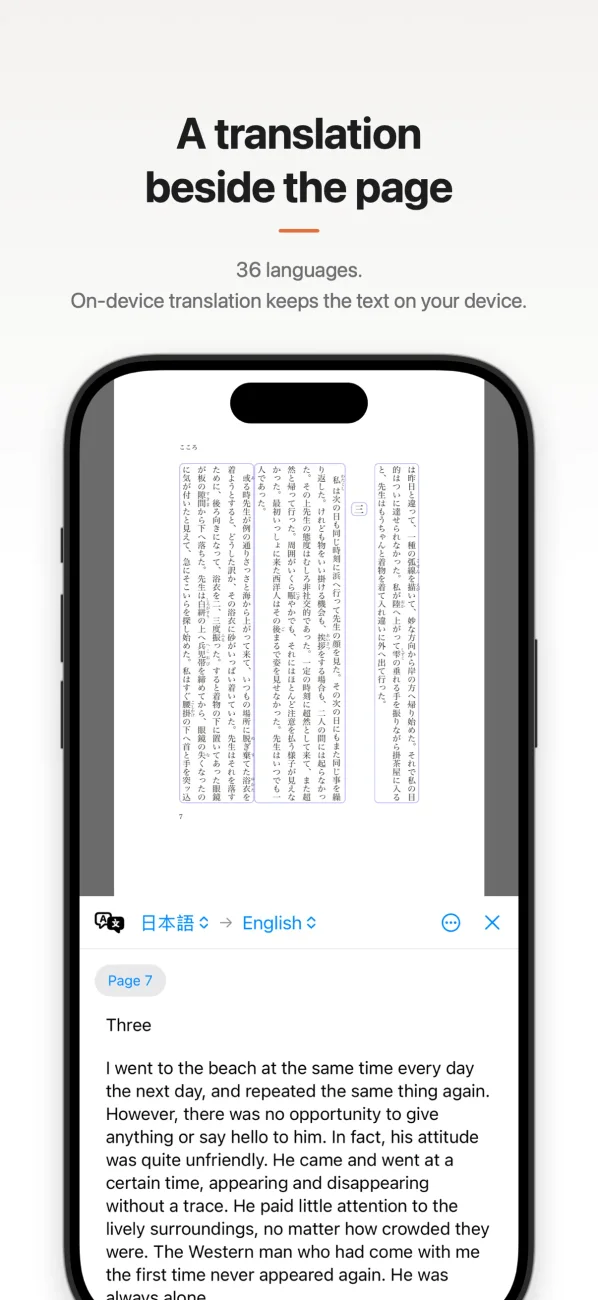
• Open the translation panel beside the page to see a translation of each paragraph. Tap a paragraph to match the original and the translation
• For translation and summaries, use Apple Translate or Apple Intelligence (on device)
• Or an online translation or AI service, with your own API key: Claude / DeepL / PLaMo / OpenAI-compatible
BOOKSHELF
• Organize your library in folders, and folders within folders
• Keep the library on this device, in iCloud Drive, or in a folder the Files app can open, such as Dropbox. Books in the cloud are downloaded when you open them
• Drop a whole folder to import its PDFs and EPUBs
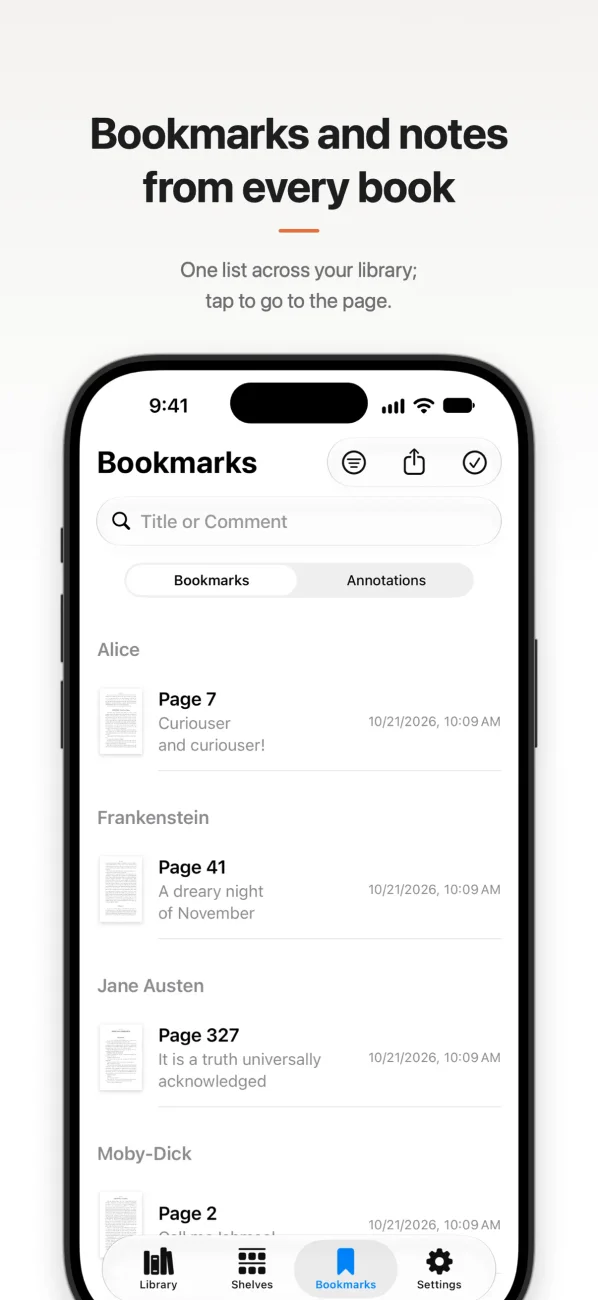
• Sync where you are, bookmarks, annotations, shelves and more across your devices with iCloud
• Join several books to read them on as one
• Password-protected PDFs open with their password
• Shelves, one for each shelf tag, work across folders, and a folder can be filtered by shelf tag
• Use any page or image as a cover. Books can also be hidden
• Lock the whole app or single books with a passcode and Face ID
PRIVACY
• No ads, no account, no analytics
• Books, bookmarks, annotations and settings stay on your device; with sync on, they are kept in your own iCloud
• Text is sent to an outside service only when you have set your own API key, confirmed where it goes and agreed, and then run a translation, summary or read-aloud with it
• Text selection and AI features such as translation and summaries are off for PDFs that forbid copying
For iPad and iPhone (Duo), iPadOS / iOS 18 or later (some features need 26 or later).
Yenilikler
Sürüm 0.9.0 · 17.11.2026
EPUB AND DAISY
• Reworked how books are taken in, so that more books can be imported.
• Framed text and figures in DAISY books are set better.
TEXT RECOGNITION
• Recognize the text of a whole book from the library's menu ("Recognize All Text (OCR)").
• "Make Index Again" in "About the Book" now reads the pages without text first, then makes the index.
LIBRARY
• Each folder can have its own "Defaults for Books".
AND MORE
• Fixed a crash caused by memory handling while working with scanned books.
• Bug fixes and better stability.
Uygulama gizliliği
Bu uygulamanın verileri nasıl işlediği hakkında Kotatsu RIN tarafından App Store üzerinde yapılan beyan.
-
Veri toplanmıyor
Geliştirici bu uygulamadan hiçbir veri toplamıyor.
Gizlilik uygulamaları, örneğin kullandığınız özelliklere veya yaşınıza göre değişiklik gösterebilir.
Bilgiler
- Satıcı
- Kotatsu RIN
- Kategori
- Üretkenlik
- Sürüm
- 0.9.0
- Güncellendi
- 17.11.2026
- Yayın tarihi
- 22.10.2026
- Boyut
- 15,9 MB
- Gereksinim
- iOS 18.0 veya sonrası
- Yaş sınırı
- 4+
- Fiyat
- ₺499,99
- Diller
- İngilizce, Japonca
- Telif hakkı
- © con3code / Kotatsu Rin
Bunları da beğenebilirsiniz
-
 palililiDaha sakin bir görev listesi
-
 Task Rainbow: Time TrackerÜretkenlik
-
 研究特化カレンダーÜretkenlik
-
 Core: AI Writing StudioÜretkenlik
-
 Paper Maker – 2027 Planner PDFÜretkenlik
-
 Maehe - まえへÜretkenlik
-
 DEA*PAD - Quick 3-Page NotepadÜretkenlik
-
 PathtraqAppÜretkenlik
-
 Markdown Reader - ReamÜretkenlik
-
 Foldleaf ReaderÜretkenlik