
StudyNotes: Notebook & PDF
Handwriting, quizzes & AI
Được thiết kế cho iPhone, iPad
Miễn phí · Mua hàng trong ứng dụng
- Độ tuổi4+
- Danh mụcGiáo Dục
- Nhà phát triểnVELI KECECI
- Ngôn ngữTiếng Anh+ 1 ngôn ngữ khác
- Kích thước5,2 MB
Liên kết đến trang App Store chính thức
Download.org không lưu trữ tệp nào của StudyNotes: Notebook & PDF. Nút này mở trang ứng dụng trên App Store, nơi VELI KECECI phát hành ứng dụng. Trang được kiểm tra lần cuối: 14/11/2026.
Ảnh chụp màn hình


Giới thiệu
Nhà phát triển chưa cung cấp nội dung này bằng ngôn ngữ của bạn.
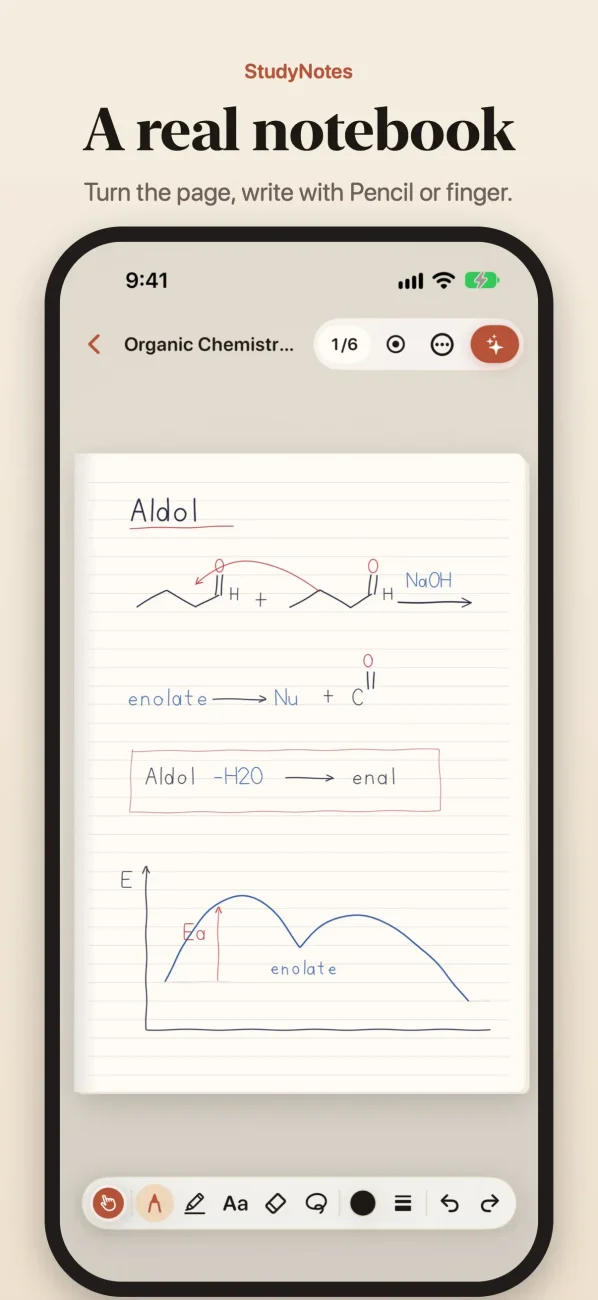
StudyNotes works like a real notebook. Open a notebook, write with Apple Pencil or your finger, type text anywhere on the page and turn pages just like paper. Start right away without an account; your notebooks are stored on your device.
WRITE
• Pencil mode with Apple Pencil: the pencil writes, your finger turns pages
• Finger mode: one finger writes, two fingers turn pages, so you get the whole notebook even without a pencil
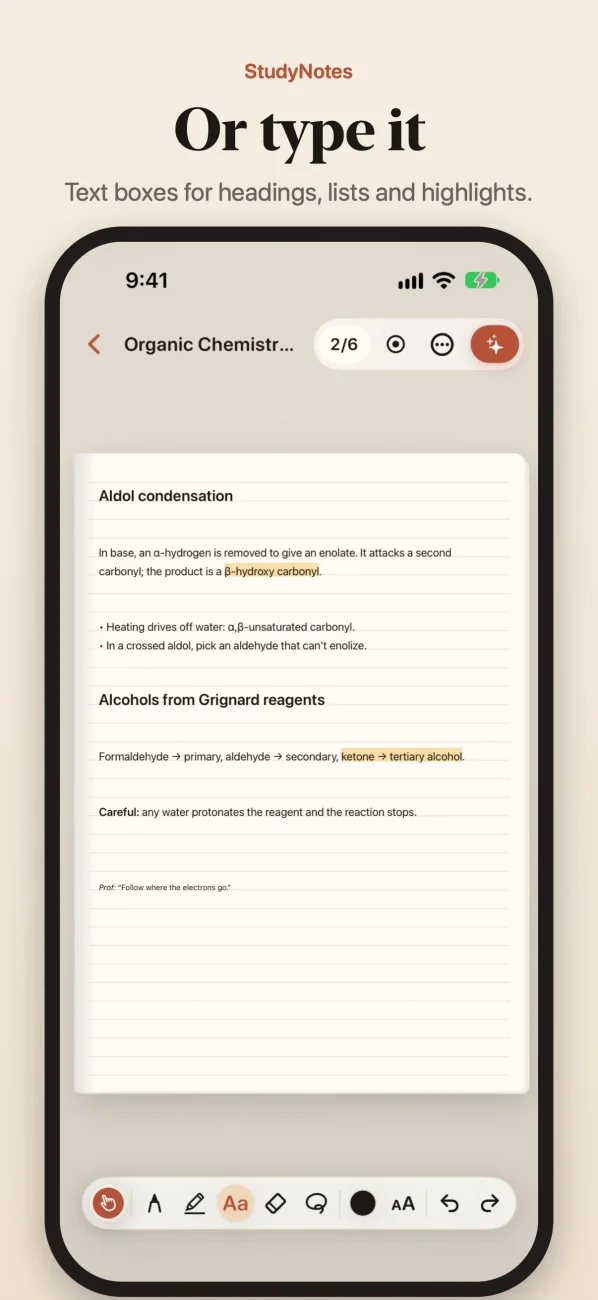
• Text boxes anywhere on the page: bold, italic, underline, highlight, bullets and checklists you tick off; a font and point size for each box; on lined paper the text sits on the lines
• Pen, felt-tip, highlighter, eraser and lasso; each pen keeps its own color and thickness, and every page has its own undo history
• Ruler and shapes: hold a stroke still at its end and it becomes a straight line, circle, triangle or rectangle
• Stickers: star, heart, check, cross, important and more; write a short note on one and set its transparency
TURN THE PAGE
• Pages that curl as they turn, like paper; on iPad in landscape the notebook lies open with two pages side by side
• In the page grid, jump to a page, drag to reorder, add, duplicate or delete pages; bookmark any page
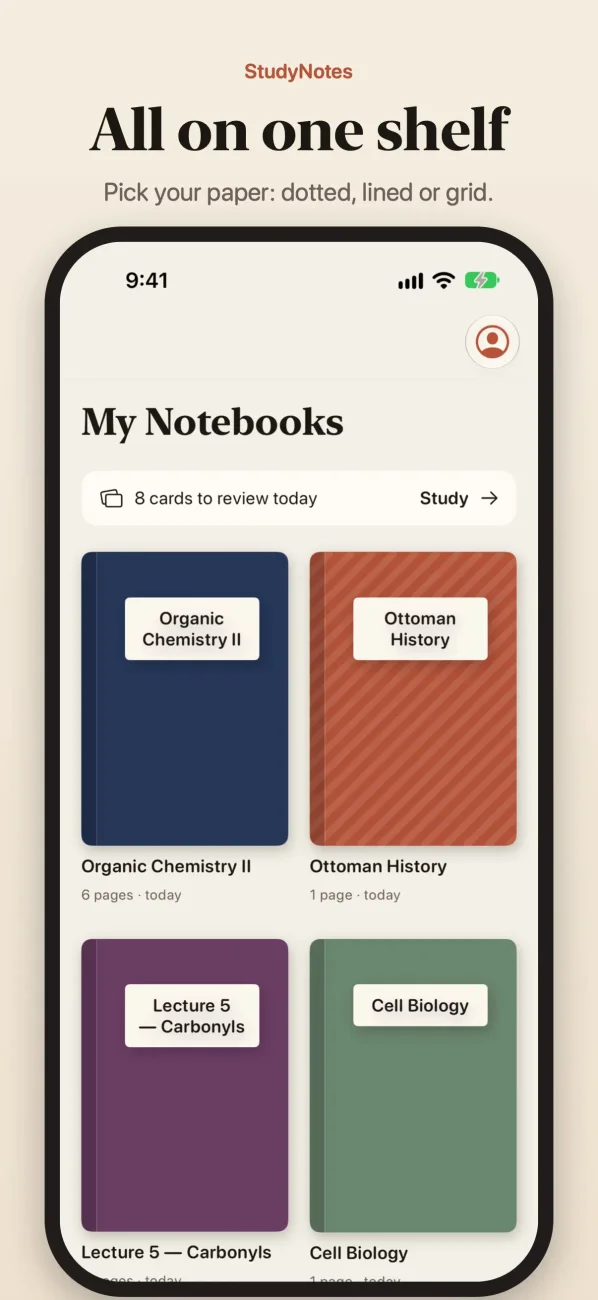
• Blank, lined, grid and dotted paper; weekly, daily and monthly planners, a class schedule and a habit tracker; A5, B5 and A4 pages
• Export a notebook as PDF any time; text boxes become selectable text in the PDF
IPHONE DUO
• Closed, you get a single page; open, the fold becomes the notebook's spine with two pages side by side
• Half folded, the page sits on top with tools and keyboard below; open or close it and your writing stays in place
STUDY WITH PRO
• Unlimited notebooks and pages
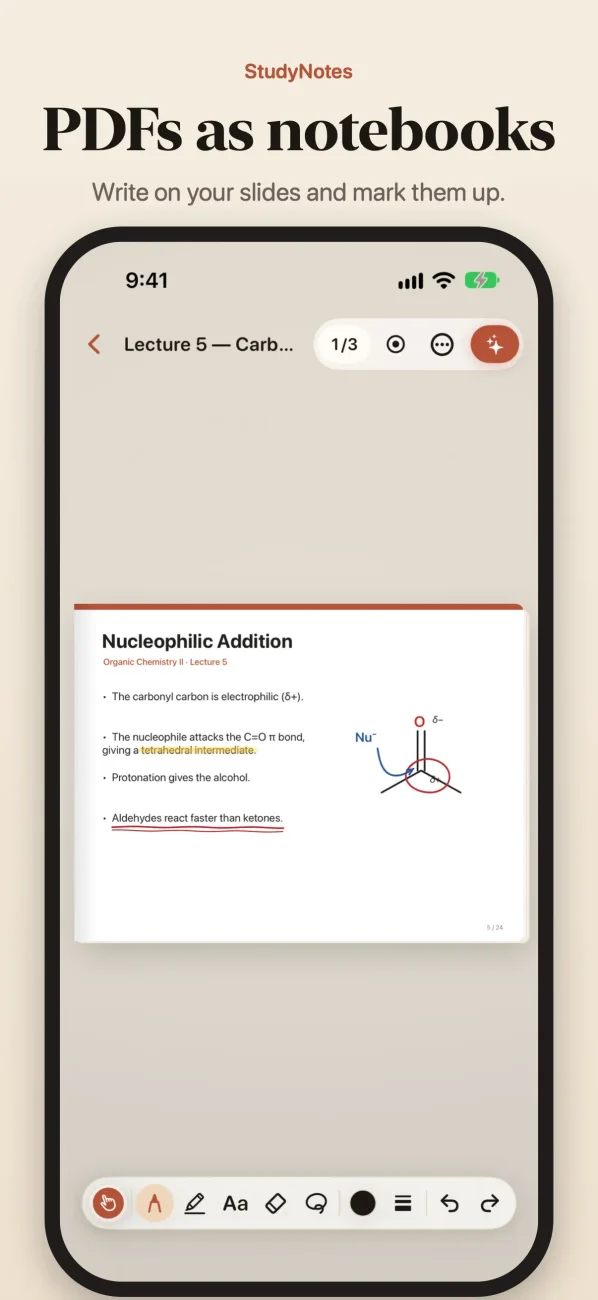
• PDFs as notebooks: open lecture notes or a book and write on its pages; the highlighter snaps to the text's lines, underline or strike through; the contents and links lead to their pages
• AI summaries: every point shows the page you wrote it on, and a tap turns to that page
• Question cards with spaced repetition, quizzes with instant feedback, and a mistakes list that collects what you got wrong
• Turn your handwriting into text and search your notebook
• Record a lecture: on playback, the notebook turns to the page you were writing on at that moment
• Sync and cloud backup across iPhone, iPad and iPhone Duo
FREE AND PRO
The free plan includes 1 notebook with 10 pages, all writing tools, text boxes, PDF export and 3 AI trial runs. The AI trial requires signing in with Apple or Google; runs do not renew. Pro is offered monthly and yearly with the same features. If your subscription ends, none of your notebooks are deleted; you can read and export them all and keep writing in one notebook you choose.
SUBSCRIPTION INFORMATION
StudyNotes Pro is offered as monthly and yearly auto-renewing subscriptions. The yearly plan may include a free trial; if it does, the purchase screen shows it with its length. Payment is charged to your Apple Account when you confirm the purchase. The subscription renews automatically at the same price unless it is cancelled at least 24 hours before the end of the current period. You can manage and cancel your subscription in your App Store account settings. Any unused part of a free trial ends when you buy a subscription.
Privacy policy: https://studynotes.velikececi.com/privacy
Terms of use (EULA): https://www.apple.com/legal/internet-services/itunes/dev/stdeula/
Support: https://studynotes.velikececi.com/support
Có gì mới
Phiên bản 2.1.0 · 02/11/2026
• Felt-tip pen; the pen, felt-tip and highlighter each keep their own color and thickness, with 12 colors and a thickness slider
• Size the eraser with a slider and clear a page's ink in one step
• Stickers: stick them on a page, write a short note on one, set its transparency
• Planner papers: weekly, daily, monthly, class schedule and habit tracker, with dated pages and checklists you tick off
• Ten fonts and point sizes for text boxes; drag a box by its grip to move it
• Ruler and shapes: hold a stroke still at its end to get a straight line, circle, triangle or rectangle
• Page bookmarks
• In PDF notebooks, highlights that snap to the text's lines, underline and strike-through, plus contents and links (Pro)
• Apple Pencil double tap and squeeze follow your system setting
• Handwriting is read line by line, more accurately (Pro)
• A zoomed page stays in place, and writing at the page edge shows
Quyền riêng tư của ứng dụng
Những gì VELI KECECI khai báo trên App Store về cách ứng dụng này xử lý dữ liệu.
-
Dữ liệu liên kết với bạn
Có thể được thu thập và liên kết với danh tính của bạn.
- Mục mua
- Thông tin liên hệ
- Nội dung của người dùng
- Mã định danh
Phương thức đảm bảo quyền riêng tư có thể khác nhau, chẳng hạn như tuỳ theo các tính năng bạn sử dụng hoặc độ tuổi của bạn.
Thông tin
- Người bán
- VELI KECECI
- Danh mục
- Giáo Dục
- Phiên bản
- 2.1.0
- Cập nhật
- 02/11/2026
- Phát hành
- 18/10/2026
- Kích thước
- 5,2 MB
- Yêu cầu
- iOS 18.0 trở lên
- Độ tuổi
- 4+
- Giá
- Miễn phí
- Mua hàng trong ứng dụng
- Có
- Ngôn ngữ
- Tiếng Anh, Tiếng Thổ Nhĩ Kỳ
- Bản quyền
- © 2026 Veli KEÇECİ
Có thể bạn cũng thích
-
 Vijaya Memorial Sec SchoolGiáo Dục
-
 LetEvalGiáo Dục
-
 KindTake: Leadership SimulatorGiáo Dục
-
 Articulate - Speech CoachGiáo Dục
-
 WordSnail: Từ vựng qua ảnhHọc từ vựng tiếng Anh
-
 Aha! Think Like a LocalGiáo Dục
-
 Notju: AI Lecture Note TakerGiáo Dục
-
 Advanced Study PlannerGiáo Dục
-
 Etüt: Ders Çalışma SayacıGiáo Dục
-
 Studify AIGiáo Dục