Text Editor
Markdown, code & plain text
Được thiết kế cho iPhone, iPad
Miễn phí · Mua hàng trong ứng dụng
- Độ tuổi4+
- Danh mụcHiệu Suất
- Nhà phát triểnJohn Haas
- Ngôn ngữTiếng Anh
- Kích thước1,8 MB
Liên kết đến trang App Store chính thức
Download.org không lưu trữ tệp nào của Text Editor. Nút này mở trang ứng dụng trên App Store, nơi John Haas phát hành ứng dụng. Trang được kiểm tra lần cuối: 16/11/2026.
Ảnh chụp màn hình
Giới thiệu
Nhà phát triển chưa cung cấp nội dung này bằng ngôn ngữ của bạn.
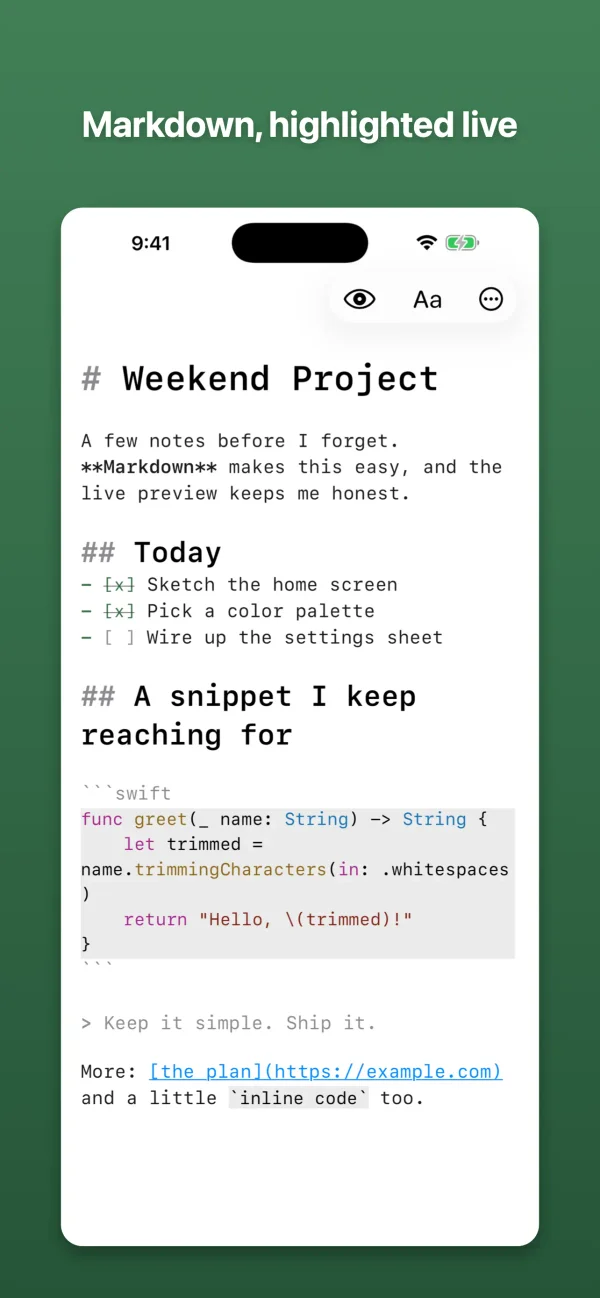
A simple, fast editor for Markdown, notes, and code. Open it and start typing. There's no account to make and nothing to set up.
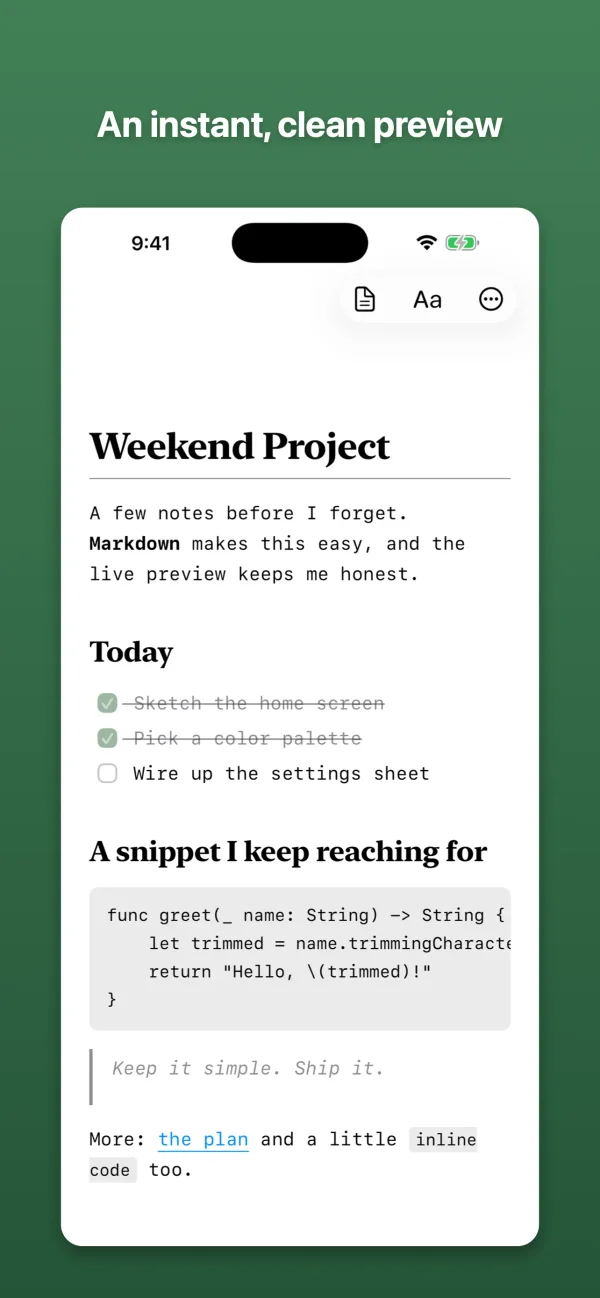
Your Markdown is highlighted as you write - headings, bold, links, lists, code blocks - and when you want to see how it'll look, switch to Preview. Everything saves as a normal file in the Files app and iCloud Drive, so your writing stays yours: open it anywhere, move it, or back it up however you like.
It's free to use, with what you need for everyday writing:
• Live Markdown highlighting and a clean Preview
• Four themes: System, Light, Dark, and Sepia
• Find in the editor or preview, a heading outline, and a live word count
• Line and column position, selection count, undo, and redo
• Meeting notes, journal, checklist, and README templates
• Plain Text, Markdown, and code language modes
• A Markdown cheat sheet for when the syntax slips your mind
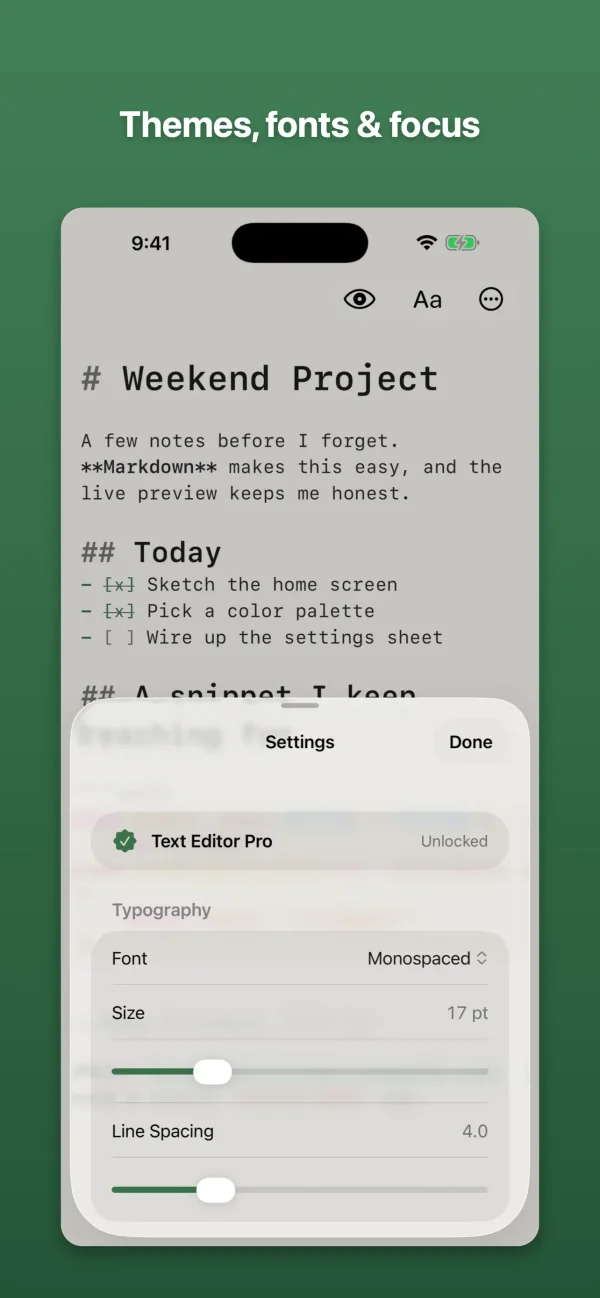
• Your choice of font, size, and line spacing
• Share or export as Markdown
Text Editor Pro adds more tools with a one-time purchase, no subscription:
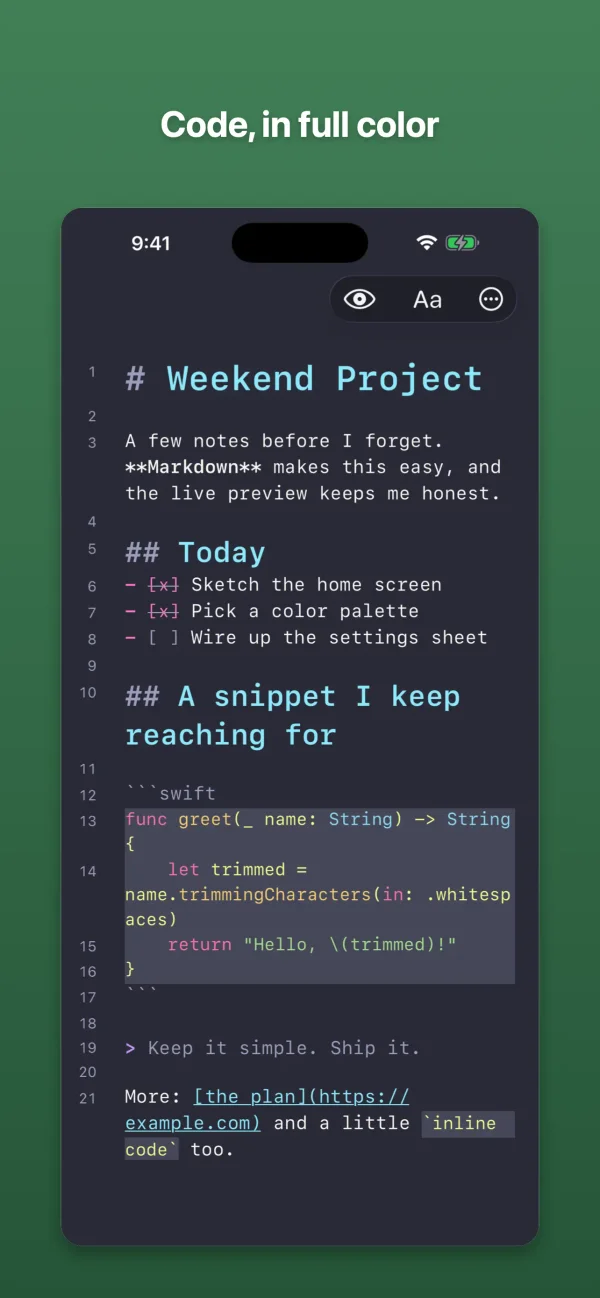
• Syntax highlighting in whole code files and fenced blocks for Swift, Python, JavaScript, JSON, HTML, CSS, and Shell
• Five more themes: Paper, Solarized Light, Solarized Dark, Nord, and Dracula
• Focus and Typewriter modes for heads-down writing
• Split View on iPad with synchronized scrolling
• Line numbers
• Find & Replace with regular expressions, capture groups, and undoable Replace All
• Writing stats: daily goals, streaks, and an all-time word count
• Export to PDF, HTML, and .rtf files
It's made for iPhone and iPad, works with a hardware keyboard, supports dark mode, and fits into iPad multitasking. There are no ads and no tracking, and the app doesn't collect anything about you.
Made by one person who wanted a nicer place to write.
Có gì mới
Phiên bản 1.1.0 · 06/10/2026
More ways to write, navigate, and share:
• Free word count, cursor position, selection count, undo, and redo
• Meeting notes, journal, checklist, and README templates
• Plain Text, Markdown, and code language modes
• Pro PDF and .rtf file exports, plus whole-file syntax colors
• Pro regex search with capture-group replacement
• Working heading links, local images, and synchronized iPad split scrolling
This update also fixes paste, quote pairing, checklist continuation, preview state, dark mode, large-text layouts, and file encoding preservation. Editing large documents is more responsive.
Quyền riêng tư của ứng dụng
Những gì John Haas khai báo trên App Store về cách ứng dụng này xử lý dữ liệu.
-
Dữ liệu không được thu thập
Nhà phát triển không thu thập bất kỳ dữ liệu nào từ ứng dụng này.
Phương thức đảm bảo quyền riêng tư có thể khác nhau, chẳng hạn như tuỳ theo các tính năng bạn sử dụng hoặc độ tuổi của bạn.
Thông tin
- Người bán
- John Haas
- Danh mục
- Hiệu Suất
- Phiên bản
- 1.1.0
- Cập nhật
- 06/10/2026
- Phát hành
- 23/06/2026
- Kích thước
- 1,8 MB
- Yêu cầu
- iOS 17.0 trở lên
- Độ tuổi
- 4+
- Giá
- Miễn phí
- Mua hàng trong ứng dụng
- Có
- Ngôn ngữ
- Tiếng Anh
- Bản quyền
- © 2026 Jake Haas