Richdown
Markdown editor · GitHub-ready
Được thiết kế cho iPhone, iPad, iPod touch
Miễn phí
- Độ tuổi17+
- Danh mụcHiệu Suất
- Nhà phát triểnYo Suzuki
- Ngôn ngữTiếng Anh
- Kích thước8,9 MB
Liên kết đến trang App Store chính thức
Download.org không lưu trữ tệp nào của Richdown. Nút này mở trang ứng dụng trên App Store, nơi Yo Suzuki phát hành ứng dụng. Trang được kiểm tra lần cuối: 20/11/2026.
Ảnh chụp màn hình
Giới thiệu
Nhà phát triển chưa cung cấp nội dung này bằng ngôn ngữ của bạn.
Plain Markdown, beautiful the moment you type it.
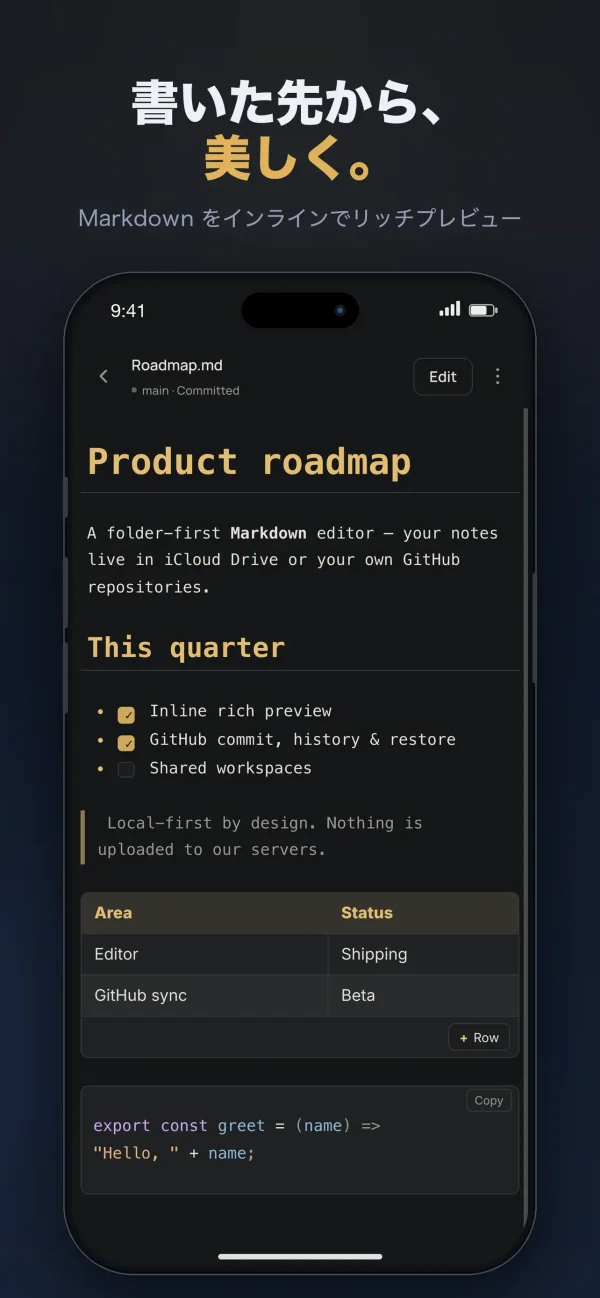
Richdown is a focused Markdown editor that never makes you switch between "writing" and "reading." Headings, tables, code, quotes, task lists, even Mermaid diagrams render inline as you go — so you stay in the flow and watch the finished page take shape.
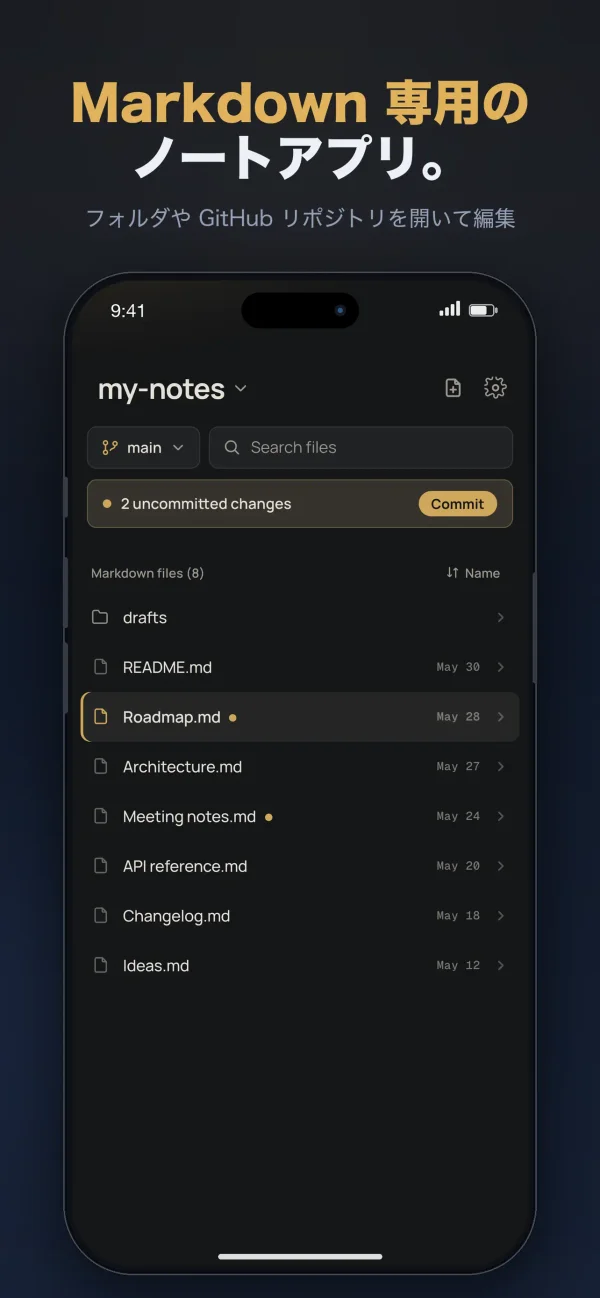
And Richdown doesn't lock your files inside someone else's cloud. Open folders in iCloud Drive or on your device — or work straight in your own GitHub repositories.
— Write —
• Inline rich preview that keeps up with your typing
• Tables, code blocks, quotes, task lists, Mermaid diagrams and images
• Outline view and in-file search to navigate long documents
• A Markdown toolbar above the keyboard for quick formatting
— Keep —
• Open iCloud Drive or on-device folders and edit in place
• Browse subfolders; create, rename and delete files; sort by name or date
• Pull to refresh. Files are stored on your device (iCloud / local) — nothing is uploaded to our servers
— Connect (GitHub, optional) —
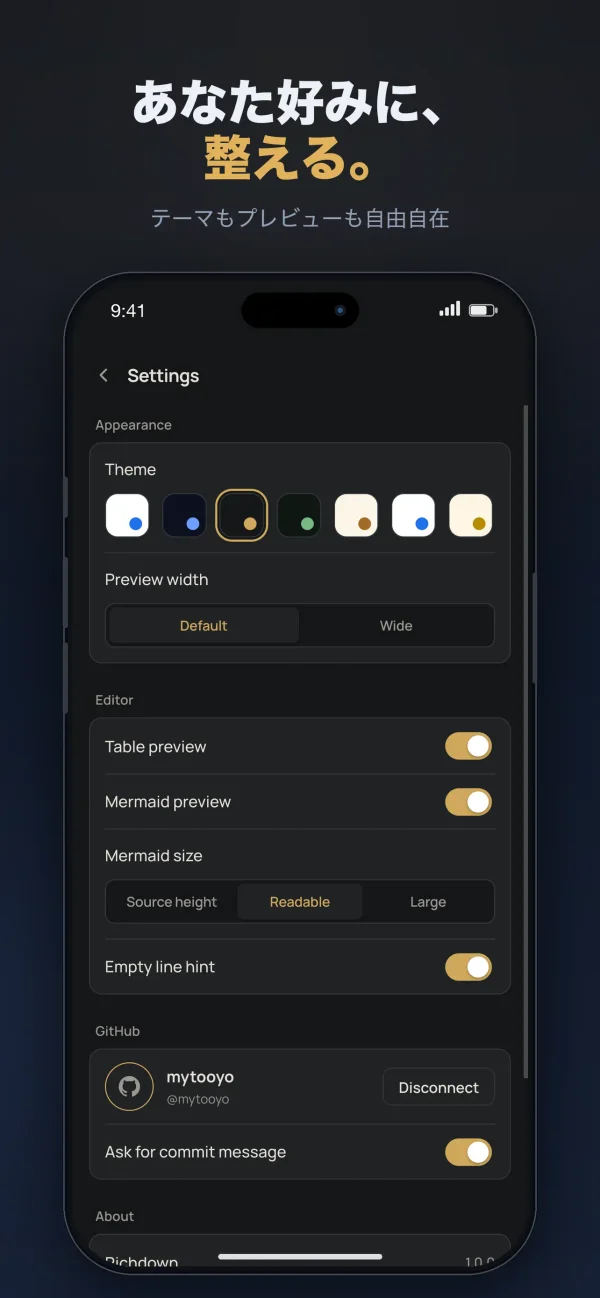
• Open your own GitHub repositories, edit, and commit in one go
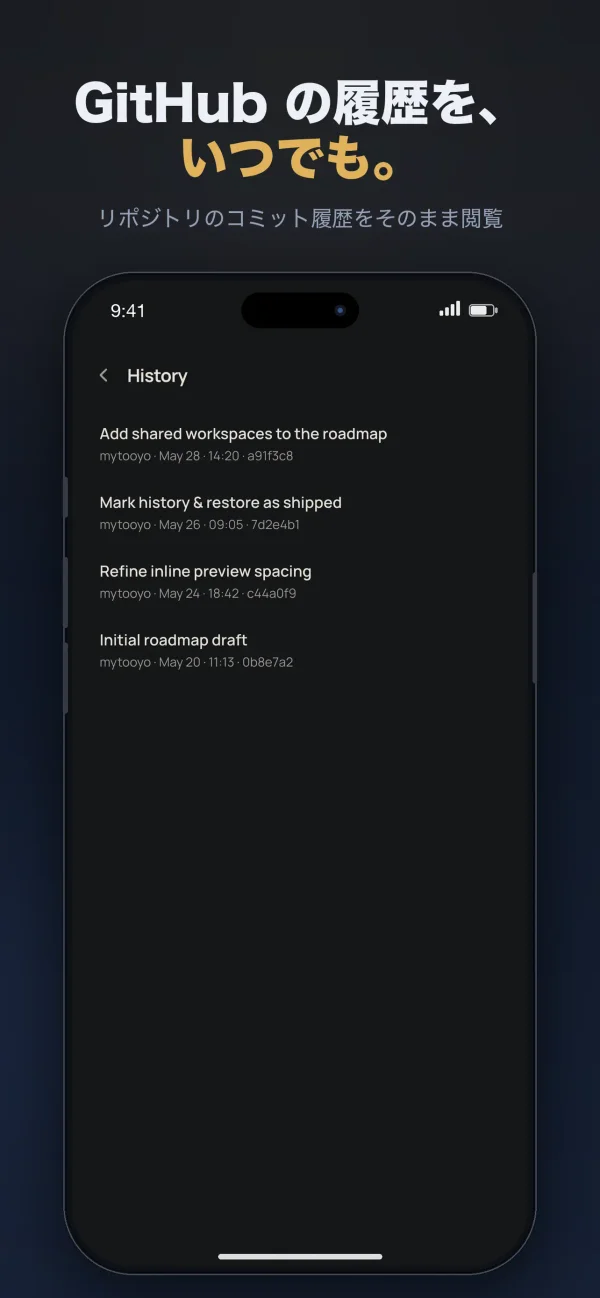
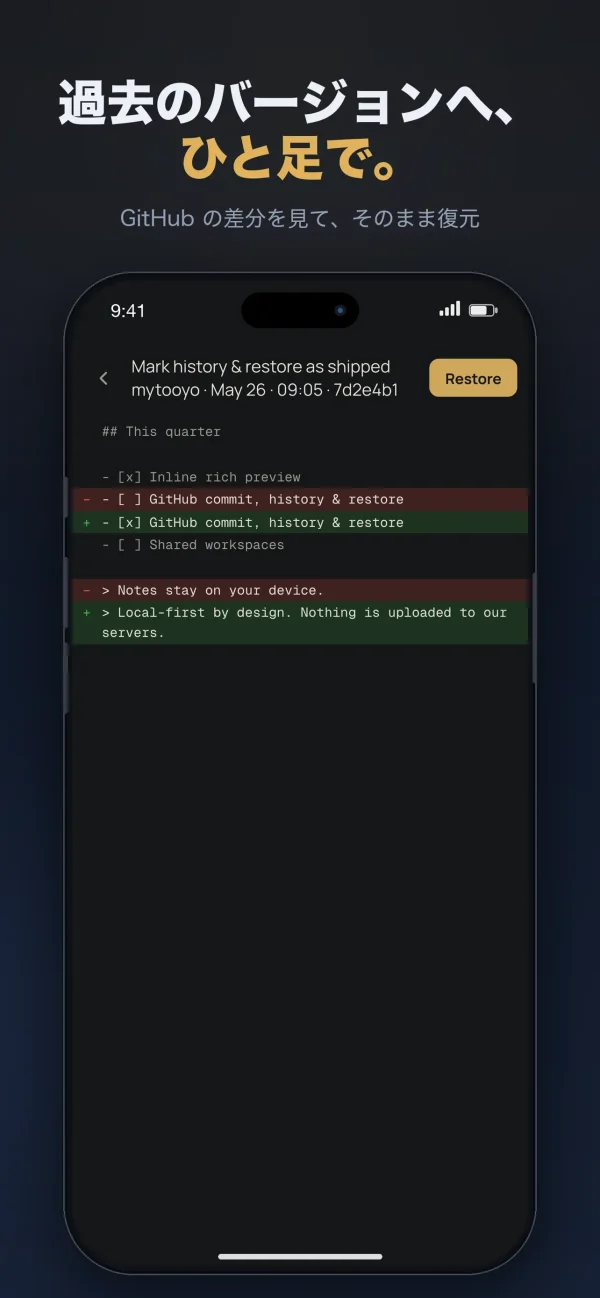
• Browse commit history, diff a past version, and restore it
• Switch and create branches; open pull requests
• Traffic goes straight from your device to GitHub; your access token is kept only in the iOS Keychain
Note: commit, history, diff and restore are GitHub-repository features (plain folders support editing and saving).
— iPad —
• A true two-pane layout: file list on the left, preview on the right
Fast, private, and honest about your files.
Distributed by StructWorks · Contact: support@structworks.dev
Có gì mới
Phiên bản 2.0.1 · 06/11/2026
Fixes
• On iPad, confirming Japanese live conversion with Enter could delete the text, or leave it selected so the next key replaced it.
• On iPad, tapping Done or another button at the top right could scroll the document back to the top.
Quyền riêng tư của ứng dụng
Những gì Yo Suzuki khai báo trên App Store về cách ứng dụng này xử lý dữ liệu.
-
Dữ liệu không liên kết với bạn
Có thể được thu thập nhưng không liên kết với danh tính của bạn.
- Chẩn đoán
Phương thức đảm bảo quyền riêng tư có thể khác nhau, chẳng hạn như tuỳ theo các tính năng bạn sử dụng hoặc độ tuổi của bạn.
Thông tin
- Người bán
- Yo Suzuki
- Danh mục
- Hiệu Suất
- Phiên bản
- 2.0.1
- Cập nhật
- 06/11/2026
- Phát hành
- 03/06/2026
- Kích thước
- 8,9 MB
- Yêu cầu
- iOS 15.0 trở lên
- Độ tuổi
- 17+
- Giá
- Miễn phí
- Ngôn ngữ
- Tiếng Anh
- Bản quyền
- © 2026 StructWorks.
Có thể bạn cũng thích
-
 mdTodoHiệu Suất
-
 Purnote — Plain Markdown NotesHiệu Suất
-
 Nocturnum: Note SystemBuild trusted writing habit
-
 NoterivHiệu Suất
-
 Text EditorHiệu Suất
-
 Stickier MobileHiệu Suất
-
 NoteList: Todo and MarkdownHiệu Suất
-
 Klad: Git & Markdown NotesHiệu Suất
-
 MathBlocker: Stop ScrollingHiệu Suất
-
 Markdown Editor : Md ViewerHiệu Suất