- Độ tuổi4+
- Danh mụcNhạc
- Nhà phát triểnBrian Mueller
- Ngôn ngữTiếng Anh
- Kích thước115,8 MB
The Gnome hiện có thể không có trên App Store
Ở lần kiểm tra gần nhất, chúng tôi không truy cập được trang trên cửa hàng. Liên kết vẫn dẫn đến trang App Store chính thức.
Ảnh chụp màn hình


Giới thiệu
Nhà phát triển chưa cung cấp nội dung này bằng ngôn ngữ của bạn.
The Gnome is a powerful practice and rehearsal tool. The Gnome provides process-oriented features that help strengthen your internal pulse, refine your sense of rhythmic feel, and build technique. You can also use The Gnome to build click tracks with flexible meter representation, full tempo automation, and scalable playback speed.
- The simple Home Screen provides easy access to the most basic Gnome functions. If you just need a basic metronome, you’ll find it here.
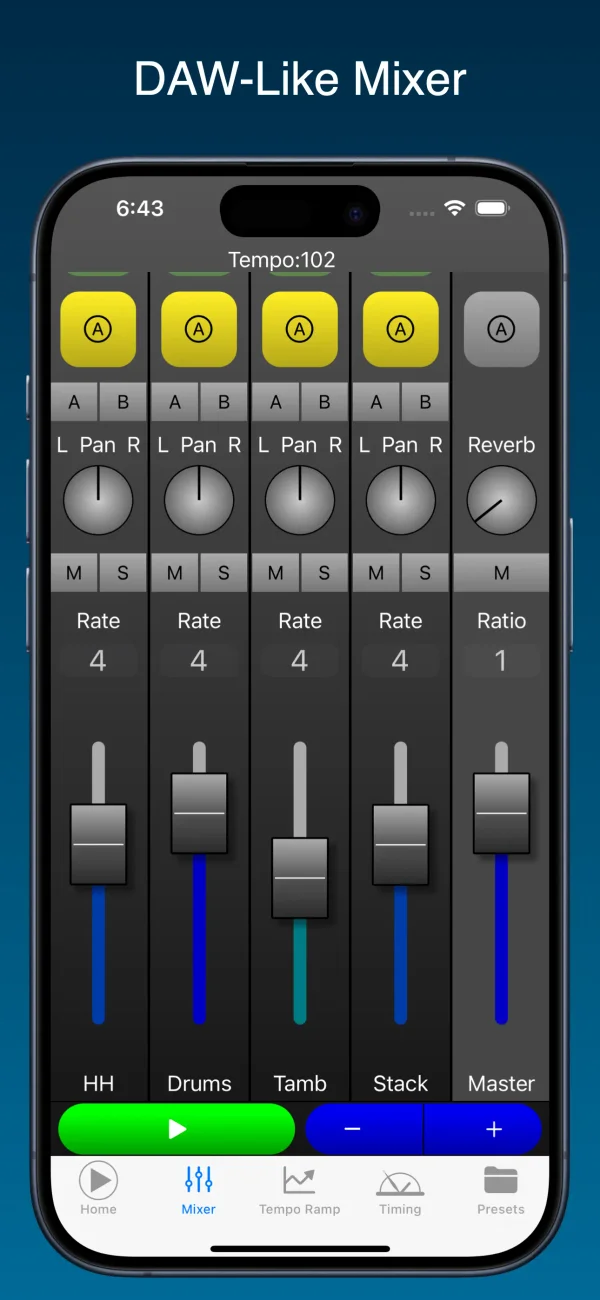
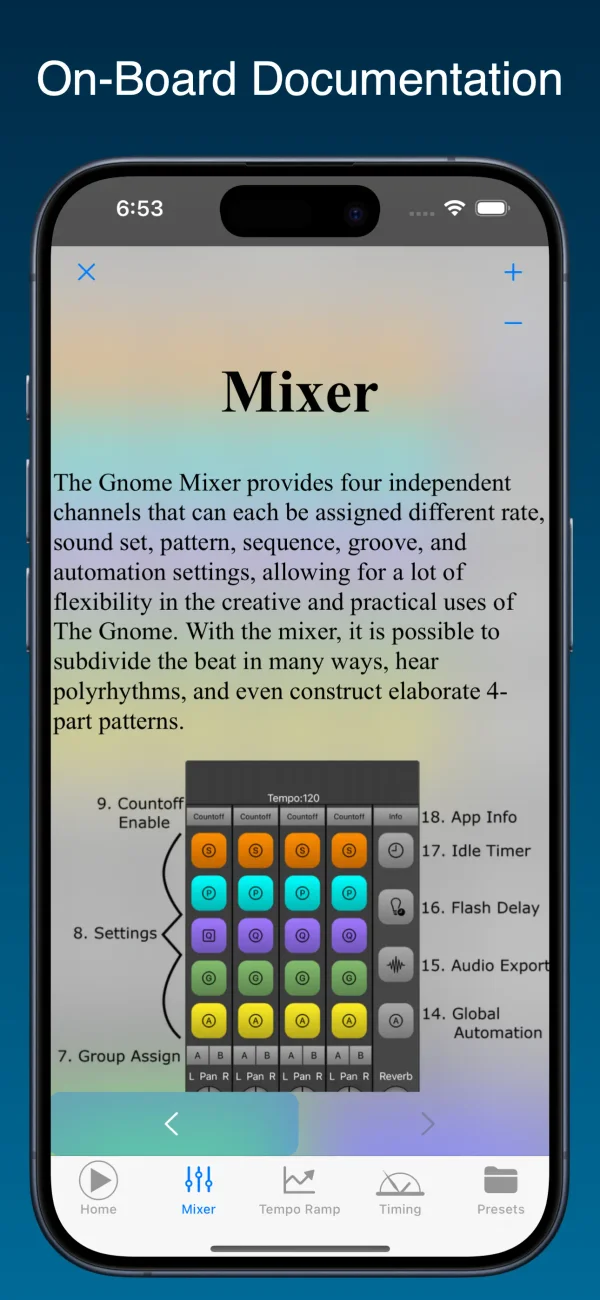
- The intuitive, DAW-like Mixer screen includes four channels that can each be assigned to a different rhythmic rate (subdivision), making it a snap to subdivide a beat, or generate polyrhythms.
- The intermittent clicks feature allows The Gnome to play for a number of counts, and then rest in silence for a number of counts. You can also easily alternate back and forth between two Gnome channels, making it extremely easy to practice switching between two different rhythmic subdivisions (triplets to sixteenths, for instance).
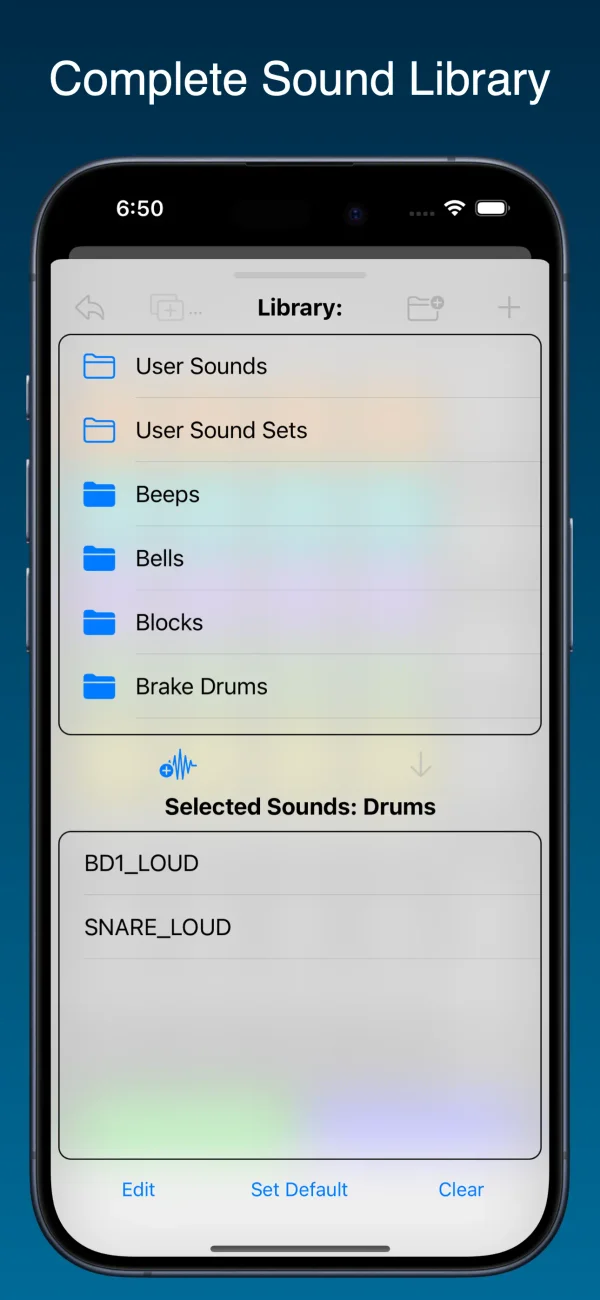
- The Sound Set Editor allows you to assign each of the four channels one or more of the over 250 sounds from the built-in Sound Library, or any sound file(s) you share to the app. You can even generate your own customized beep sounds with assignable frequency, waveform, and simple envelope settings (fade-in, length, fade-out). The sonic possibilities of The Gnome are virtually limitless.
- The Pattern Editor is a simple yet powerful step sequencer that allows each channel of The Gnome to play rhythmic patterns. There are 32 patterns available to each of the four Gnome channels, and each 'step' of a pattern can be assigned to a specific sound in that channel's Sound Set, as well as its own dynamic level.
- The Meter Builder allows you to quickly create Gnome patterns to represent common time signatures.
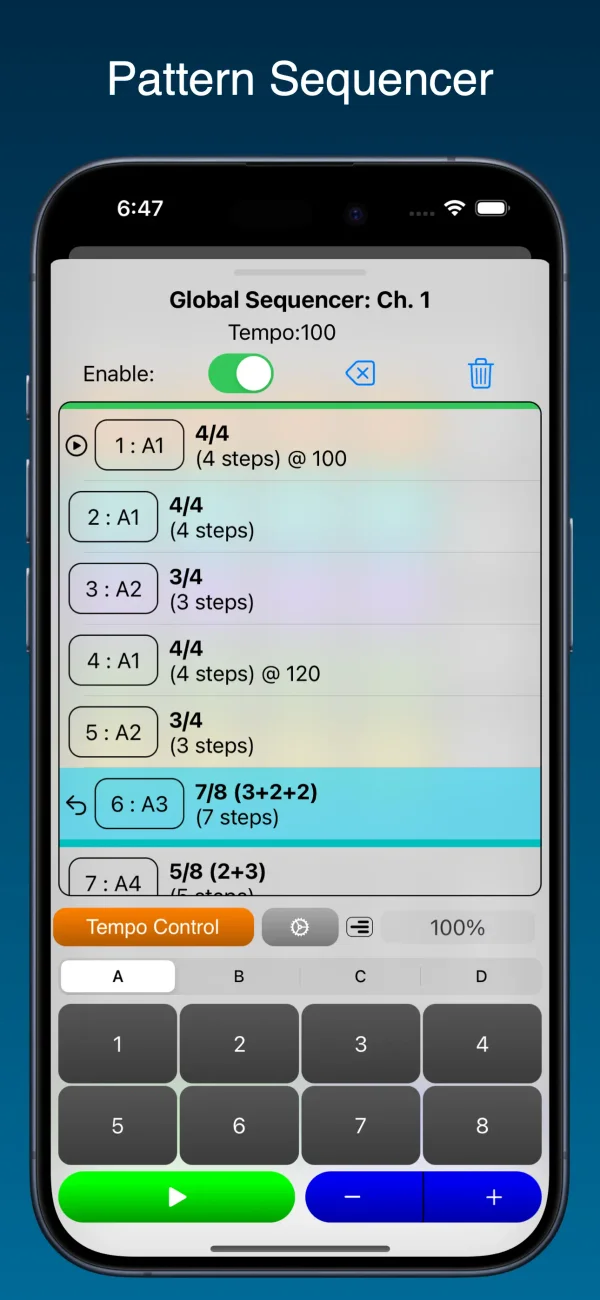
- The Pattern Sequencer allows you to combine a channel’s 32 patterns in any order you wish. The “Global Pattern Sequencer” on Channel 1 allows for the creation of full click tracks with automated and fully scalable tempo changes, and is capable of triggering patterns on the other channels through the “Pattern Link” feature. The Pattern Sequencer is designed to be usable in individual practice as well as ensemble rehearsals.
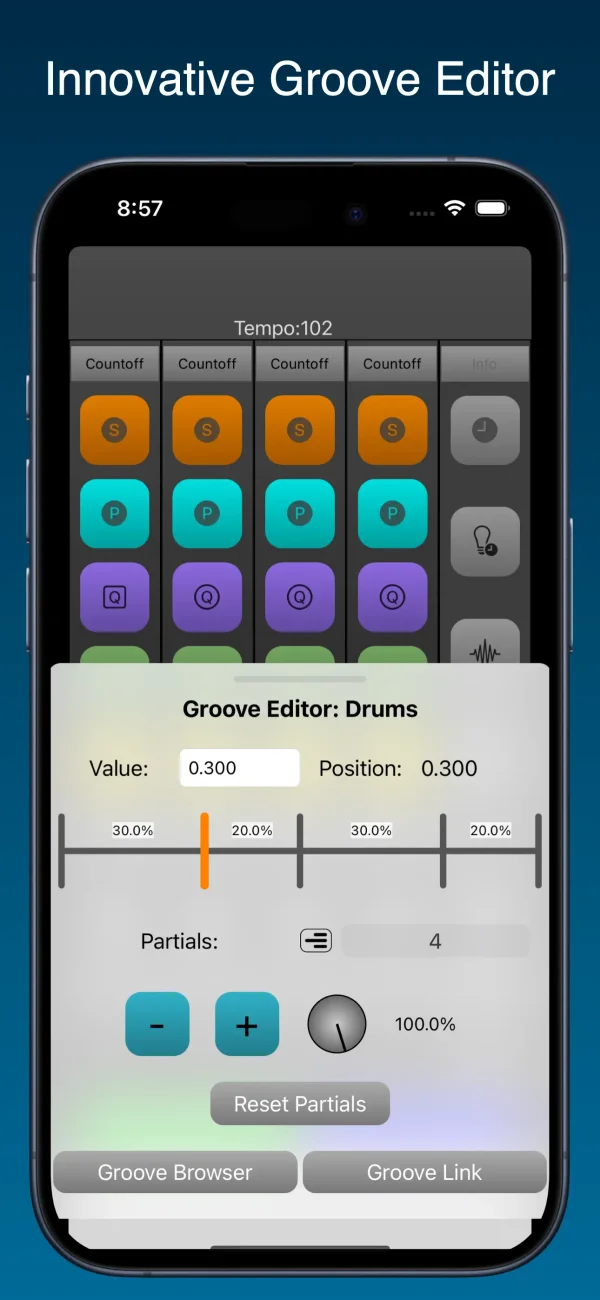
- The innovative Groove Editor allows you to define precise rhythmic feels by altering the proportions of the subdivisions within a beat. Add a touch of shuffle to a rhythm, explore rhythmic feels from around the world, or use the Groove Editor as a springboard for rhythmic experimentation.
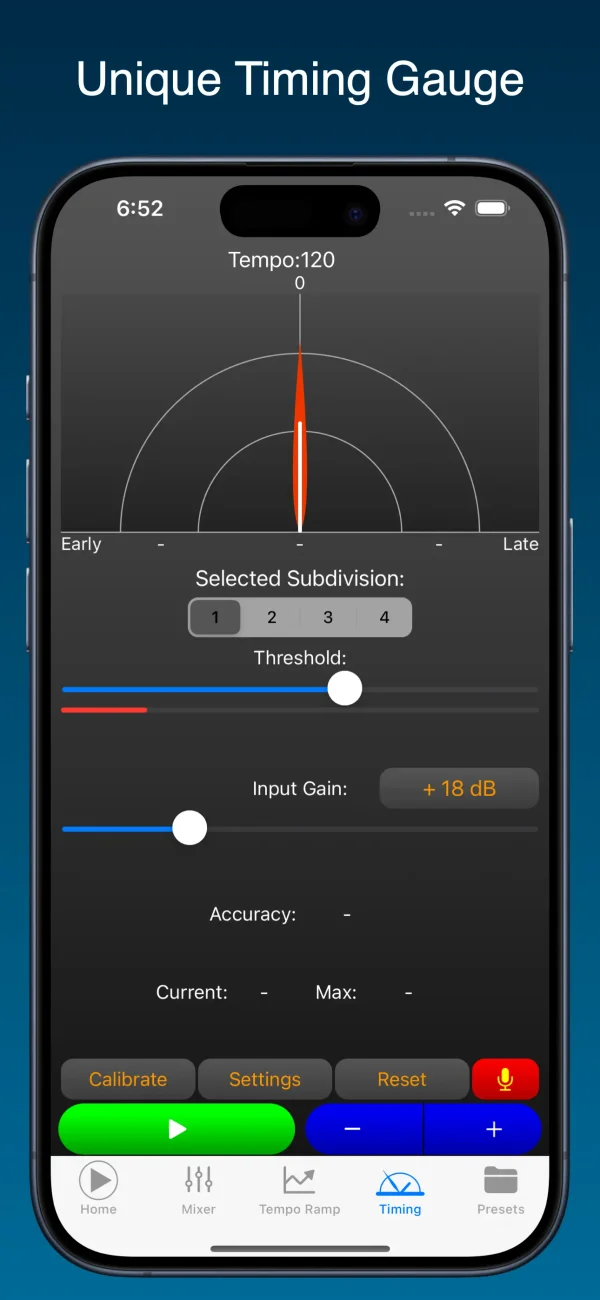
- The fun and unique Timing Gauge uses the microphone to assess the user's rhythmic accuracy, providing realtime visual and statistical feedback on your rhythmic tendencies. Quick calibration and customizable settings ensure accurate and meaningful readings.
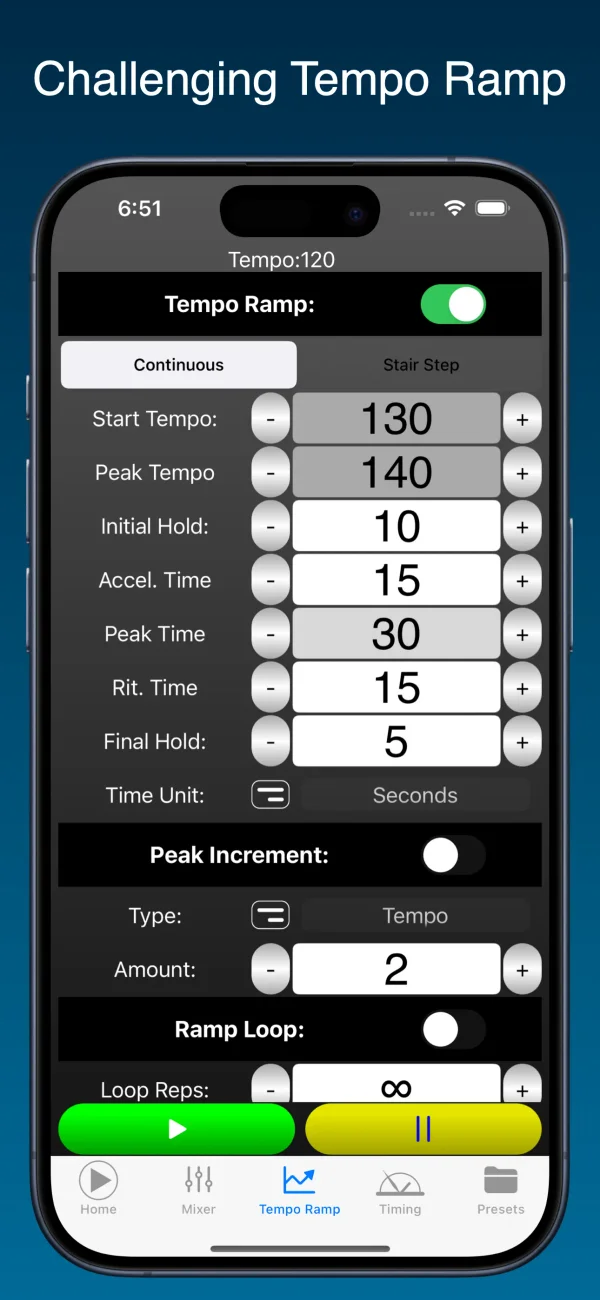
- The Tempo Ramp provides simple tempo and time automation. In Continuous Mode, you can gradually speed up toward a 'peak' tempo, hold that tempo for a specified length of time (measured in either seconds, or beats) and then slow back down to the starting tempo. In Stair Step mode, The Gnome will hold the specified tempo for the specified amount of time (again, measured in seconds or beats) and then increment toward a goal tempo or time.
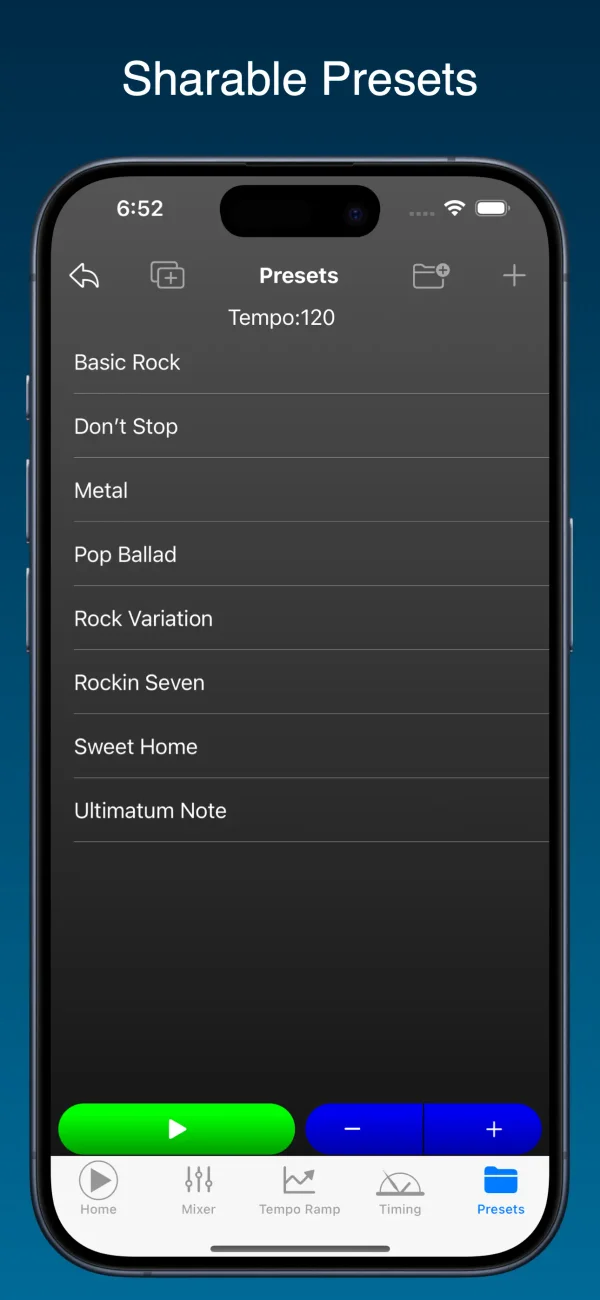
- It is easy to save and organize Gnome Preset files, so any settings you wish can be recalled with one tap. Create a series of practice routines, settings for different exercises or pieces, or even create presets for your students. Presets can be shared very easily. The Gnome also features an audio export function, making it possible to generate .m4a or .wav files of the app’s audio output.
- The Gnome features a built-in contextual help system, providing instant access to full documentation simply by swiping inward from the left side of the screen. The help system always provides documentation for the screen you are currently viewing, so you can always learn more about any feature of the app on-demand.
Có gì mới
Phiên bản 1.5.1 · 08/09/2026
- Fixed a bug that caused the Last Selection Indicator to disappear under certain circumstances in the Presets Browser.
- Improved the opening of the Help System.
- Snapshots are now saved both when the app is pushed to the background, and also any time a preset file is manually loaded from the Presets Browser.
- Updated the Preset Browser help documentation.
Quyền riêng tư của ứng dụng
Những gì Brian Mueller khai báo trên App Store về cách ứng dụng này xử lý dữ liệu.
-
Dữ liệu không được thu thập
Nhà phát triển không thu thập bất kỳ dữ liệu nào từ ứng dụng này.
Phương thức đảm bảo quyền riêng tư có thể khác nhau, chẳng hạn như tuỳ theo các tính năng bạn sử dụng hoặc độ tuổi của bạn.
Thông tin
- Người bán
- Brian Mueller
- Danh mục
- Nhạc
- Phiên bản
- 1.5.1
- Cập nhật
- 08/09/2026
- Phát hành
- 24/10/2022
- Kích thước
- 115,8 MB
- Yêu cầu
- iOS 16.6 trở lên
- Độ tuổi
- 4+
- Ngôn ngữ
- Tiếng Anh
- Bản quyền
- © 2026 Brian Mueller