- Độ tuổi4+
- Danh mụcTiện Ích
- Nhà phát triểnMatthias Gansrigler-Hrad
- Ngôn ngữTiếng Anh+ 2 ngôn ngữ khác
- Kích thước36,4 MB
Liên kết đến trang App Store chính thức
Download.org không lưu trữ tệp nào của Transloader. Nút này mở trang ứng dụng trên App Store, nơi Matthias Gansrigler-Hrad phát hành ứng dụng. Trang được kiểm tra lần cuối: 12/11/2026.
Ảnh chụp màn hình

Giới thiệu
Nhà phát triển chưa cung cấp nội dung này bằng ngôn ngữ của bạn.
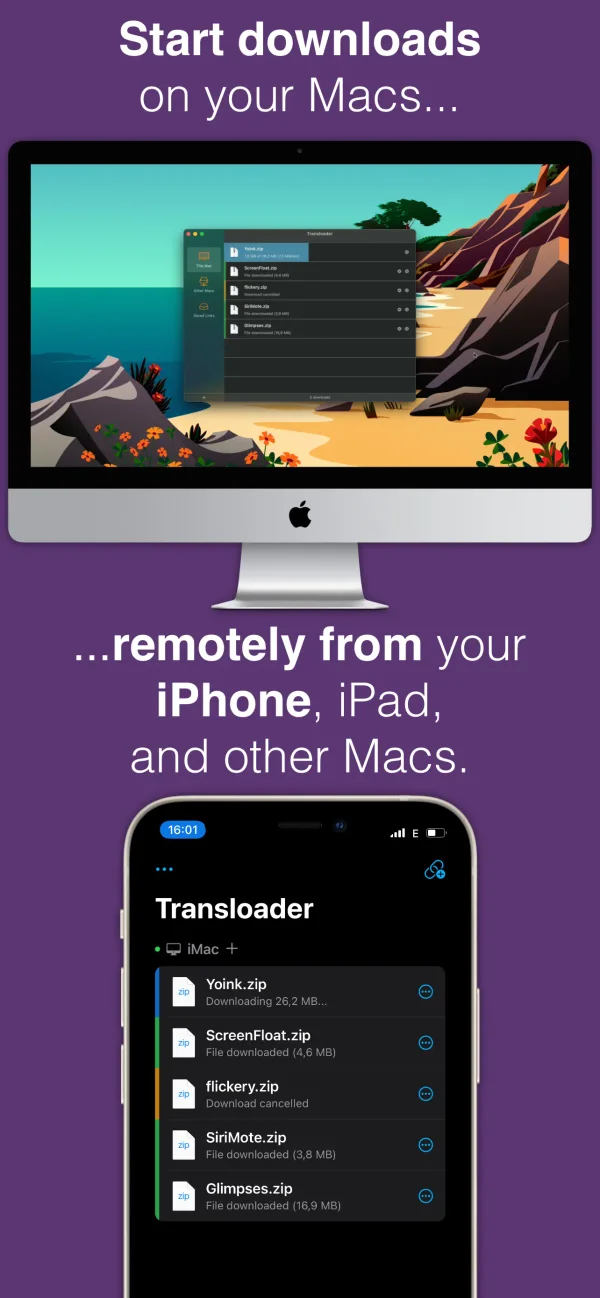
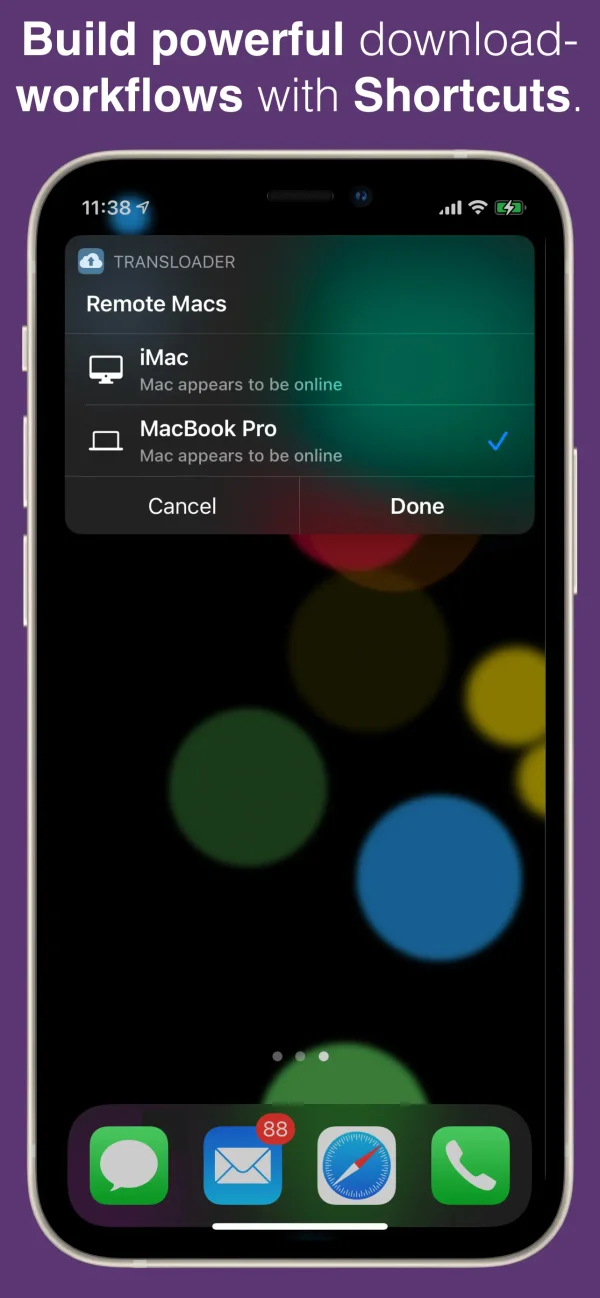
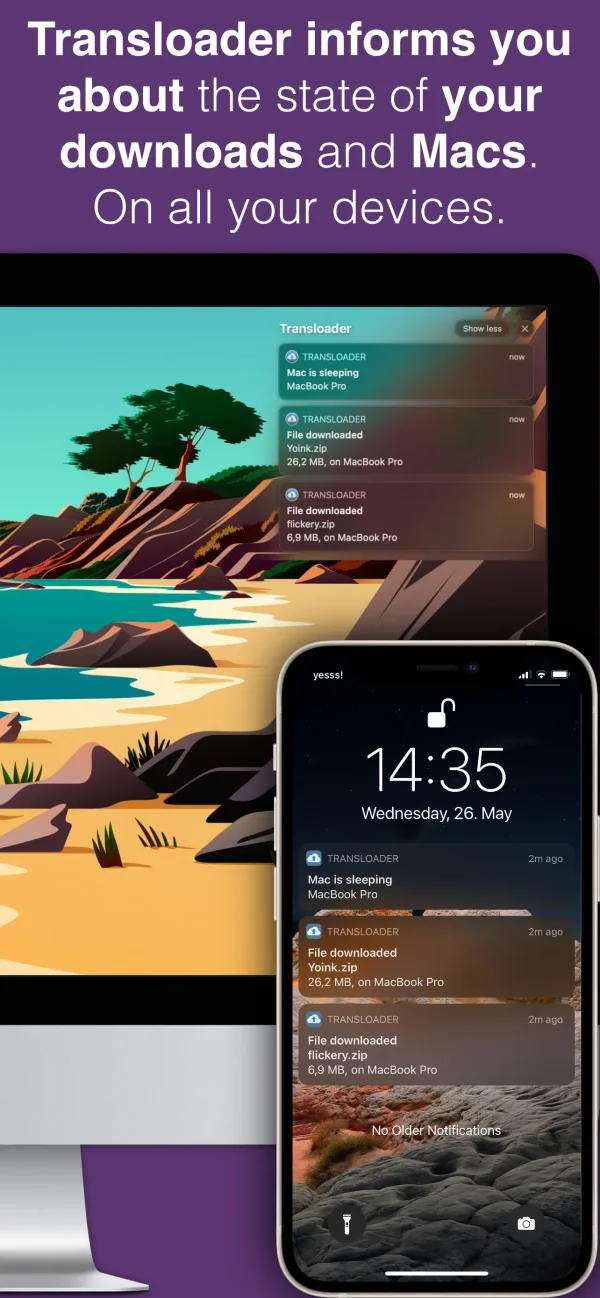
With Transloader, you can initiate downloads on any and all of your Macs - remotely from your iPhone, iPad, or other Macs.
Say you're browsing on your iPhone and come across a Mac app demo you'd like to give a try.
Now, you could fumble for an app to save that link in for later, and hope to remember to download it afterwards.
Or you can use Transloader, and assign that link for download to a Mac right away - no need for fumbling, or remembering. Even better, when you return to your Mac, the file will be ready for you.
Main Features:
- Initiate downloads on a remote Mac
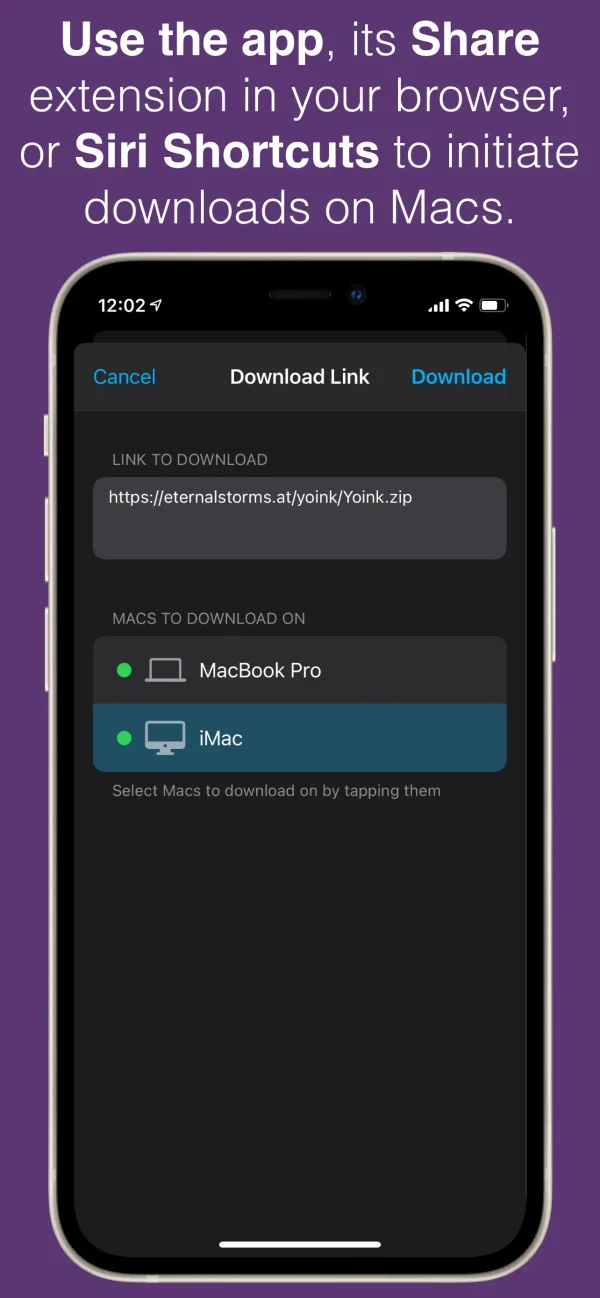
Wether you're on another Mac, an iPhone or an iPad, you can enter the link into the app on your device and assign it to a specific Mac for download. Or use the app's Share extension to start downloads right from within your browser.
- Login to Download
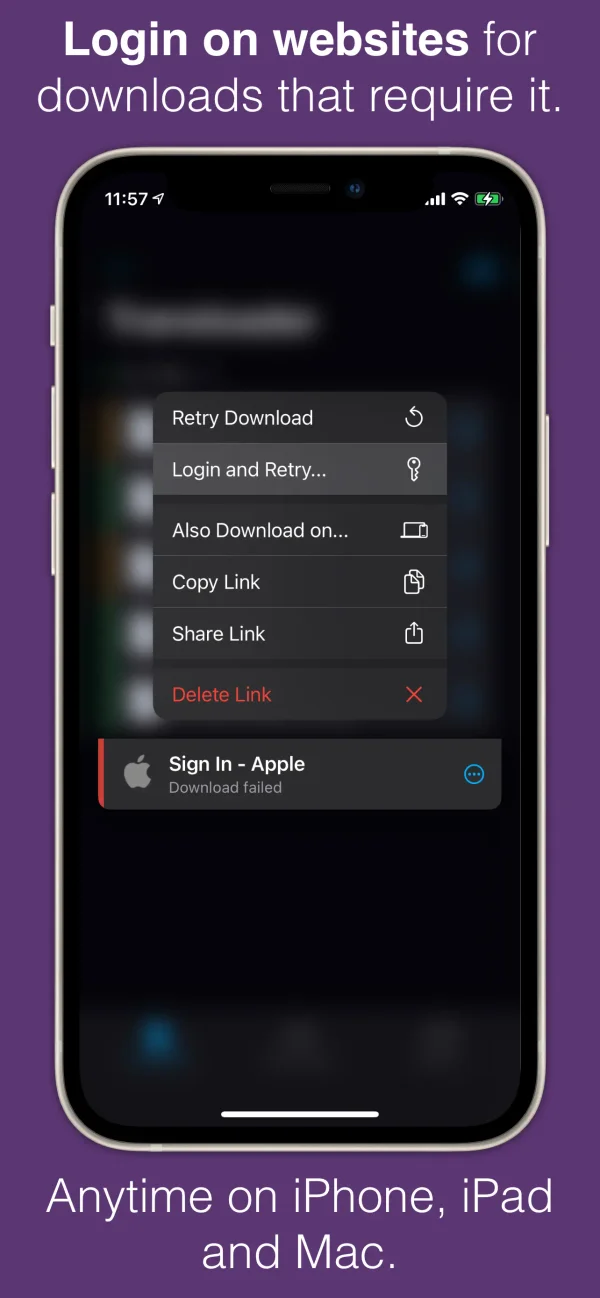
If a file requires a login on the website before it can be downloaded, Transloader lets you do that now. You can log in to websites at any time, from any device.
- Link- and File Actions on Mac
Link Actions tell Transloader on Mac which app or Automator workflow should open specific links (based on criteria like host or URL scheme), instead of downloading them in Transloader. For example, you can open ftp links with the ftp app of choice.
A File Action lets Transloader on Mac open a file after its downloaded with an app or Automator workflow, based on criteria like file type/extension, or the link's host. For example, unzip zip files right away after they're downloaded, or organize downloaded images in folders.
- Save links for later
If your desired Mac is not yet registered with Transloader, or you'd just like to wait before you initiate the download of a link on a Mac, you can save it, and assign the link to a Mac for download later.
Requirements:
- The Mac app, available for purchase on the Mac App Store
- A (free) iCloud account
Here's what customers say about Transloader:
"Extremely useful." - dcdixon, US App Store
"As easy as it should be with Apple products!" - piotrekbielaska, Polish App Store
"I'd never be able to live without it." - Navrik1323, UK App Store
Here's what the press says about Transloader:
"It works great and you should already be clicking the Purchase button." - Mikhail Madnani, beautifulpixels.com
"Transloader is very helpful and saves me a lot of time." - macreview.com
"Transloader is a simple, easy-to-use app and I've found it to be so useful." - Dan Frakes, macworld.com
For further information, please visit Transloader's website.
If you have any feedback or questions, please do not hesitate to write me by mail at support@eternalstorms.at, or on twitter at @TransloaderApp or @eternalstorms.
Thank you.
Có gì mới
Phiên bản 3.1.95 · 18/09/2026
Transloader v3.1.95 (2026.09.17) contains the following improvements and bug fixes:
= IMPROVEMENTS =
- Improves compatibility with macOS 27 “Golden Gate”
- Improved login detection on websites
- Improved support for downloads of dropbox, pixeldrain, onedrive, box.com, and iCloud links
- Improved loading of filenames for added links
- Improved backgrounding of the iOS app (iOS)
- Instead of using a generic doc icon for some links, the .webloc file icon is now used (macOS)
- Improved iCloud synchronization
- Links assigned to a Mac which will be handled by a Link Action are now excluded from the “maximum simultaneous downloads” limit (macOS)
- Improved the zoom-window-button window sizing (macOS)
- Improved the menu bar item’s behavior (macOS)
- Adds “Sort” option to the popover’s advanced menu (macOS)
= BUG FIXES =
- Improved a few text passages
- Fixes a bug where sometimes a link would be downloaded a second time after it was successfully downloaded already
- Fixes a bug where links would get stuck at “waiting for download”, yet no download was initiated
- Fixes a bug where the toolbar would interfere with the links list sometimes (macOS)
- Fixes a bug where right-clicking a link sometimes wouldn’t work right away (macOS)
- Fixes a UI issue where on occasion a downloading link would say “Downloading 0KB” instead of “Initiating download…” (iOS)
- Fixes a bug where, when dragging a link from Transloader, the drag icon would appear out of place (macOS)
Thank you for using Transloader. I hope you're enjoying the app!
If you have some time and if it's not too much to ask, please consider leaving a rating or review of Transloader on the App Store - it would help me out a lot!
If you'd like to get in touch or connect with me, please visit https://eternalstorms.at/contact for all options.
Yours truly,
Matthias
Quyền riêng tư của ứng dụng
Những gì Matthias Gansrigler-Hrad khai báo trên App Store về cách ứng dụng này xử lý dữ liệu.
-
Dữ liệu không được thu thập
Nhà phát triển không thu thập bất kỳ dữ liệu nào từ ứng dụng này.
Phương thức đảm bảo quyền riêng tư có thể khác nhau, chẳng hạn như tuỳ theo các tính năng bạn sử dụng hoặc độ tuổi của bạn.
Thông tin
- Người bán
- Matthias Gansrigler-Hrad
- Danh mục
- Tiện Ích
- Phiên bản
- 3.1.95
- Cập nhật
- 18/09/2026
- Phát hành
- 10/12/2012
- Kích thước
- 36,4 MB
- Yêu cầu
- iOS 17.6 trở lên
- Độ tuổi
- 4+
- Giá
- Miễn phí
- Ngôn ngữ
- Tiếng Anh, Tiếng Đức, Tiếng Trung Giản thể
- Bản quyền
- © 2012-2026, Eternal Storms Software
Có thể bạn cũng thích
-
 AI Actions for ShortcutsTiện Ích
-
 OneTap: Quản lý ClipboardLịch sử & Phím tắt sao chép
-
 Parachute Backup MobileTiện Ích
-
 Acidity - View Page ArchivesTiện Ích
-
 Text Workflow: Clean any TextTiện Ích
-
 StopTheMadness ProTiện Ích
-
 GizmoPackTiện Ích
-
 CCC Mobile BackupTiện Ích
-
 Gnome: Find and Share GIFsTiện Ích
-
 SheetBox: Sheets to ShortcutsTiện Ích