
VimKey - Code & Vim Keyboard
Arrow Keys & Cursor for Coding
Được thiết kế cho iPhone, iPad, iPod touch
Miễn phí · Mua hàng trong ứng dụng
- Độ tuổi4+
- Danh mụcTiện Ích
- Nhà phát triểnchuncheng su
- Ngôn ngữTiếng Anh+ 2 ngôn ngữ khác
- Kích thước4,7 MB
Liên kết đến trang App Store chính thức
Download.org không lưu trữ tệp nào của VimKey - Code & Vim Keyboard. Nút này mở trang ứng dụng trên App Store, nơi chuncheng su phát hành ứng dụng. Trang được kiểm tra lần cuối: 18/11/2026.
Ảnh chụp màn hình
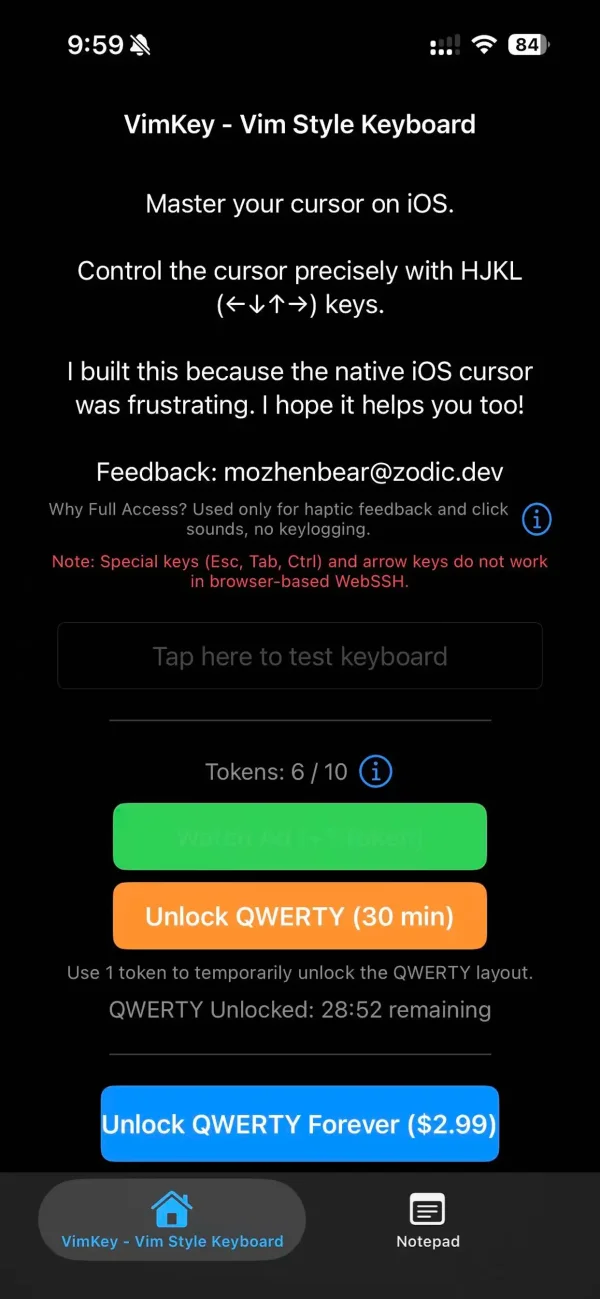

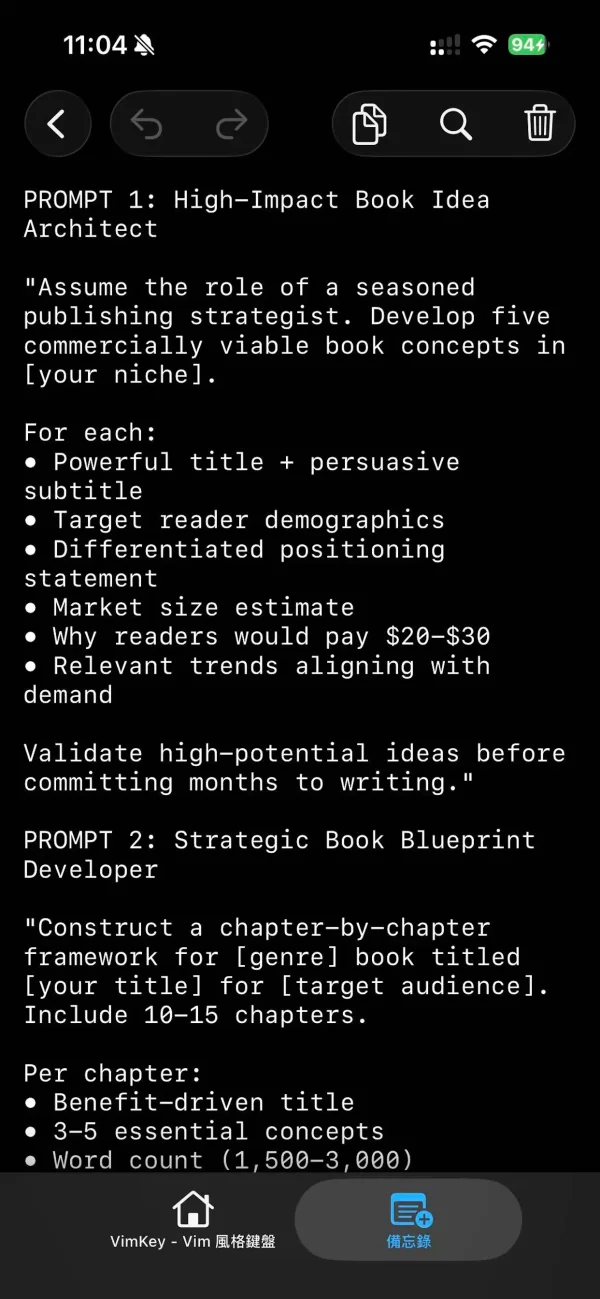
Giới thiệu
Nhà phát triển chưa cung cấp nội dung này bằng ngôn ngữ của bạn.
Master Your Cursor on iOS
Editing code and managing SSH sessions on a mobile device can be painful. The default magnifying glass cursor is imprecise, and fingers often block the exact characters you need to select.
VimKey brings desktop level cursor precision to your iPhone and iPad.
Key Features
Dedicated Arrow Keys and Joystick Navigation Move the cursor step by step with dedicated arrow keys or the touch joystick pad. Navigate across lines effortlessly without obscuring the screen.
Vim Style Navigation Fly through documents with classic Vim navigation and essential modifier keys designed for developers and terminal users.
Select Mode and Quick Copy Toggle Select Mode on and navigate with directional keys to highlight text with ease. Copy selected text straight to the clipboard with one tap.
Dual Layouts Switch seamlessly between the navigation layout and a standard QWERTY keyboard. Unlock QWERTY temporarily by watching a short ad, or unlock forever with a one-time purchase.
Privacy First Your input belongs to you. Full Access is requested exclusively for haptic feedback and click sounds. We never collect, store, or transmit your keystrokes.
Important Note Due to iOS browser limitations, modifier keys such as Esc, Tab, Ctrl, and arrow keys do not function in browser-based WebSSH clients. For the best experience, please use a native Terminal app.
Contact Feedback and suggestions are welcome. Email: mozhenbear@zodic.dev
Có gì mới
Phiên bản 1.1.4 · 20/10/2026
Update Main View
Quyền riêng tư của ứng dụng
Những gì chuncheng su khai báo trên App Store về cách ứng dụng này xử lý dữ liệu.
-
Dữ liệu không được thu thập
Nhà phát triển không thu thập bất kỳ dữ liệu nào từ ứng dụng này.
Phương thức đảm bảo quyền riêng tư có thể khác nhau, chẳng hạn như tuỳ theo các tính năng bạn sử dụng hoặc độ tuổi của bạn.
Thông tin
- Người bán
- chuncheng su
- Danh mục
- Tiện Ích
- Phiên bản
- 1.1.4
- Cập nhật
- 20/10/2026
- Phát hành
- 13/01/2026
- Kích thước
- 4,7 MB
- Yêu cầu
- iOS 15.6 trở lên
- Độ tuổi
- 4+
- Giá
- Miễn phí
- Mua hàng trong ứng dụng
- Có
- Ngôn ngữ
- Tiếng Anh, Tiếng Trung Giản thể, Tiếng Trung Phồn thể
- Bản quyền
- © 2025 truezodic
Có thể bạn cũng thích
-
 Mister KeyboardTiện Ích
-
 Renpy 7 PocketTiện Ích
-
 ProxMobo – Proxmox VE & PBSTiện Ích
-
 Spark - Ren'Py NovelsPlay Your Ren'Py Visual Novels
-
 MyKeyboard - Custom KeyboardCustom Themes, Fonts, Emojis
-
 btkbdbàn phím Bluetooth đa năng
-
 Typewise Custom KeyboardTiện Ích
-
 Liquid ApolloTiện Ích
-
 Screens 5: VNC Remote DesktopTiện Ích
-
 Renpy PocketTiện Ích