Visionary OCR Dictionary
Scan Books for Definitions
Được thiết kế cho iPhone
Miễn phí · Mua hàng trong ứng dụng
- Độ tuổi4+
- Danh mụcTham Khảo
- Nhà phát triểnRahul Bulchandani
- Ngôn ngữTiếng Anh
- Kích thước39,7 MB
Liên kết đến trang App Store chính thức
Download.org không lưu trữ tệp nào của Visionary OCR Dictionary. Nút này mở trang ứng dụng trên App Store, nơi Rahul Bulchandani phát hành ứng dụng. Trang được kiểm tra lần cuối: 08/11/2026.
Ảnh chụp màn hình

Giới thiệu
Nhà phát triển chưa cung cấp nội dung này bằng ngôn ngữ của bạn.
VisionaryDictionary: Instantly Scan & Define Words
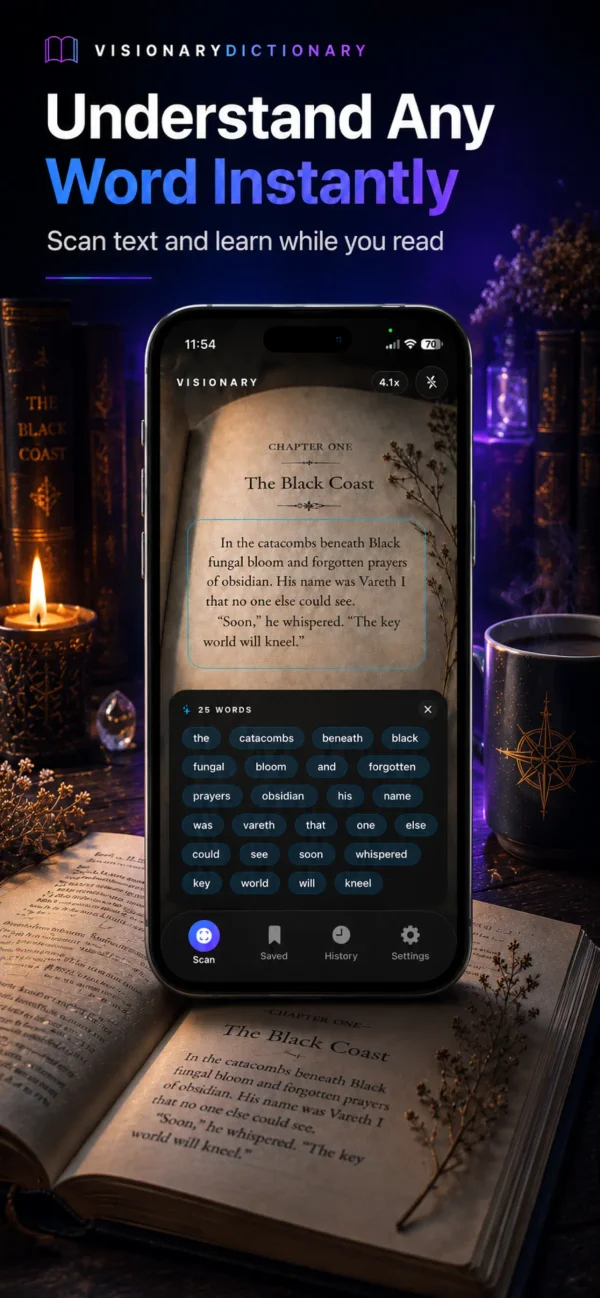
Transform your iPhone into a powerful real-time dictionary. Using Apple’s Vision framework for on-device OCR, VisionaryDictionary recognizes printed words in live camera view and displays them as tappable “word chips” on screen. Just aim your camera at any text (books, menus, signs, etc.) and tap Scan. The app crops and reads text right on your device (no internet needed), then identifies each word it sees.
Instant Camera OCR: The app uses a tap-to-scan model. OCR only runs when the user taps the screen. Pinch to zoom and use the flashlight toggle for low-light reading. When text is detected, the words appear as individual chips at the bottom.
Tap-Ready Word Chips: Each detected word is a button. Tap a chip to look up that word immediately. A full definition sheet slides up, where you’ll see complete definitions, part-of-speech tags, example sentences, synonyms and antonyms.
Pronunciation Audio: Hear each word spoken aloud with high-quality text-to-speech voices. This helps with learning and makes the app a pronunciation guide as well as a lookup tool.
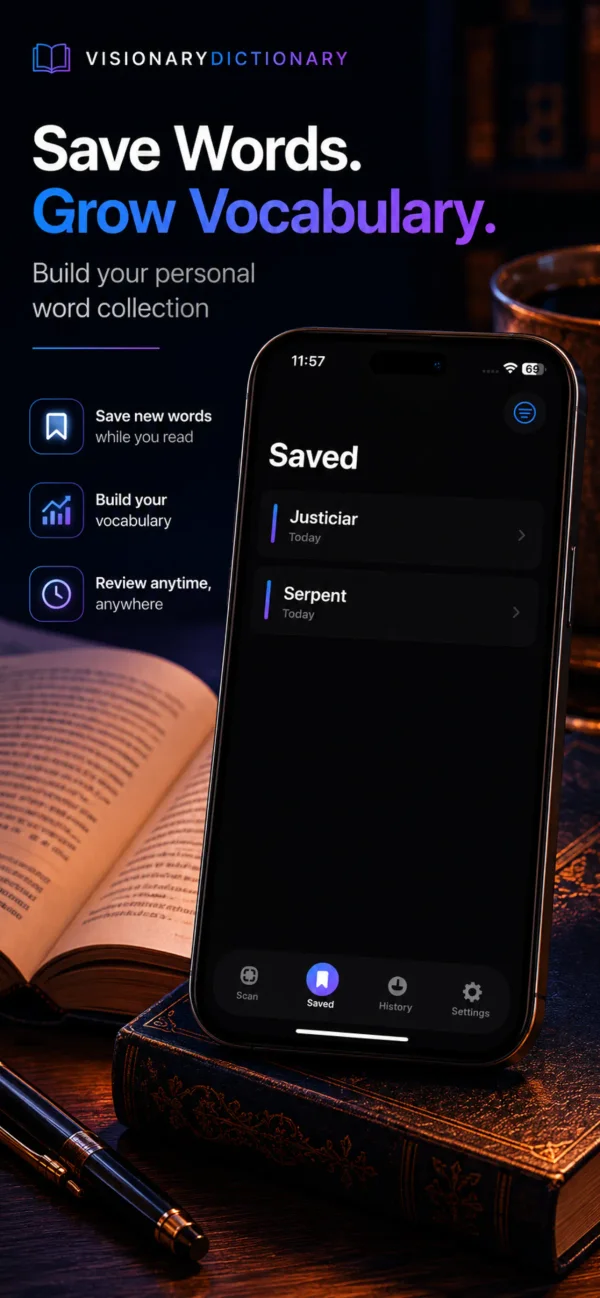
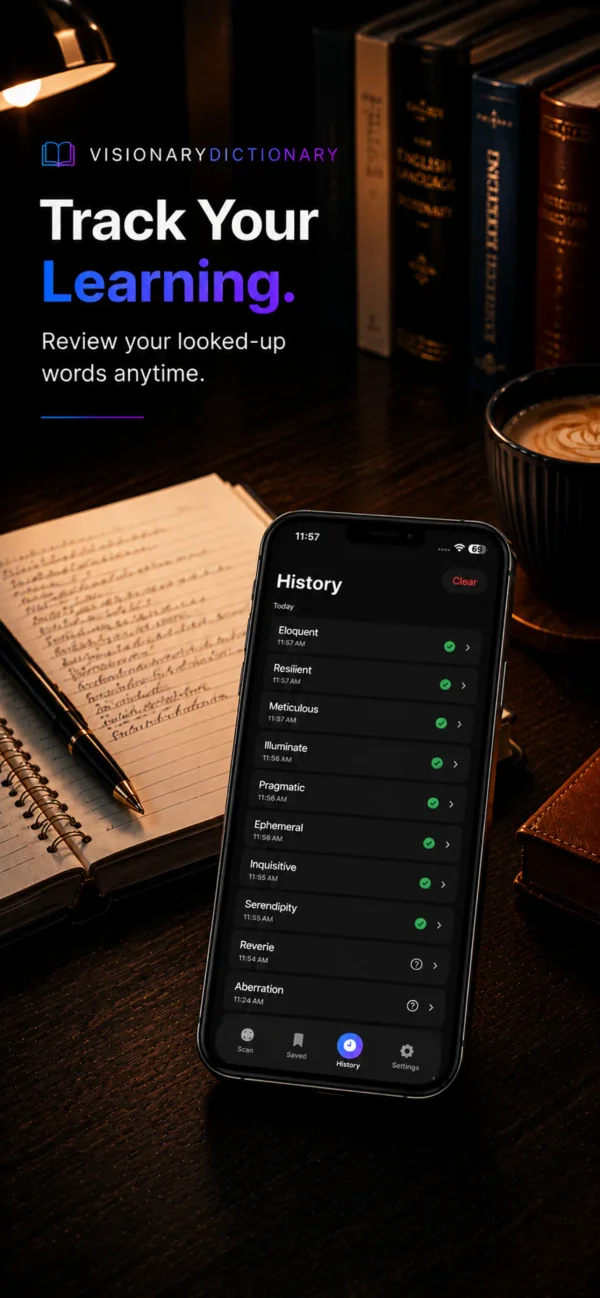
History & Favorites: Every lookup is saved automatically. Visit the History tab to see all scanned words and definitions, so you can review them later. Tag any word as a favorite to add it to your Vocabulary collection (like “word lists”).
Vocabulary Builder: Browse your saved words in the Vocabulary tab. Each entry shows definitions, example usage, and an option to hear the word again. This turns casual lookups into a personal study tool for students, travelers, and avid readers.
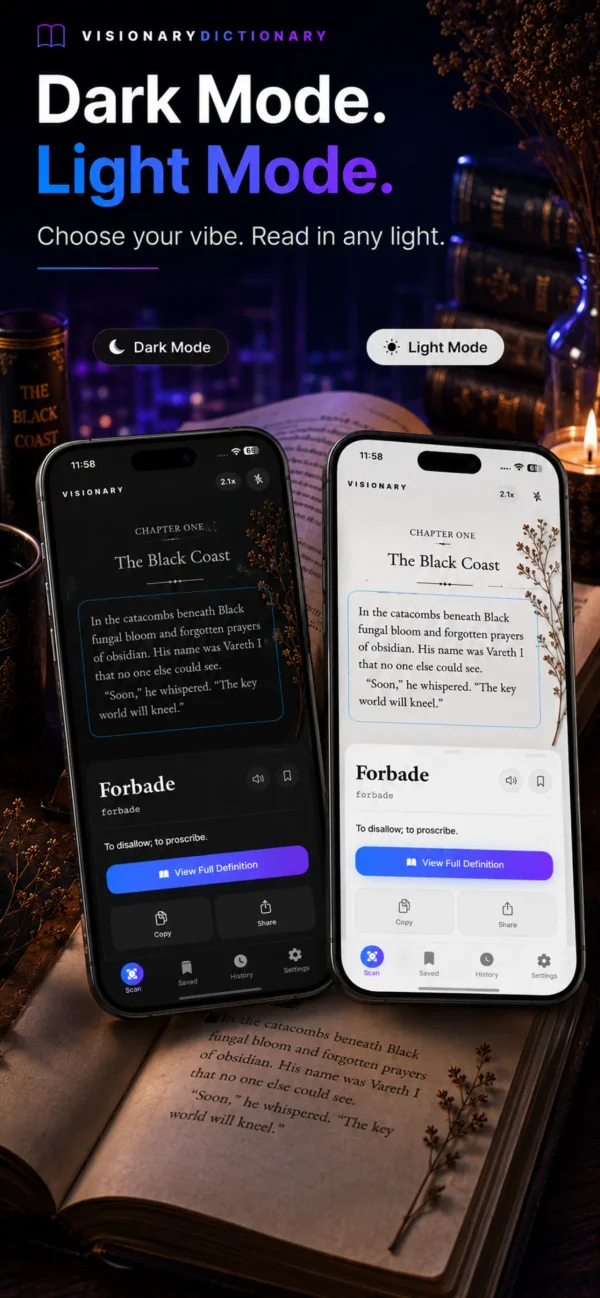
Intuitive UI: The interface uses a modern glass-morphism design with a floating tab bar (Scanner, Vocabulary, History, Settings). New users get an interactive tutorial on first launch. Haptic feedback confirms taps. Dark mode is fully supported for comfortable night-time reading.
Privacy & Offline Use: All processing is done on your device – the app does not send images or text to servers. You can look up words anywhere, even offline, using the built-in dictionary data. No camera images or personal data ever leave your phone.
Advertisements & In-App Purchase: VisionaryDictionary is free to download and use with occasional full-screen AdMob ads. (Ads appear between lookups.) A one-time in-app purchase lets you remove all ads forever. We also include an optional update checker to notify you when new versions are available.
Why VisionaryDictionary? Whether you’re reading a novel, menu, or foreign street sign, VisionaryDictionary keeps up with your eyes. No more typing words by hand – just point and scan. Build your vocabulary on the go with tappable definitions and bookmark words for later. Download it today and never wonder “what does this word mean” while you’re reading again!
Có gì mới
Phiên bản 1.2 · 02/07/2026
Performance improvements and new logo design.
Quyền riêng tư của ứng dụng
Những gì Rahul Bulchandani khai báo trên App Store về cách ứng dụng này xử lý dữ liệu.
-
Dữ liệu được sử dụng để theo dõi bạn
Có thể được sử dụng để theo dõi bạn trên các ứng dụng và trang web do công ty khác sở hữu.
- Mã định danh
- Dữ liệu sử dụng
-
Dữ liệu không liên kết với bạn
Có thể được thu thập nhưng không liên kết với danh tính của bạn.
- Mục mua
- Mã định danh
- Dữ liệu sử dụng
Phương thức đảm bảo quyền riêng tư có thể khác nhau, chẳng hạn như tuỳ theo các tính năng bạn sử dụng hoặc độ tuổi của bạn.
Thông tin
- Người bán
- Rahul Bulchandani
- Danh mục
- Tham Khảo
- Phiên bản
- 1.2
- Cập nhật
- 02/07/2026
- Phát hành
- 28/05/2026
- Kích thước
- 39,7 MB
- Yêu cầu
- iOS 17.0 trở lên
- Độ tuổi
- 4+
- Giá
- Miễn phí
- Mua hàng trong ứng dụng
- Có
- Ngôn ngữ
- Tiếng Anh
- Bản quyền
- © Rahul Bulchandani - 2026