VR MemoPa
mnemonics in virtual space
Được thiết kế cho iPhone, iPad, iPod touch
Miễn phí
- Độ tuổi4+
- Danh mụcGiải Trí
- Nhà phát triểnMOTOSHIGE HOTAKA
- Ngôn ngữTiếng Nhật+ 18 ngôn ngữ khác
- Kích thước965,4 MB
Liên kết đến trang App Store chính thức
Download.org không lưu trữ tệp nào của VR MemoPa. Nút này mở trang ứng dụng trên App Store, nơi MOTOSHIGE HOTAKA phát hành ứng dụng. Trang được kiểm tra lần cuối: 06/11/2026.
Ảnh chụp màn hình

Giới thiệu
Nhà phát triển chưa cung cấp nội dung này bằng ngôn ngữ của bạn.
App Overview
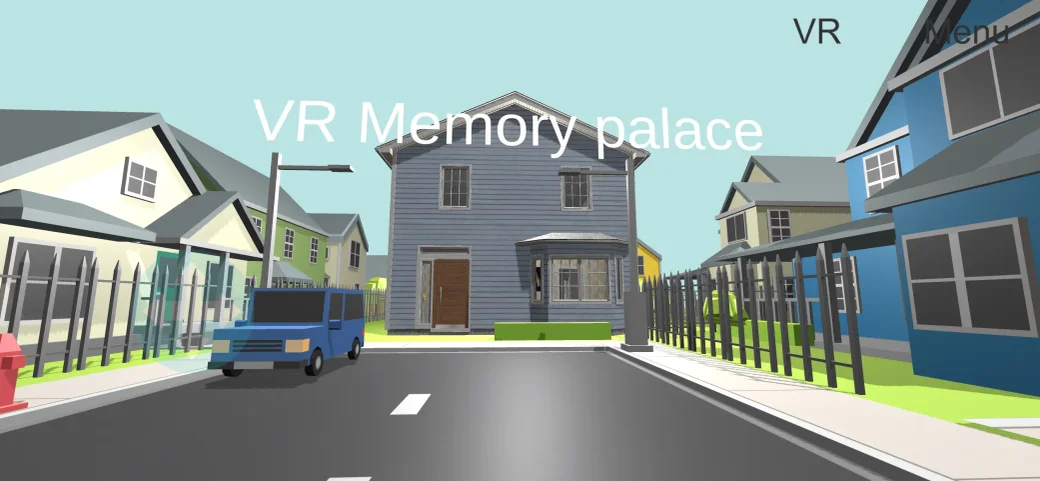
This app is designed to support memory-technique training.
Memory techniques associate information with “places” or “images,” making it easier to organize and recall.
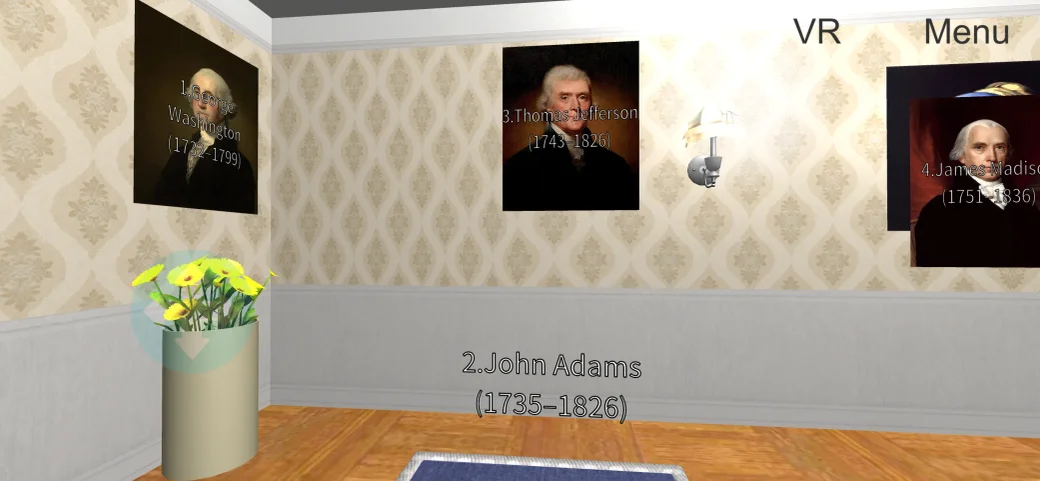
In the app, you can practice placing images at specific locations within a virtual space, just as memory athletes do.
Enter the keywords you want to memorize and their corresponding images in Google Sheets. You can then display them in the app in the format “Keyword | Image.”
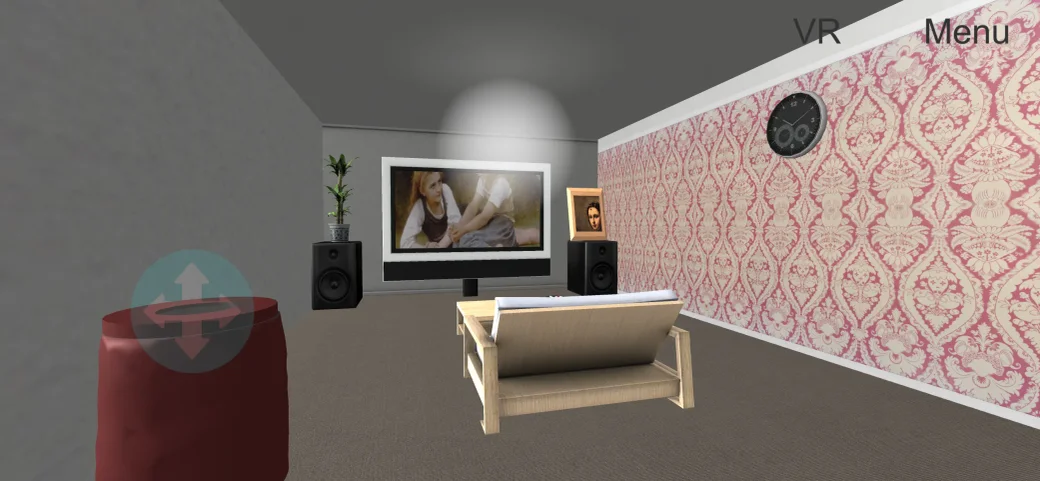
Place the images in the virtual environment and view them as you move through the space. This helps you practice associating locations with mental images.
The app automatically converts Google Sheets data into Excel format. No manual conversion is required.
Regular practice can help you organize and recall information more easily. If you forget something, you can view the placed image again and use it as a memory cue.
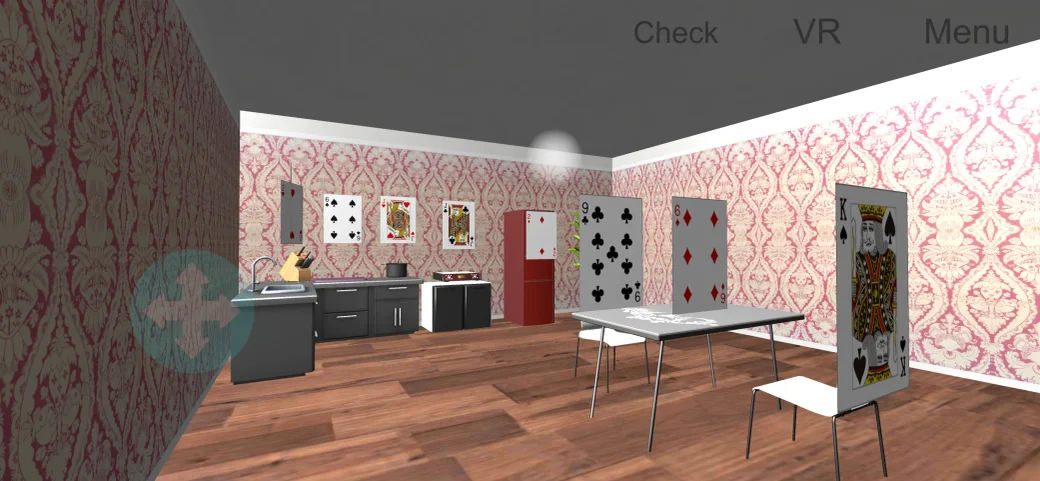
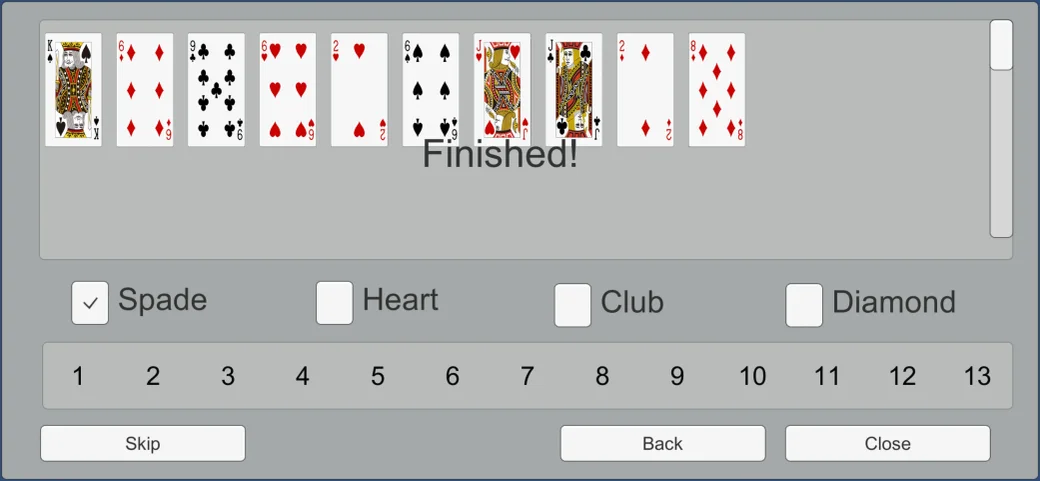
The app also includes exercises for memorizing the order of a full deck of playing cards and the positions of black and white pieces on an 8×8 board.
Reference Videos
How to Create Data Using a Smartphone
https://youtu.be/BnGdVLgvQhw
App Introduction Video
https://youtu.be/4vHh9wTzH6c
How to Remember Locations with a Memory Palace
https://youtu.be/pv0iqQWbdQQ
Basic Controls
Select “Memory Palace” from the menu to open the virtual space.
Use the directional buttons on the left to move forward, backward, right, and left. Use the control area on the right to change the viewing direction.
You can select the data you want to use from the menu. To use sample data, select “Choose Data,” followed by “Open Sample.” Several sample sheets are available.
How to Create Data
Enter data in Google Sheets using the following format:
First column: Keyword
Example: Meat
Second column: Image
Example:
https://example.com/image.png
or
gdrive:id
Enter the keyword in the first column. In the second column, enter the URL of a JPG or PNG image or the ID of an image stored in Google Drive.
To use an image from Google Drive, add gdrive: before the image ID.
The registered data can be displayed in the app in the format “Keyword | Image.”
One image can be assigned to each keyword. To use multiple images with the same keyword, enter each image on a separate row.
Using an Excel File
You can also use an Excel file (.xlsx) directly.
To save the file on an iPhone, select “Save to Files,” then choose:
“On My iPhone” → “VR Memory Palace”
You can then select the file in the app using “Select Excel File.”
Important Notes
Using many large images may consume too much device memory or slow down the display. If this happens, reduce the image sizes before use.
The app also supports VR headsets. In VR mode, you can move using a game controller.
The “8BitDo Zero 2” game controller has been tested with the app.
Có gì mới
Phiên bản 1.18.3 · 23/08/2026
Minor bug fixes and improvements.
Quyền riêng tư của ứng dụng
Những gì MOTOSHIGE HOTAKA khai báo trên App Store về cách ứng dụng này xử lý dữ liệu.
-
Dữ liệu được sử dụng để theo dõi bạn
Có thể được sử dụng để theo dõi bạn trên các ứng dụng và trang web do công ty khác sở hữu.
- Vị trí
- Mã định danh
- Dữ liệu sử dụng
- Chẩn đoán
-
Dữ liệu liên kết với bạn
Có thể được thu thập và liên kết với danh tính của bạn.
- Vị trí
- Mã định danh
- Dữ liệu sử dụng
- Chẩn đoán
Phương thức đảm bảo quyền riêng tư có thể khác nhau, chẳng hạn như tuỳ theo các tính năng bạn sử dụng hoặc độ tuổi của bạn.
Thông tin
- Người bán
- MOTOSHIGE HOTAKA
- Danh mục
- Giải Trí
- Phiên bản
- 1.18.3
- Cập nhật
- 23/08/2026
- Phát hành
- 15/11/2022
- Kích thước
- 965,4 MB
- Yêu cầu
- iOS 13.0 trở lên
- Độ tuổi
- 4+
- Giá
- Miễn phí
- Ngôn ngữ
- Tiếng Nhật, Afrikaans, Tiếng Ả Rập, Tiếng Ý, Tiếng Indonesia, Tiếng Ukraina, Tiếng Estonia, Tiếng Hà Lan, Tiếng Catalan, Tiếng Tây Ban Nha, Tiếng Séc, Tiếng Đan Mạch + 7 ngôn ngữ khác
- Bản quyền
- © 2022 Hotaka.