Wellnote: AI Notes, PDF, Docs
Memo, Planner, Note taking
Được thiết kế cho iPhone, iPad, iPod touch
Miễn phí · Mua hàng trong ứng dụng
- Độ tuổi4+
- Danh mụcHiệu Suất
- Nhà phát triểnMAXEYE US INC.
- Ngôn ngữTiếng Anh+ 9 ngôn ngữ khác
- Kích thước459,6 MB
Liên kết đến trang App Store chính thức
Download.org không lưu trữ tệp nào của Wellnote: AI Notes, PDF, Docs. Nút này mở trang ứng dụng trên App Store, nơi MAXEYE US INC. phát hành ứng dụng. Trang được kiểm tra lần cuối: 25/11/2026.
Ảnh chụp màn hình

Giới thiệu
Nhà phát triển chưa cung cấp nội dung này bằng ngôn ngữ của bạn.
Real Writing Experience
-- Combined with a stylus pen, you can feel the real touch of writing on the iPad, achieving a natural writing sensation.
-- Wellnote provides a smooth writing experience, accurately capturing your handwriting whether you're jotting down notes quickly or making detailed records.
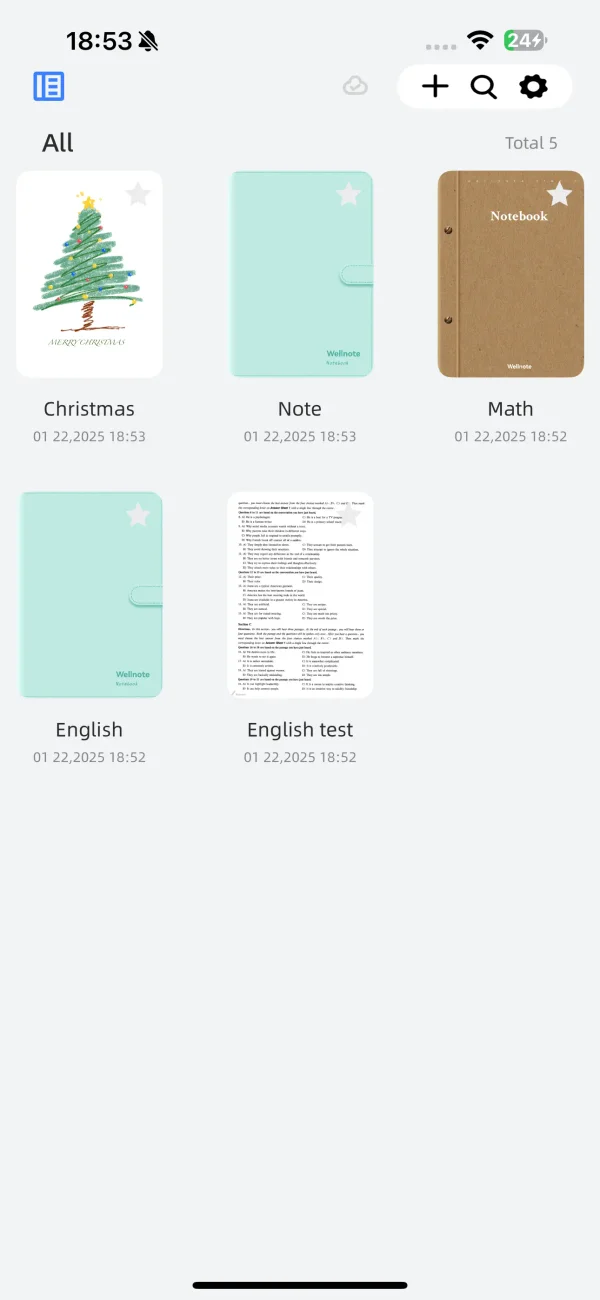
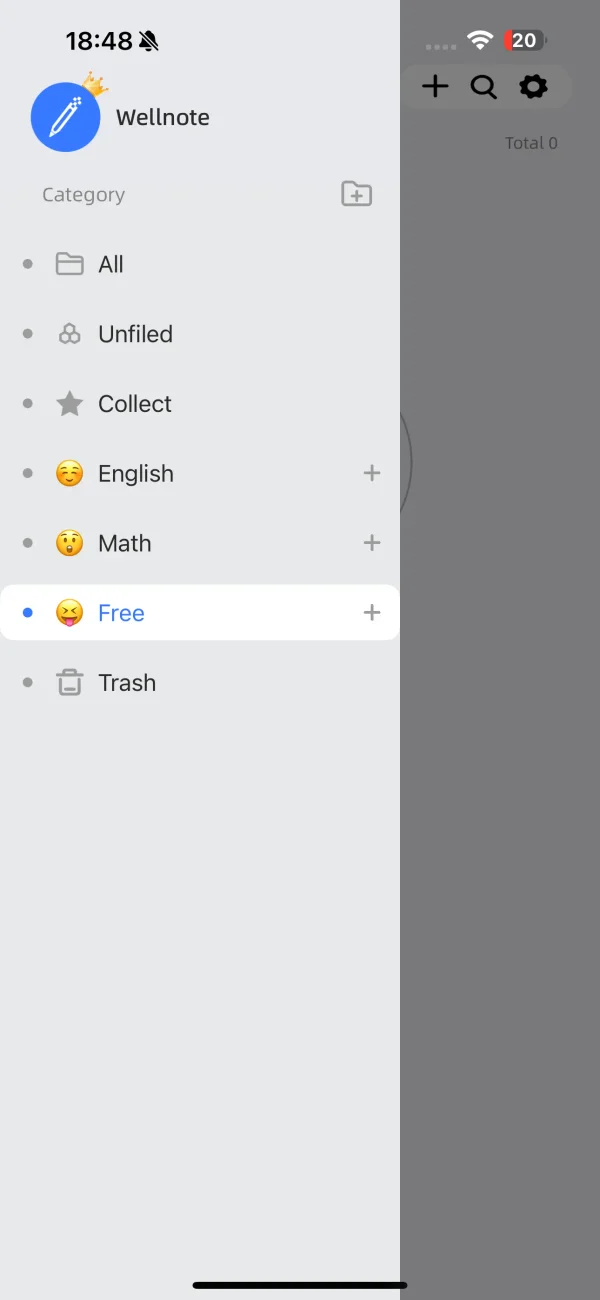
Categorize Notes
-- The categorization feature allows you to organize your notes by project, course, or topic, keeping your notes tidy and orderly.
-- With the search function, you can easily find the notes you need.
-- The writing effects that used to require a stack of paper can now be easily achieved on the iPad.
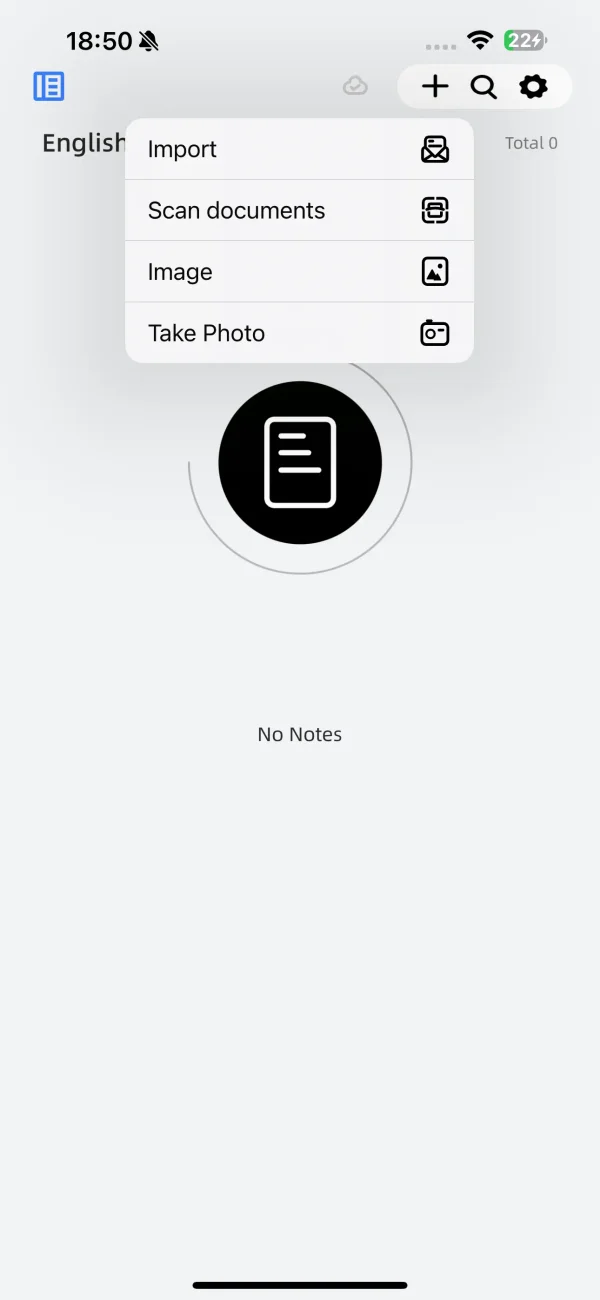
Import Documents for Annotation
-- Log in to Baidu Cloud, and files in the cloud (PPT, Word, PDF) can be downloaded and imported at any time.
-- Annotate, mark, and highlight directly on PDF files or by importing PPTs and Word documents as PDFs, making learning more interactive and vivid.
-- Combining text and notes helps you better understand and remember the content of your studies.
Study More Efficiently
-- The split-screen feature allows you to view different books, materials, or apps simultaneously, efficiently taking notes.
-- Using the split-screen feature in class allows you to record key points in real-time while viewing class materials, ensuring you don't miss any important information.
-- The masking tape feature can cover and reveal content, allowing you to study and memorize more efficiently.
Customize Templates
-- Based on your personal learning and working style, custom templates let you create note formats that meet your needs.
-- With preset templates, you can not only improve the efficiency of organizing notes but also study and review more effectively.
Explanation of Automatic Subscription Service
(1) Subscription Services: AI+VIP Continuous Monthly Subscription (1 month), AI+VIP Continuous Annual Subscription (12 months)
(2) Subscription Price: For example, AI+VIP continuous monthly subscription (1 month) is US$1.99 per month, and the continuous annual subscription product is US$10.99/year. The specific price will be adjusted according to promotional activities during different periods, subject to the actual display within the application.
(3) Payment: After the user confirms the purchase and makes the payment, it will be credited to the iTunes account.
(4) Auto-renewal: The Apple iTunes account will be charged within 24 hours before expiration, and upon successful payment, the subscription period will be extended by one subscription cycle.
(5) Cancel Service: You can go to "Settings" on your iPhone --> enter "iTunes Store & App Store" --> tap "Apple ID" and select "View Apple ID", enter the "Account Settings" page, tap "Subscriptions" to manage auto-renewal subscriptions. If you need to cancel, simply turn it off 24 hours before the end of each billing cycle, and no further charges will be incurred within 24 hours before expiration.
Terms of Use and Privacy Policy: https://wellnote.meatmeet.top/app/privacy/index.html?language=en
End User Licensing Agreement (EULA): https://www.apple.com/legal/internet-services/itunes/dev/stdeula/
If you have any questions, you can contact us via email for assistance: wellnote@maxeye.com
Có gì mới
Phiên bản 1.6.20 · 24/11/2026
Wellnote New Version Released!
1. Optimize the click effect and click area of the pull cord to enable more precise operation and further reduce accidental touches.
2. Added the ""Free Page Paper Movement"" gesture setting, which allows you to move the paper flexibly as needed.
3. Tools such as the Lasso and Eraser can be removed from or re-added to the toolbox for convenient toolbar customization.
4. The export page supports searching by page number, enabling quick location of the target page even when there are a large number of pages.
5. Scanning documents is supported when adding images, allowing paper documents to be directly scanned and inserted into the page.
6. In non-reading mode, a translation entry has been added to the PDF text selection menu (requires iOS 17.4 or later).
7. In full-screen mode, you can now use Apple Pencil Pro to bring up the rotating pen case, making it more convenient to pick up the stylus.
8. All brushes support swiping on the blank area outside the canvas to scroll the page, making it more coherent to browse long pages.
9. Writing anti-mis-touch optimization: Writing will not be interrupted even if the screen moves due to accidental touch.
10. Optimize other known issues.
Quyền riêng tư của ứng dụng
Những gì MAXEYE US INC. khai báo trên App Store về cách ứng dụng này xử lý dữ liệu.
-
Dữ liệu không liên kết với bạn
Có thể được thu thập nhưng không liên kết với danh tính của bạn.
- Vị trí
Phương thức đảm bảo quyền riêng tư có thể khác nhau, chẳng hạn như tuỳ theo các tính năng bạn sử dụng hoặc độ tuổi của bạn.
Thông tin
- Người bán
- MAXEYE US INC.
- Danh mục
- Hiệu Suất
- Phiên bản
- 1.6.20
- Cập nhật
- 24/11/2026
- Phát hành
- 21/06/2023
- Kích thước
- 459,6 MB
- Yêu cầu
- iOS 14.0 trở lên
- Độ tuổi
- 4+
- Giá
- Miễn phí
- Mua hàng trong ứng dụng
- Có
- Ngôn ngữ
- Tiếng Anh, Tiếng Pháp, Tiếng Đức, Tiếng Ý, Tiếng Nhật, Tiếng Hàn, Tiếng Bồ Đào Nha, Tiếng Trung Giản thể, Tiếng Tây Ban Nha, Tiếng Trung Phồn thể
- Bản quyền
- © idrawgear
Có thể bạn cũng thích
-
 Prodrafts - Ghi chú AIKhung vẽ vô hạn, viết tay, PDF
-
 Feenote - Notes and listsHiệu Suất
-
 Freenotes: Ghi chú AI, PDFApp ghi chú AI cho người Việt
-
 Element Note: Digital NotebookHiệu Suất
-
 OrigNotesHiệu Suất
-
 Kilonotes-Notes & PDF readingNote-Taking &Markup PDF
-
 Noteshelf: AI Notes & PDFHiệu Suất
-
 Noteful: Notes & PDF MarkupHiệu Suất
-
 Notes Writer: PDF,Đố vui,DocsThẻ ghi nhớ, ghi âm, AI
-
 StarNote: Study Notes & PDFClass Notes & Planner