Wellnote: AI Notes, PDF, Docs
Memo, Planner, Note taking
Designed for iPhone, iPad, iPod touch
Free · In-app purchases
- Age rating4+
- CategoryProductivity
- DeveloperMAXEYE US INC.
- LanguagesEnglish+ 9 more
- Size443.5 MB
Links to the official App Store page
Download.org hosts no file of Wellnote: AI Notes, PDF, Docs. The button opens its official App Store page, published by MAXEYE US INC. Listing last checked on Nov 20, 2026.
Screenshots

About
Real Writing Experience
-- Combined with a stylus pen, you can feel the real touch of writing on the iPad, achieving a natural writing sensation.
-- Wellnote provides a smooth writing experience, accurately capturing your handwriting whether you're jotting down notes quickly or making detailed records.
Categorize Notes
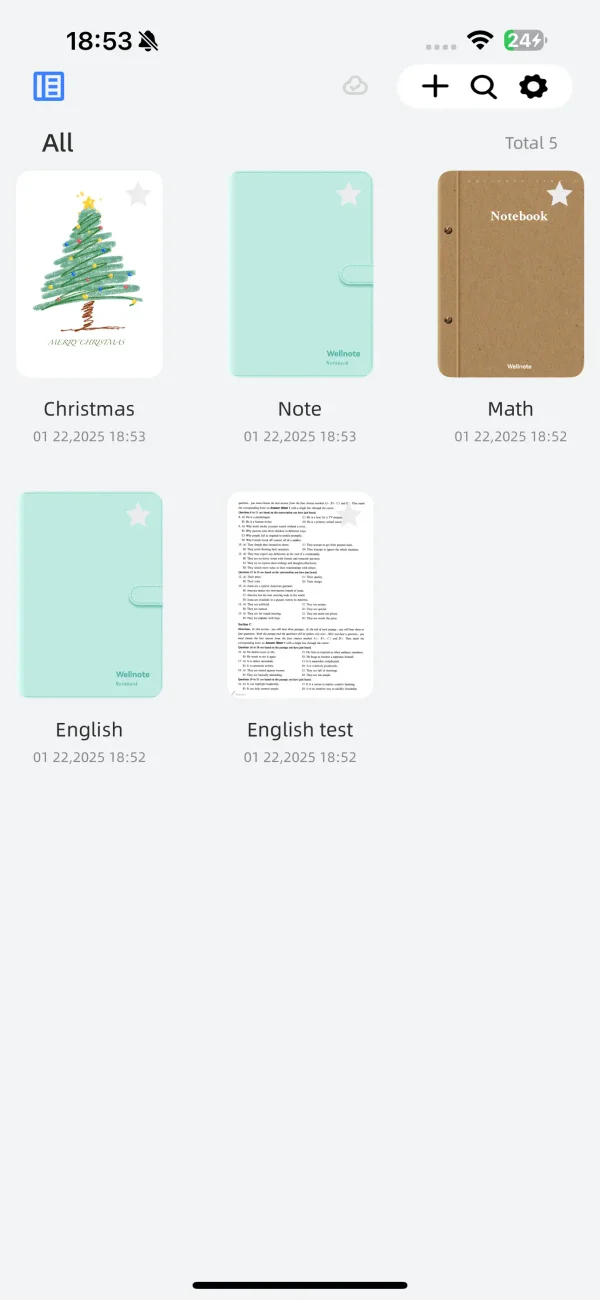
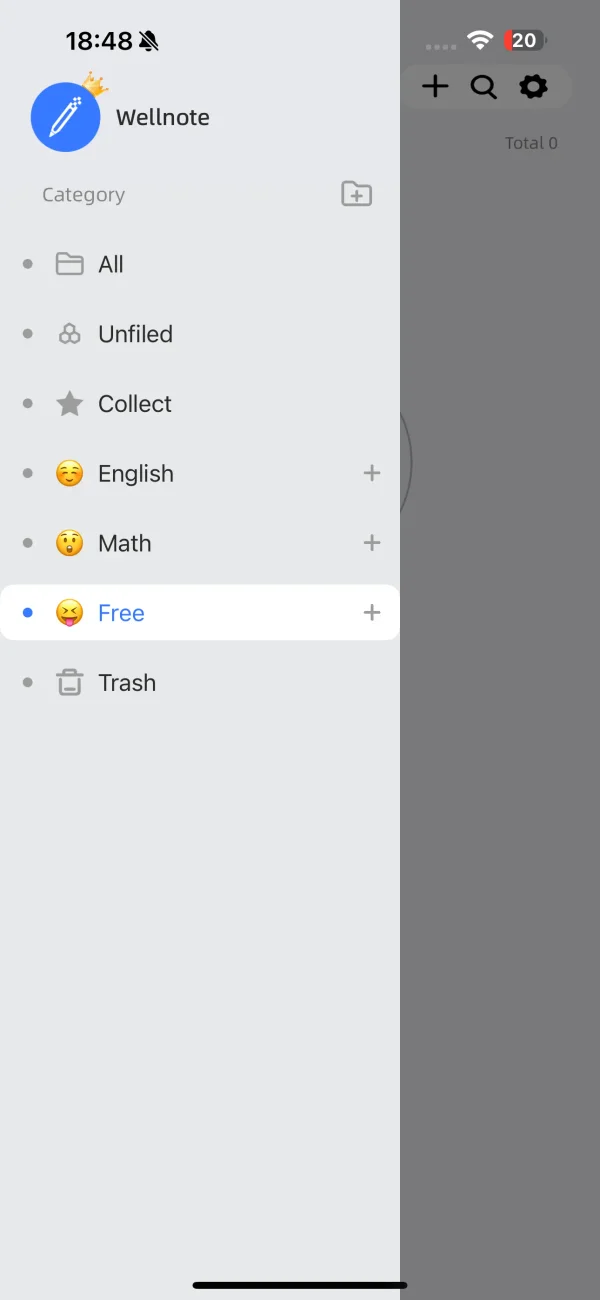
-- The categorization feature allows you to organize your notes by project, course, or topic, keeping your notes tidy and orderly.
-- With the search function, you can easily find the notes you need.
-- The writing effects that used to require a stack of paper can now be easily achieved on the iPad.
Import Documents for Annotation
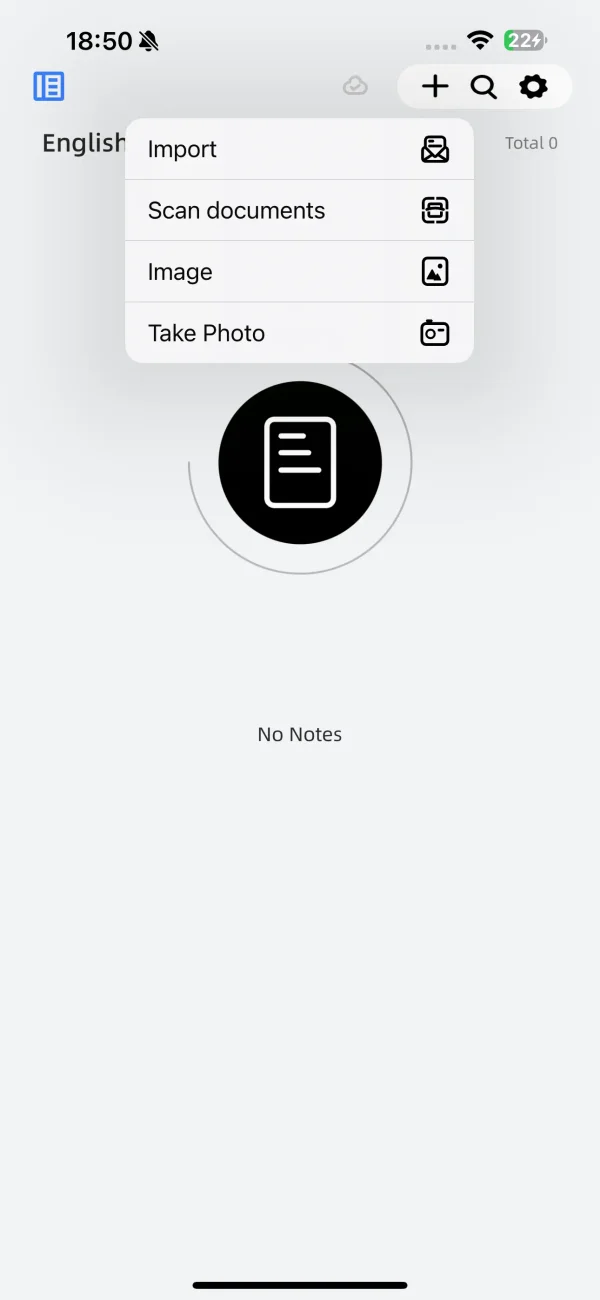
-- Log in to Baidu Cloud, and files in the cloud (PPT, Word, PDF) can be downloaded and imported at any time.
-- Annotate, mark, and highlight directly on PDF files or by importing PPTs and Word documents as PDFs, making learning more interactive and vivid.
-- Combining text and notes helps you better understand and remember the content of your studies.
Study More Efficiently
-- The split-screen feature allows you to view different books, materials, or apps simultaneously, efficiently taking notes.
-- Using the split-screen feature in class allows you to record key points in real-time while viewing class materials, ensuring you don't miss any important information.
-- The masking tape feature can cover and reveal content, allowing you to study and memorize more efficiently.
Customize Templates
-- Based on your personal learning and working style, custom templates let you create note formats that meet your needs.
-- With preset templates, you can not only improve the efficiency of organizing notes but also study and review more effectively.
Explanation of Automatic Subscription Service
(1) Subscription Services: AI+VIP Continuous Monthly Subscription (1 month), AI+VIP Continuous Annual Subscription (12 months)
(2) Subscription Price: For example, AI+VIP continuous monthly subscription (1 month) is US$1.99 per month, and the continuous annual subscription product is US$10.99/year. The specific price will be adjusted according to promotional activities during different periods, subject to the actual display within the application.
(3) Payment: After the user confirms the purchase and makes the payment, it will be credited to the iTunes account.
(4) Auto-renewal: The Apple iTunes account will be charged within 24 hours before expiration, and upon successful payment, the subscription period will be extended by one subscription cycle.
(5) Cancel Service: You can go to "Settings" on your iPhone --> enter "iTunes Store & App Store" --> tap "Apple ID" and select "View Apple ID", enter the "Account Settings" page, tap "Subscriptions" to manage auto-renewal subscriptions. If you need to cancel, simply turn it off 24 hours before the end of each billing cycle, and no further charges will be incurred within 24 hours before expiration.
Terms of Use and Privacy Policy: https://wellnote.meatmeet.top/app/privacy/index.html?language=en
End User Licensing Agreement (EULA): https://www.apple.com/legal/internet-services/itunes/dev/stdeula/
If you have any questions, you can contact us via email for assistance: wellnote@maxeye.com
What’s new
Version 1.6.19 · Nov 3, 2026
Wellnote New Version Launched!
1. The newly added pull cord feature in the new notes: clicking or pulling the cord will hide the toolbar step by step; long-pressing and pausing briefly allows you to quickly switch to night mode for more convenient operation.
2. Added a new tutorial center, where you can view functional video tutorials at any time to quickly master various operation skills.
3. Fixed the issue where translation in reading mode failed to work properly on iOS 27 and later system versions.
4. Fixed the issue where some PDF documents appear blurry in iOS 27 and later system versions.
5. Fixed some known issues to further improve the application stability and user experience.
App privacy
What MAXEYE US INC. declares on the App Store about how this app handles data.
-
Data not linked to you
May be collected but is not linked to your identity.
- Location
Privacy practices may vary, for example with the features you use or your age.
Information
- Seller
- MAXEYE US INC.
- Category
- Productivity
- Version
- 1.6.19
- Updated
- Nov 3, 2026
- Released
- Jun 21, 2023
- Size
- 443.5 MB
- Requires
- iOS 14.0 or later
- Age rating
- 4+
- Price
- Free
- In-app purchases
- Yes
- Languages
- English, French, German, Italian, Japanese, Korean, Portuguese, Simplified Chinese, Spanish, Traditional Chinese
- Copyright
- © idrawgear
You might also like
-
 Prodrafts - Infinite NotesHandwriting, PDF & Mind Maps
-
 Feenote - Notes and listsNote-taking & handwriting
-
 Freenotes®: AI Notes TakingDocs PDF Memo Planner Pencil
-
 Element Note: Digital NotebookHandwritten Notes & PDF Markup
-
 OrigNotesNotes, PDF Markup & Mind Maps
-
 Kilonotes-Notes & Mark up PDFHandwritten Notes, PDF Editing
-
 Noteshelf: AI Notes & PDFHandwriting, Planner & Journal
-
 Noteful: Notes & PDF MarkupHighlight. Write. Learn.
-
 Notes Writer: PDF, Quiz, DocsFlashcards, Voice Recorder, AI
-
 StarNote: Notes & PDF MarkupAI Note-Taking & Handwriting