
- Độ tuổi4+
- Danh mụcHiệu Suất
- Nhà phát triểnXtracta
- Ngôn ngữTiếng Anh+ 2 ngôn ngữ khác
- Kích thước42,6 MB
Liên kết đến trang App Store chính thức
Download.org không lưu trữ tệp nào của Xtracta. Nút này mở trang ứng dụng trên App Store, nơi Xtracta phát hành ứng dụng. Trang được kiểm tra lần cuối: 16/11/2026.
Ảnh chụp màn hình




Giới thiệu
Nhà phát triển chưa cung cấp nội dung này bằng ngôn ngữ của bạn.
Disclaimer: This app can only be used by Xtracta Limited customers who already have a Xtracta account.
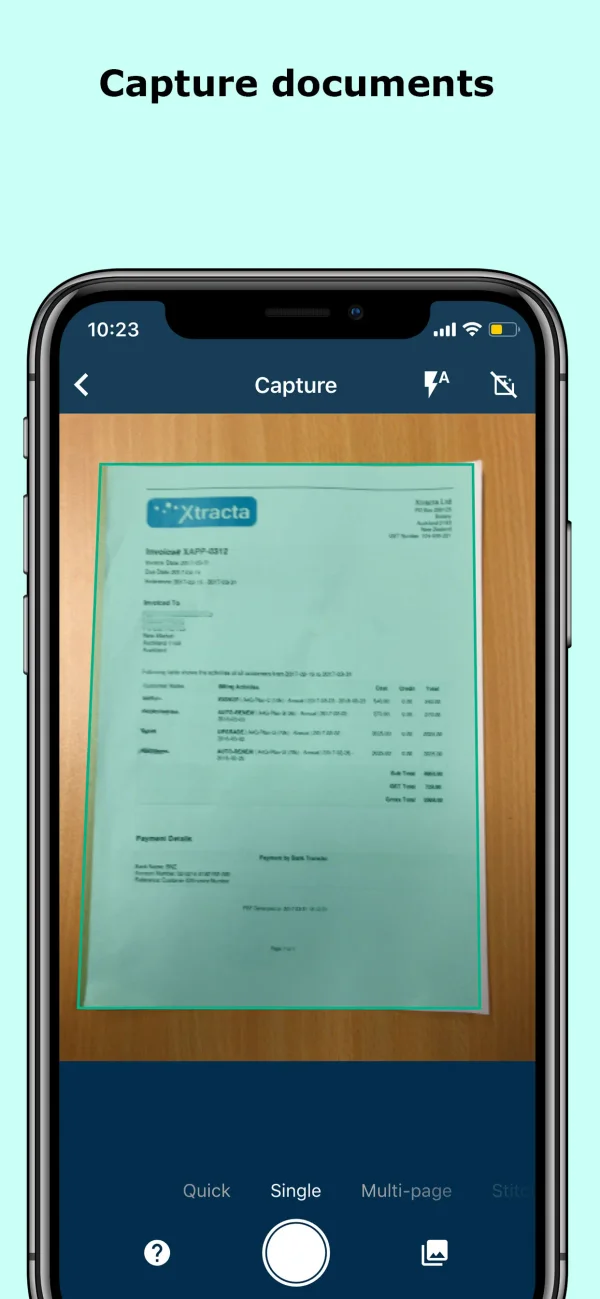
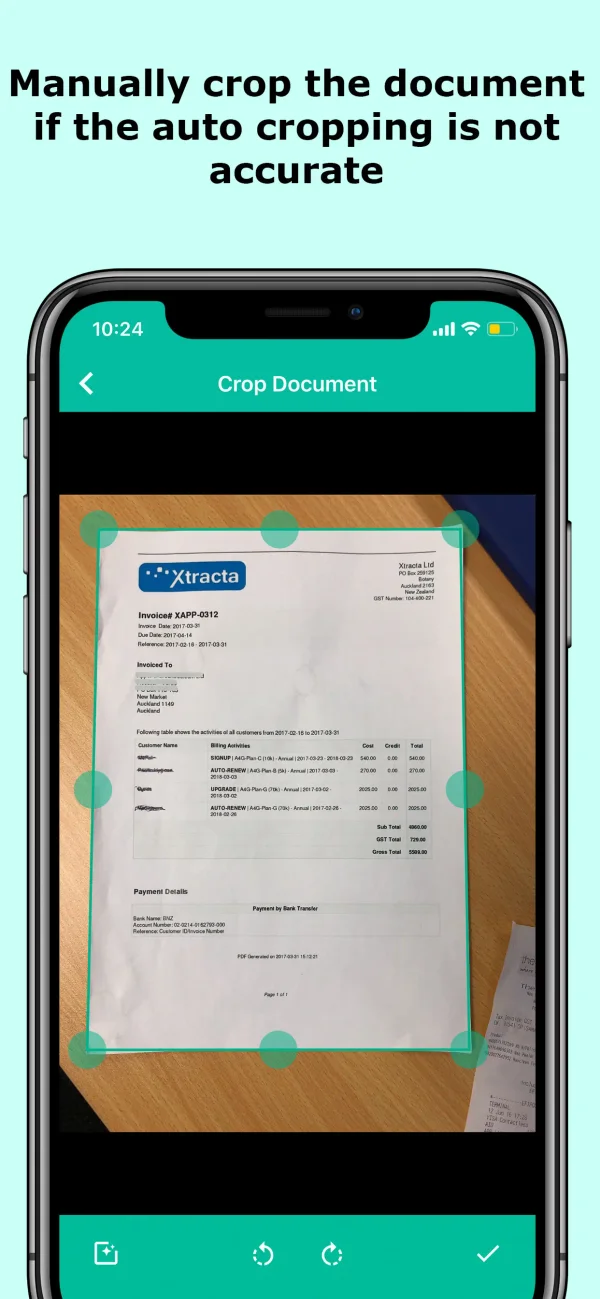
The app allows users to take photographs of documents such as invoices, receipts, orders or virtually any business document they wish to bring into Xtracta for data extraction. The app allows users to add text such as note(s) as per their Xtracta workflow configuration to submit their documents.
Features include:
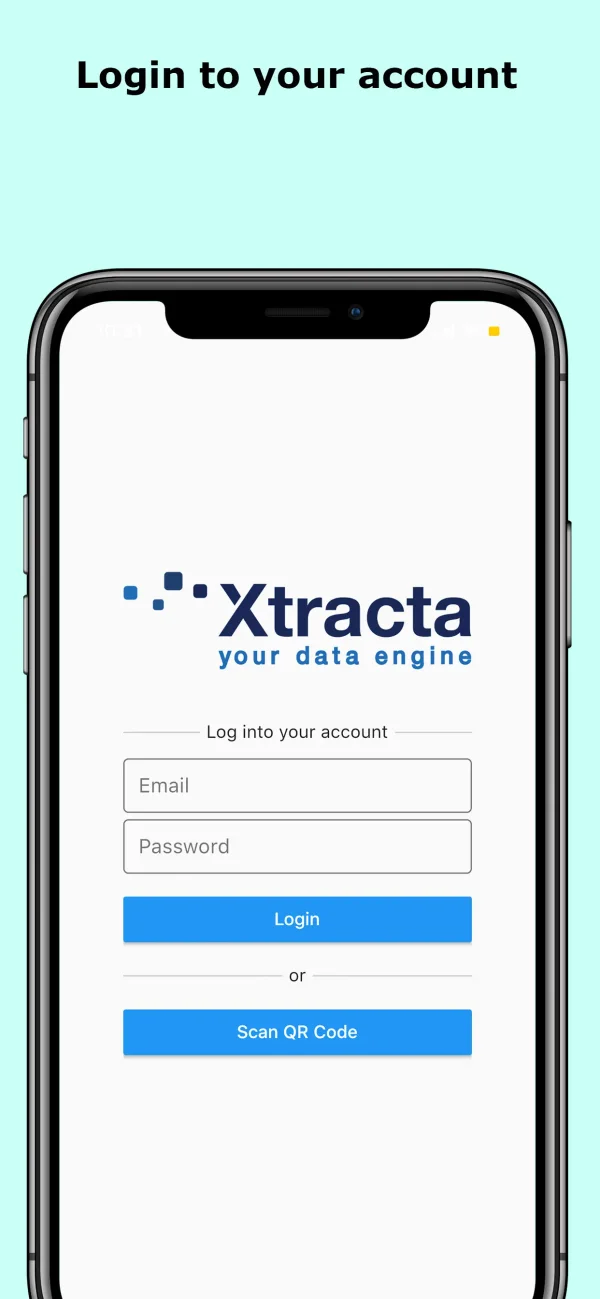
*Login*
- Using Xtracta username/password
- By Scanning QR Code
*Capture*
Scanning document document in different modes:
- Single: Capturing a single page document.
- Quick: Capturing multiple single page documents one after another
- Multi-page: Scanning a multi-page document
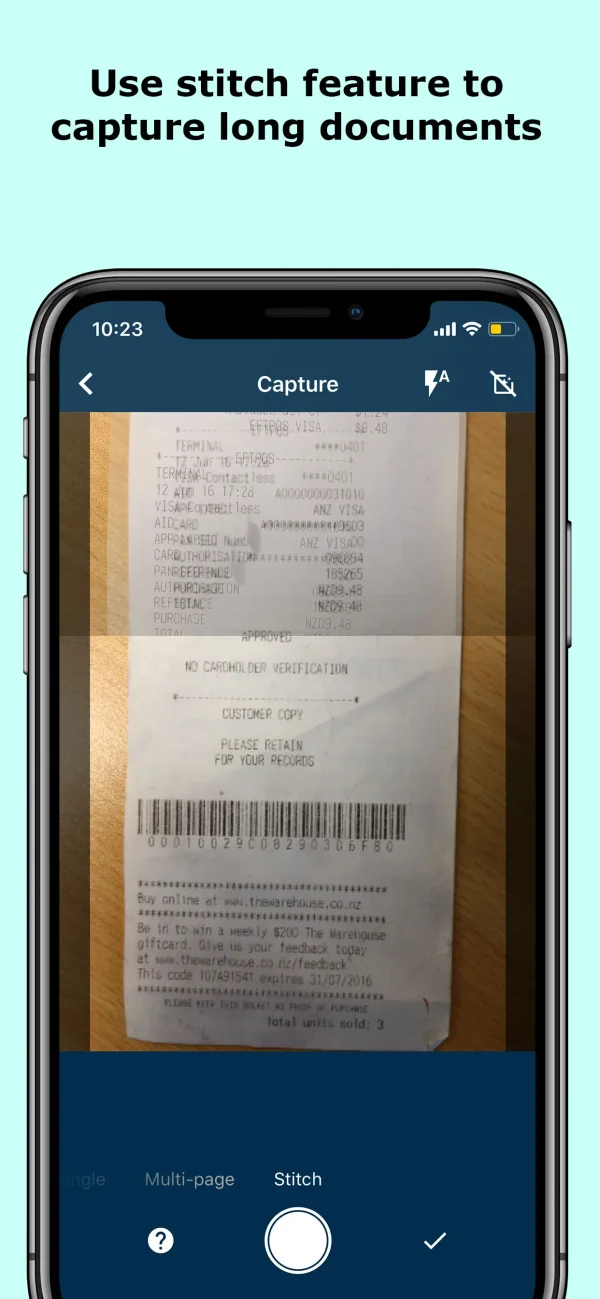
- Stitch: Capturing multiple photos of a long/large document and stitching them all together as one high quality document
*Upload*
- Upload a document to a selected workflow
- Attaching field data during the upload
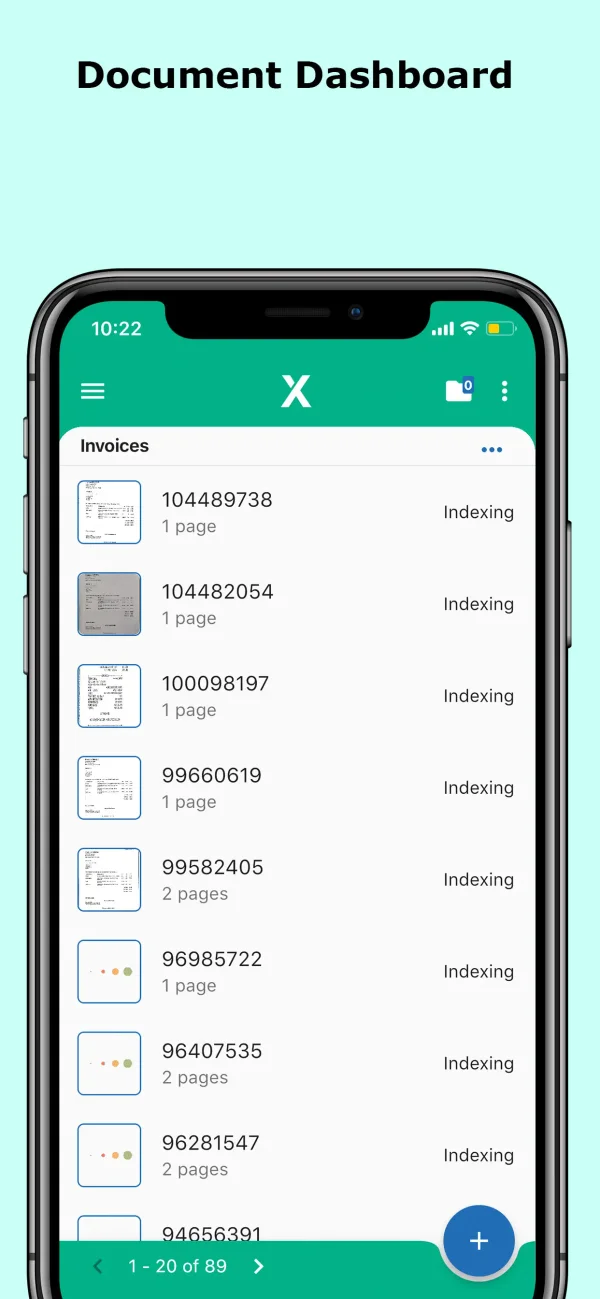
*Documents*
- Ability to navigate between the user's workflows
- Viewing a list of all documents that user has uploaded to Xtracta
- Ability to filter those documents based on their status
- Ability to edit/update the documents extracted data
- Ability to Output, Reject, Send to Indexing and Send to QA statuses
- Ability to re-assign a document to another workflow
- Ability to delete a document
Any user of Xtracta can make use of this app, however, each user must have a relevant user account within Xtracta assigned to the workflows they wish to submit to. Xtracta partners can provide this access and the required login details.
The app is compatible with all re-branded Xtracta deployments with custom partner branding.
Có gì mới
Phiên bản 1.5.2 · 31/10/2025
App bar action icons and text color change to white.
Always keep the camera's flash on, if users don't change flash settings when capturing images.
Fix checkboxes not being able to be checked when pressing/tapping.
Quyền riêng tư của ứng dụng
Những gì Xtracta khai báo trên App Store về cách ứng dụng này xử lý dữ liệu.
-
Dữ liệu không liên kết với bạn
Có thể được thu thập nhưng không liên kết với danh tính của bạn.
- Nội dung của người dùng
Phương thức đảm bảo quyền riêng tư có thể khác nhau, chẳng hạn như tuỳ theo các tính năng bạn sử dụng hoặc độ tuổi của bạn.
Thông tin
- Người bán
- Xtracta Ltd
- Danh mục
- Hiệu Suất
- Phiên bản
- 1.5.2
- Cập nhật
- 31/10/2025
- Phát hành
- 24/01/2019
- Kích thước
- 42,6 MB
- Yêu cầu
- iOS 15.6 trở lên
- Độ tuổi
- 4+
- Giá
- Miễn phí
- Ngôn ngữ
- Tiếng Anh, Tiếng Hà Lan, Tiếng Pháp
- Bản quyền
- © Xtracta Limited
Có thể bạn cũng thích
-
 IODD ExpensesHiệu Suất
-
 Dataline CaptureHiệu Suất
-
 foldy: German Mail & DeadlinesHiệu Suất
-
 SkyNetCMSHiệu Suất
-
 Form Extractor - Scan & ExportHiệu Suất
-
 Vocal Notes - Speech to TextHiệu Suất
-
 VentureTel SMSHiệu Suất
-
 Pomodoro - Stay focusedHiệu Suất
-
 Sync with ComputerHiệu Suất
-
 247 Staffing SolutionsHiệu Suất