
- Age rating4+
- CategoryProductivity
- DeveloperXtracta
- LanguagesEnglish+ 2 more
- Size42.6 MB
Links to the official App Store page
Download.org hosts no file of Xtracta. The button opens its official App Store page, published by Xtracta. Listing last checked on Nov 16, 2026.
Screenshots




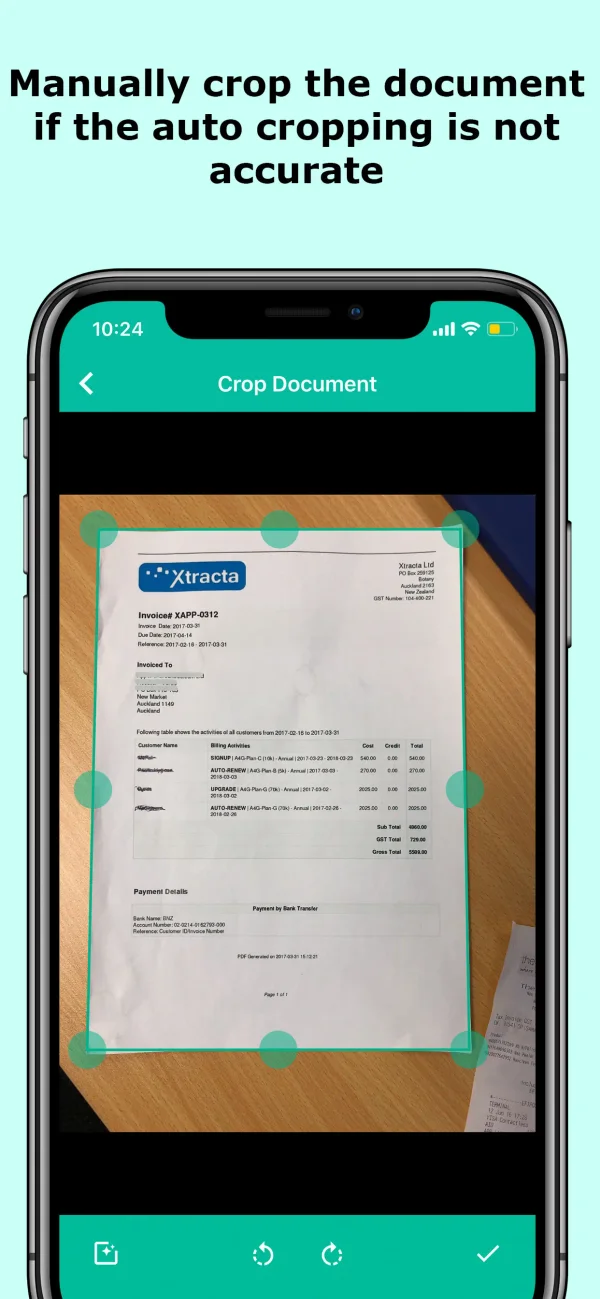
About
Disclaimer: This app can only be used by Xtracta Limited customers who already have a Xtracta account.
The app allows users to take photographs of documents such as invoices, receipts, orders or virtually any business document they wish to bring into Xtracta for data extraction. The app allows users to add text such as note(s) as per their Xtracta workflow configuration to submit their documents.
Features include:
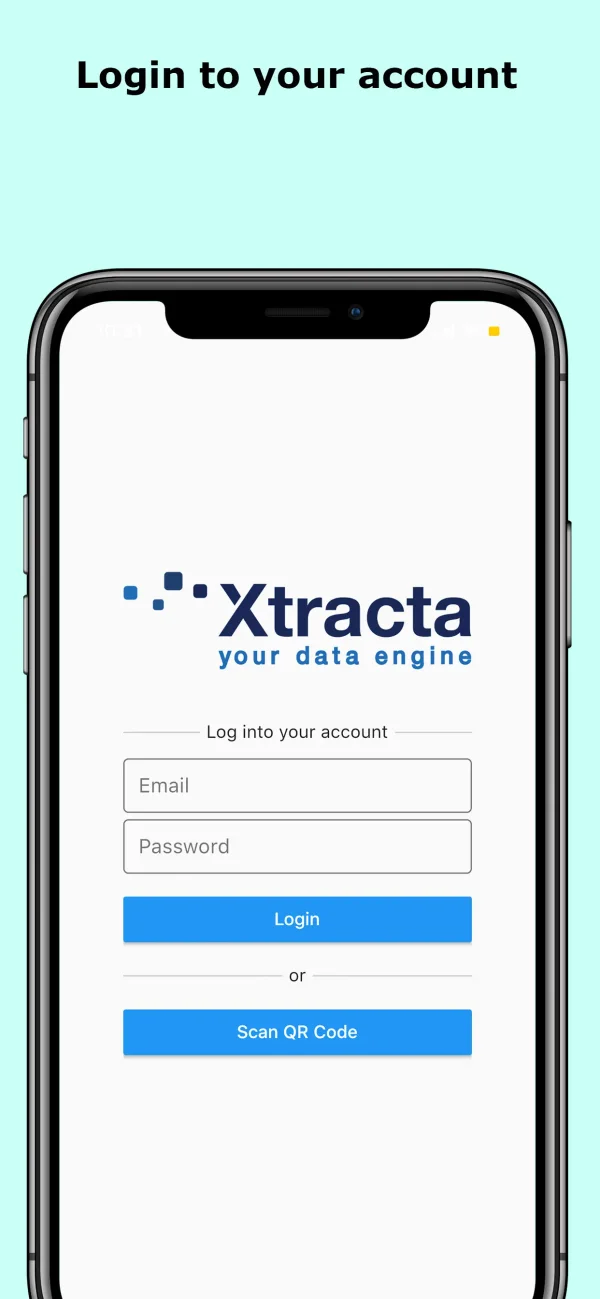
*Login*
- Using Xtracta username/password
- By Scanning QR Code
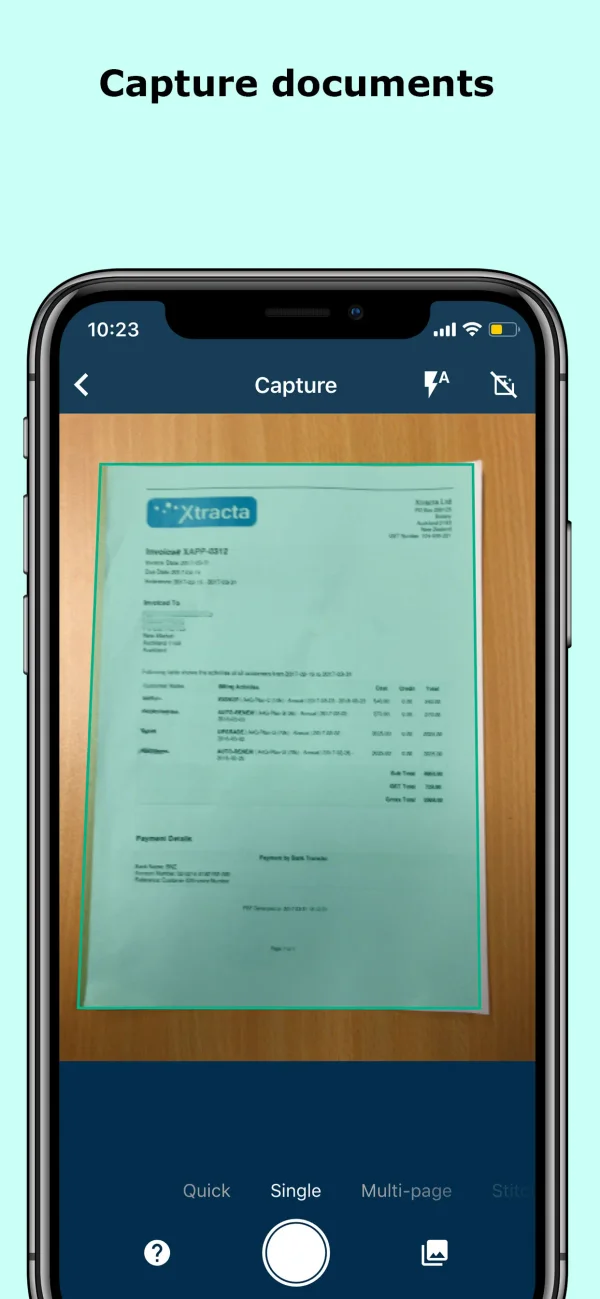
*Capture*
Scanning document document in different modes:
- Single: Capturing a single page document.
- Quick: Capturing multiple single page documents one after another
- Multi-page: Scanning a multi-page document
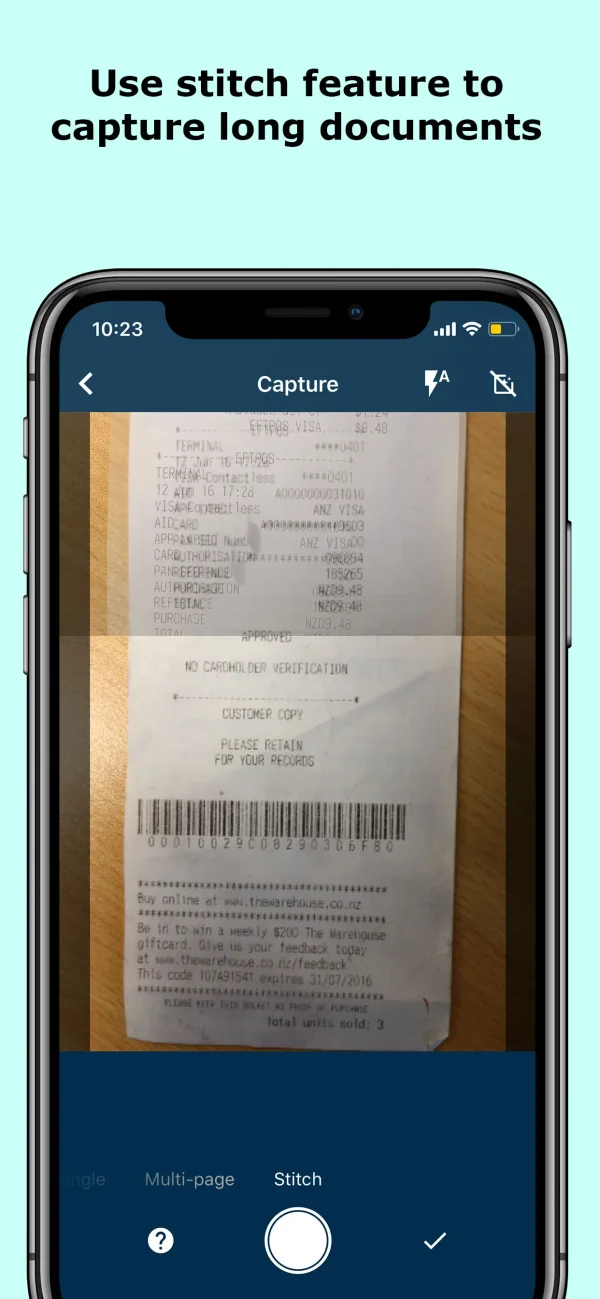
- Stitch: Capturing multiple photos of a long/large document and stitching them all together as one high quality document
*Upload*
- Upload a document to a selected workflow
- Attaching field data during the upload
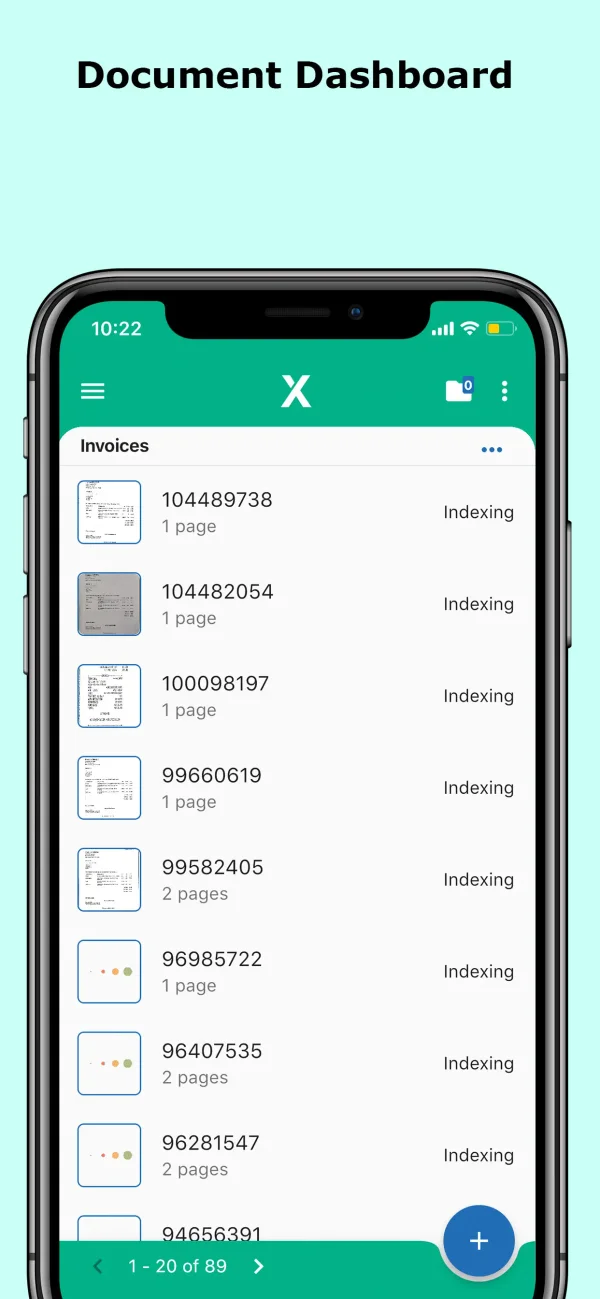
*Documents*
- Ability to navigate between the user's workflows
- Viewing a list of all documents that user has uploaded to Xtracta
- Ability to filter those documents based on their status
- Ability to edit/update the documents extracted data
- Ability to Output, Reject, Send to Indexing and Send to QA statuses
- Ability to re-assign a document to another workflow
- Ability to delete a document
Any user of Xtracta can make use of this app, however, each user must have a relevant user account within Xtracta assigned to the workflows they wish to submit to. Xtracta partners can provide this access and the required login details.
The app is compatible with all re-branded Xtracta deployments with custom partner branding.
What’s new
Version 1.5.2 · Oct 31, 2025
App bar action icons and text color change to white.
Always keep the camera's flash on, if users don't change flash settings when capturing images.
Fix checkboxes not being able to be checked when pressing/tapping.
App privacy
What Xtracta declares on the App Store about how this app handles data.
-
Data not linked to you
May be collected but is not linked to your identity.
- User content
Privacy practices may vary, for example with the features you use or your age.
Information
- Seller
- Xtracta Ltd
- Category
- Productivity
- Version
- 1.5.2
- Updated
- Oct 31, 2025
- Released
- Jan 24, 2019
- Size
- 42.6 MB
- Requires
- iOS 15.6 or later
- Age rating
- 4+
- Price
- Free
- Languages
- English, Dutch, French
- Copyright
- © Xtracta Limited
You might also like
-
 IODD ExpensesProductivity
-
 Dataline CaptureProductivity
-
 foldy: German Mail & DeadlinesScan & translate letters, PDF
-
 SkyNetCMSProductivity
-
 Form Extractor - Scan & ExportFormulary document scanner
-
 Vocal Notes - Speech to TextPrivate, 100% On-Device
-
 VentureTel SMSBusiness Texting
-
 Pomodoro - Stay focusedProductivity
-
 Sync with ComputerBackup photos to Computer
-
 247 Staffing SolutionsProductivity