- Độ tuổi4+
- Danh mụcTiện Ích
- Nhà phát triểnDavid Roux
- Ngôn ngữTiếng Anh
- Kích thước6,9 MB
Liên kết đến trang App Store chính thức
Download.org không lưu trữ tệp nào của Yonder: Text Display. Nút này mở trang ứng dụng trên App Store, nơi David Roux phát hành ứng dụng. Trang được kiểm tra lần cuối: 16/11/2026.
Ảnh chụp màn hình
Giới thiệu
Nhà phát triển chưa cung cấp nội dung này bằng ngôn ngữ của bạn.
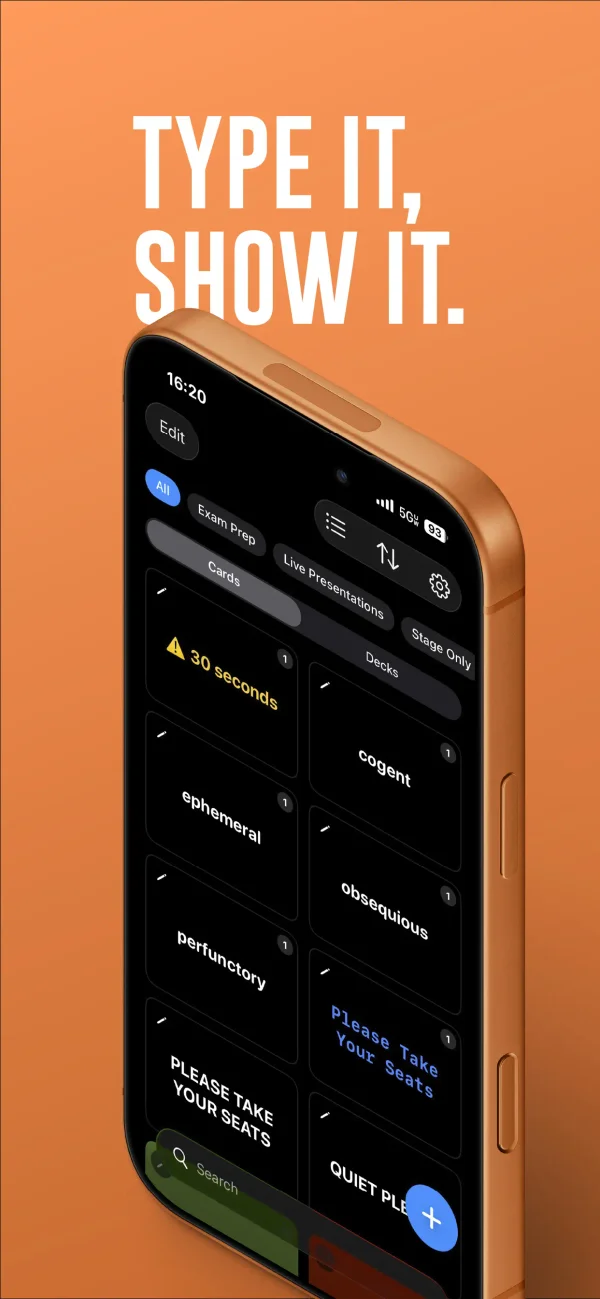
Yonder displays your text in large, bold type across the full screen of your iPhone or iPad — designed to be read clearly from across a room.
Whether you're holding up a sign, running a cue card, or prompting a speaker, Yonder gets your message seen.
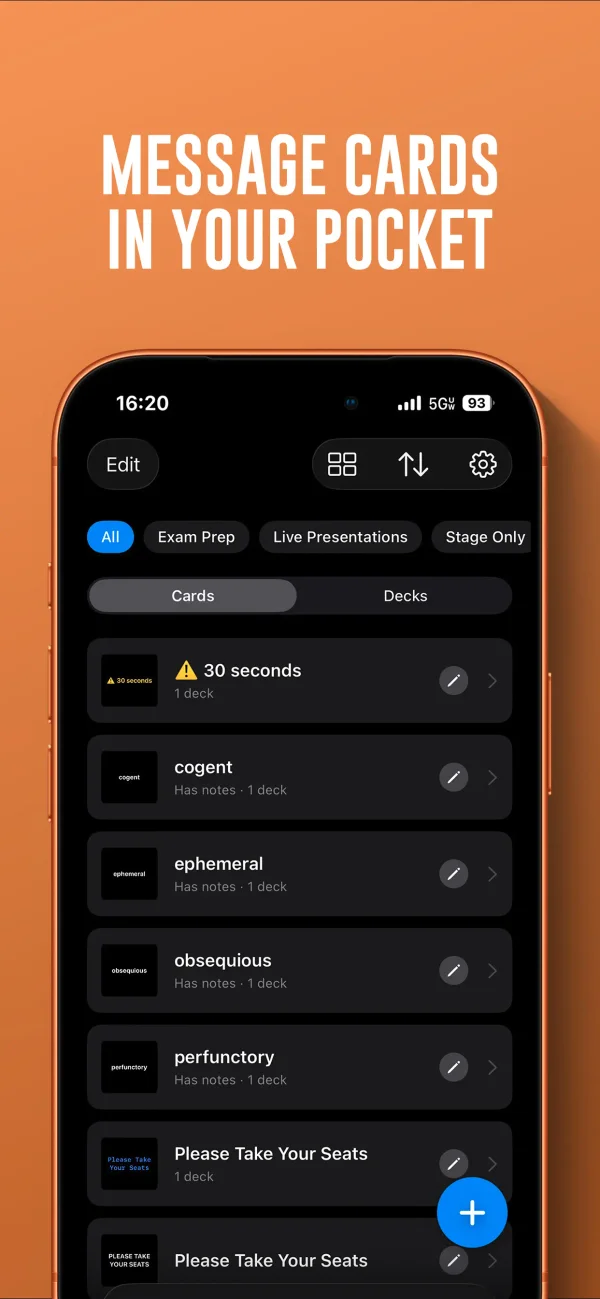
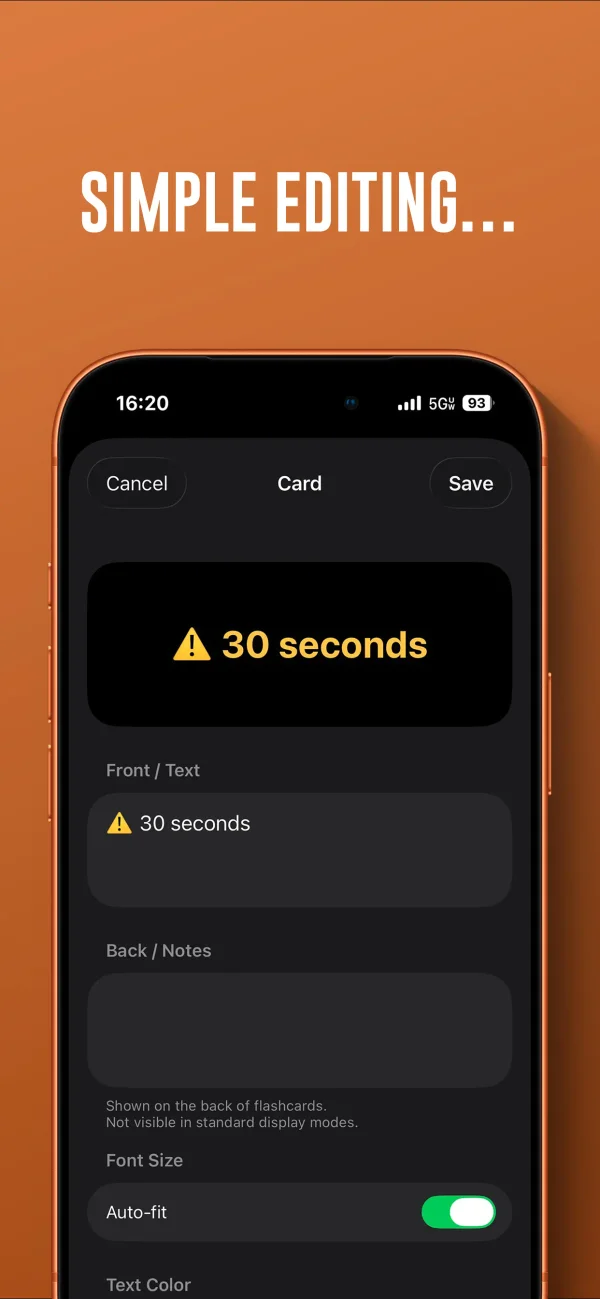
• Cards – Create cards with custom text, colors, fonts and styles. Every card is full screen, high contrast, and built for distance.
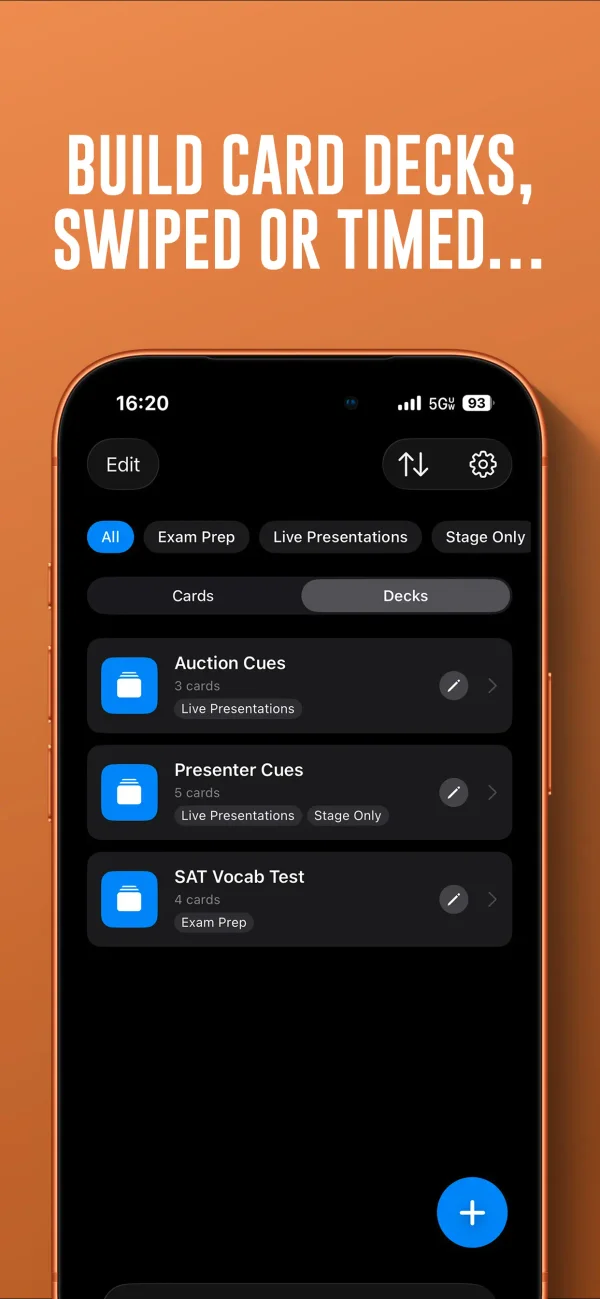
• Decks – Group cards into decks and present them in sequence. Swipe manually, let a timer advance them automatically, or set a time for each card.
• Teleprompter – Scroll mode moves your text smoothly up the screen at the speed you choose.
• Flashcards – Flip cards to reveal presenter notes on the back — ideal for rehearsal, Q&A, or cued responses.
• External Display – Connect to a TV or projector, wired or with AirPlay. Your audience sees the card while your iPhone shows your notes and what's next.
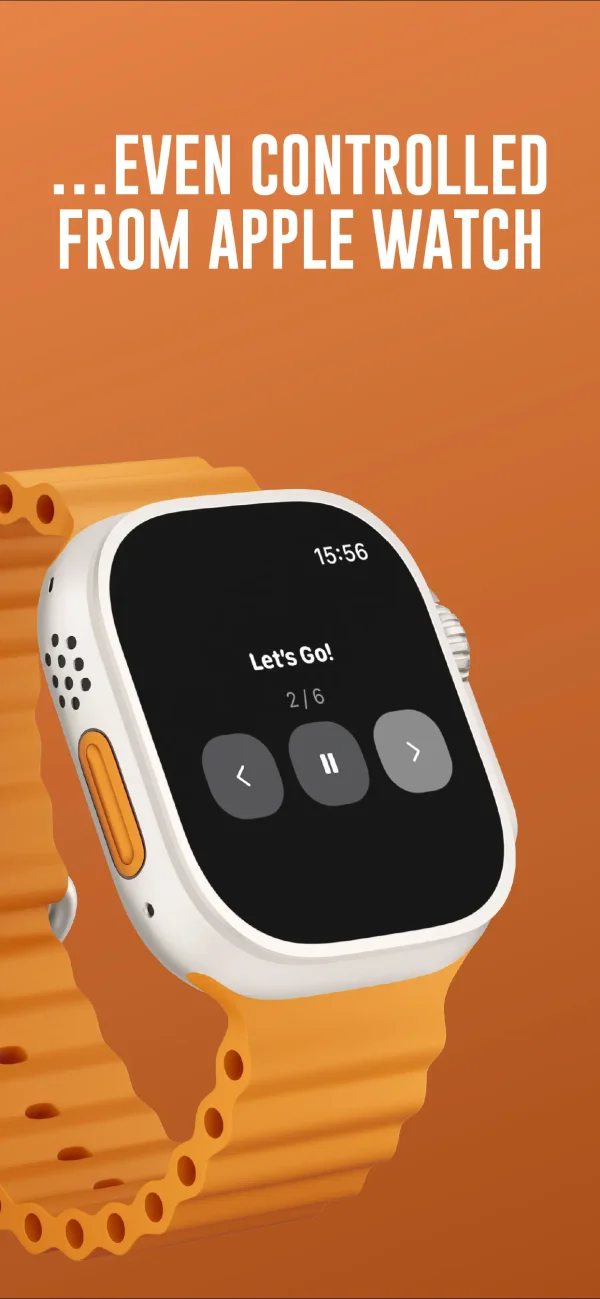
• Apple Watch Remote – Control your deck from your wrist. Advance, go back, pause, and flip from your Apple Watch, with a gentle tap before each timed advance.
• Lock Screen Controls – Pause or skip ahead from the Lock Screen or Dynamic Island while a deck plays.
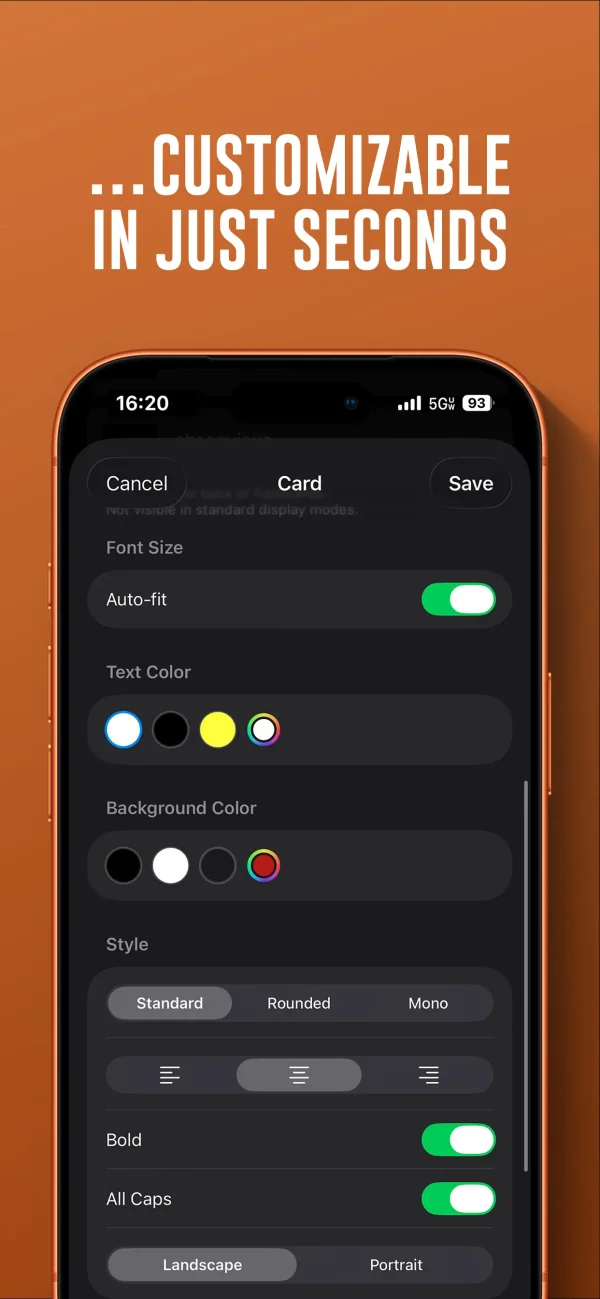
• Customization – Choose your font, color, alignment, and size. Enable all-caps for impact. Save your defaults for instant consistency across every card.
• Import & Share – Turn text or Markdown files into decks, send text from other apps, and share cards and decks with other Yonder users via AirDrop, Messages, or Files.
• Backup – Back up your whole library and restore it any time.
Có gì mới
Phiên bản 1.0.1 · 06/10/2026
New
• Scroll mode: a teleprompter-style advance mode with adjustable speed per deck.
• Per-card timer durations that override the deck's interval.
• Live Activity and Dynamic Island during playback, with Pause and Next.
• External display support (wired or AirPlay): the audience sees the card while your phone shows notes and the next card.
• iPad split view: tap a card or deck to see it in a detail column with Edit and Play.
• Import text and Markdown files: paragraphs become cards, and a # Title names the deck.
• Share extension: send text to Yonder from other apps.
• Import preview: see what a .yonder file contains, then Replace Existing or Keep Both.
• Library backup and restore (Settings › Backup).
• Recent colours in the colour picker.
• Apple Watch: Flip for flashcards, a wrist tap 3 seconds before a timed advance, Pause for Scroll decks, and a Smart Stack widget.
• Keyboard and foot-pedal control, Digital Crown, double-tap for Next, and Duplicate with Card Copies.
Improved
• Editors no longer keep unsaved changes when you close without saving.
• Text fitting avoids breaking words mid-line.
• Cards wait for the screen to finish rotating before appearing.
• A recovery screen appears if the library can't be opened, with options to export or reset.
• iPad layout and VoiceOver refinements.
Fixed
• A crash when using Clear All Data.
• Empty or unreadable text files now show an error instead of failing silently.
• Orientation not restoring correctly after playback.
• A Back button appearing over cards opened from search.
Quyền riêng tư của ứng dụng
Những gì David Roux khai báo trên App Store về cách ứng dụng này xử lý dữ liệu.
-
Dữ liệu không được thu thập
Nhà phát triển không thu thập bất kỳ dữ liệu nào từ ứng dụng này.
Phương thức đảm bảo quyền riêng tư có thể khác nhau, chẳng hạn như tuỳ theo các tính năng bạn sử dụng hoặc độ tuổi của bạn.
Thông tin
- Người bán
- David Roux
- Danh mục
- Tiện Ích
- Phiên bản
- 1.0.1
- Cập nhật
- 06/10/2026
- Phát hành
- 05/05/2026
- Kích thước
- 6,9 MB
- Yêu cầu
- iOS 18.0 trở lên
- Độ tuổi
- 4+
- Giá
- Miễn phí
- Ngôn ngữ
- Tiếng Anh
- Bản quyền
- © 2026 David Roux. All rights reserved.
Có thể bạn cũng thích
-
 StorySheetTiện Ích
-
 Simple Photo Transfer WirelessTiện Ích
-
 PING: Send notificationsTiện Ích
-
 Wavelet Network MonitorTiện Ích
-
 PrintStream: Máy in & QuétIn ảnh, PDF và tài liệu
-
 Claud BoardTiện Ích
-
 Promptly - TeleprompterTiện Ích
-
 QR ArtTiện Ích
-
 Trình theo dõi chi phí hàngTrình theo dõi tiền & quản lý
-
 Nexora ExplorerCục bộ, NAS & WebDAV