
3DP Net 12.06 for Windows
Detects your ethernet card and installs current drivers, with one-click rollback
Screenshots
Description
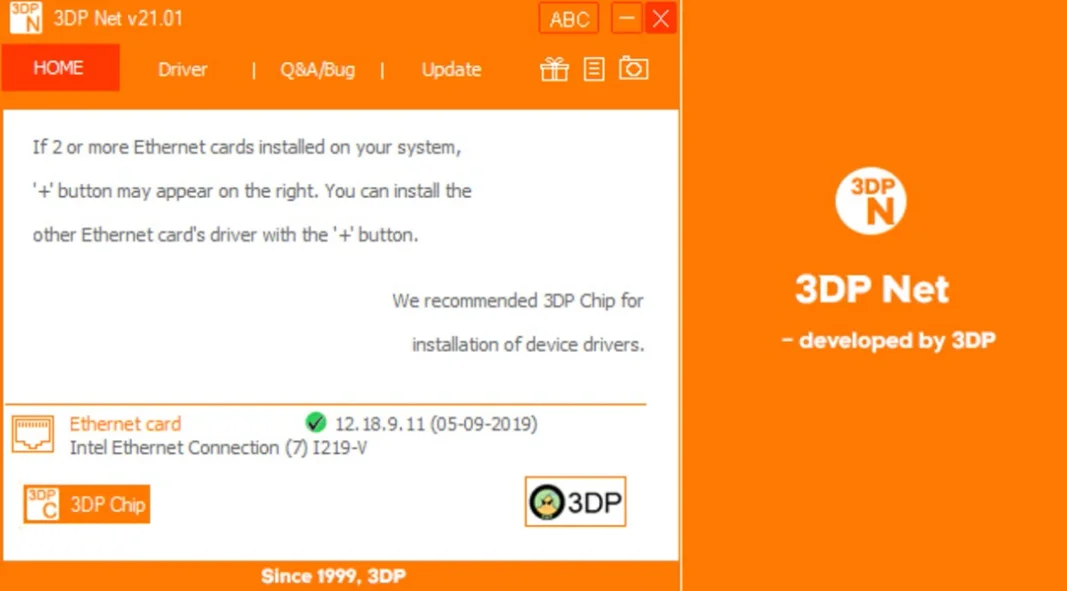
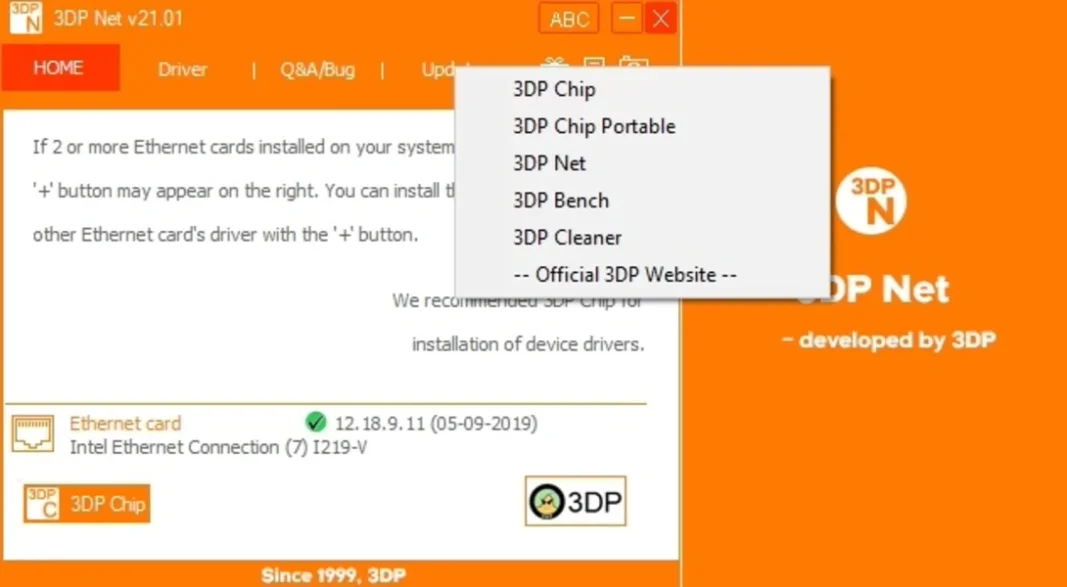
3DP Net finds the ethernet card in your PC and pulls the newest drivers for it. The main tab shows the card model, the driver version, and the drivers' release date. When a newer driver exists, a yellow or red symbol sits next to the card, and one click downloads it.
If the latest version is already on the machine, the software just tells you so. A green check marks the card when the current drivers are installed and everything works. The download comes from the manufacturer's own site, so what you get is the most recent driver the card maker publishes.
A second tab, Driver, lets you revert to any earlier version of the ethernet card drivers. That helps when a new install went wrong or a compatibility problem showed up; the card and its drivers go back to how they were before. Keeping the current firmware on the card is part of the job too.
It is meant for people who suspect their drivers are out of date or keep hitting Internet connection trouble. The software is free.
Download files
0de259fb721c94925d6c0f93dce820b48add621222ef469bd36e6b05b987df2b
No digital signature67cafee05aea6f706c5a82125b0b57c4e12b43f6b74738d7f276fde4de62058a
Signed by 3DP · valid until Feb 1, 2023System requirements
Available on:
Minimum OS:
Windows Windows Vista or later
Additional information
Developer
Latest release
Size
Category
File type
SHA-256
0de259fb721c94925d6c0f93dce820b48add621222ef469bd36e6b05b987df2b