
ActivityWatch 0.14.3 for Windows
Tracks how you spend time on the computer and graphs it
You are on macOS — this is the Windows version. See the macOS version
Screenshots
Description
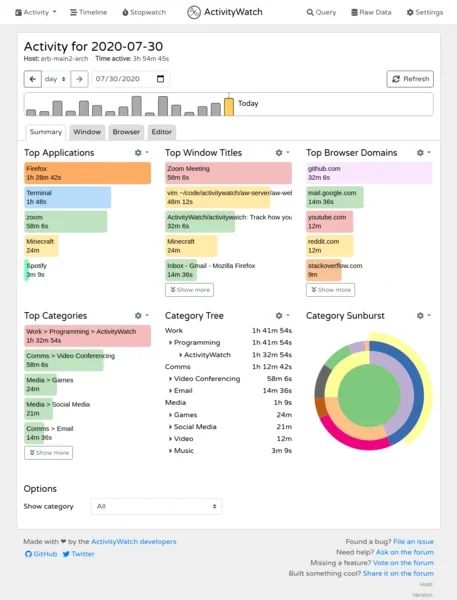
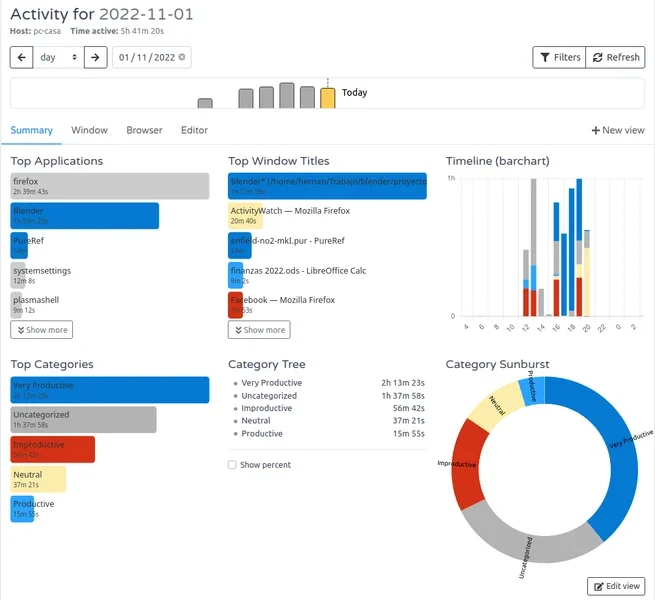
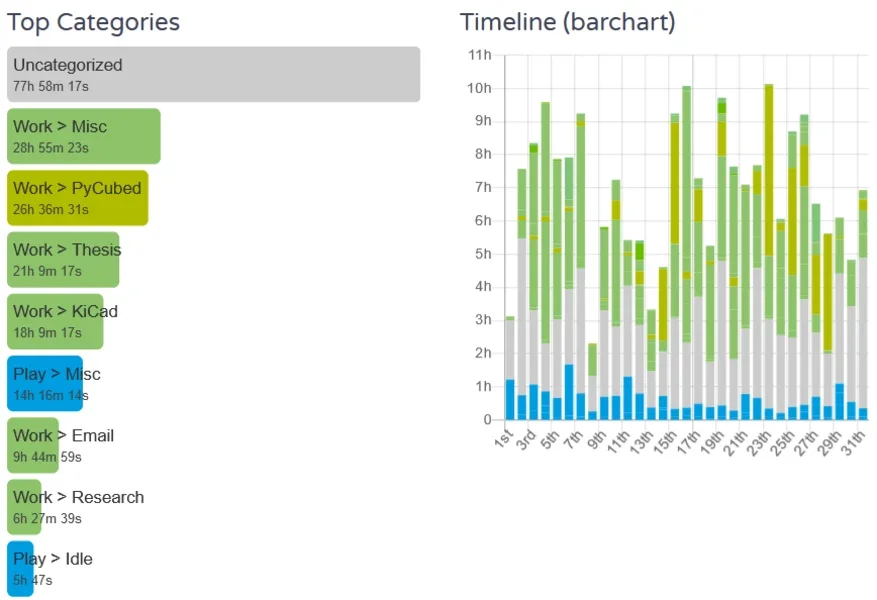
ActivityWatch runs on Windows and monitors how you spend time on the computer. It automatically tracks the programs you open and identifies each open window in the operating system interface, so the record reflects what was actually in front of you rather than what you remember doing. A browser extension can be installed to monitor active tabs as well. The data comes out as graphs of time tracking, which is the main way you read it.
It categorizes use of different tools on the computer, and those categories are what you analyze: productivity, hardware usage, or a possible addiction to games or programs. Patterns in digital habits can be detected from the tracked history. All data is stored locally, and the program never shares records online with third parties.
It is open source software, released under the MPL 2.0. The current version is 0.14.1.
Download files
6ce8b3d3b0e5a143047d56489c56423d234b90a41681f3a42724902a7e9653c1
No digital signature86f2cd3c8eb8df1da30706bddee677e2af541a943ae32fbdc7de09135485a054
No digital signature190bc1fb82194e20d52619dbf884751d7b6ae044477623a384069bc3ea85a64d
No digital signature7e9374cc133f71e12622ed7ab6644899d3ecf6b8c54257bc776acfe157270fda
No digital signature666c4d7a7bd9346d9d714bedd17b7dee5ed98e66fb277de3c026c088de6d6627
System requirements
Available on:
Additional information
Developer
Latest release
Size
File type
SHA-256
6ce8b3d3b0e5a143047d56489c56423d234b90a41681f3a42724902a7e9653c1