
Screenshots
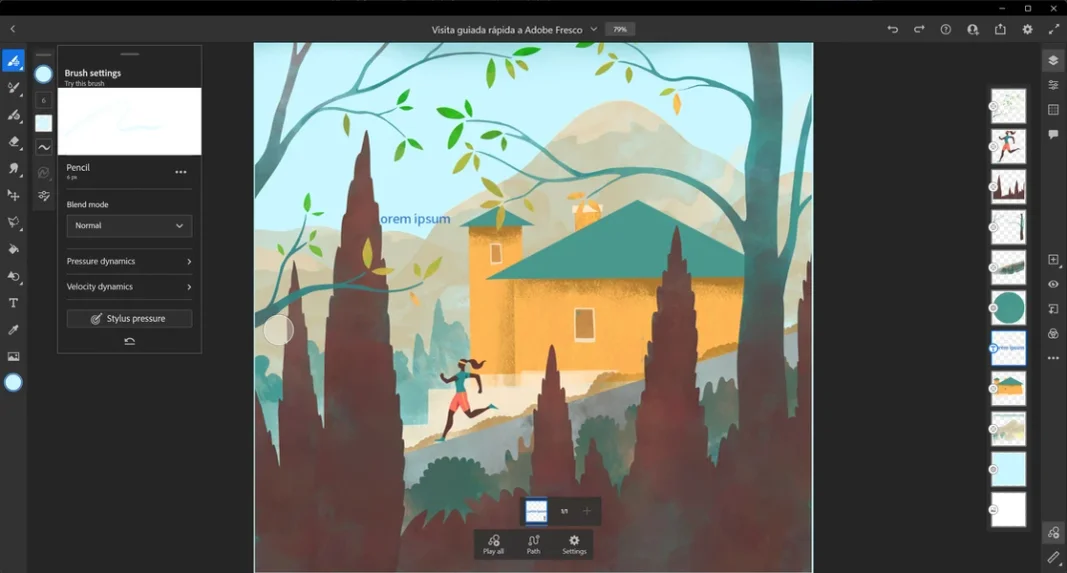
Description
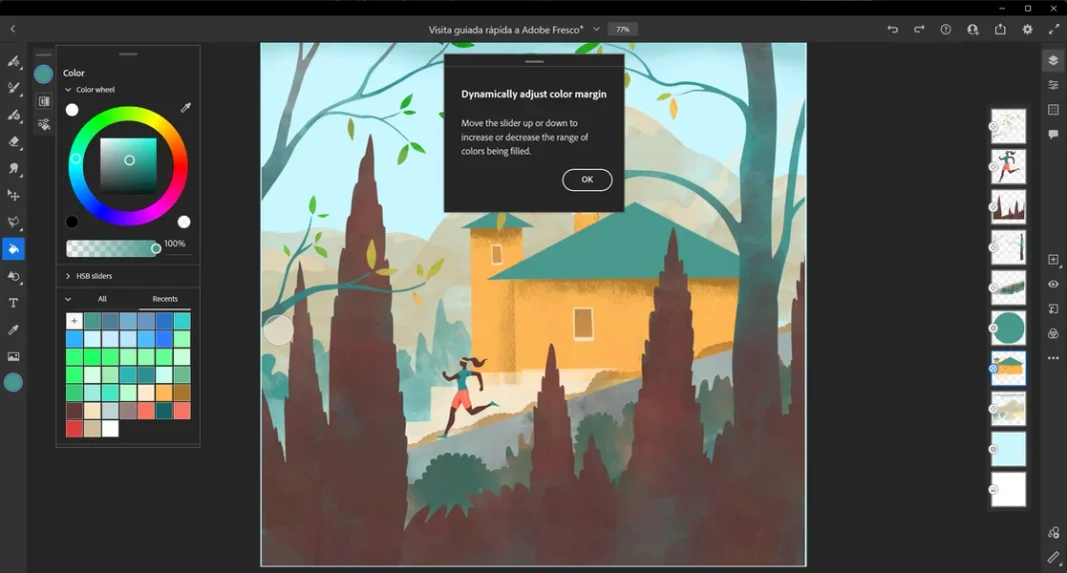
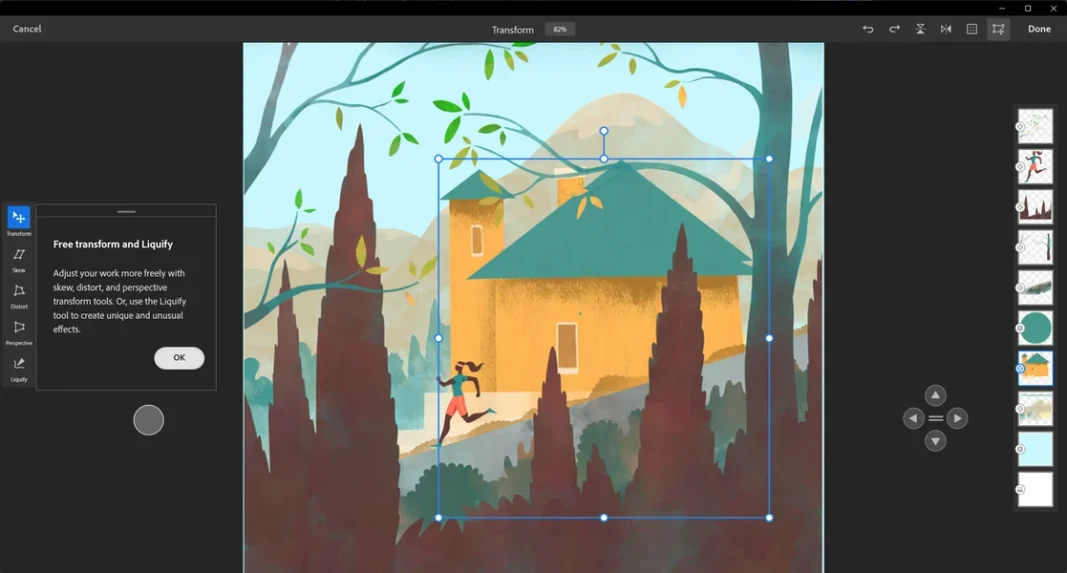
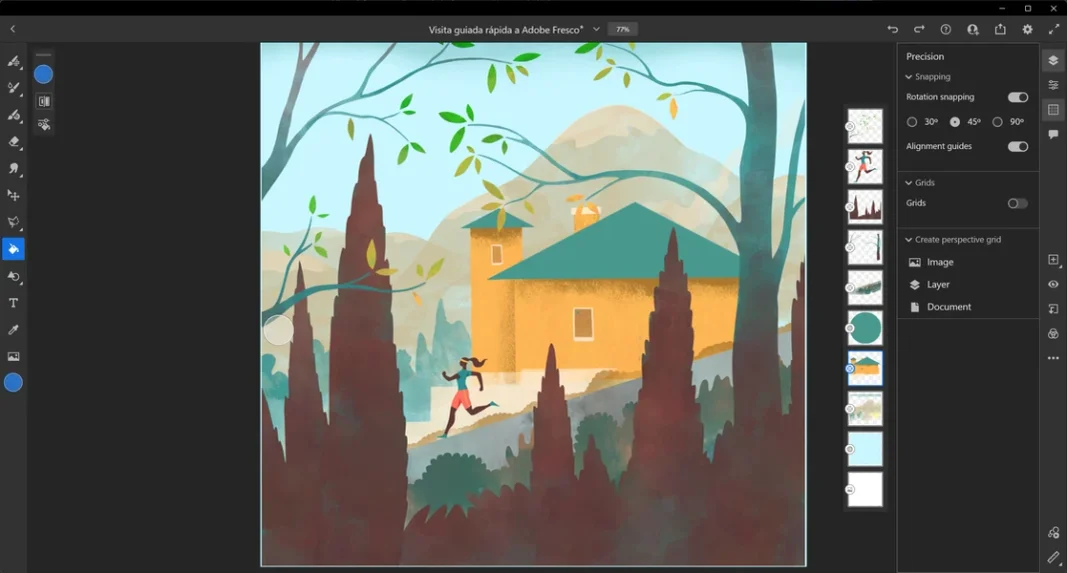
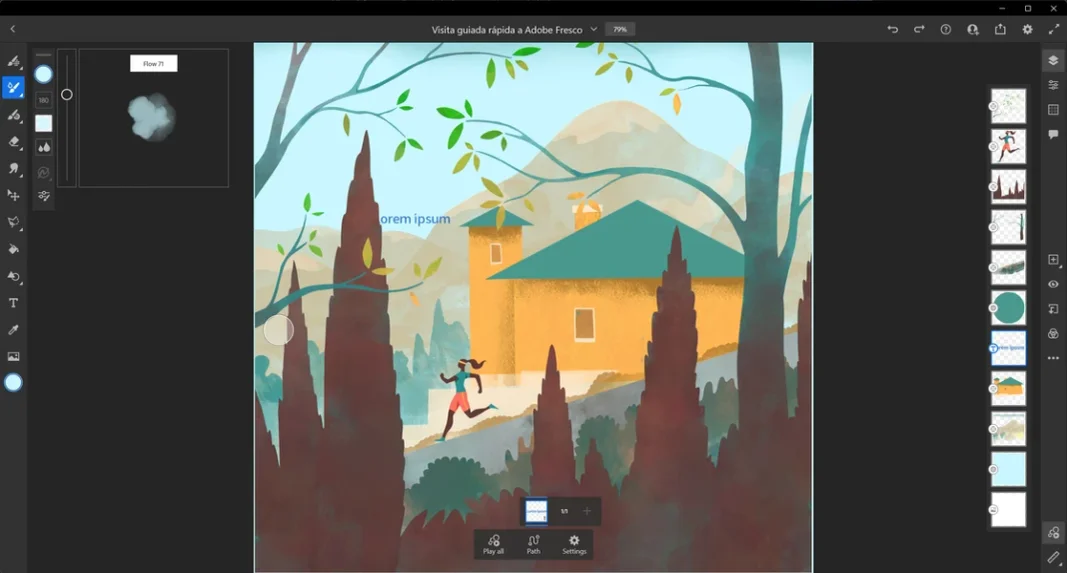
Adobe Fresco simulates oil and watercolor paint: colors flow, blend and melt into each other on the canvas. Each stroke is adjustable, with controls for thickness, color flow, water amount, angle, spacing, dispersion, pressure dynamics, speed and shape. Vector strokes stay sharp at any enlargement.
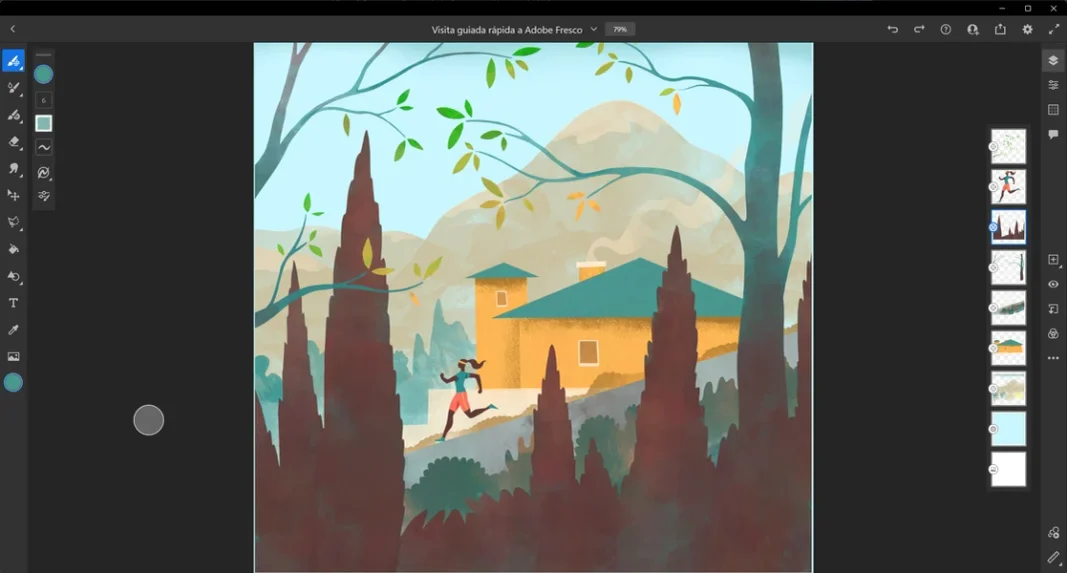
Canvas and workspace
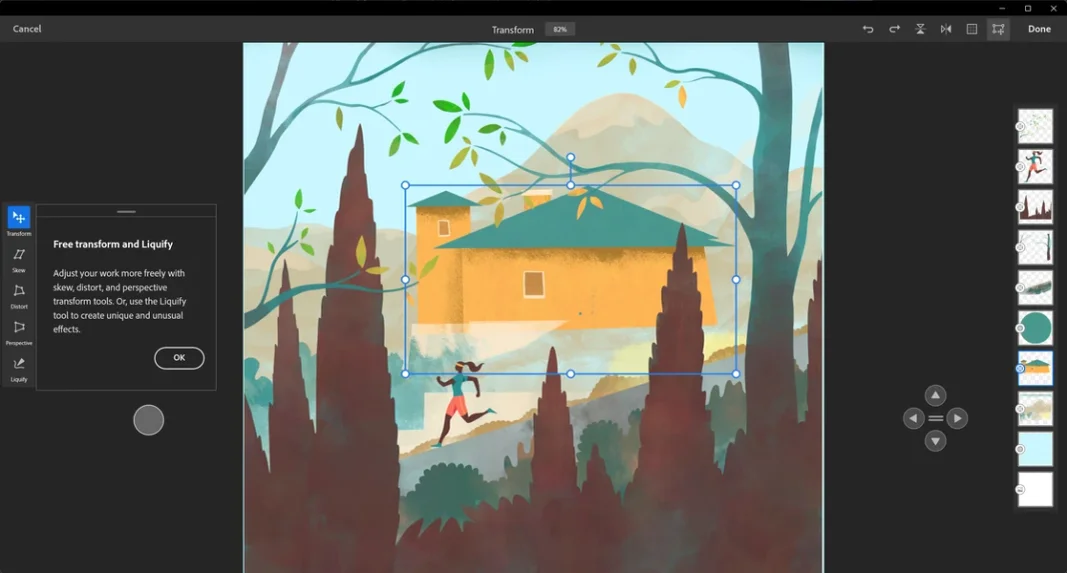
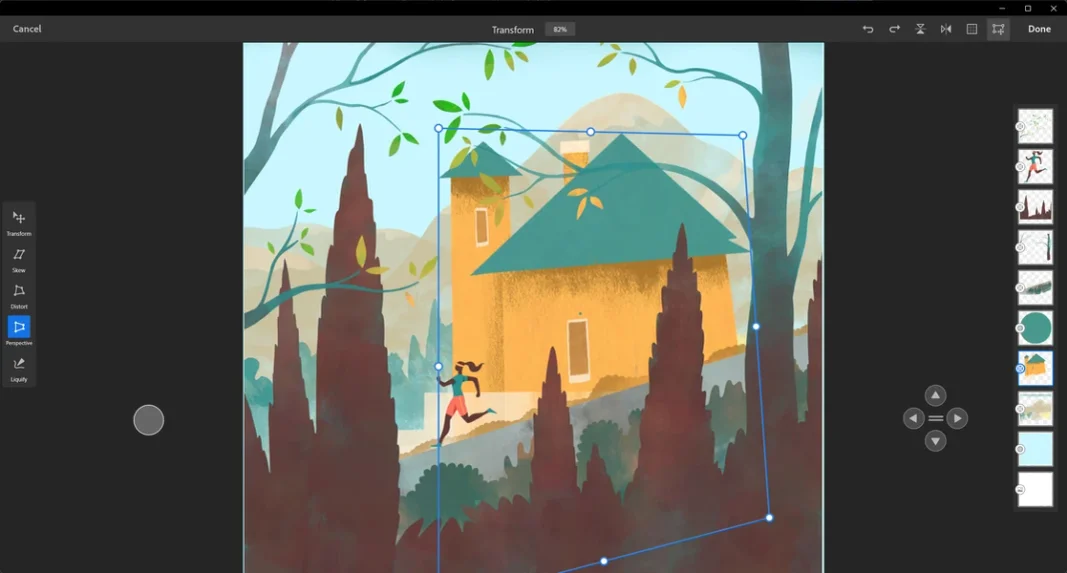
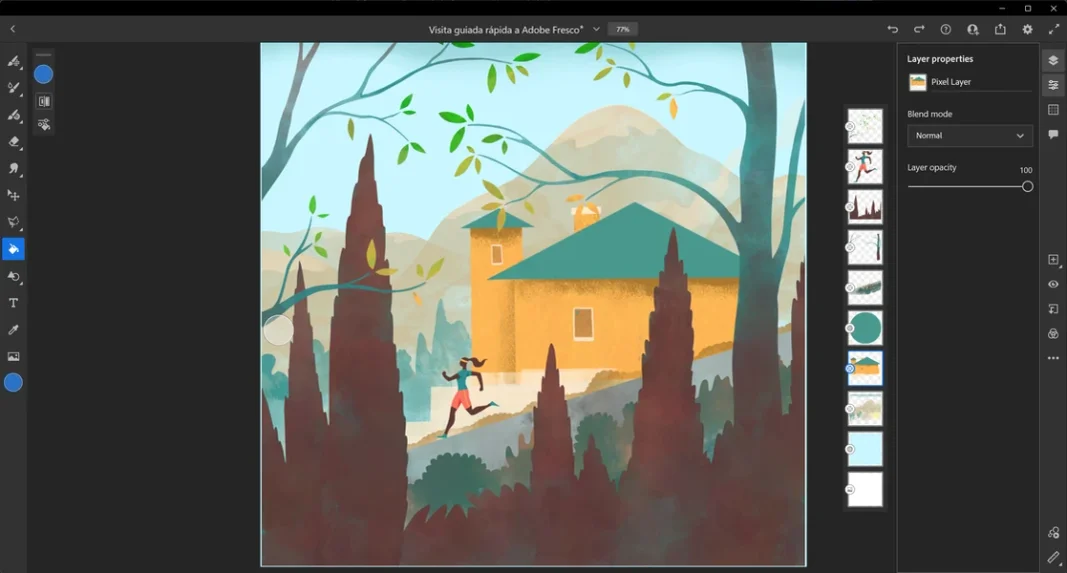
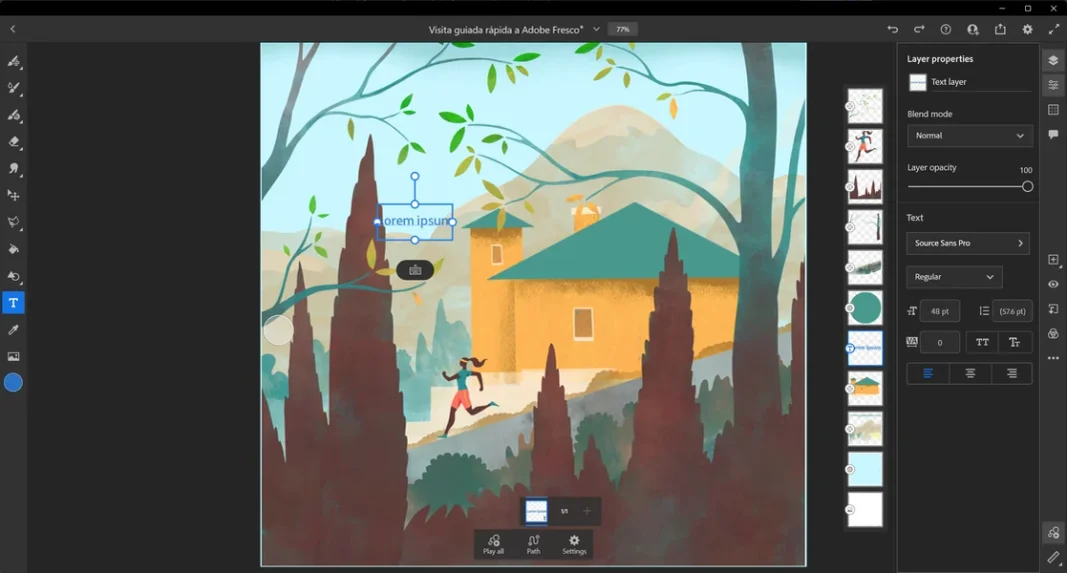
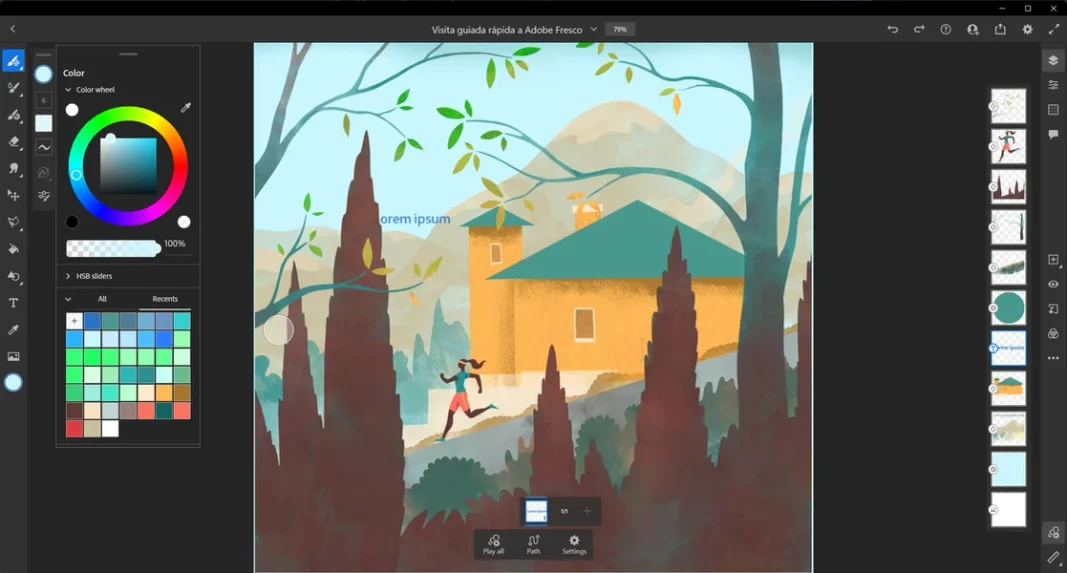
The left menu holds the creation tools: brushes, erasers, moving, transforming, filling, selecting, shapes, adding text and images, and an eyedropper for picking colors. Layers sit on the right, and their properties, including opacity and blending mode, can be viewed and edited. Layers let you make changes and try things independently, and any step can be undone.
Digital tablets and stylus pens work for drawing on screen, and a PC mouse is enough for quick edits. The app has advanced selection and mask tools, plus tutorials and step-by-step guides for beginners.
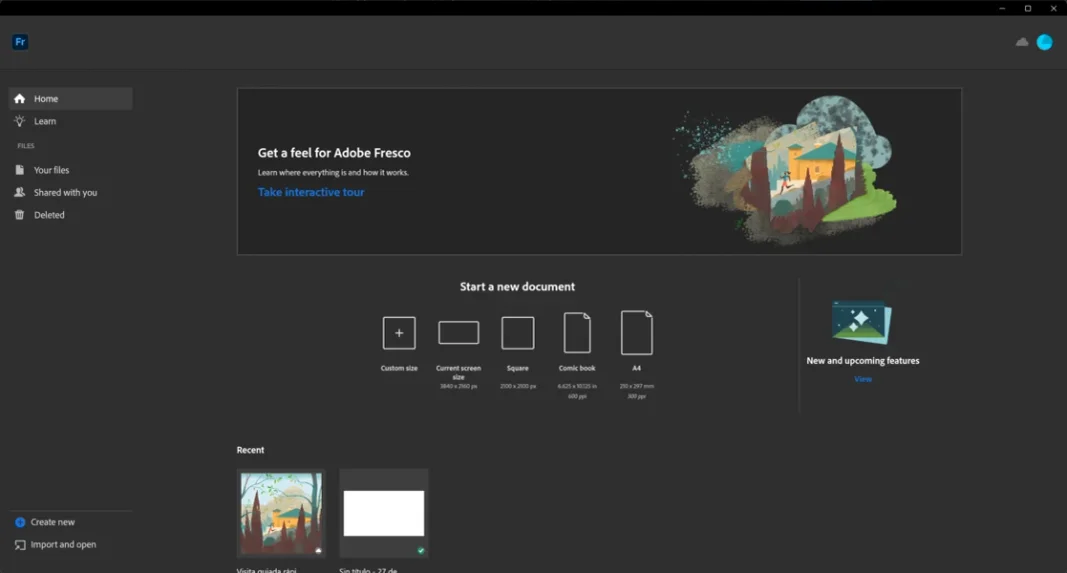
Designs export as PNG, JPG and PSD. A project started in Fresco can be finished in Photoshop or Illustrator through Creative Cloud, keeping the original quality and data intact. Cloud integration gives access to projects from different devices. Live streams from professional artists are available in the app, and creations can be shared directly with other artists or clients.
Download files
a02c2811c17c8305d9cdddb95a5e6832b3e7fd7fe1139ce6e8220b56e93656ff
Signed by Adobe Inc. · valid until Dec 20, 20222e13a80f9dde5e2df40b37809e0f0334e940d5329a7c8a7348947d14bd890bd7
Signed by Adobe Inc. · valid until Nov 4, 2025System requirements
Available on:
Additional information
Developer
Latest release
Size
Category
File type
SHA-256
a02c2811c17c8305d9cdddb95a5e6832b3e7fd7fe1139ce6e8220b56e93656ff