Air Display 1.6.4 for Windows
SHA-256 listed
Turns an iPad or iPhone into a second screen for a Windows PC
All ages
Age rating
Screenshots
Description
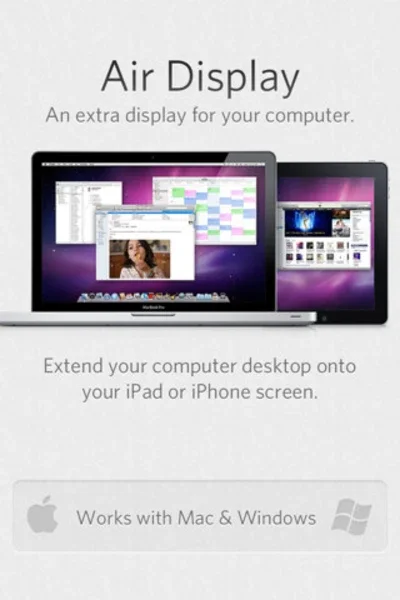
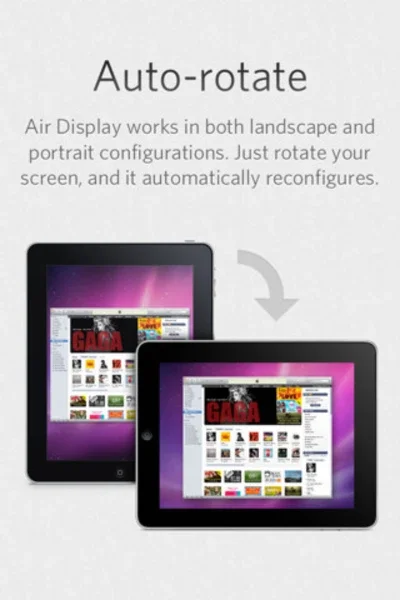
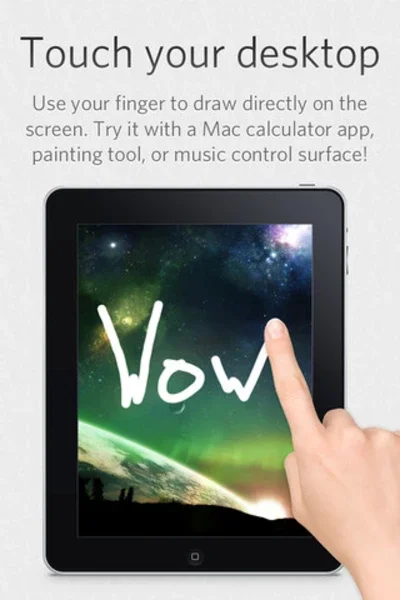
Air Display turns an iPad or iPhone into a second screen for a desktop or laptop. No cables are needed. You install the version that matches your iOS device, then associate the app with your computer, which takes about a minute. The extra screen acts as additional desktop space where windows can be dragged, and by default the new screen is placed to the left of the main monitor. You can use the mouse as usual or use the touch screen with your fingers to draw and interact. The screen can be moved easily to show something to another person.
The screen can be used for YouTube videos, Flash games, and other tasks. It can hold chat windows and extra items while you work.
Download files
File1.6.4EXE
Version1.6.4
ReleasedJul 27, 2012
Size12.7 MB
SHA-256
Get
3b4ffc89a92d5aeb3392de6de410f3fee04ccf8ce88b56ab9ed46853281c640b
Signed by Avatron Software, Inc · valid until Aug 2, 2013Fileair-display-1.5.2.exeEXE
Version1.5.2
ReleasedFeb 20, 2012
Size6.6 MB
SHA-256
Get
eaa1271876edf0070fa132812cde3a10325672a9f4272d457dcf81b9f6311d0a
System requirements
Available on:
Additional information
Developer
Latest release
1.6.4 · Jul 27, 2012
Size
12.7 MB
Category
File type
EXE
SHA-256
3b4ffc89a92d5aeb3392de6de410f3fee04ccf8ce88b56ab9ed46853281c640b
Digital signature
Signed by Avatron Software, Inc · valid until Aug 2, 2013