AirDroid Cast 3.8.0.4 for Windows
Mirrors and controls phones and PCs on a Windows desktop
You are on macOS — this is the Windows version. See the macOS version
Screenshots
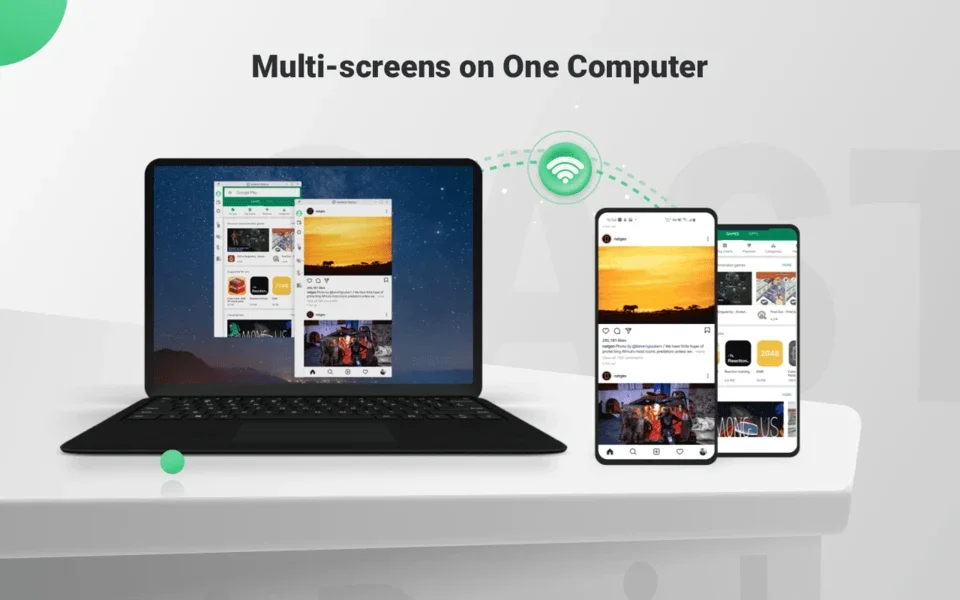
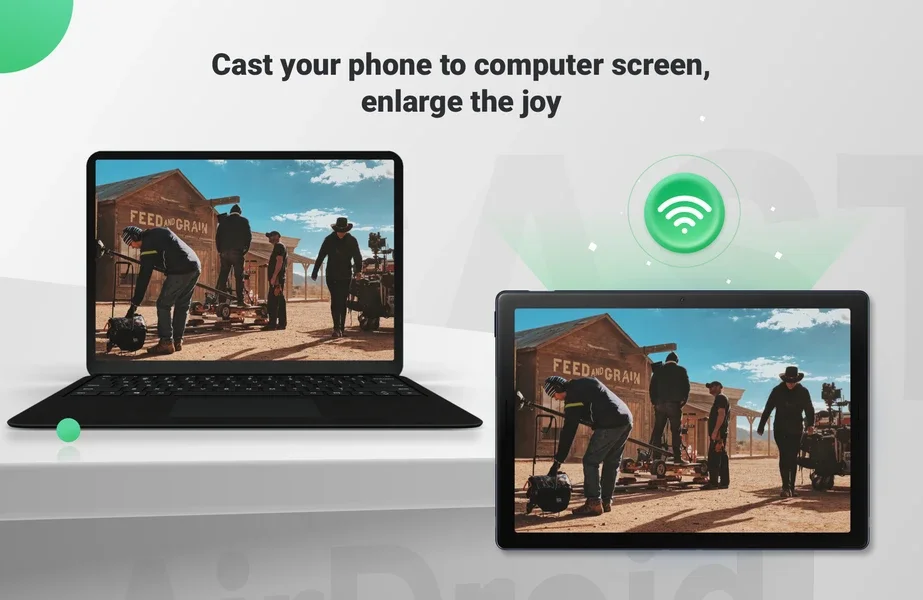
Description
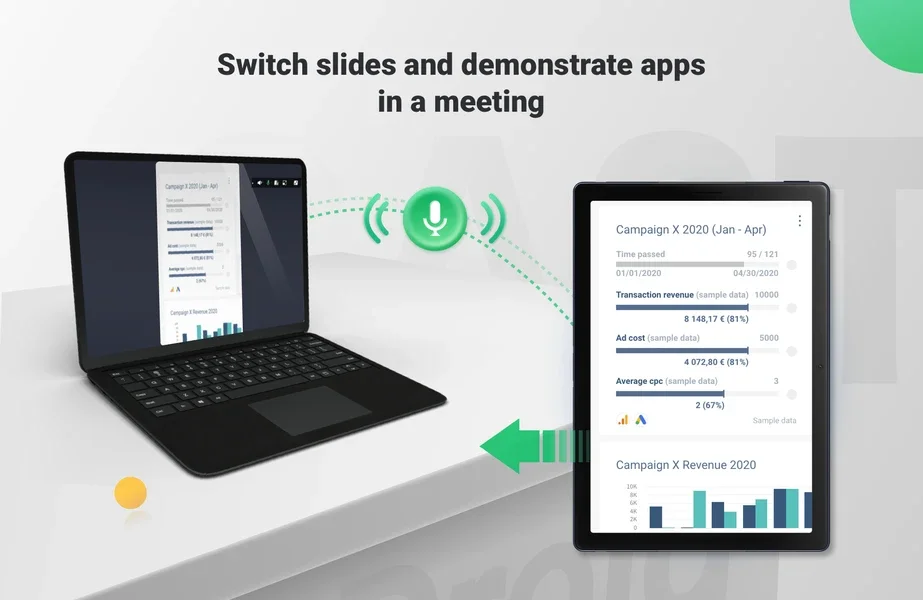
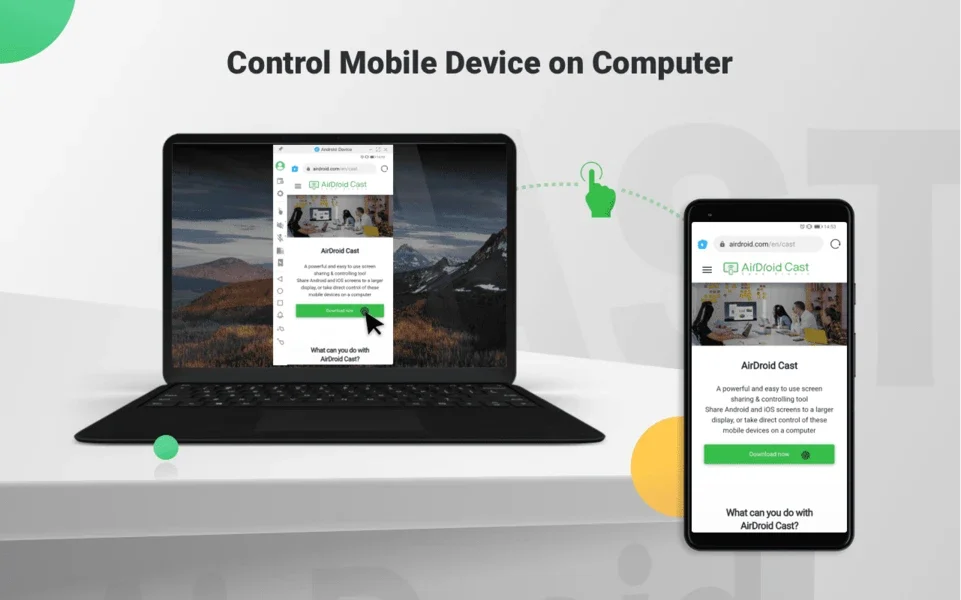
AirDroid Cast is a screen mirroring and remote control utility for Windows. It takes screens from Android, iOS, Windows, and macOS devices and puts them on a Windows desktop, and you can control the source device from that desktop. The pitch is high-definition video that stays close to live, not a laggy slideshow.
- One computer can show up to five device screens at the same time.
- Audio runs both ways: you hear the device, and its microphone input comes through too.
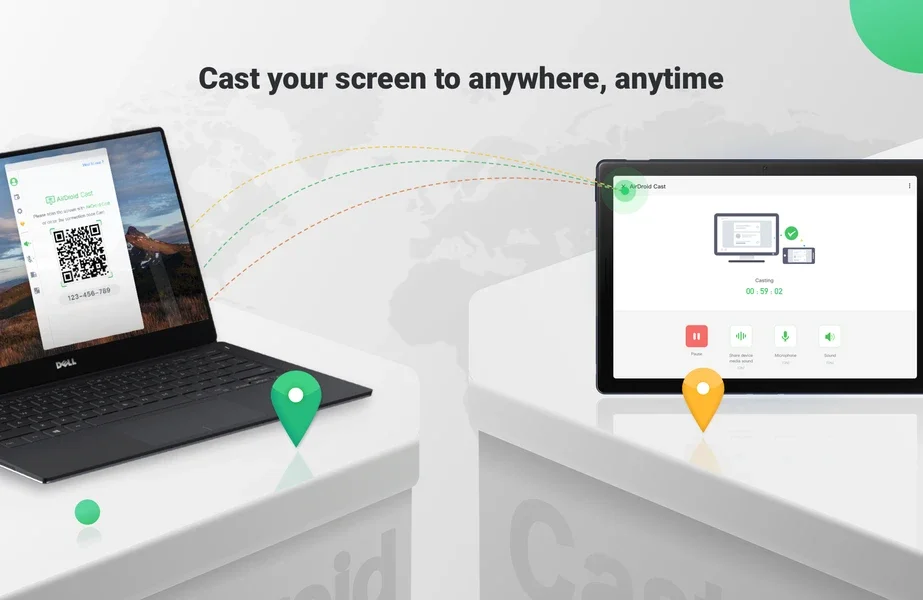
- You can connect by QR code, a 9-digit Cast Code, USB, or AirPlay, the last for Apple devices.
- A web-based receiver lets a desktop take mirrors without any receiver software installed.
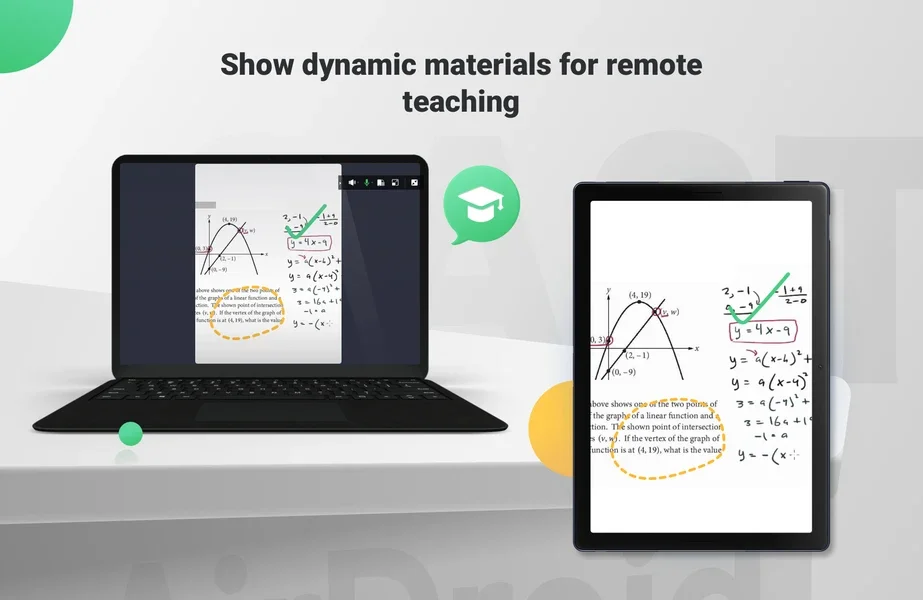
- On-screen annotation tools let you draw and write over a mirror during a presentation.
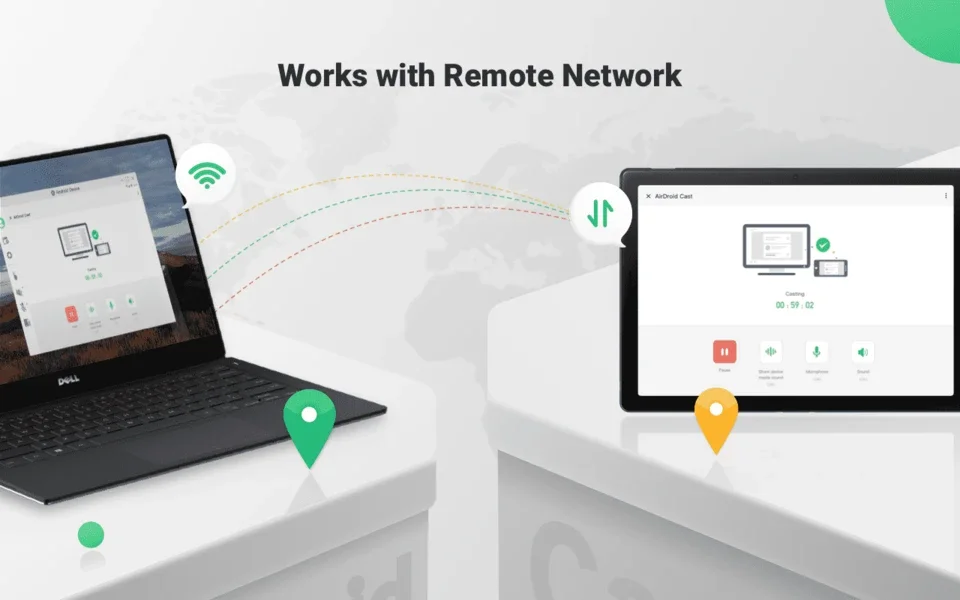
USB and local casting tend to hold a steadier link than casting over unpredictable networks. Remote casting still works across different networks, not only on the same Wi-Fi, and USB tethering is there when you want a firmer connection. It is made by AirDroid for presenters, teachers, and mobile gamers. Full device control and some remote-network capabilities sit behind a premium tier.
Download files
ce7f2dfa2ed42b0013c9342d52b5b870fab1a2ecda4d114c12074887806de60e
Signed by SAND STUDIO CORPORATION LIMITED · valid until Aug 3, 202591226bee406922357d5d1ea945a5b6e8866e0ee7a75d897ecf339f6ff38c18c9
2343c79dee1cf5ad32e1ef19c7f8d20c7e28c4c026f8a9586f9d8dfb06de22c9
System requirements
Available on:
Minimum OS:
Windows XP or later
Additional information
Developer
Latest release
Size
Category
File type
SHA-256
ce7f2dfa2ed42b0013c9342d52b5b870fab1a2ecda4d114c12074887806de60e