
Alt-Tab Terminator 6.8.0.0 for Windows
Replaces the Alt+Tab switcher with full-size live previews
Screenshots
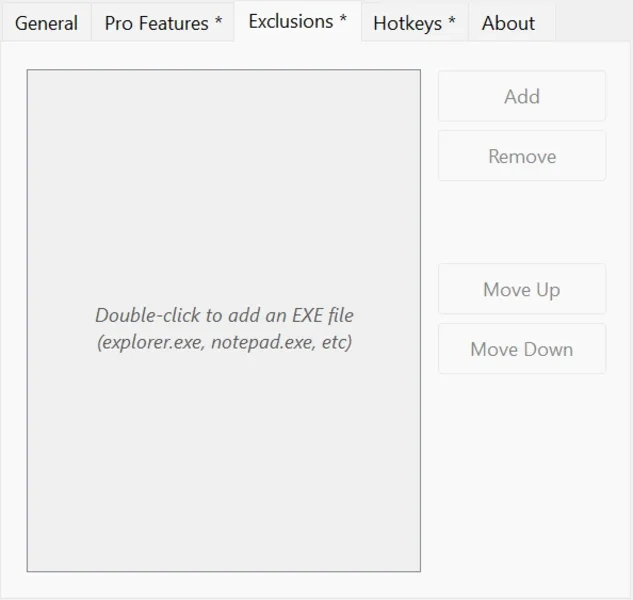
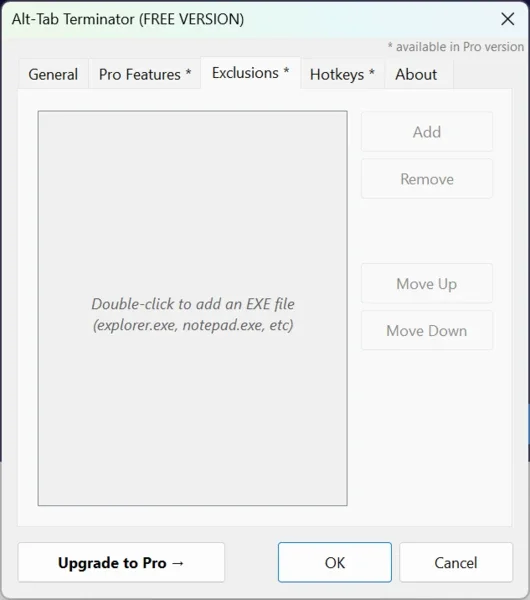
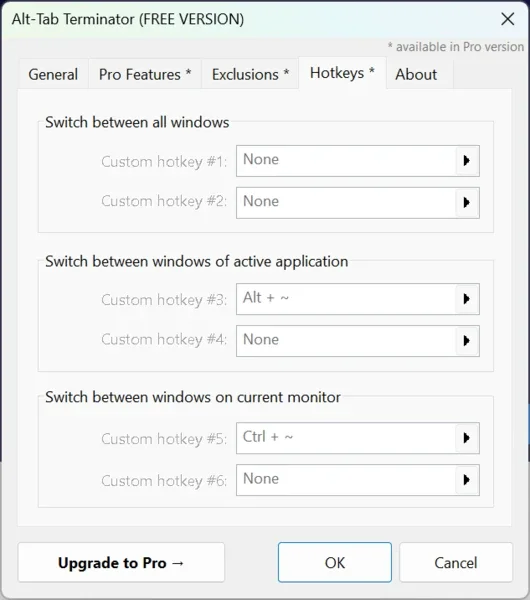
Description
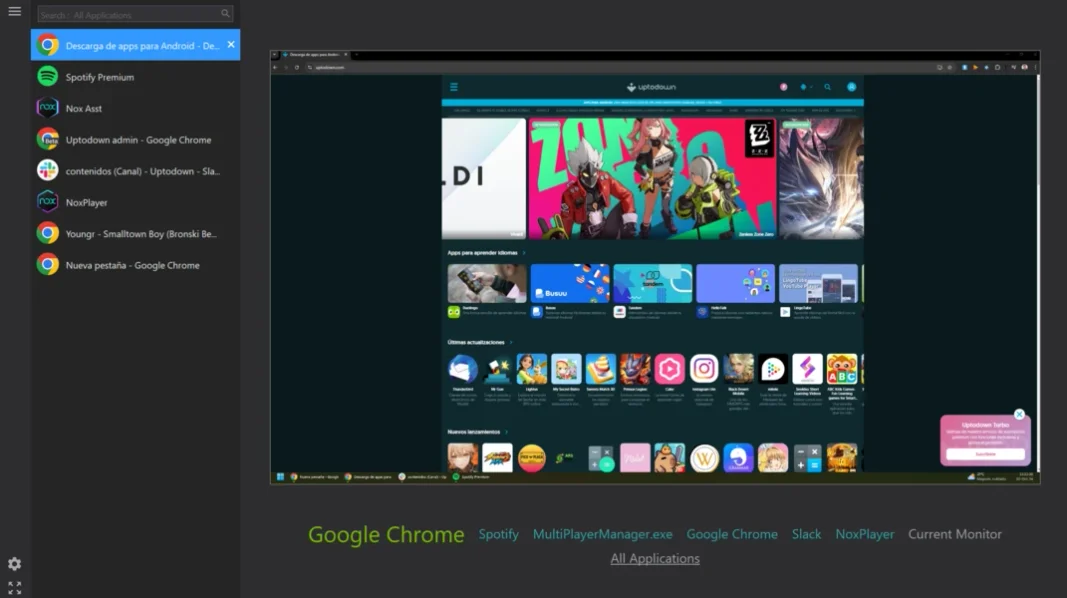
Alt-Tab Terminator takes over Alt+Tab on Windows and swaps the floating thumbnail window for one with full-size previews and a complete list of open apps. Each preview updates in real time, so a video playing in a browser shows the current frame as you hold the key. Windows that aren't full screen are drawn with their position on the desktop against the whole screen.
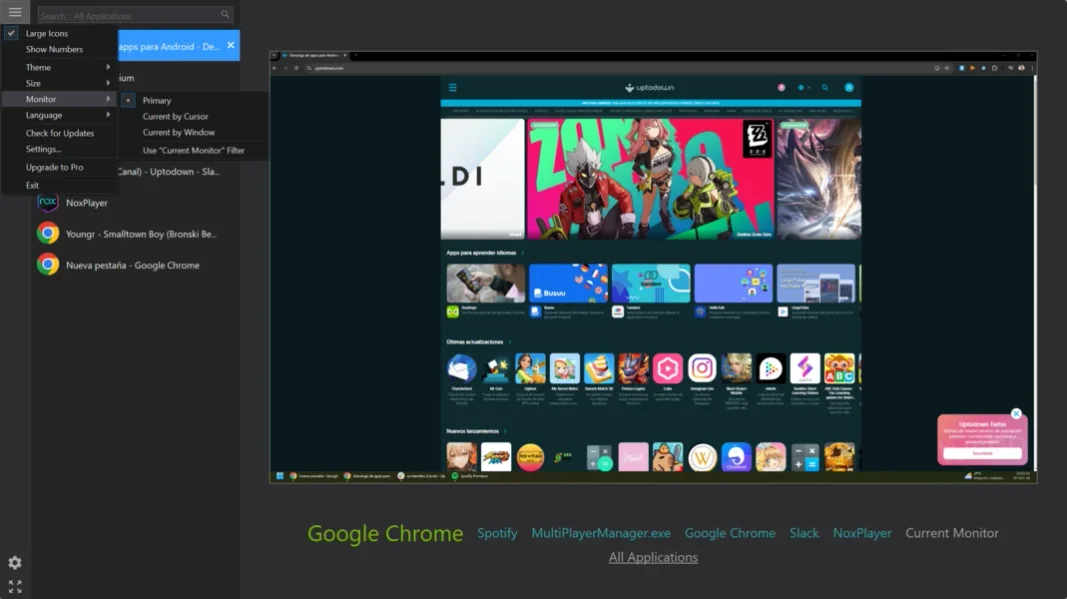
You pick a tab with the mouse or the arrow keys, and pressing Tab while Alt is held moves through them. Each tab has its own minimize, maximize, restore, run and close commands. Shortcut apps you add stay in the same place no matter where they sit on the desktop, which helps when many tabs are open, and a search field filters tabs by name. The search only stays up while you hold Alt or open the app from the taskbar; otherwise the window disappears. A row at the bottom of the screen lets you choose which apps are shown.
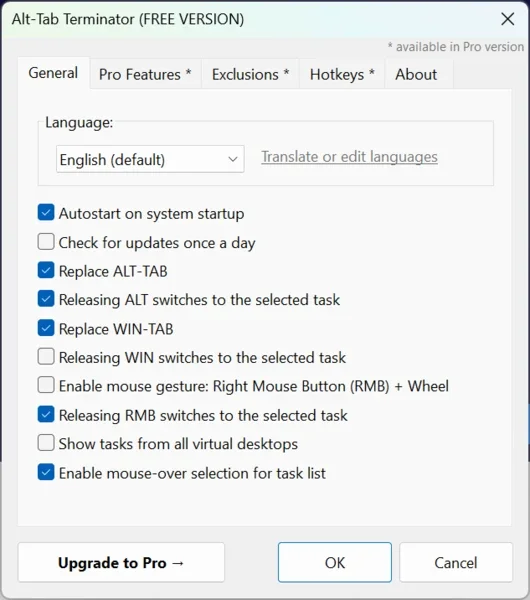
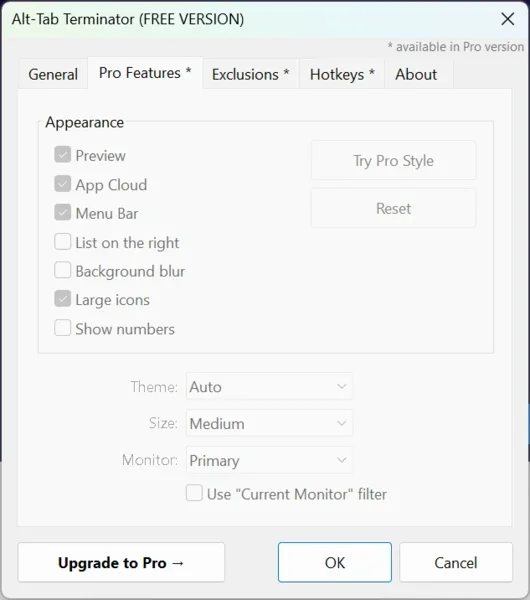
The app runs full screen and has a range of settings you can customize. It is the successor to VistaSwitcher and TaskSwitchXP.
Download files
dce0aaf78e7b9a908f0a1221a6decdab90c46f2fb28fbc58bb369705195693dd
Signed by NTWIND LLC · valid until Sep 5, 20266df5cb9656dca246187884dd061137b30c25fb6076353323efcca3614c027aa7
Signed by NTWIND LLC · valid until Sep 5, 20269baf70504c67349f608fd4760f9508075cf09572b68c68bc3bb0cb4ac9153dfc
ab315667f932e464f5987bcf74c17386a537a769b958cfccb16db5990342d97a
c9adc8bb813889b41914143e9b4556d0e36f5b52fc4920e12e0f01b03dff5f73
System requirements
Available on:
Additional information
Developer
Latest release
Size
Category
File type
SHA-256
dce0aaf78e7b9a908f0a1221a6decdab90c46f2fb28fbc58bb369705195693dd





