
Android Studio 2026.2.2.10 for Windows
Build, debug and publish Android apps in Google's IDE
You are on macOS — this is the Windows version. See the macOS version
Screenshots
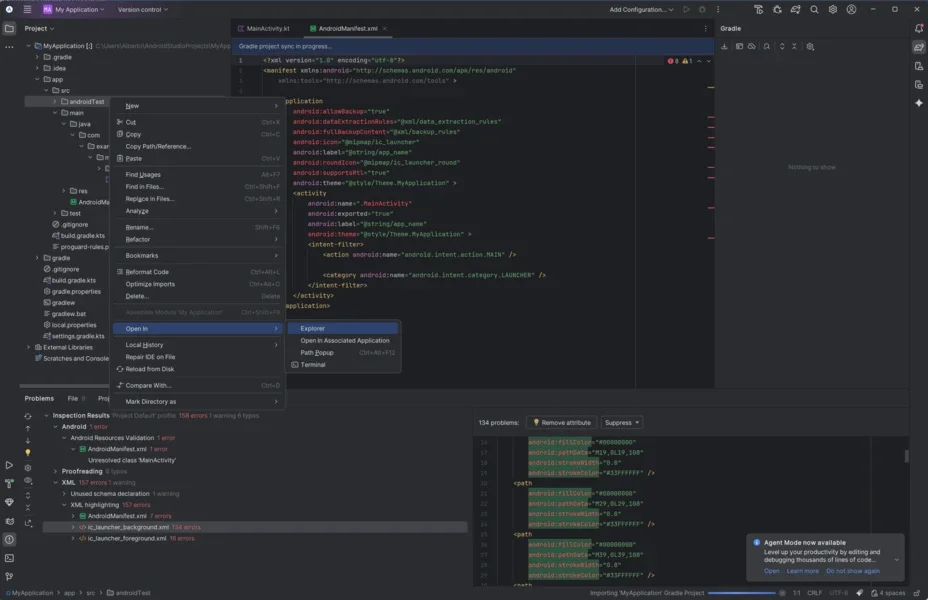
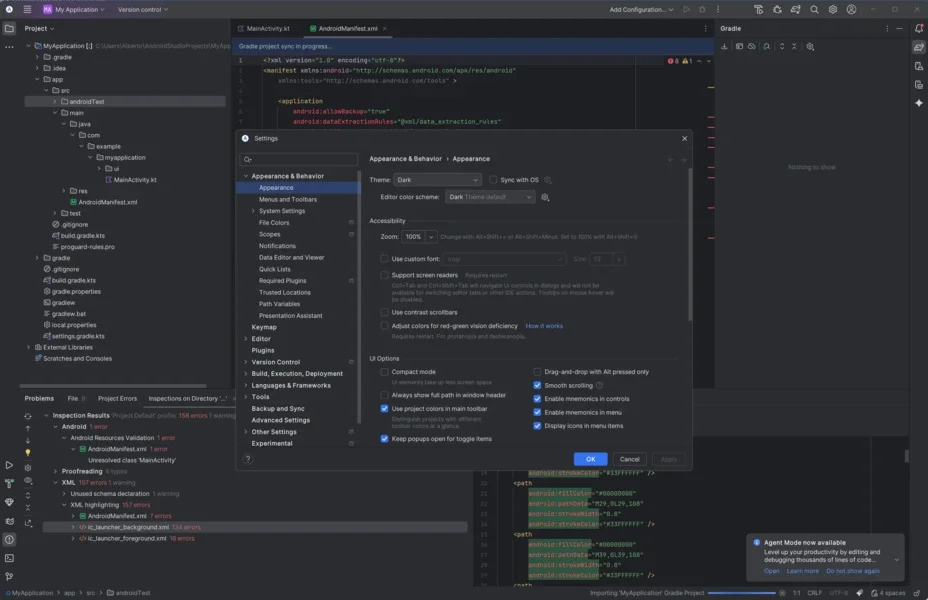
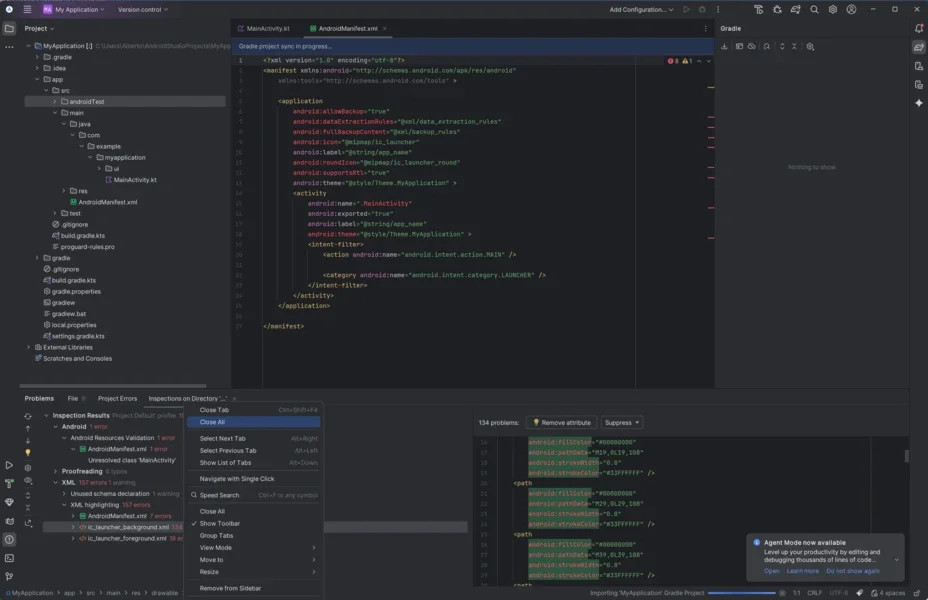
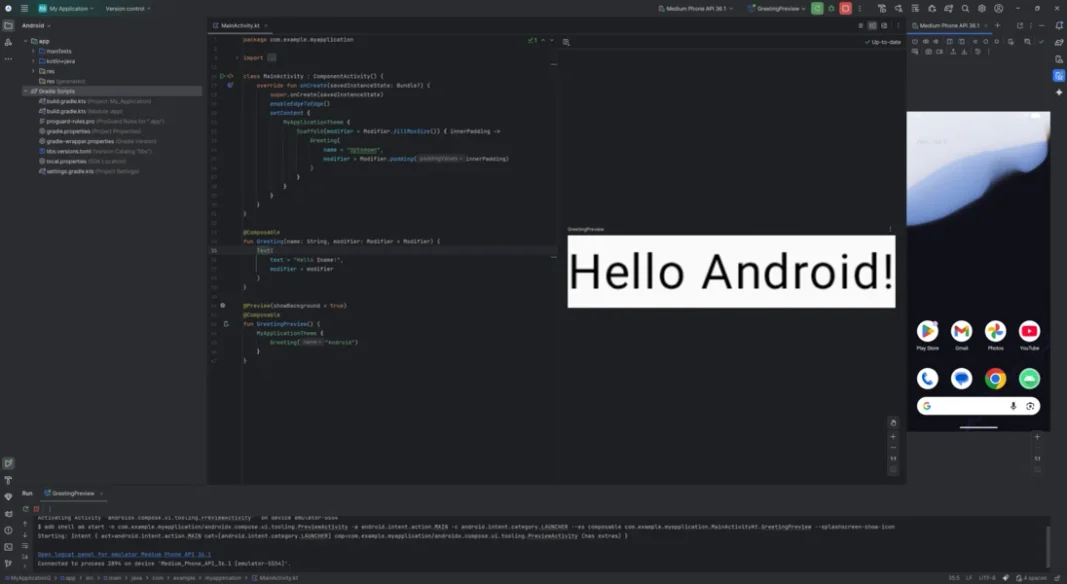
Description
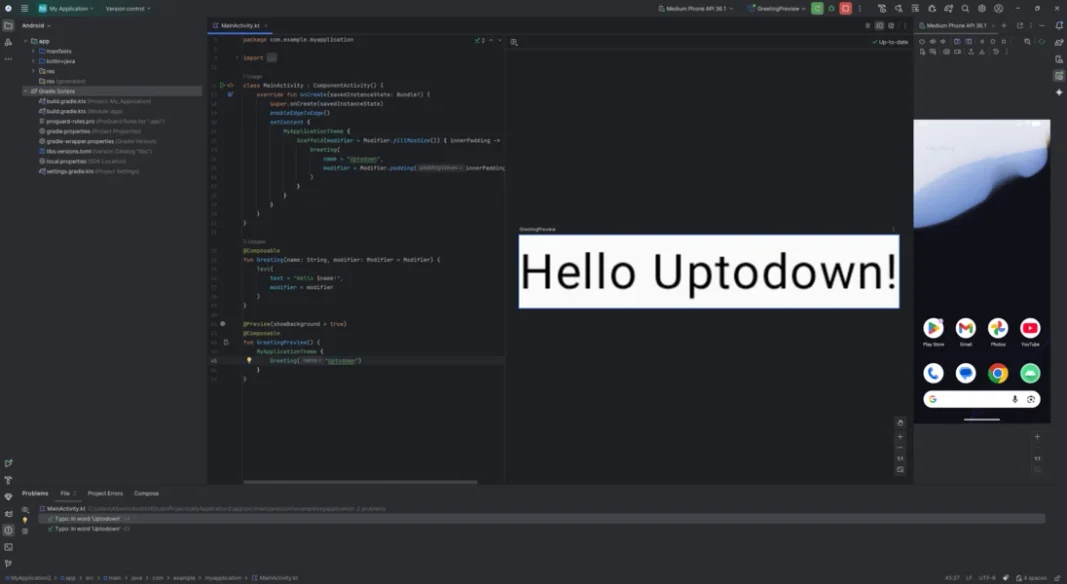
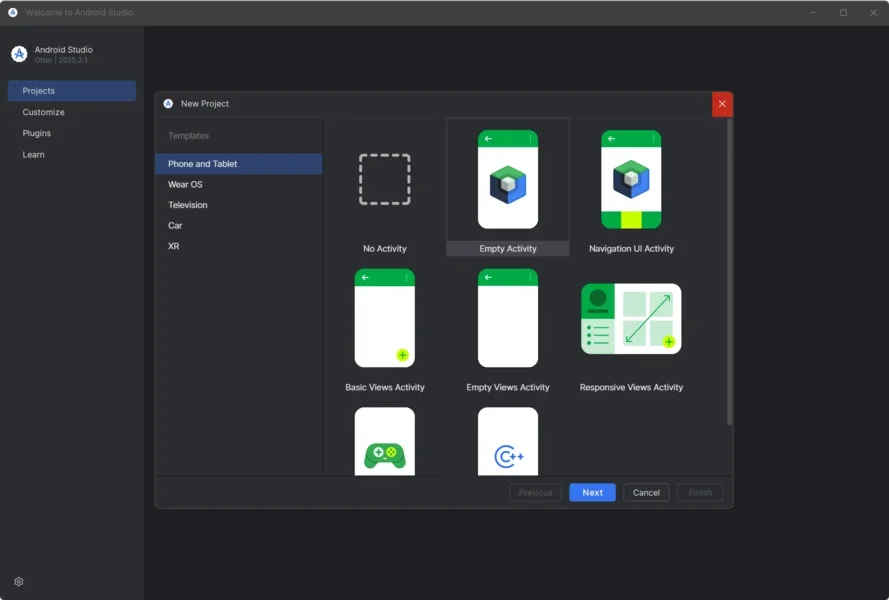
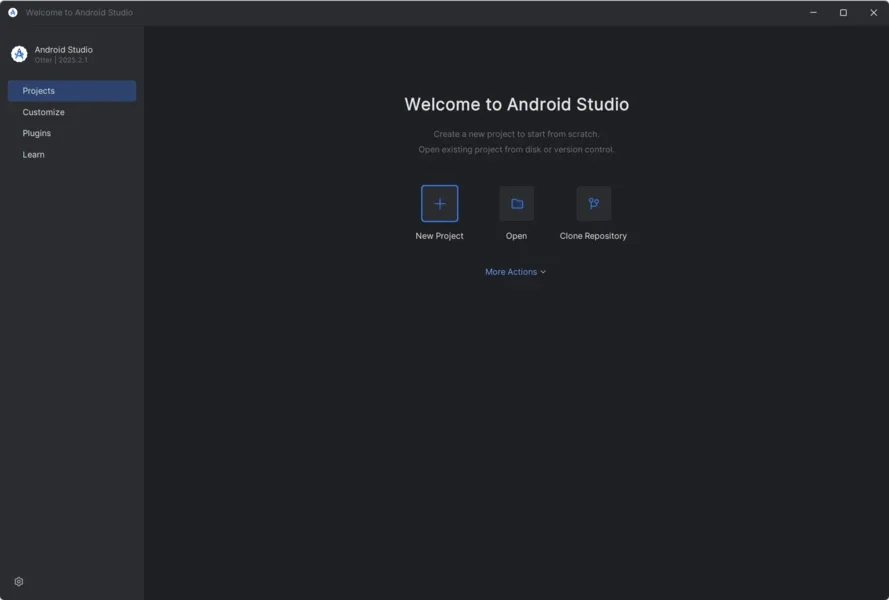
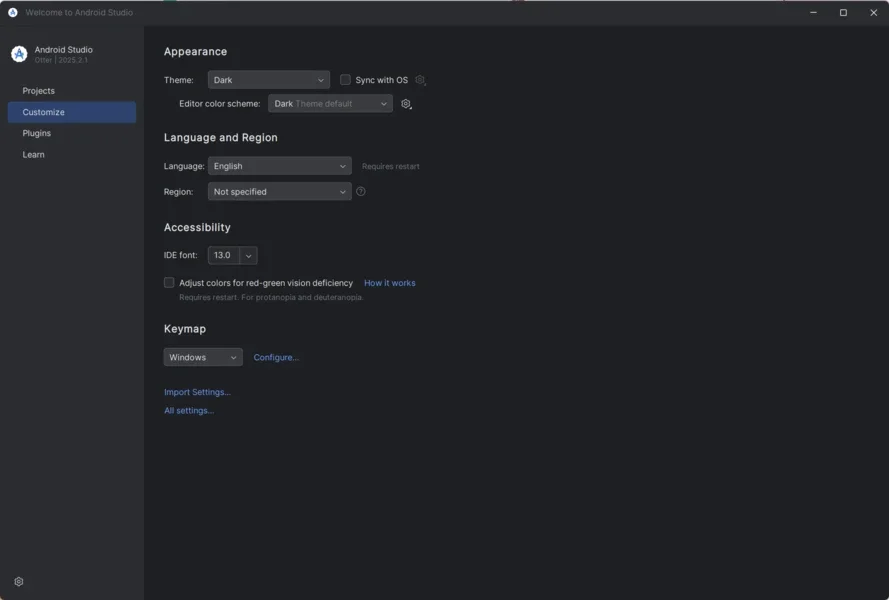
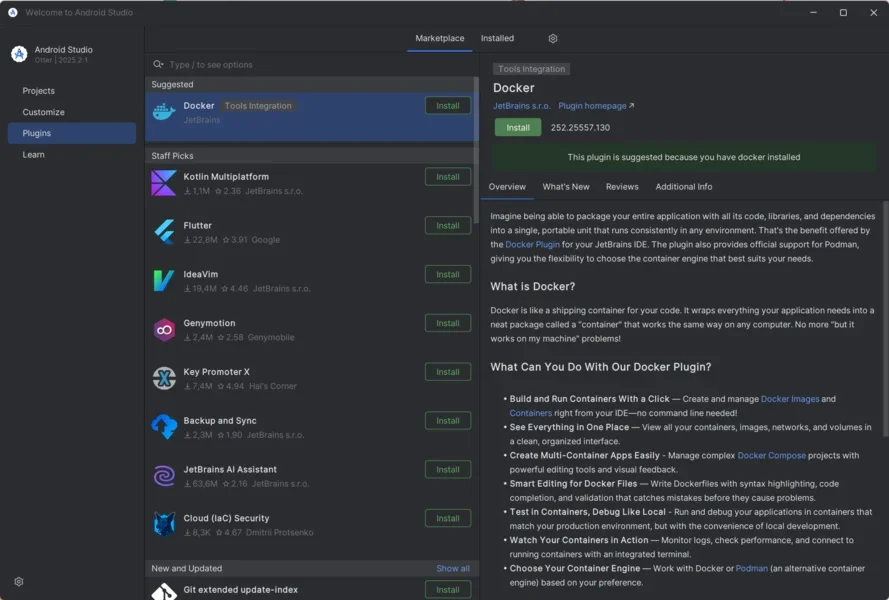
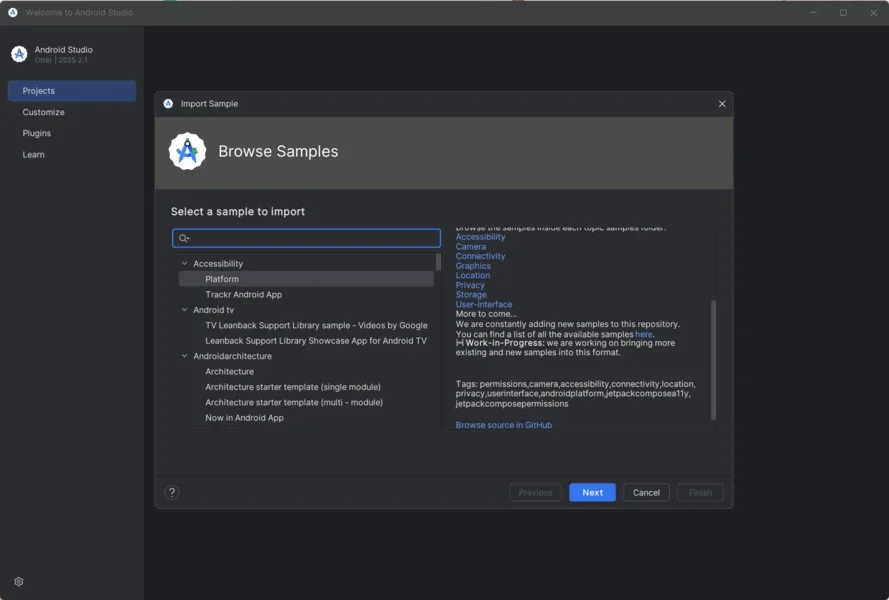
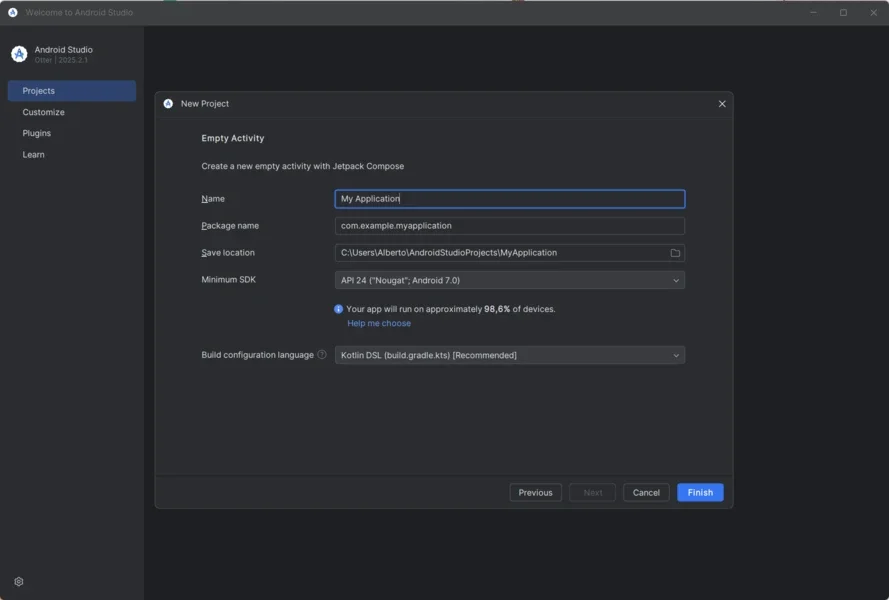
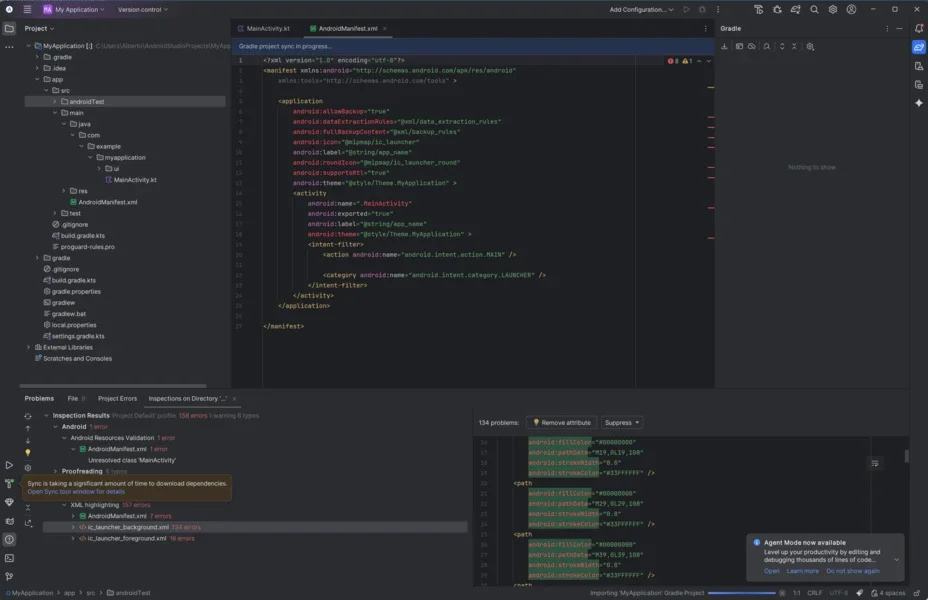
Android Studio is where you write, debug and publish Android apps. Code editing, device emulation and Google's AI assistance sit in the same window. The editor handles Kotlin, Java and C++, with autocomplete, automatic refactoring and smart suggestions as you type.
Gemini is built into the IDE. It generates code, fixes errors and answers technical questions without leaving the editor, and it takes over repetitive work, shows examples and adapts snippets to the project at hand. Layouts go together visually by drag and drop with Compose and XML design, and changes show up in a live preview. One project can hold several variants and configurations, so you can build separate app versions for different devices or user profiles. Responsive layouts are set up for phones, tablets, Wear OS and TV. Testing runs on emulated phones, tablets, foldables, watches, Android TV and ChromeOS before launch, and the emulator controls system versions, screen formats and extreme conditions. Automated tests check how the app responds in different situations. The build analyzer points at bottlenecks in the build and suggests ways to cut deployment times, while code performance checks suggest where resources and execution times can be trimmed. Gradle handles compilation. Publishing goes through Android App Bundles, Google Play's preferred format for keeping download sizes down. Day-to-day tooling covers inspecting resource use, handling permissions, shipping updates and keeping versions stable.
The SDK, compilers, package managers and downloads come in builds for all compatible operating systems. Android Studio Cloud runs the environment in a browser through Firebase Studio, with nothing to install locally. Documentation and training modules run from beginner tutorials to advanced guides. It is free, from Google LLC.
Download files
0134413486f97a31ba42f12281e759f9c5985040a966898c8388fb05f01dc7b9
Signed by Google LLC · valid until Apr 10, 202700e98c1c23e1d27a8079951291d1ae310bbc8c7ef1030ab9db1f45a1bb96543b
Signed by Google LLC · valid until Apr 10, 20274c26f92e0e78adb1381c9a76597dbd5f6bce13d2ff2bf88cd2b57d425d685f3d
Signed by Google LLC · valid until Apr 10, 202707fb2a6d54d14b137e2a5db274ba0e70be9291eb4245707f53164bb30cd69e95
Signed by Google LLC · valid until Apr 10, 20273be4f63119ca6bbb449948bd71ceffc3cf0805b505b07630f4ac8b43cc8ee45c
Signed by Google LLC · valid until Apr 10, 2027System requirements
Available on:
Additional information
Developer
Latest release
Size
Category
File type
SHA-256
0134413486f97a31ba42f12281e759f9c5985040a966898c8388fb05f01dc7b9