Java Runtime Environment 8.0.5010.8 for Windows
Installs what a PC needs to open Java programs and applets
You are on macOS — this is the Windows version. See the macOS version
Screenshots
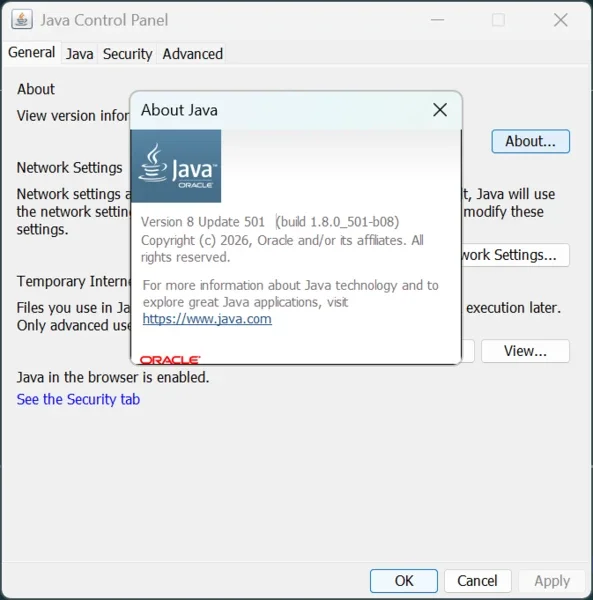
Description
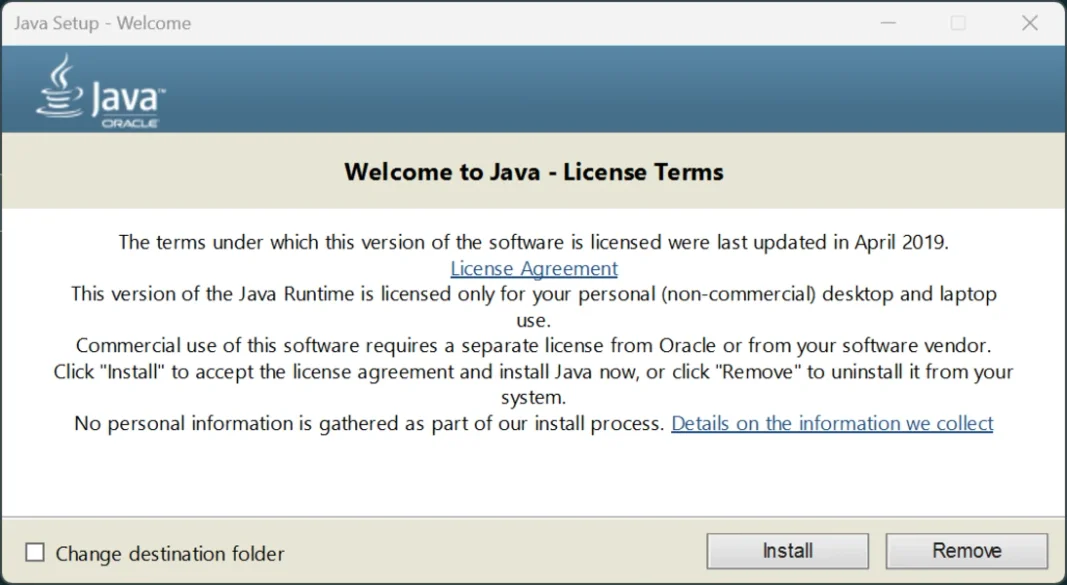
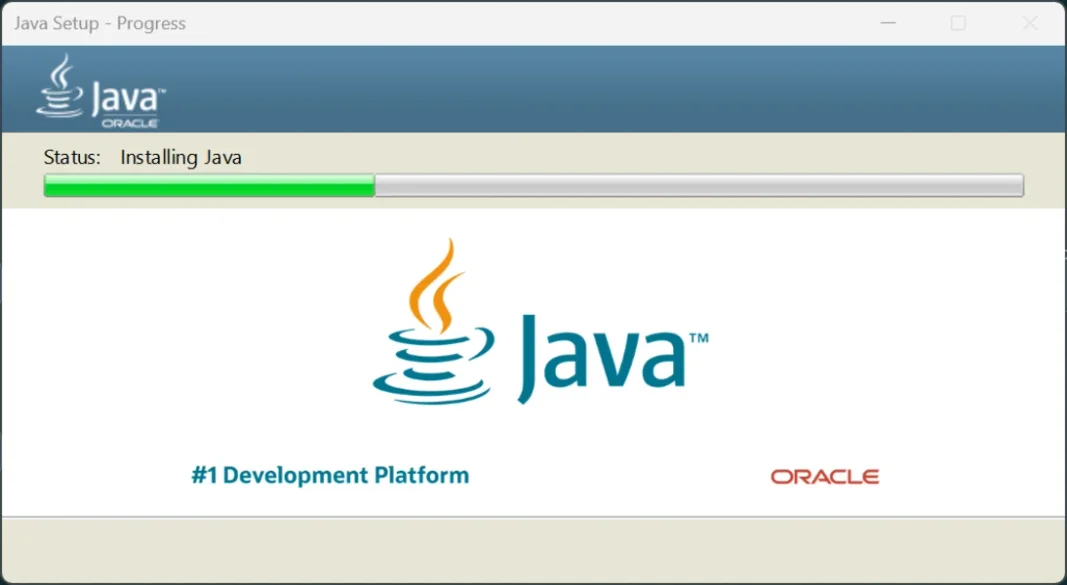
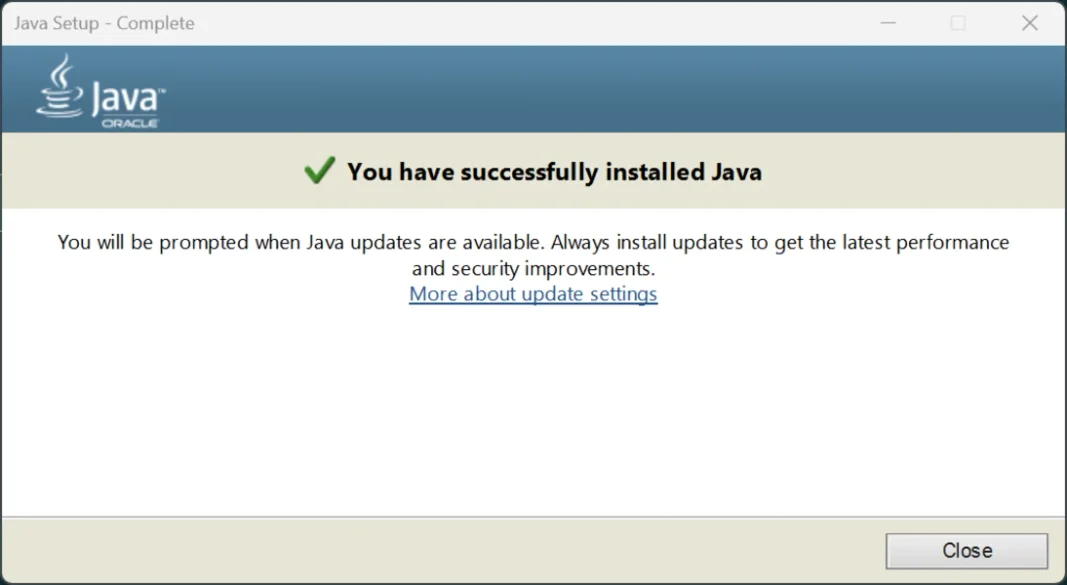
Java Runtime Environment installs the Java engine on a Windows PC so Java programs and applets can open. Once it is installed, it works as part of the operating system, and Java programs start without extra steps.
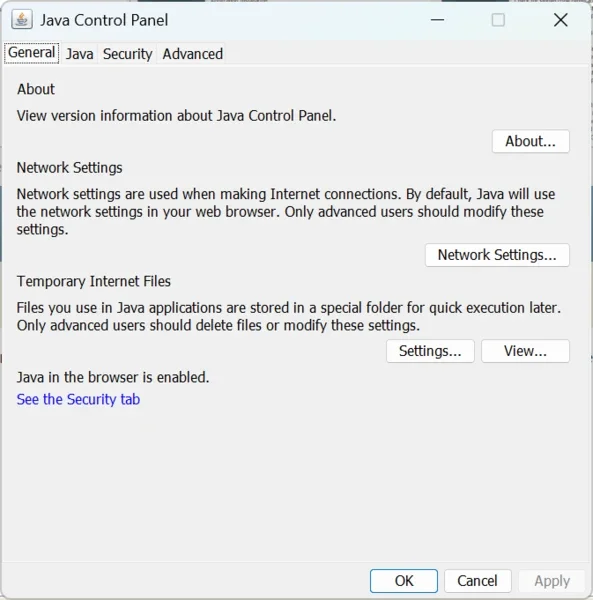
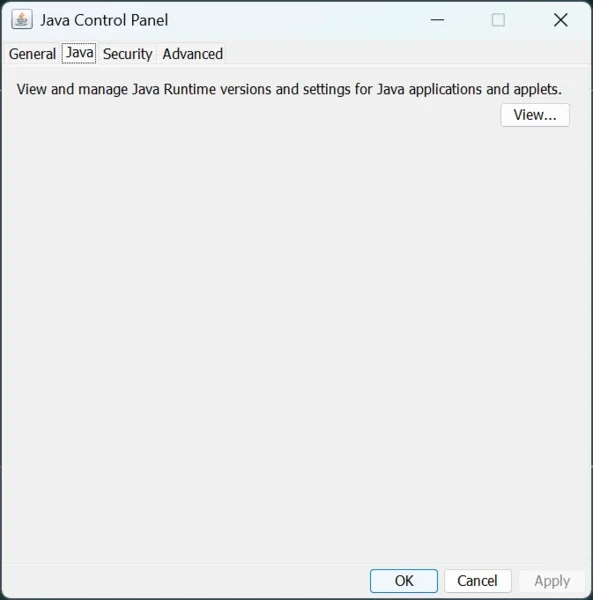
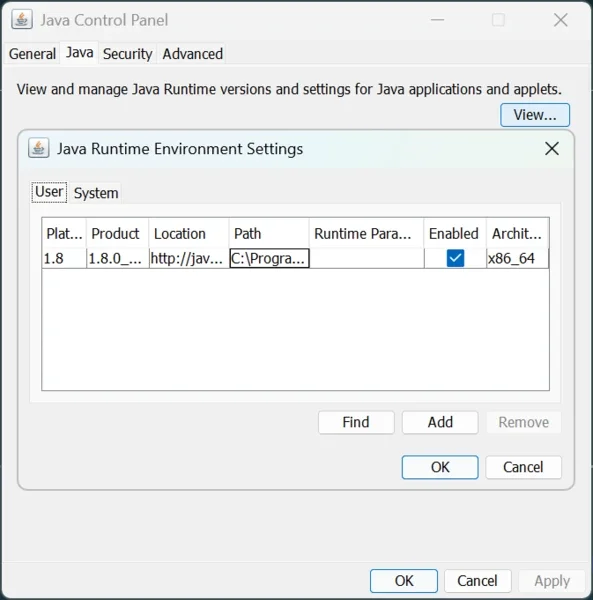
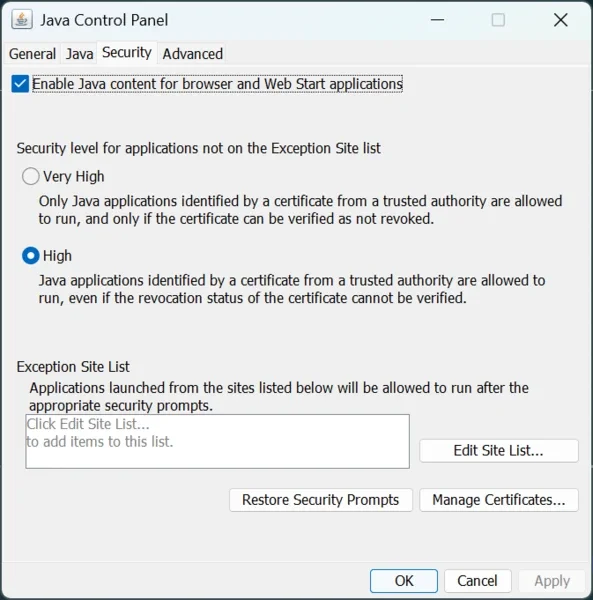
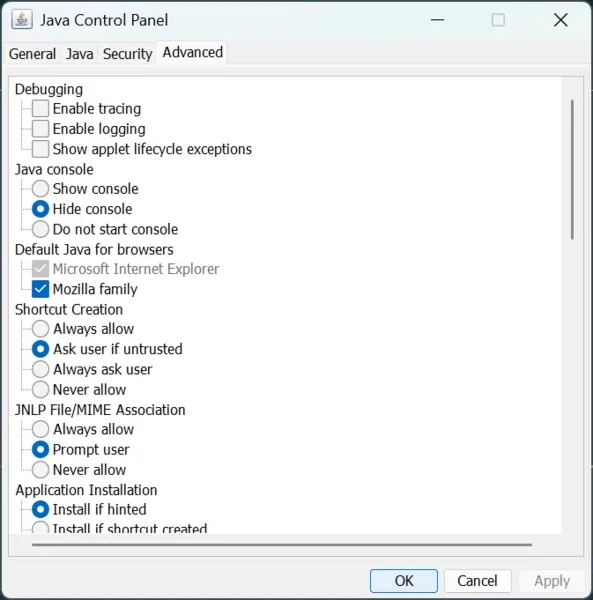
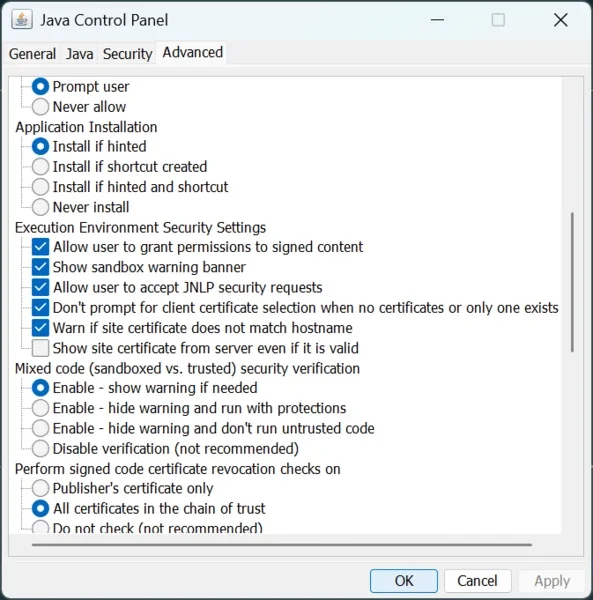
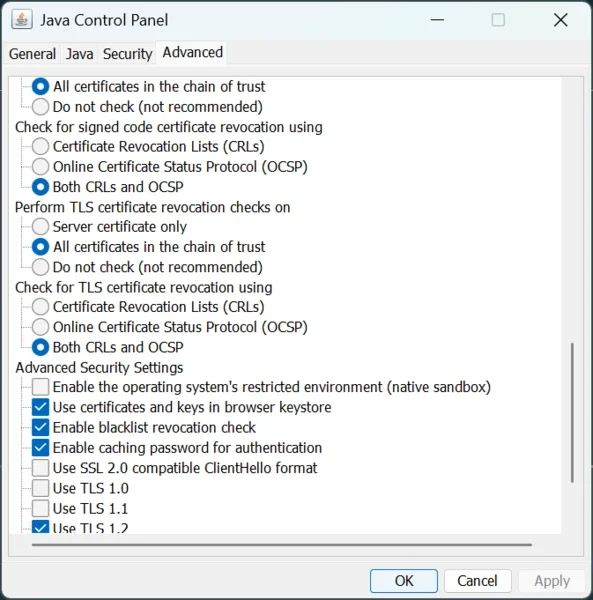
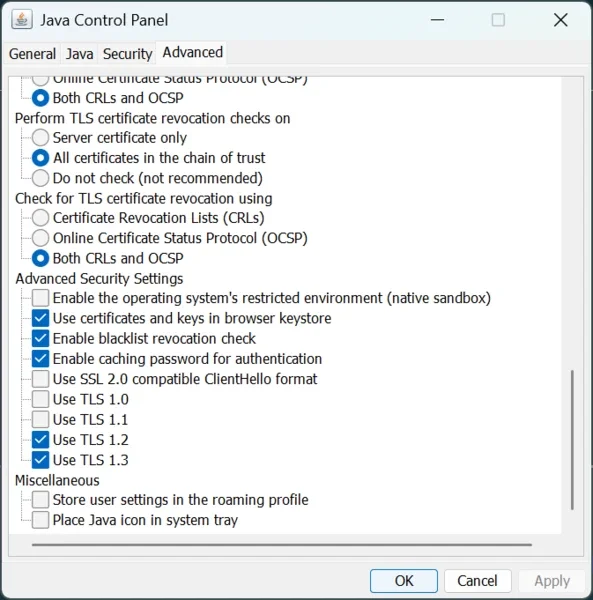
The installer carries all the files it needs, so it can be installed on a laptop in a town with no Internet connection. A command console can then be opened to launch files with the JAR extension; that was used to open cross-platform programs such as jadx. Java applications do not have to carry their own engine, because this one is already in place. Tools built for other environments open without extra setup, since the internal engine translates their instructions. Support reaches from emulation of old systems to opening complex integrated development environments (IDEs). External libraries can be linked in the same execution folder, giving the software the modules it needs to process information. One file runs the same on whatever system is used, and management apps and local servers run whatever the base platform is. Dedicated server nodes can be created, which are common in block-building titles and database environments. The control panel sets the maximum RAM for certain running processes; allowing more resource consumption keeps internal processes from being blocked by lack of capacity when heavy applications or local servers are in use. The advanced options menu defines how apps talk to the Internet or a local network. Just-in-time compilation behaviour is set there too, and it speeds up loading of frequently used programs. Specific proxies can be configured so traffic from these apps goes its own way, apart from the rest of the computer's traffic. A digital certificate manager takes exceptions, so programs hosted on trusted internal servers run without the system blocking the connection. Direct connections can be established to test your own developments before they go up to a production server. The control panel is somewhat outdated, and the network certificate options sit behind clunky menus.
The latest version is 8.0.5010.8. It is free, proprietary, and developed by Sun Microsystems.
Download files
d99eb213b11b84fed4d0ffbb7595c77c7b952035a9025ed062c2d9c95ea22a8e
Signed by Oracle America, Inc. · valid until Jan 11, 2028083fda16f0d2fb4a3abbca11e135fd916042921fac3f5153289eba6ae6ecd641
2fa1d7cab90121a59c777258497f9bc5fdc02f23b36af92ea9f515a0c50a7e7a
002c72eb230946ff5abab1fbdc7aa7617f38024f198ca6679e5e6ef558fa1bed
e52a8d0337bae656b01cb76c03975ac3d75ac4984c028ba2a6531396dea6dddd
System requirements
Additional information
Developer
Latest release
Size
Category
File type
SHA-256
d99eb213b11b84fed4d0ffbb7595c77c7b952035a9025ed062c2d9c95ea22a8e