
ApowerRecover 14.5.0.0 for Windows
Retrieves deleted files from drives and pendrives
You are on macOS — this is the Windows version. See the macOS version
Screenshots
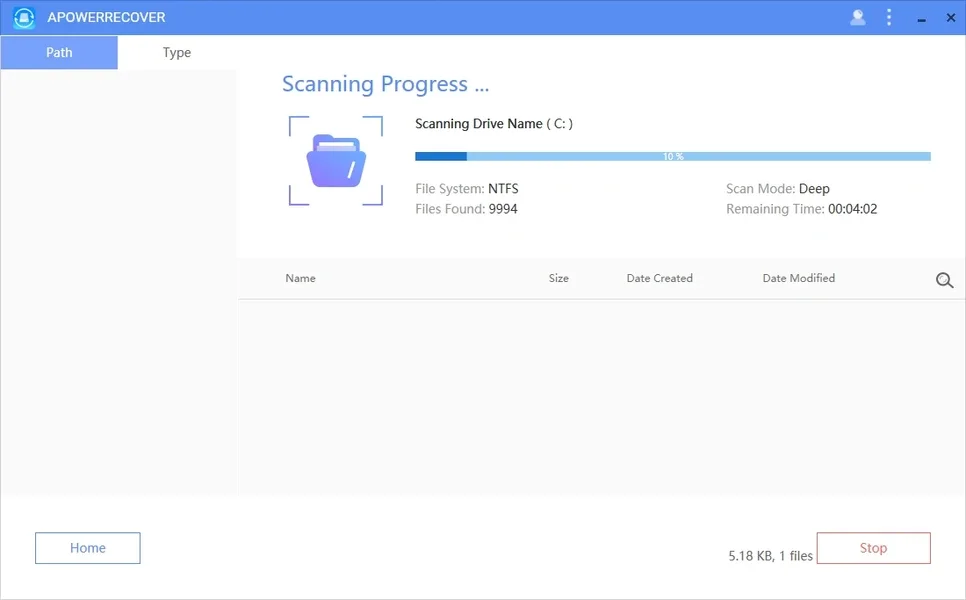
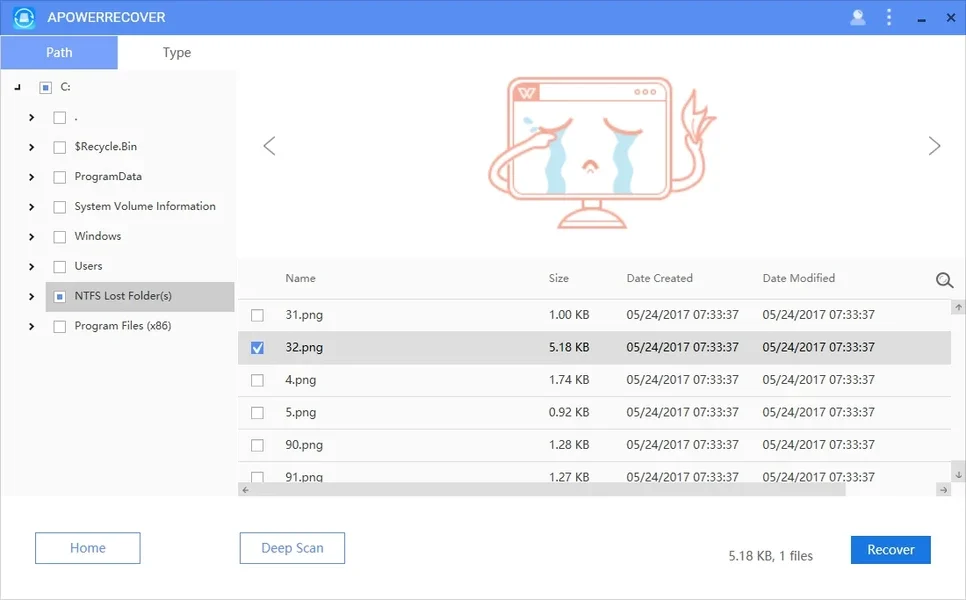
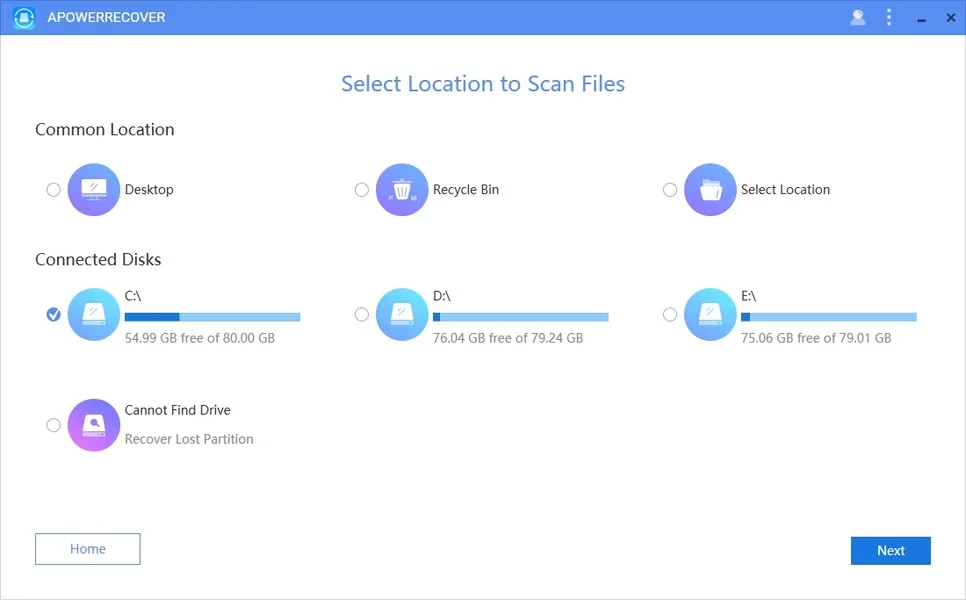
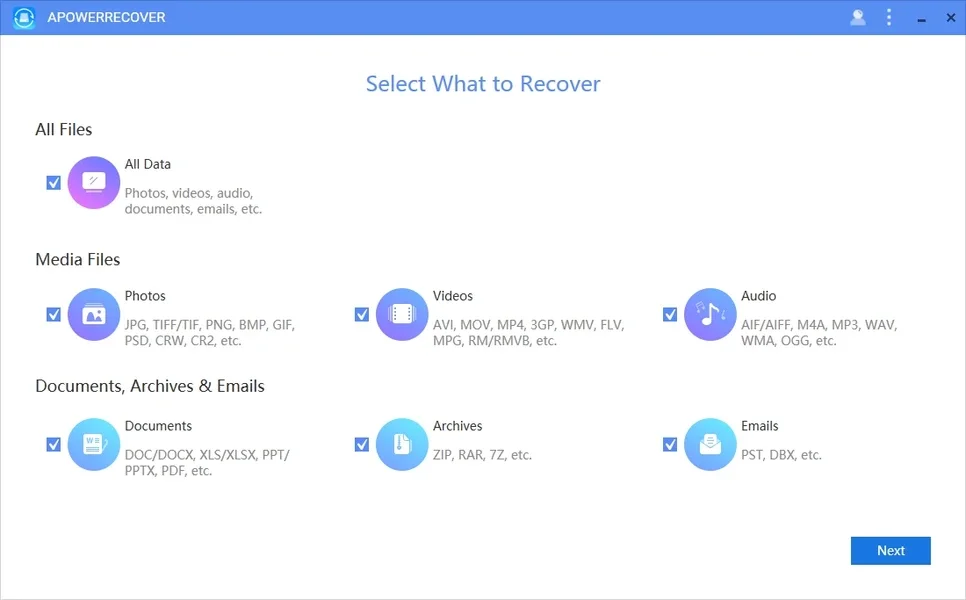
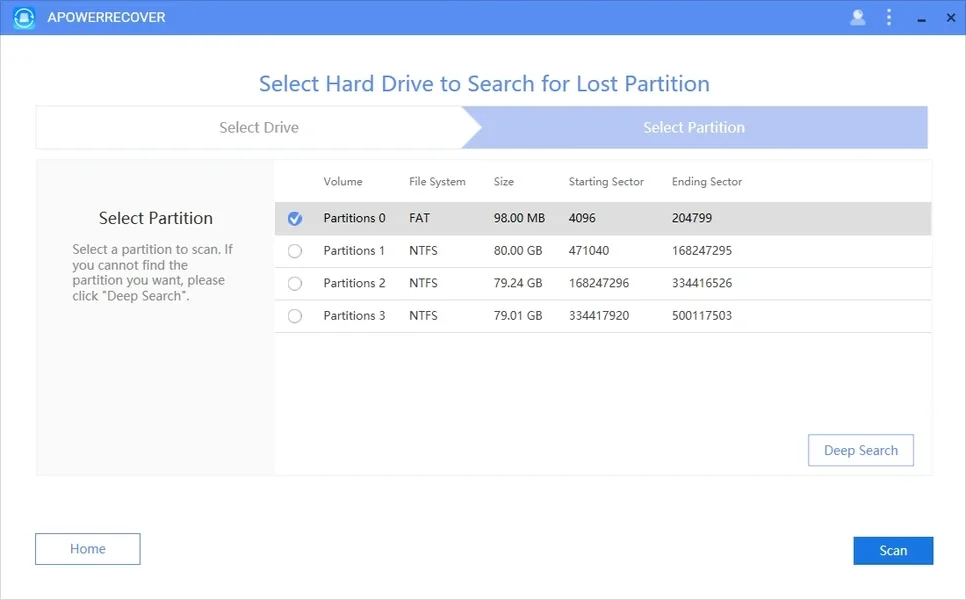
Description
ApowerRecover is used by choosing the file format, then the location the file was deleted from, and clicking next. The retrieval process starts on its own, and within minutes you get a list of documents that match the criteria. A single button click restores the files you pick.
It recovers documents deleted from a hard drive or a pendrive, whether the deletion was accidental or intentional. Any format is handled, including images, basic texts and e-mail files, and files can be retrieved from any device. Recovered videos and images keep their quality.
The interface is simplified, so you can use it without guides, and it requires little technical skill. It runs on Windows.
Download files
9f0ed27a70d3c8553f94bb8d4e94083bd9d350a168607fc5c7987a25629d0c77
Signed by Apowersoft Ltd · valid until Feb 24, 20229f0ed27a70d3c8553f94bb8d4e94083bd9d350a168607fc5c7987a25629d0c77
Signed by Apowersoft Ltd · valid until Feb 24, 202212dc02fad321c5cb6c540c1b590eddda51c136e359b9b57e81091a13c3175522
2cf9c1d03d70c0259bf228d5e3a4128ffb39beb8b1ea189726e75e740a4ce6a1
03c018a0e3ee883cb2e2f8b828e0a2da9d11c076dec3ba0c3428cfdd531b65df
Signed by Apowersoft Ltd · valid until Feb 23, 2022System requirements
Available on:
Additional information
Latest release
Size
Category
File type
SHA-256
9f0ed27a70d3c8553f94bb8d4e94083bd9d350a168607fc5c7987a25629d0c77