
AppClear 1.1.5 Setup for Windows
SHA-256 listed
Removes desktop and Microsoft Store apps from one list
All ages
Age rating
Screenshots
Description
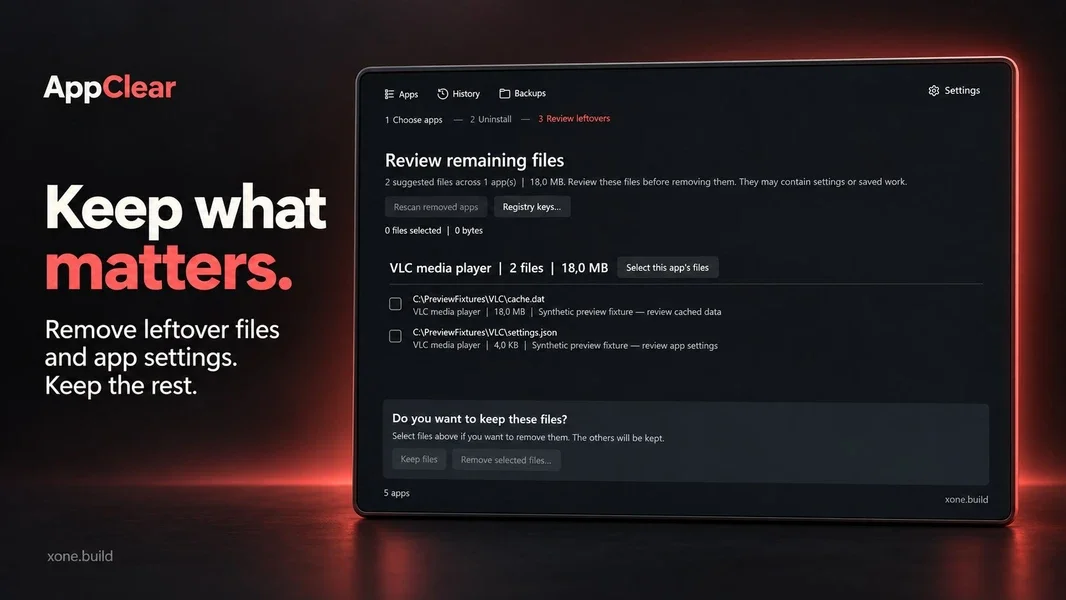
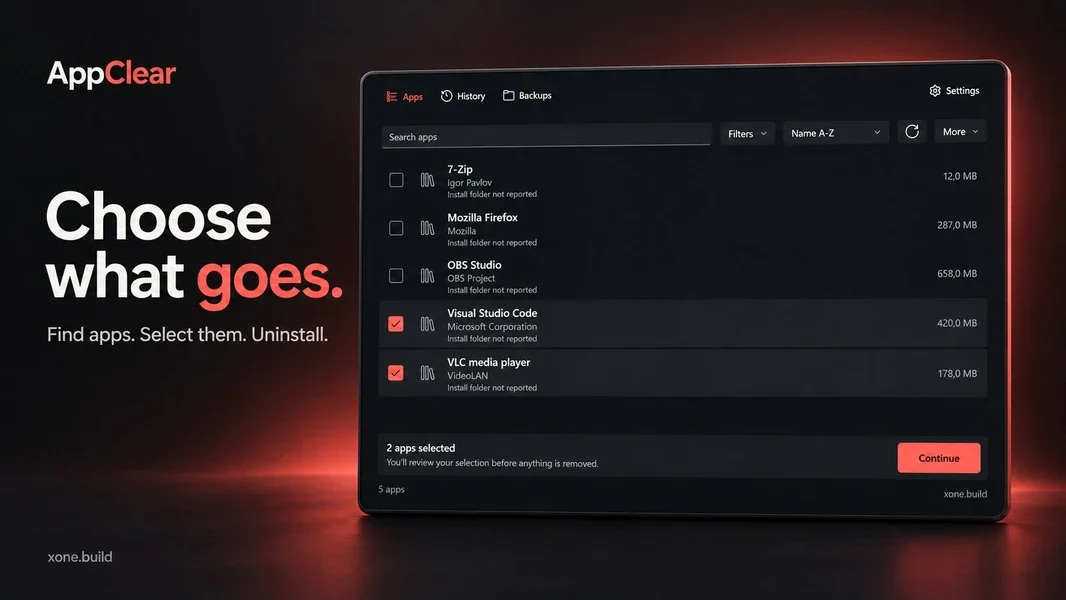
AppClear lists desktop apps and Microsoft Store apps together in one place, and you search, filter and select the ones to remove. It runs on Windows 11 and costs nothing.
Uninstalling only goes ahead after you confirm it. The history shows each uninstall and how it turned out, so you can see what happened to a given app. The app list and the history both export to a file you choose.
It sits under Utilities and Maintenance. The current build is 1.1.5 Setup.
Download files
Fileappclear-1-1-5-setup.exeEXE
Version1.1.5 Setup
ReleasedOct 28, 2026
Size43.9 MB
SHA-256
Get
53ed451d8cdaada6bcb722242aeadbe4f8dda1379569d9ffb900e50af9e19ea6
No digital signatureFileappclear-1-1-5-portable.zipZIP
Version1.1.5 Portable
ReleasedOct 28, 2026
Size66.0 MB
SHA-256
Get
b7143001b5b82f4269fccbf45dd578286c4830bb5af5695a057edf069d9a05d9
Fileappclear-1-0-0.exeEXE
Version1.0.0
ReleasedOct 15, 2026
Size59.4 MB
SHA-256
Get
d6d37df149a6709156b4c4ca732450441873dba9dea2365eddbc9fdaed4612b9
No digital signatureFileappclear-1-0-0-portable.zipZIP
Version1.0.0 Portable
ReleasedOct 15, 2026
Size84.4 MB
SHA-256
Get
6da801292be039be2554e124aa00fdd1ab8a2e6c1d8c4c3356818c7e6b134d91
System requirements
Available on:
Minimum OS:
Windows 11 or later
Additional information
Developer
Latest release
1.1.5 Setup · Oct 28, 2026
Size
43.9 MB
Category
File type
EXE
SHA-256
53ed451d8cdaada6bcb722242aeadbe4f8dda1379569d9ffb900e50af9e19ea6
Digital signature
No digital signature