
Ashampoo Background Remover 1.0.1 for Windows
Crops objects from photos and swaps backgrounds with a click
Screenshots
Description
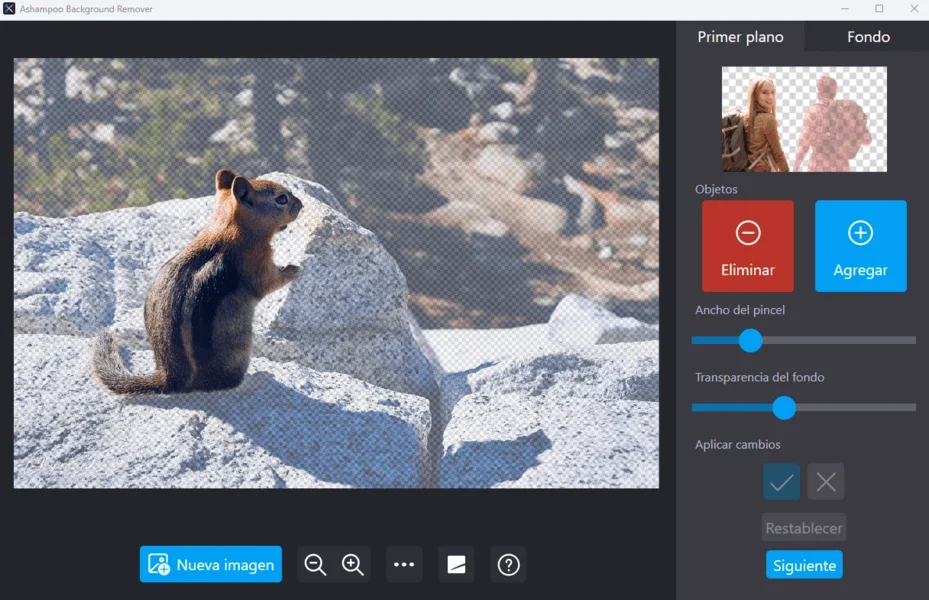
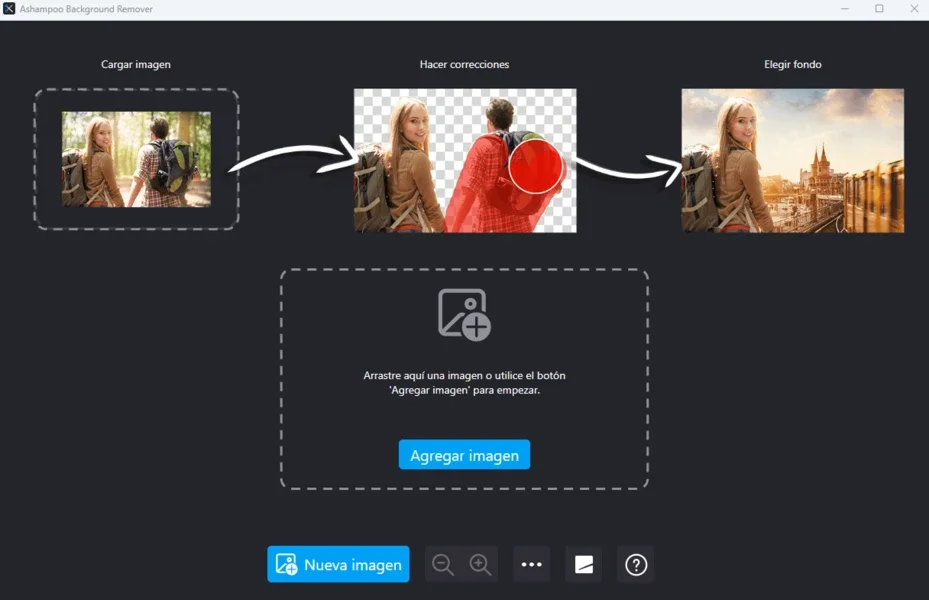
Load a photo and Ashampoo Background Remover finds the main subject on its own, usually a person or a group. You confirm or adjust that automatic selection, then the original background comes off with one click. Edges stay sharp and small details like hair survive the cut. Any part the automatic pass missed can be added with the manual selection tool, and a brush lets you refine the selection by hand.
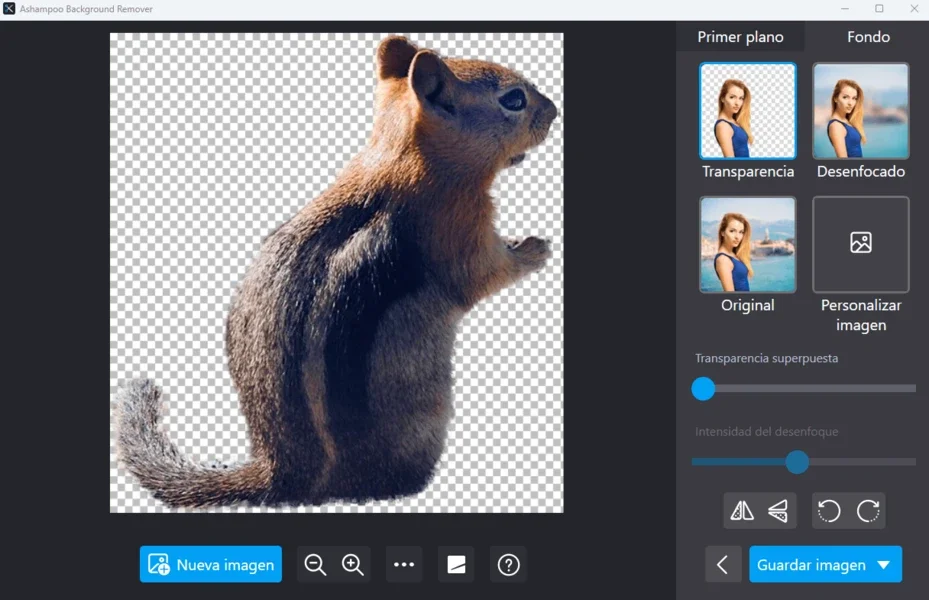
Processing a newly loaded photo takes a few seconds. Afterward the subject stays sharp while the background turns semi-transparent. You can drop in a new background of your choice without leaving the app, or crop a section and paste it straight into another app without any prior steps. The finished photo exports as a PNG for editing elsewhere. No advanced photo editing knowledge is needed to use it. It runs on Windows, and the current version is 1.0.1.
Download files
e396da6fdce656dffc6608417a3aca18e12792047a3956a2097ef04fd9b8133a
Signed by Ashampoo GmbH & Co. KG · valid until May 24, 2024f5ad85ace6c27fd60bc3b81c1c4a46584b95d0b892a6a483880c3c5d7f62b675
Signed by Ashampoo GmbH & Co. KG · valid until May 24, 2024System requirements
Available on:
Additional information
Developer
Latest release
Size
Category
File type
SHA-256
e396da6fdce656dffc6608417a3aca18e12792047a3956a2097ef04fd9b8133a