Ashampoo Face Blur 1.0.2 for Windows
Automatically finds faces in photos and hides them with blur, pixelation or emoji
Screenshots
Description
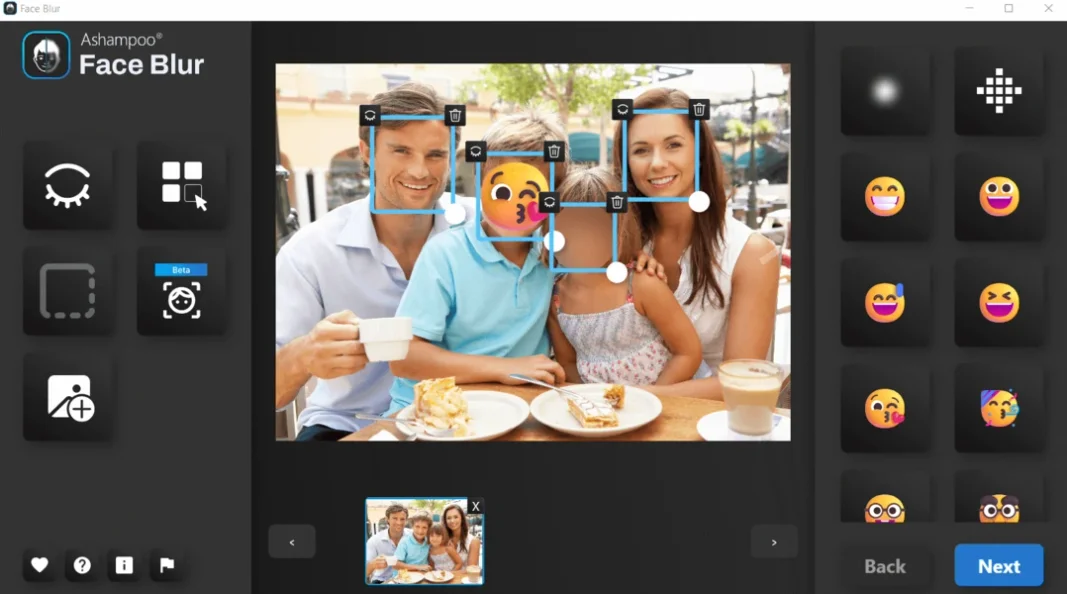
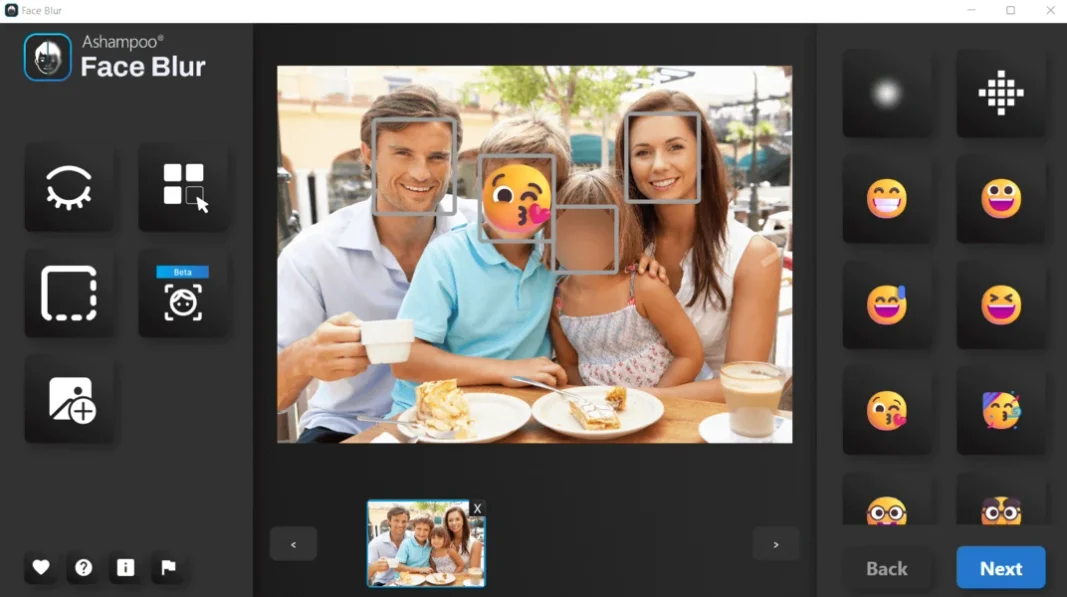
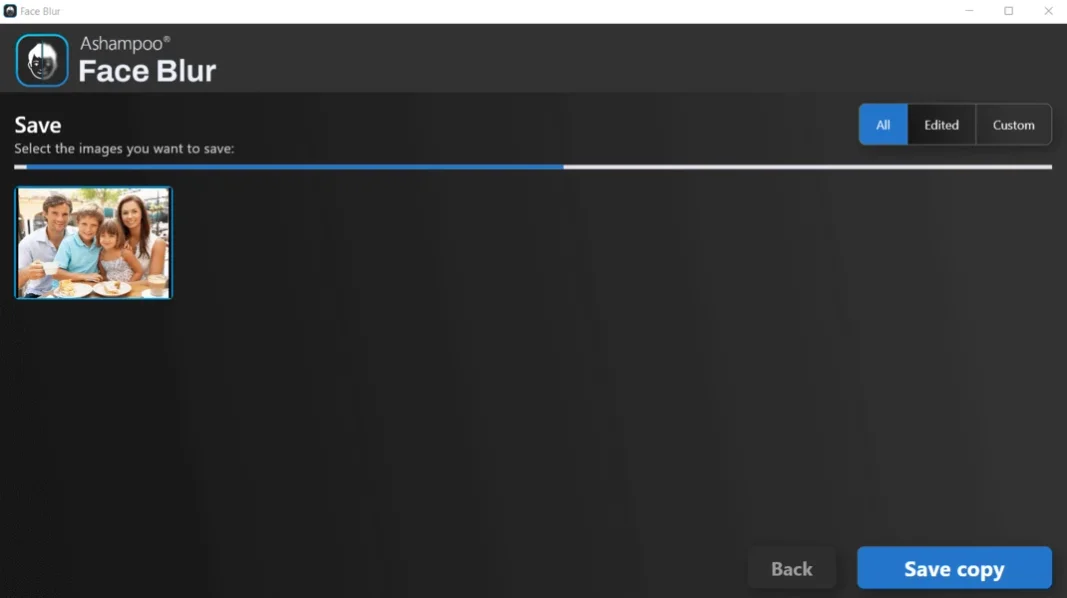
Load a photo and Ashampoo Face Blur goes looking for faces. Each one it finds gets a box drawn over it, and you decide what happens to each box: blur it, pixelate it, or cover it with an emoji from the built-in selection. The point is to conceal the identity of people who do not want their face shown online, and the same treatment works for babies and small children.
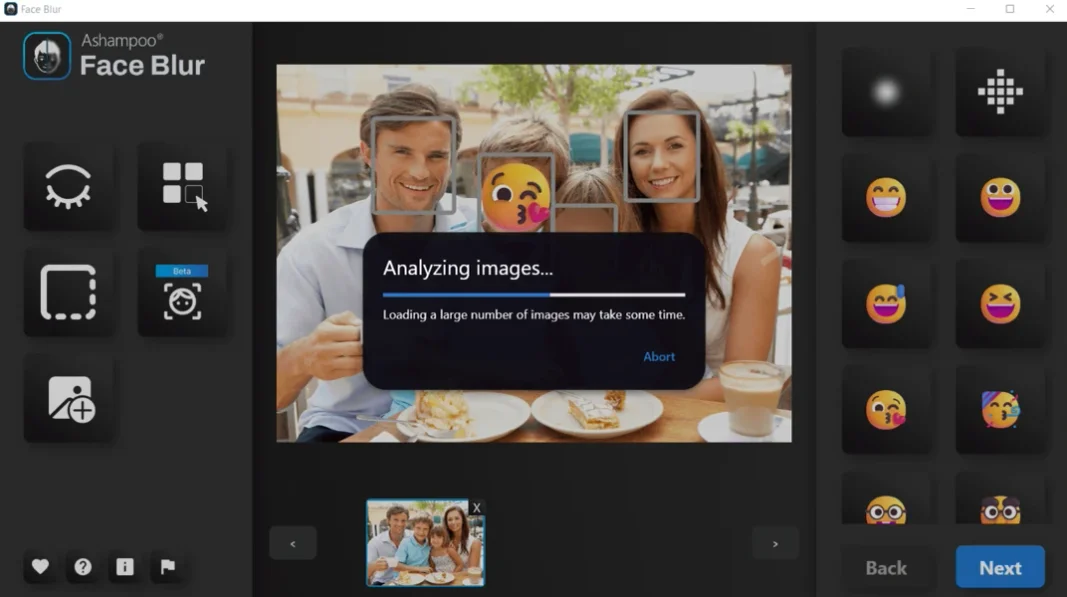
The program is meant for frequent editing, where you need to hide identities quickly. You upload a photo and wait while it processes; how long that takes depends on the image size and the number of faces. The finished photo lands on your hard drive in under a minute, ready to post on social media with the identities protected.
It has a place in professional and educational settings too. Version 1.0.2 is the current release.
Download files
c4cc515e07f3884f75ca222aa1ae5dfa53313f7f3d980cb441e21ca834f9d4e4
Signed by Ashampoo GmbH & Co. KG · valid until Jun 24, 20272cab1ba4a871eb7fb96e452b0fc295cc3ee29fb65f1498d655d9fec1e6569491
Signed by Ashampoo GmbH & Co. KG · valid until Jun 24, 20271246f95f934e53012dea74f98b3d3bc365b0afd3e77c5c7a436f028443722178
System requirements
Available on:
Architecture:
64-bit
Additional information
Developer
Latest release
Size
Category
File type
SHA-256
c4cc515e07f3884f75ca222aa1ae5dfa53313f7f3d980cb441e21ca834f9d4e4