
Ashampoo Photo Optimizer 26.0.4 for Windows
Improves photos one at a time; rotate, resize, fix red eye
Screenshots
Description
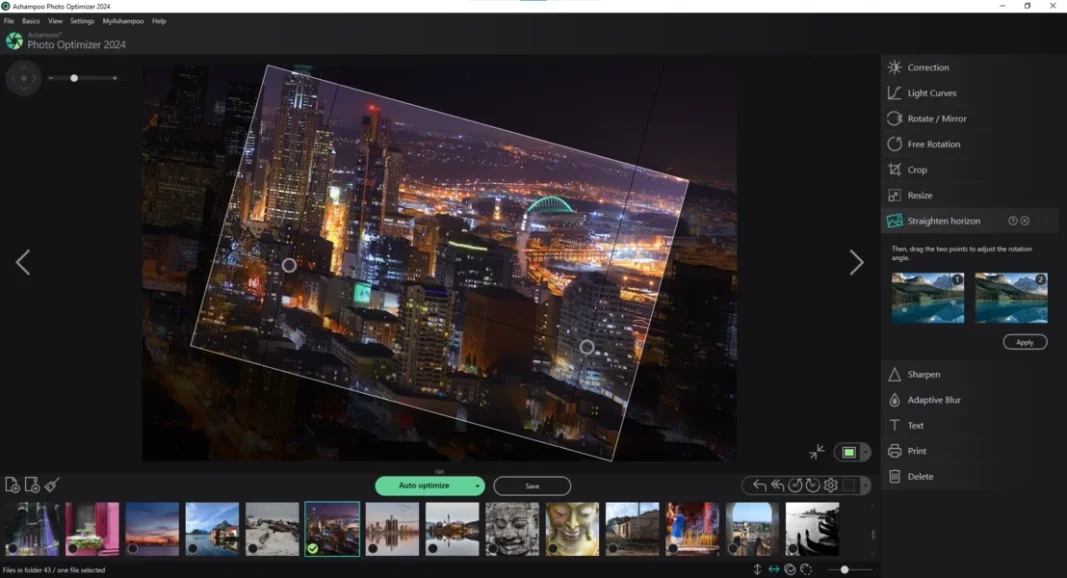
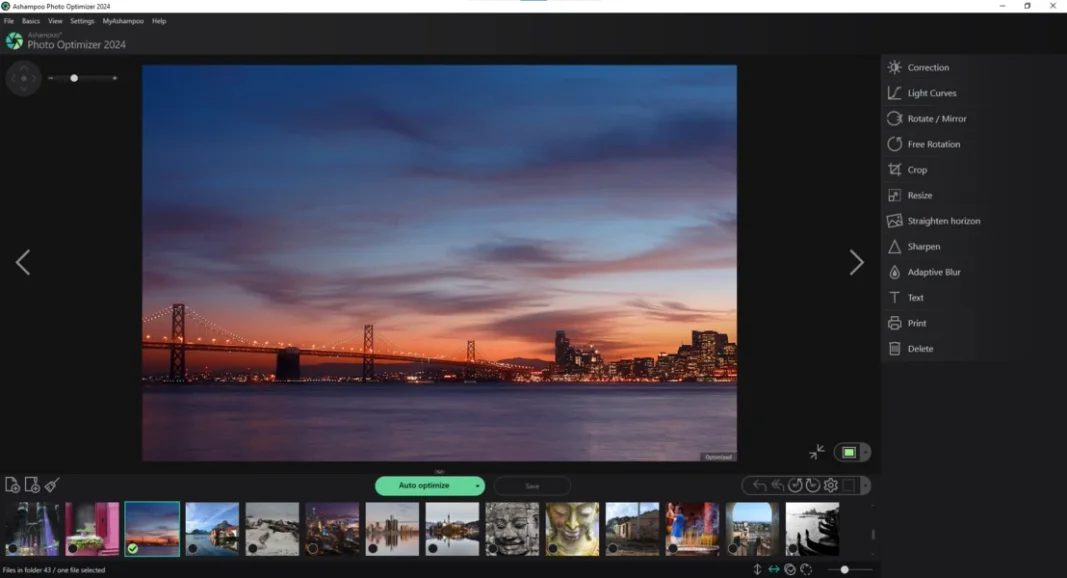
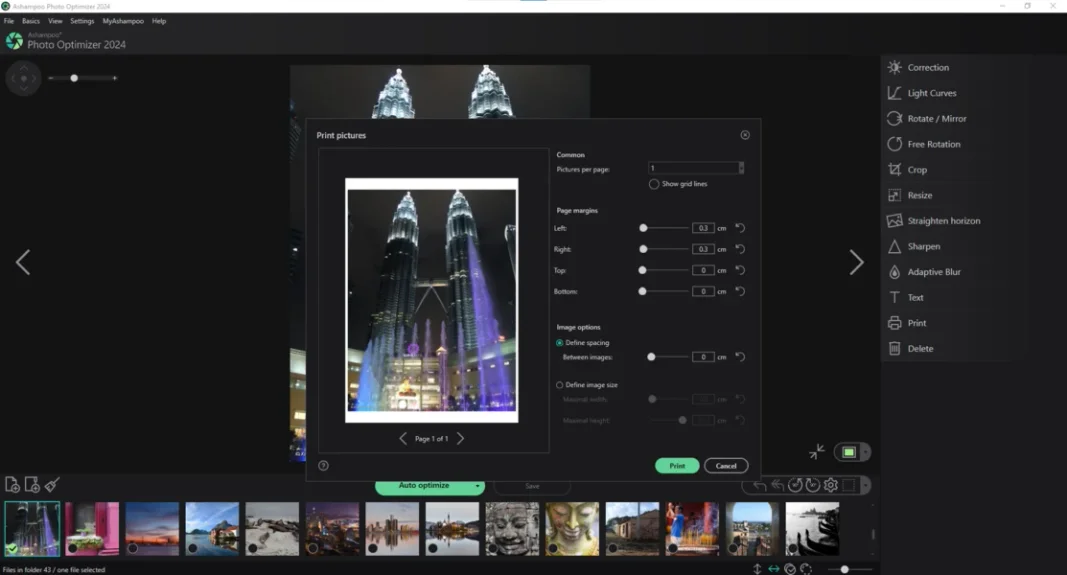
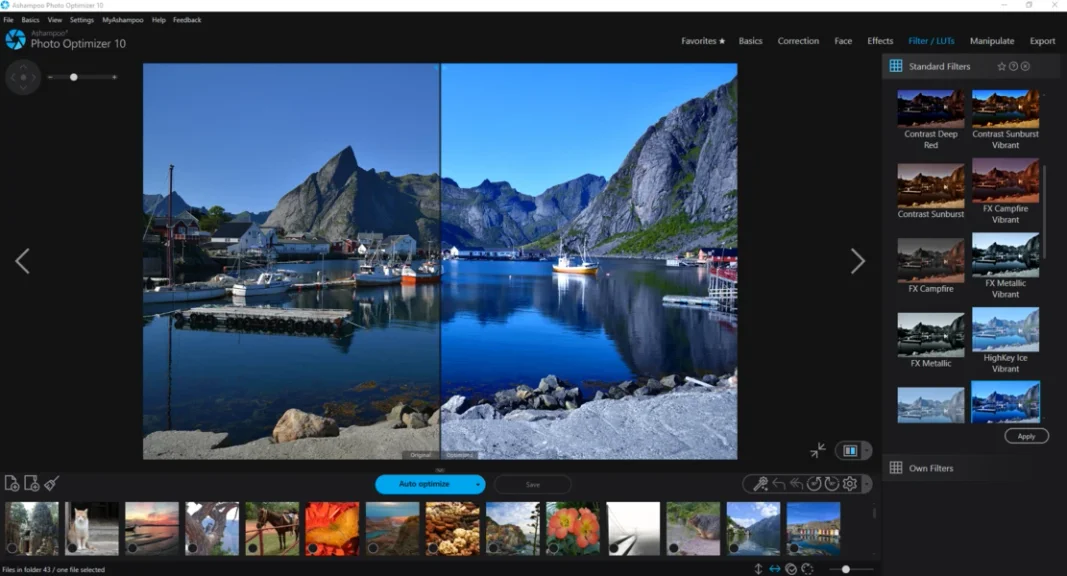
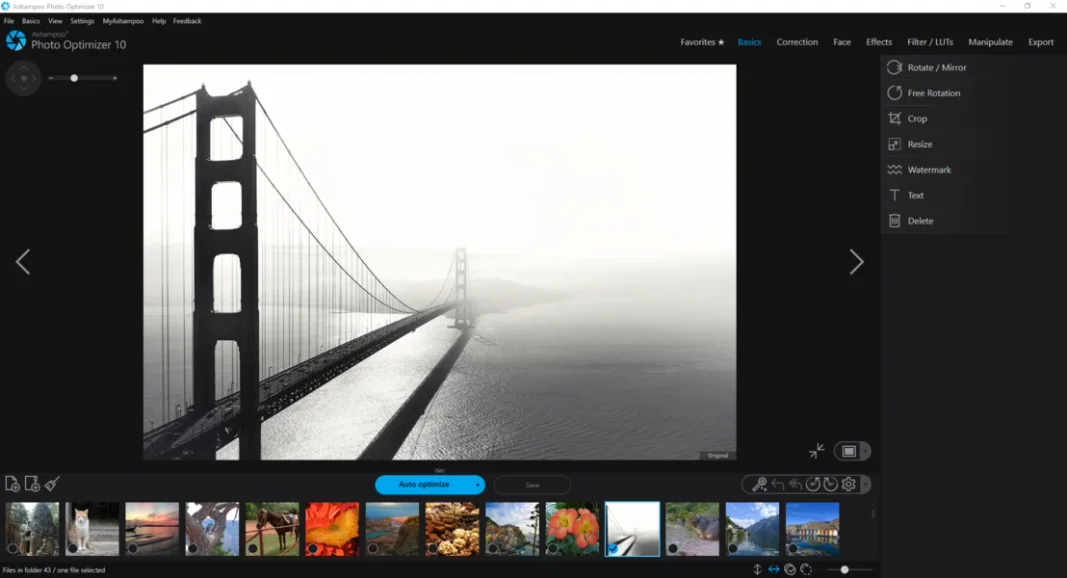
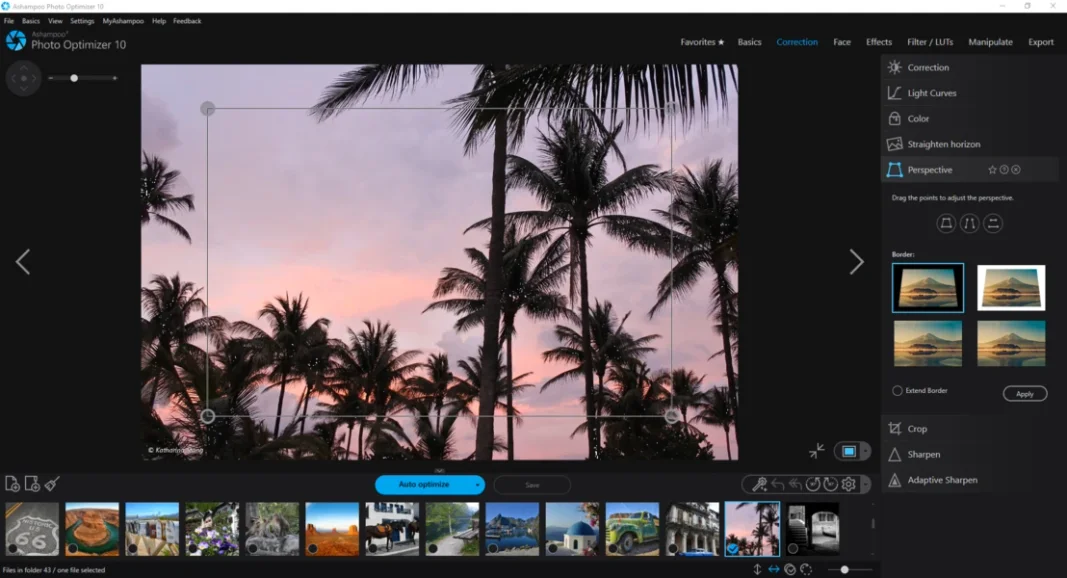
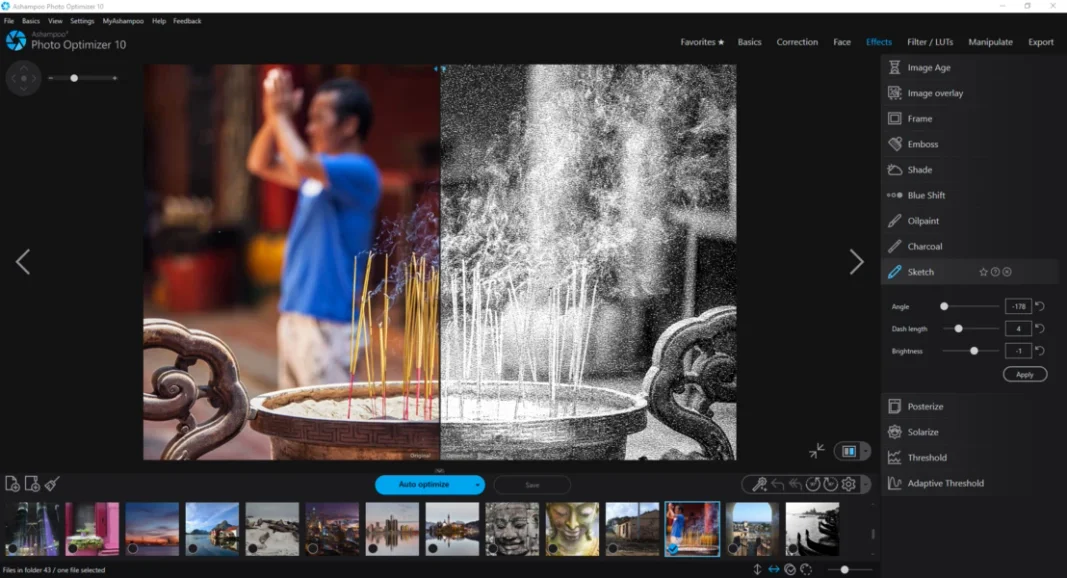
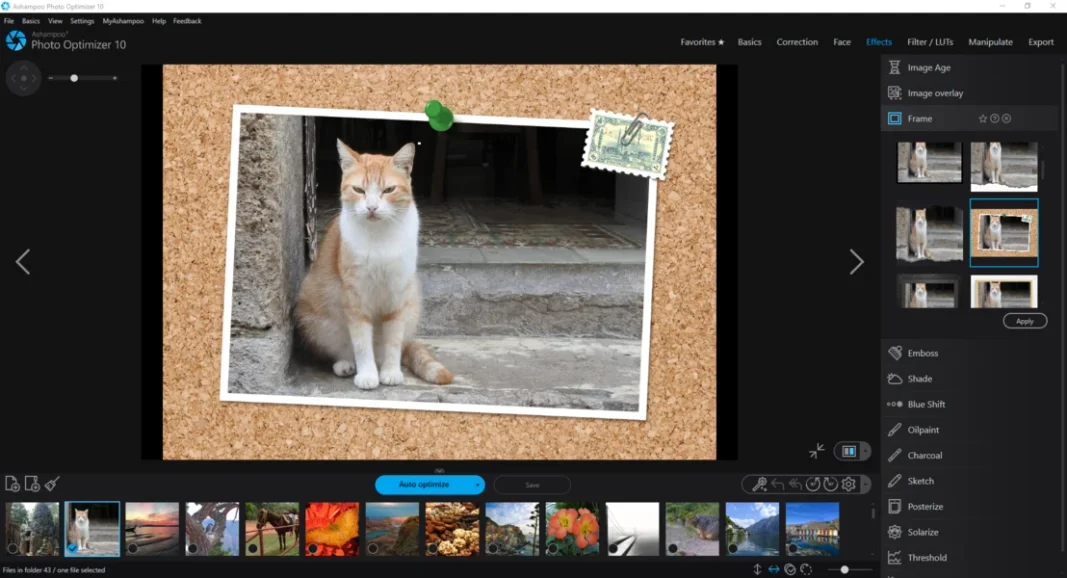
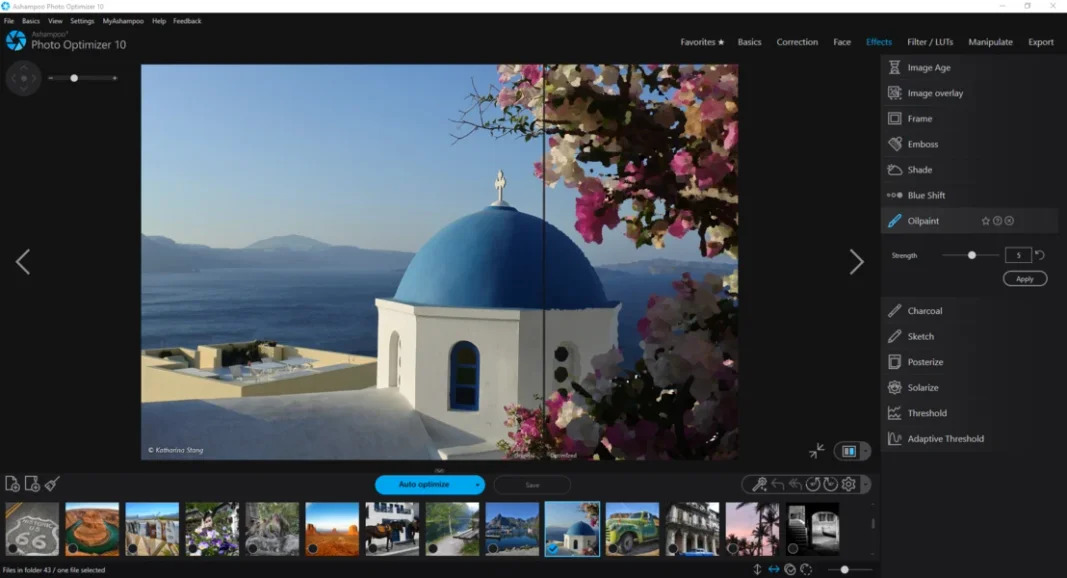
Ashampoo Photo Optimizer improves photos one at a time. The window splits into three parts. A file tree in the left column lets you browse folders to locate images. On the right, the upper area shows thumbnails of images in the selected folder, and the lower area is where you work with the selected image. The Optimize button scans the image and applies changes automatically. You can also change tones, colors, saturation, and brightness yourself. Images can be rotated or resized. Red eye removal works by selecting the eyes in the photo.
Layout and workflow
The three-part interface keeps browsing on the left and editing on the right, so you pick a folder, choose a thumbnail, and adjust that image in the lower area. The automatic scan is one option; manual adjustments for tone, color, saturation, and brightness are there when you want them.
Download files
4e13ec07cf0ec5cee9e6b97bb356f18fec7e511649e8cec324d0f68ad1ac493c
Signed by Ashampoo GmbH & Co. KG · valid until Jun 24, 2027b0f173a66955c3bc897dc674bce3d9e29a02461ea6a952aa3b81c7359a4e7f56
Signed by Ashampoo GmbH & Co. KG · valid until May 24, 20249ace360d2e74e92e3340b099af6656627ab4e53289967ed98d13134f897da4a0
Signed by Ashampoo GmbH & Co. KG · valid until Jun 24, 2027ca3b71552c4f5f165a8890acf65bcbdac461596162c2d92a9e477ee35bb37ee3
Signed by Ashampoo GmbH & Co. KG · valid until Jun 24, 202713fea2a6bbc5dd87601dcba9cd4328e7d6e9950fca524ba39e4524f681fb18c5
Signed by Ashampoo GmbH & Co. KG · valid until Jun 24, 202780c68a7a17ab22bc9c89dff7876624c663ccc4ae6d133d207f30f17540d1dcf4
Signed by Ashampoo GmbH & Co. KG · valid until Jun 24, 2027System requirements
Available on:
Additional information
Developer
Latest release
Size
Category
File type
SHA-256
4e13ec07cf0ec5cee9e6b97bb356f18fec7e511649e8cec324d0f68ad1ac493c