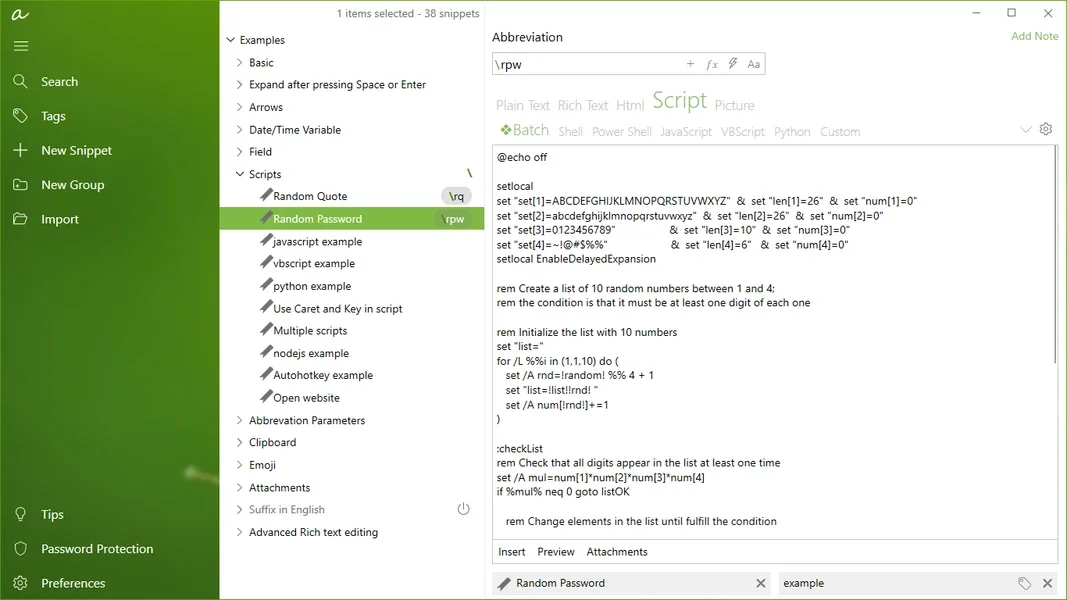

Screenshots
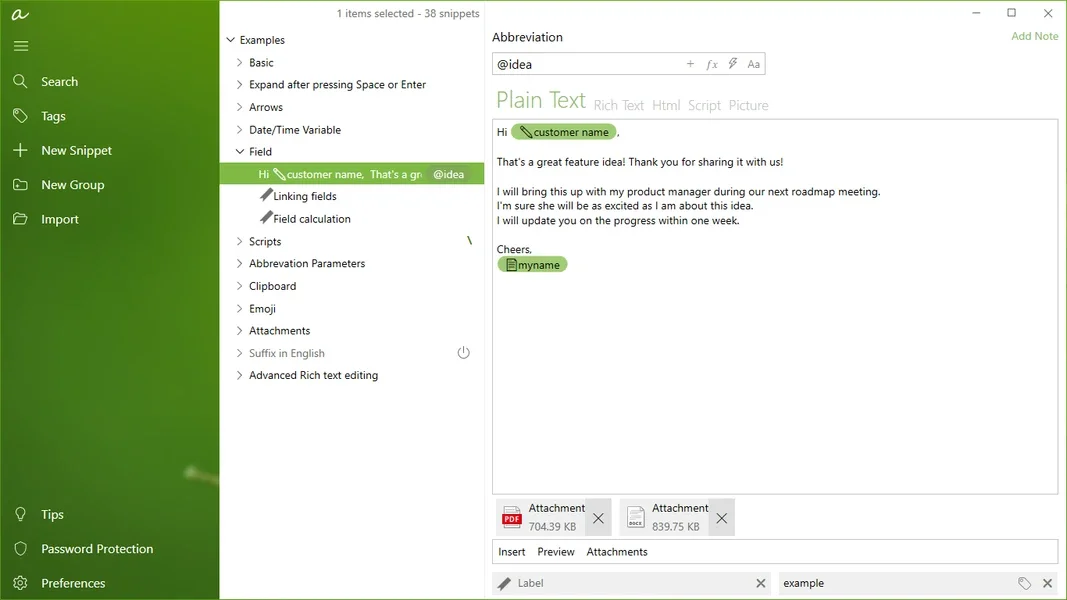
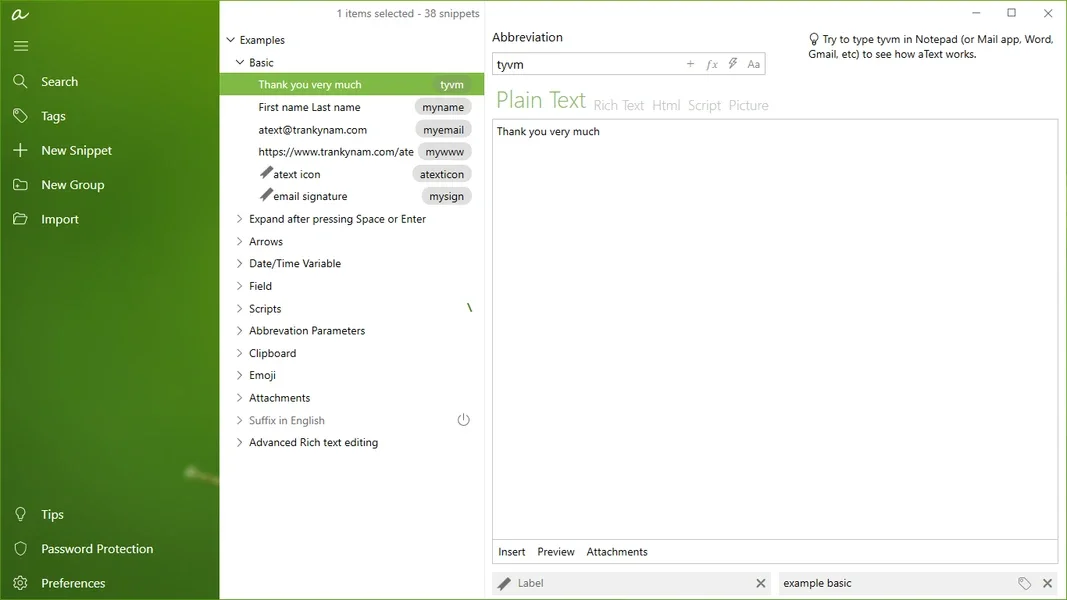
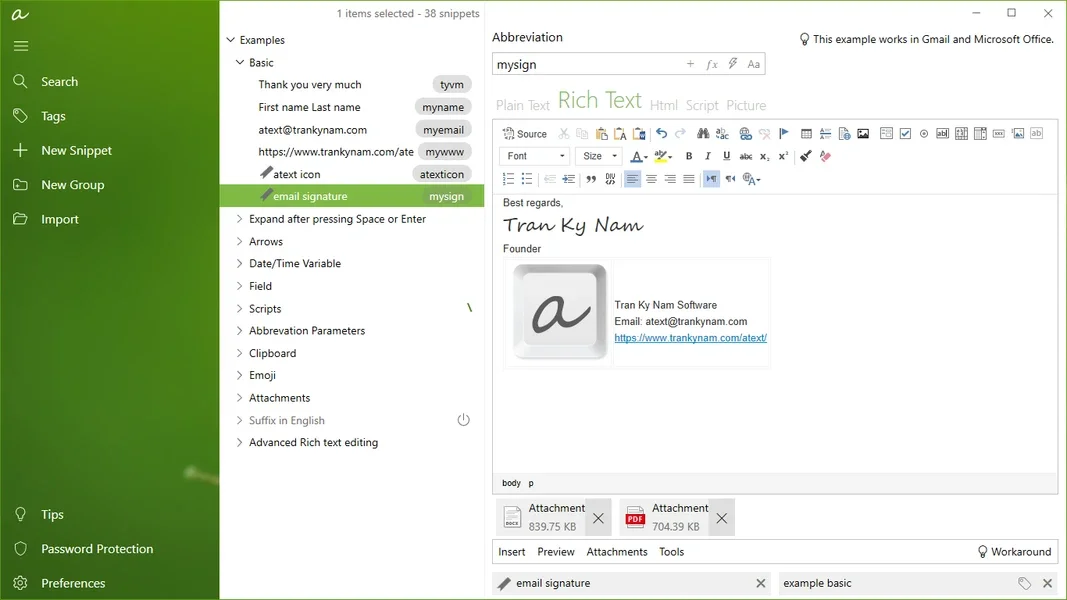
Description
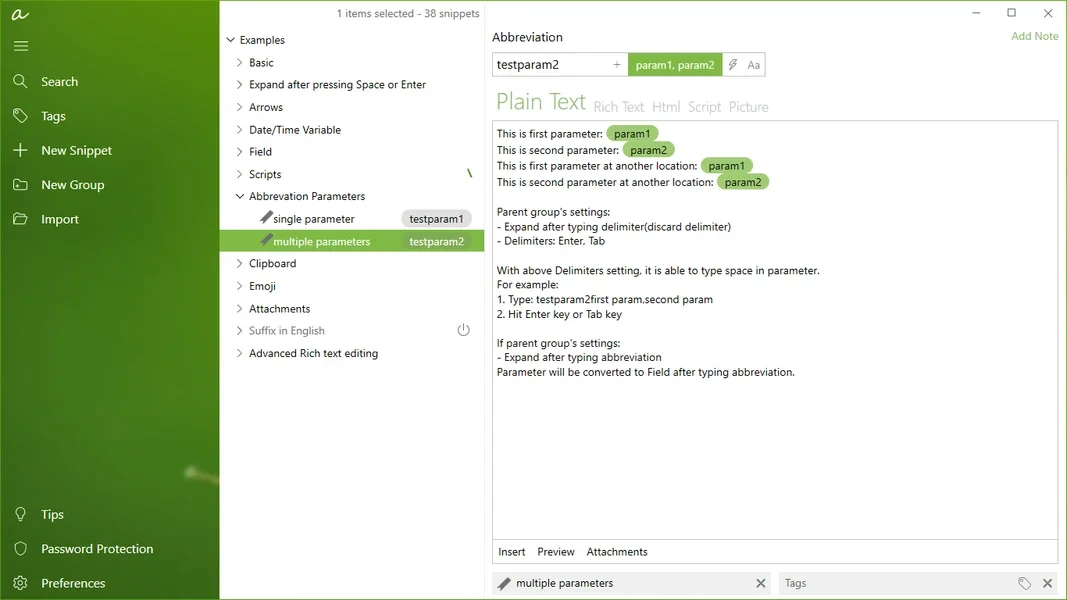
Type a preset abbreviation and aText puts the associated word or text in its place. A shortcut can stand for anything from a few letters to a frequently used word or an entire passage, including code fragments. You pick the text to attach to each new shortcut from the main menu, which keeps the setup simple even though it takes some effort to build out. The configuration process itself can be mastered in a couple of minutes.
The number of macros and scripts is practically unlimited. Everything can be switched on and off at any time, which helps keep work and leisure setups apart.
It uses very few resources, and it is completely free.
Download files
File1.18ZIP
Version1.18
ReleasedApr 8, 2022
Size6.0 MB
SHA-256
Get
62963bec02d6bface89c4d306b645de6df60a3184f948179c6d515856a3b3243
System requirements
Available on:
Additional information
Developer
Latest release
1.18 · Apr 8, 2022
Size
6.0 MB
File type
ZIP
SHA-256
62963bec02d6bface89c4d306b645de6df60a3184f948179c6d515856a3b3243