
Audio Share Server 0.3.4 for Windows
Streams PC audio to an Android phone over Wi-Fi
Screenshots
Description
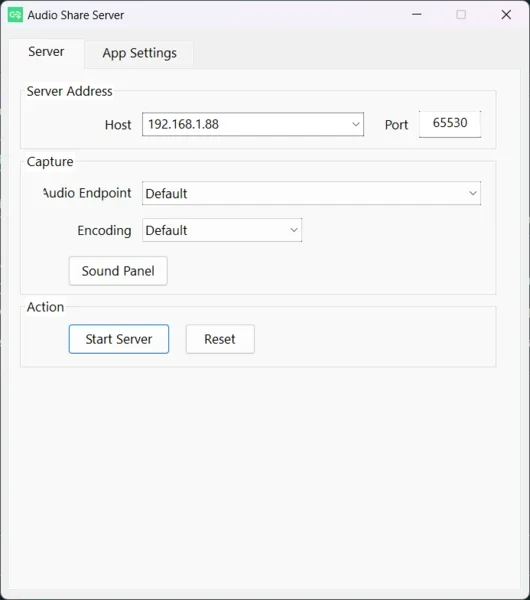
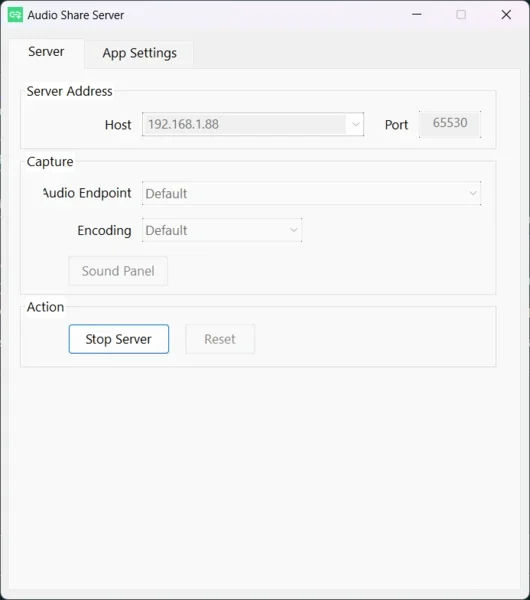
Audio Share Server runs on the PC and captures whatever audio is playing on the computer, then sends it over the local network. The phone or tablet picks it up within seconds. To set it up, you enter the server's IP address in the Android app. Both devices need to be on the same Wi-Fi network.
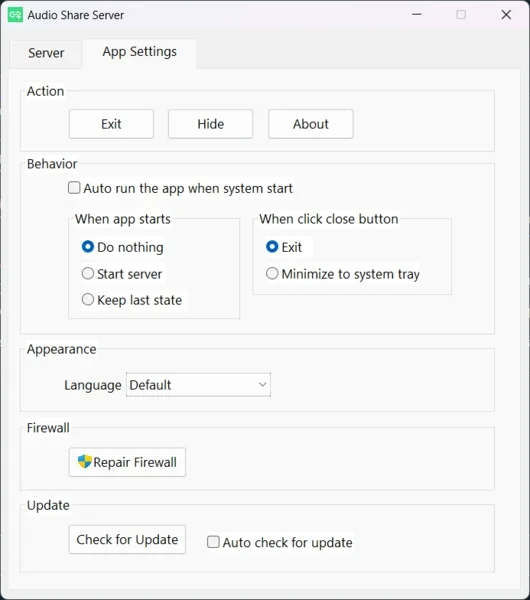
The program works with the Audio Share app, which needs the server to function. In effect the phone becomes a Wi-Fi connected speaker, with no cables and no extra devices. The app can be set to connect to the server automatically each time the device is turned on. You pick which audio source is streamed.
Sound quality is configured through three settings: the number of channels, the sample rate and the bit rate. How loud things get on the mobile device depends on the system audio level, the app in use and the Android volume. The app can force a higher volume than the device would otherwise allow. It is free and open source under Apache 2.0.
Download files
054f68a0235d4ebdaaf6ae57758bbed54c0c0194abe84cb449ce62ac42ad1add
No digital signatureSystem requirements
Additional information
Developer
Latest release
Size
Category
File type
SHA-256
054f68a0235d4ebdaaf6ae57758bbed54c0c0194abe84cb449ce62ac42ad1add