
Autorun Eater 2.6 for Windows
Scans all drives for autorun.inf files and flags suspicious code
Screenshots
Description
Autorun Eater scans every autorun.inf file on all hard drives by default. That is the file type malware uses to run itself when a USB flash drive is inserted, and Windows AutoRun and AutoPlay can let an infected drive take over a PC within seconds of insertion. The app checks the files that come into contact with the machine for particular types of strings in their code. When something looks suspicious, a warning appears and you decide what happens next.
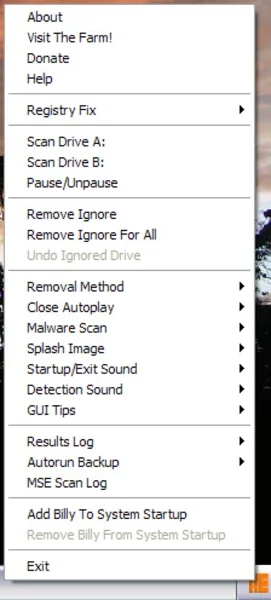
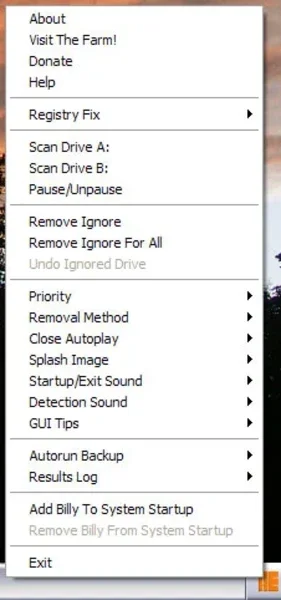
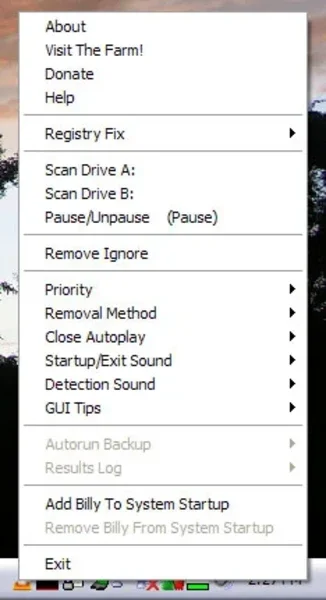
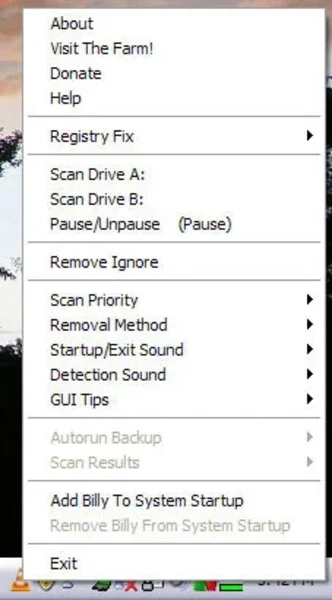
There is no window to learn. After installation the program sits in the taskbar, and everything it does is reached by right-clicking its icon. A drop-down menu there holds the actions, including deleting a suspicious autorun.inf file. Files it flags are tagged with random numbers. Those numbers are deliberate: they keep malware from closing the window on its own. Seeing them means the app is working correctly, not that something broke.
It is a malware detection and protection tool, not antivirus software. Deleting a file requires Microsoft Security Essentials to be installed, and that program is the recommended way to handle removal of dangerous files. Autorun Eater itself is free.
Download files
9737022f7a18792cd30e7e7f4248d68402b5c250d38482089f7a607d8417b74e
No digital signatureSystem requirements
Available on:
Minimum OS:
Windows XP or later
Additional information
Developer
Latest release
Size
Category
File type
SHA-256
9737022f7a18792cd30e7e7f4248d68402b5c250d38482089f7a607d8417b74e