Autoruns 14.3 for Windows
Lists what starts with Windows and lets you stop it
Screenshots
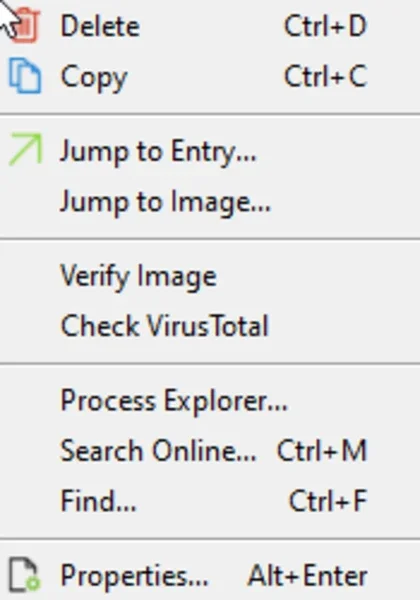
Description
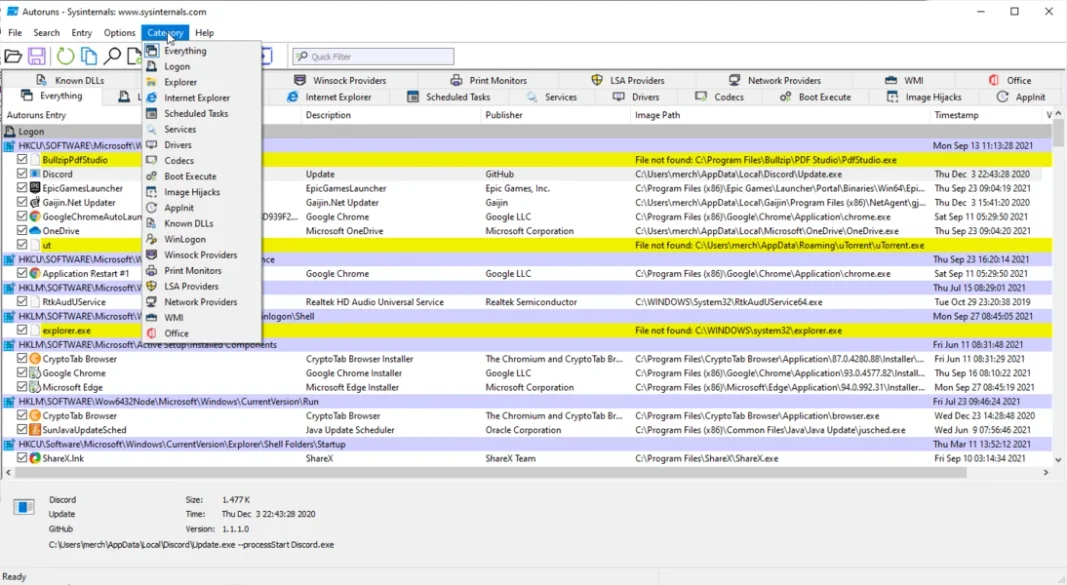
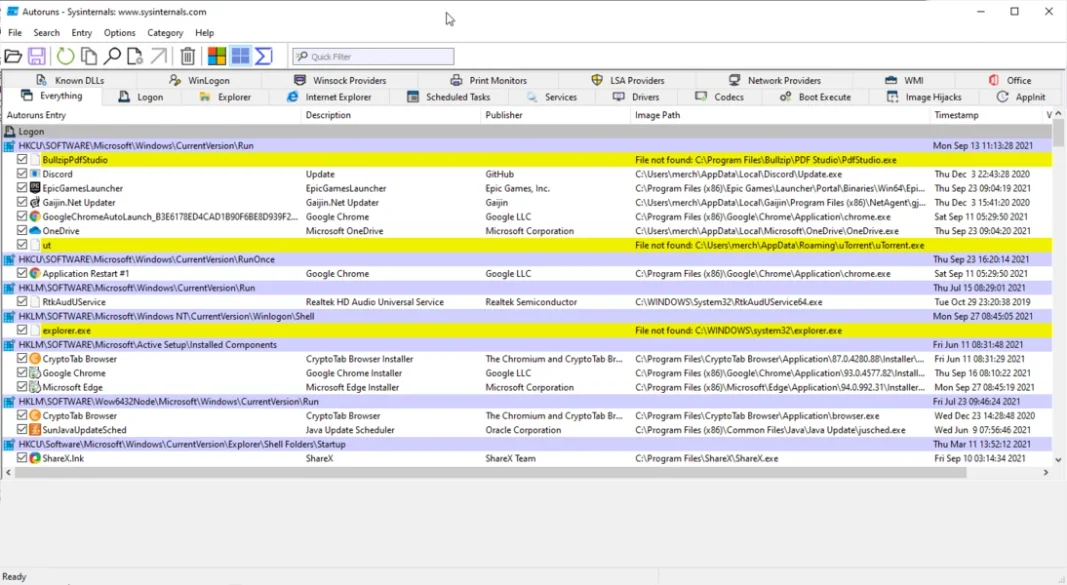
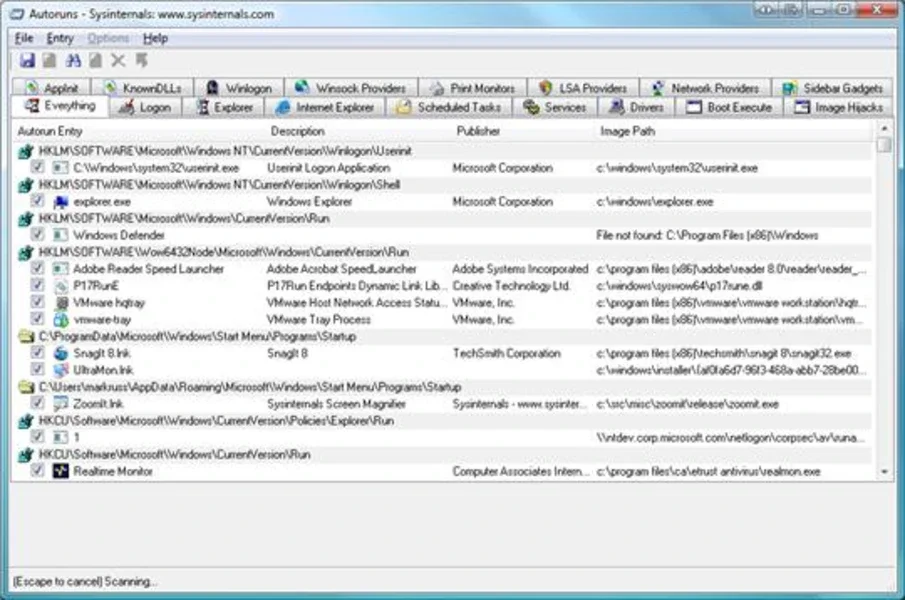
Autoruns shows every application that starts automatically when a Windows session begins. It is a Windows utility, and the list appears within a few seconds.
Each entry comes with information on the DLL files that Windows startup needs. You can look up .exe files on Google to decide whether to keep them starting each session. To stop a program from starting automatically, delete that option in the Windows Registry. The program can also permanently remove .exe files that harm PC stability. It reaches beyond ordinary startup entries: it can control Windows Explorer itself and browser extensions too. Another use is optimizing PC speed by preventing unnecessary programs from opening and using memory.
Autoruns is free, from Mark Russinovich, at version 14.3.
Download files
7b3a8eed819f732a3e4c134aecaeaebb8d643a46490ccddb82cc8a1a745c4cf7
7b3a8eed819f732a3e4c134aecaeaebb8d643a46490ccddb82cc8a1a745c4cf7
bbb5c1126a0a0600ff09a9517141378e4df573260264351000f65163123c134a
b04d2ac6dcc287a4b01a9cdc5bd9580a38df8a3379e03698cf7b888cdab7ea0f
23b08e401217555a26e62577e90cef2bf6e53d9fee4e09cd38bd929189f61bfe
System requirements
Available on:
Minimum OS:
Windows Windows 11 or later
Additional information
Developer
Latest release
Size
Category
File type
SHA-256
7b3a8eed819f732a3e4c134aecaeaebb8d643a46490ccddb82cc8a1a745c4cf7





