Windows 11 26H2 for Windows
Microsoft's operating system with Snap Layouts, Copilot and Android app support
Screenshots
Description
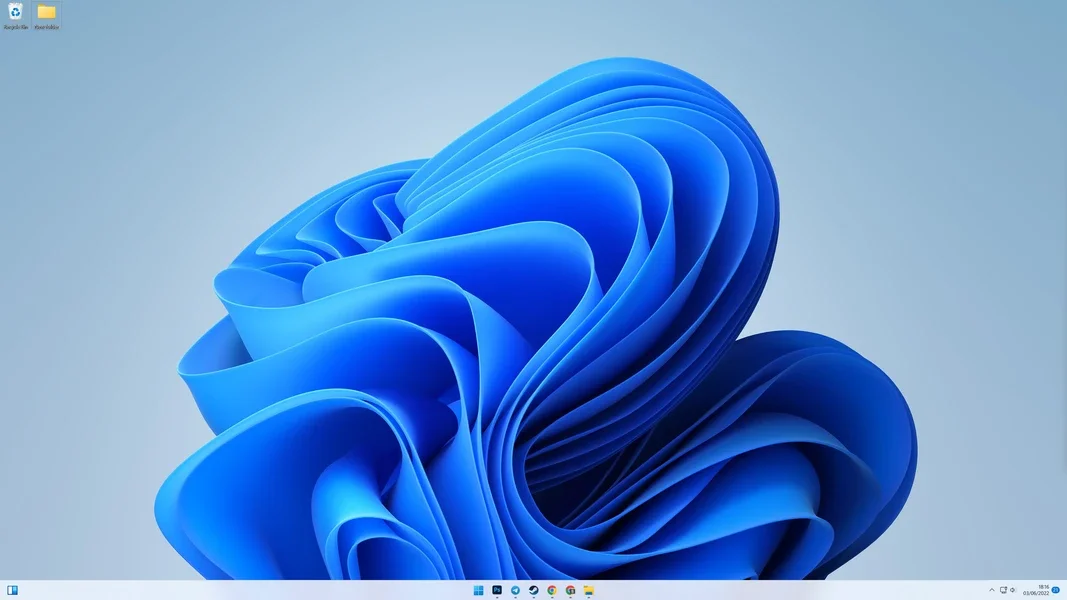
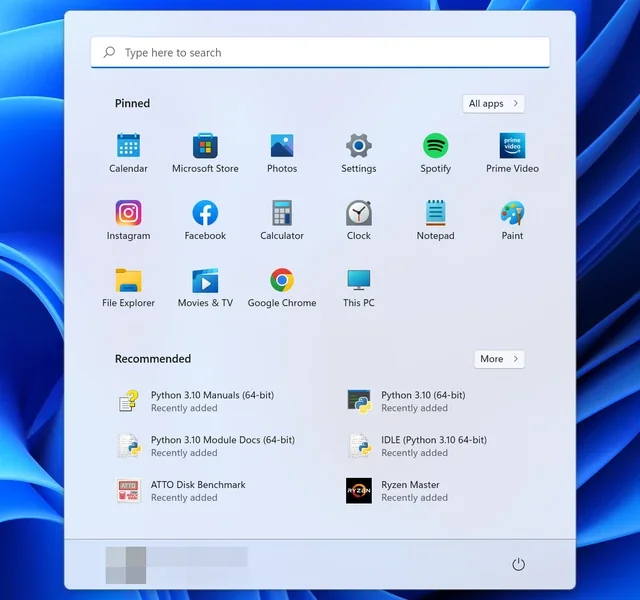
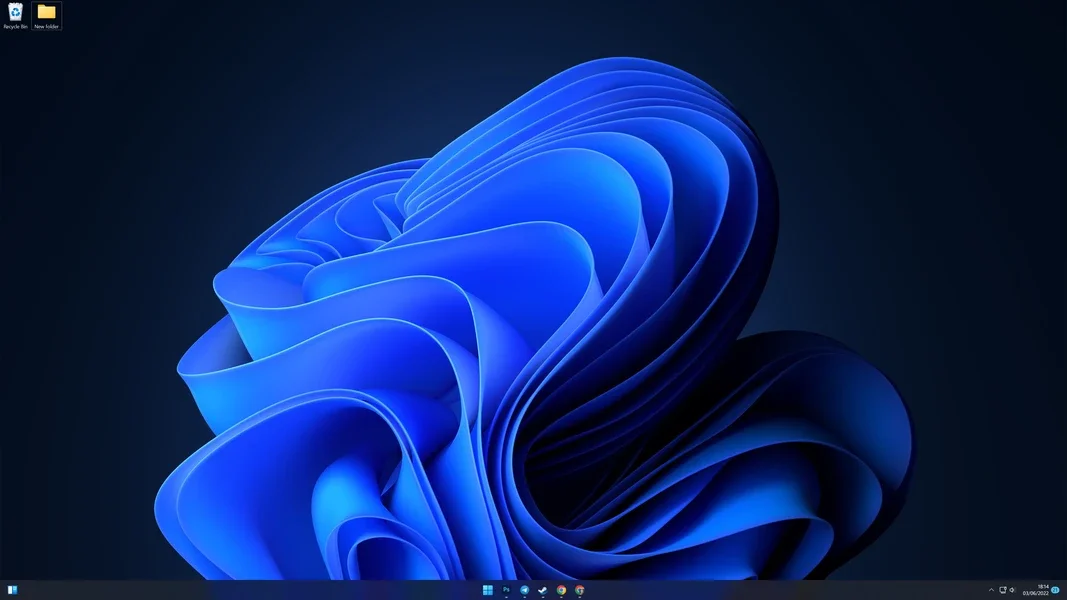
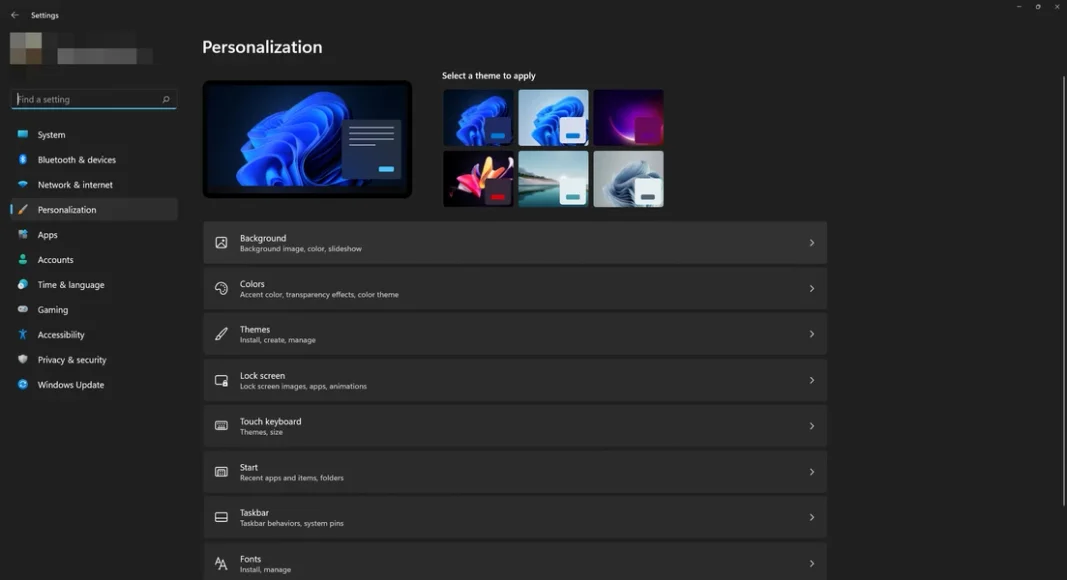
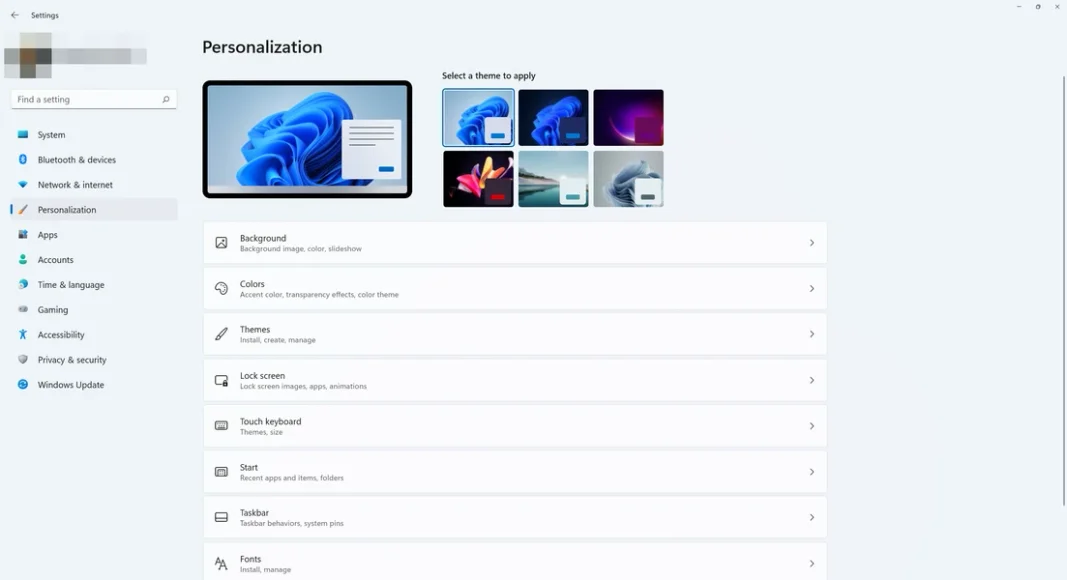
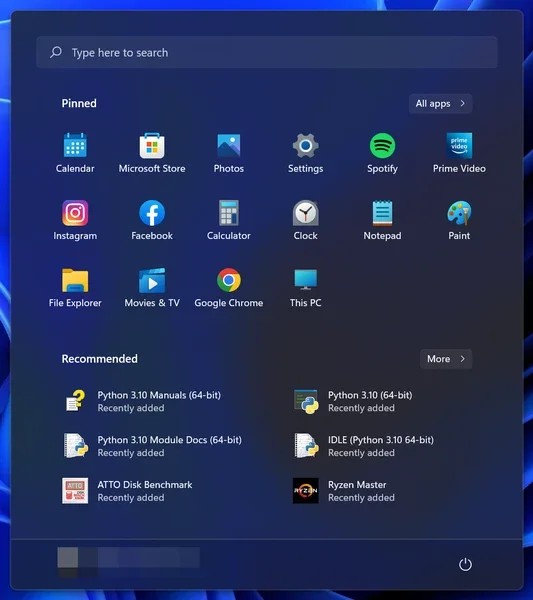
Windows 11 is the current version of Microsoft's operating system, launched in October 2021 and built as a functional and aesthetic improvement on Windows 10. Hover the maximize button on a window, or go through the Taskbar, and Snap Layouts puts your apps into a grid; you can arrange one app or a whole group, and it works on tablets too. The Start button sits center-aligned, the Start menu pins apps along the top with recommendations below and an All apps button at the top right. Fluent Design brings softer palettes and rounded edges. Light and Dark mode switch in color settings, and Dark mode uses transparency.
Search, widgets and quick settings
Windows Search returns documents, photos, folders and web results, and toggles a panel holding Copilot and recently used apps. A widget panel carries news, weather and sports scores, and takes Windows tiles or third-party widgets. Notifications collect in one panel with a circled total. Quick Settings is its own customizable panel: click the connection, speaker or battery icon to open it, and hover over those icons to see their status.
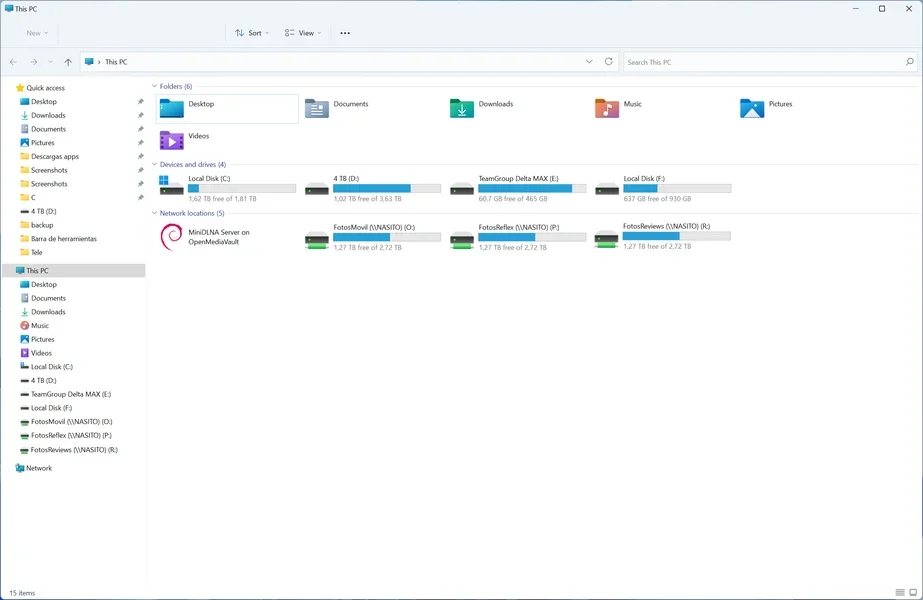
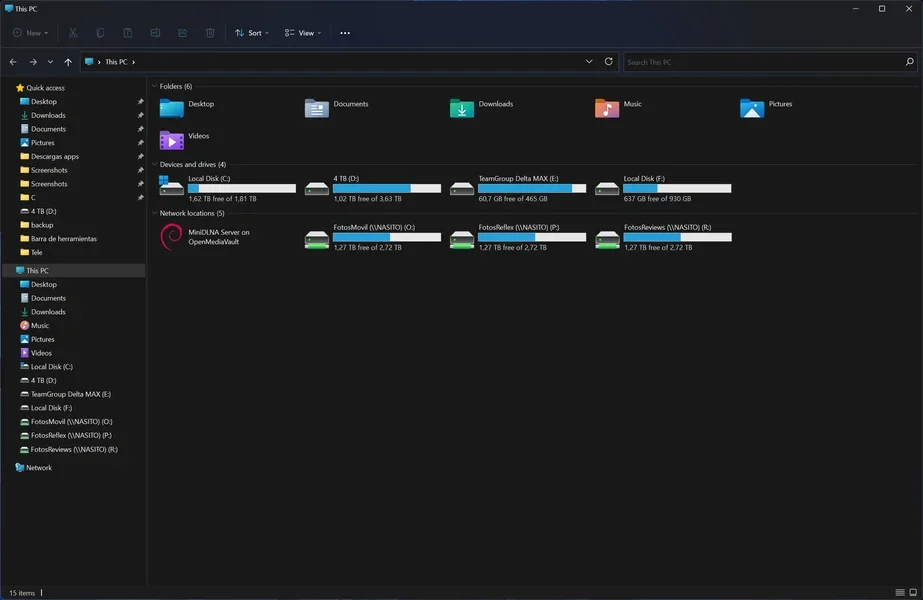
Copilot is Microsoft's AI tool here; it takes typed chat commands or spoken ones through a microphone icon, understands natural language and supports plug-ins, and it has gained assistive features. Teams Chat and Teams Meetings are one bundled app that makes free calls and sends texts to any mobile number from a PC. The Snipping Tool supersedes Snip & Sketch and adds a delay timer, still images, screen recordings and AI-based redaction of sensitive details in screenshots. File Explorer gets colorful folder icons on the left, a quieter Ribbon and tabs for several pages in one window. Task Manager has a new look, stops unresponsive programs, monitors CPU, disk and bandwidth, and has an efficiency mode that trims a single app's resource use.
Hardware, security and requirements
TPM and Secure Boot guard the machine from unauthorized access and malware, Microsoft Defender has been improved, and Sandbox is included. Upgrading needs TPM 2.0 support plus at least 64 GB of free storage, a 2-core processor and 4 GB RAM; many recent PCs qualify, some older ones do not, and some users are frustrated their processors are excluded. Only 64-bit versions ship, though 32-bit apps run. Android apps run natively, Office apps such as Word, Excel and PowerPoint work, and RAR and 7-Zip files open without third-party software. Auto HDR sharpens color, DirectStorage shortens load times, Dynamic Refresh saves battery, and Wi-Fi 6E is supported.
Download files
bd4307df32bc8af33b39ccecb1174aeb345386630f89a2b86c7a4e36b55ea650
d141f6030fed50f75e2b03e1eb2e53646c4b21e5386047cb860af5223f102a32
b56b911bf18a2ceaeb3904d87e7c770bdf92d3099599d61ac2497b91bf190b11
ff27acc3d5f407f55c6440c56a2358f6ee5dbea4c77880ba2cad9cb1e54efb35
System requirements
Available on:
Minimum OS:
Windows XP or later
Additional information
Developer
Latest release
Size
Category
File type
SHA-256
bd4307df32bc8af33b39ccecb1174aeb345386630f89a2b86c7a4e36b55ea650