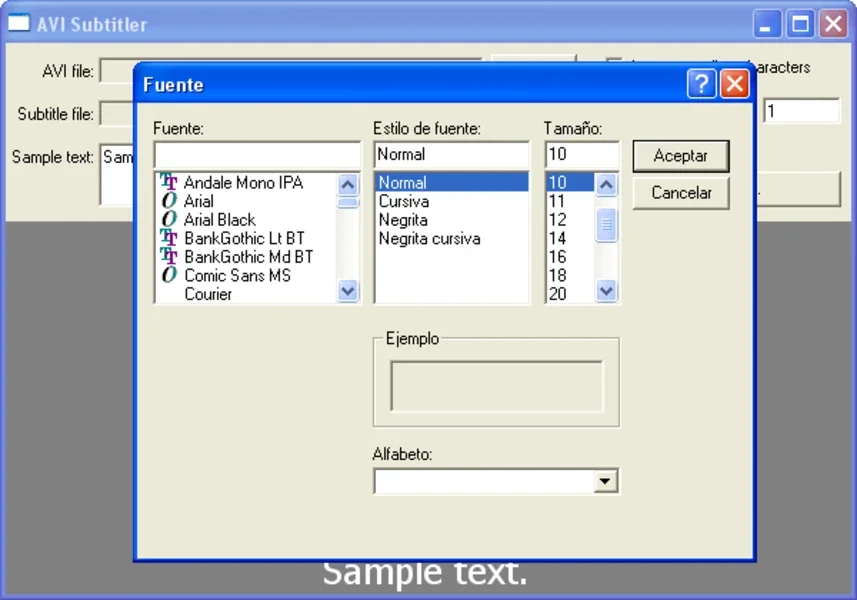

Screenshots
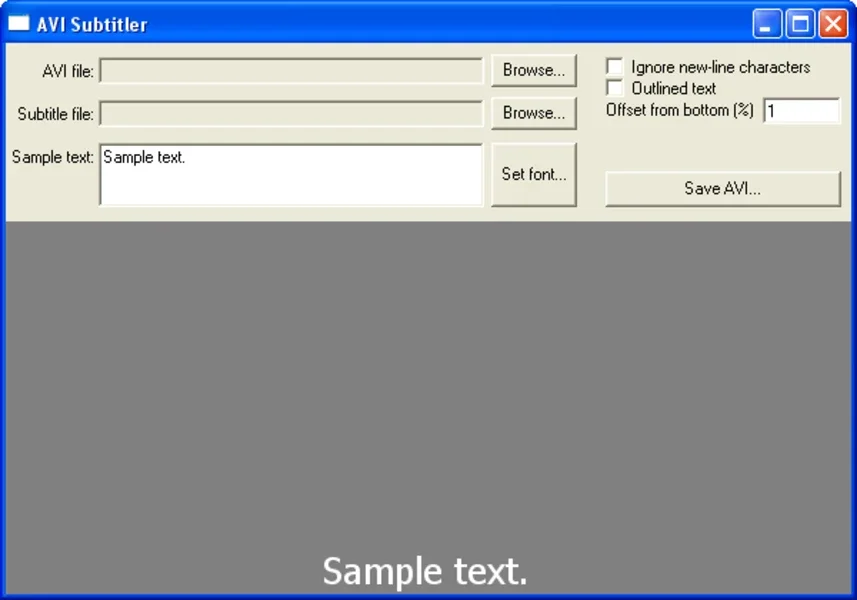
Description
AVISubtitler exists to do one thing: put a text file into a video file so the subtitles are part of the picture. You pick the video, pick the subtitles, and pick the format the subtitles should appear in. Then you choose the codec for the exported file and let it run.
Embedding subtitles by hand is awkward without the right software. A separate subtitle file plays fine on a PC through something like BsPlayer, but a domestic player needs the text inside the video, and that means re-encoding. Processing usually takes about twice the video's length, so a 30-minute clip runs about an hour, with the final size affecting the time.
That is the whole program. It is basic, and adding text files to videos is its only purpose. Version 0.18 is free from HJR Soft.
Download files
ba668a01ed72a1ad2434778f947ff27ff86ec37dc4c8e171d3137c016db5196a
System requirements
Available on:
Additional information
Developer
Latest release
Size
File type
SHA-256
ba668a01ed72a1ad2434778f947ff27ff86ec37dc4c8e171d3137c016db5196a