
Bandicam 8.3.1.2537 for Windows
Records your screen and takes screenshots on Windows
Screenshots
Description
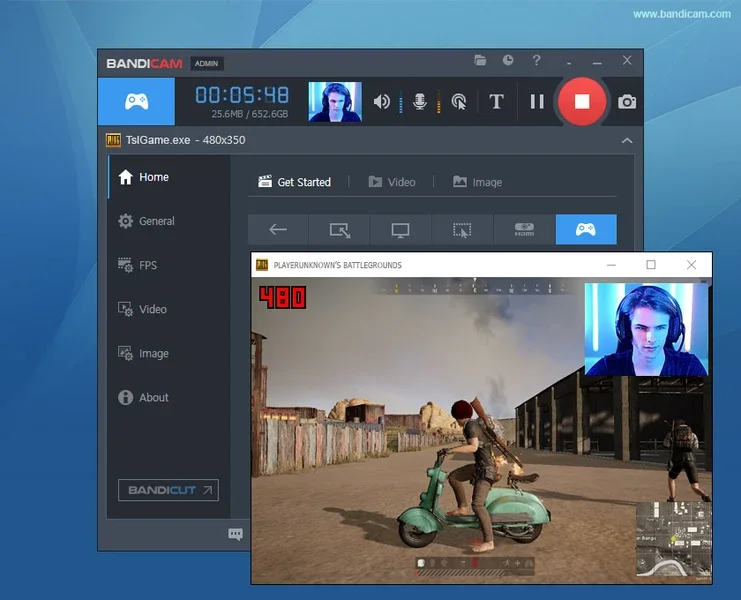
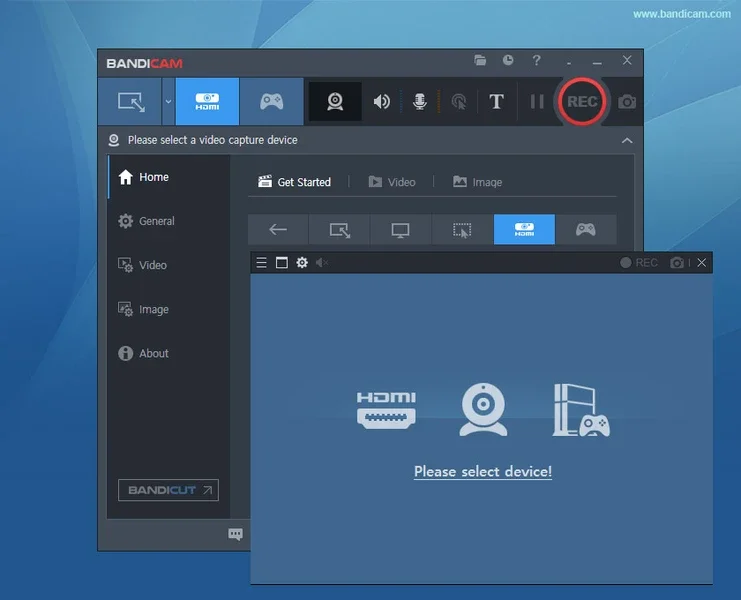
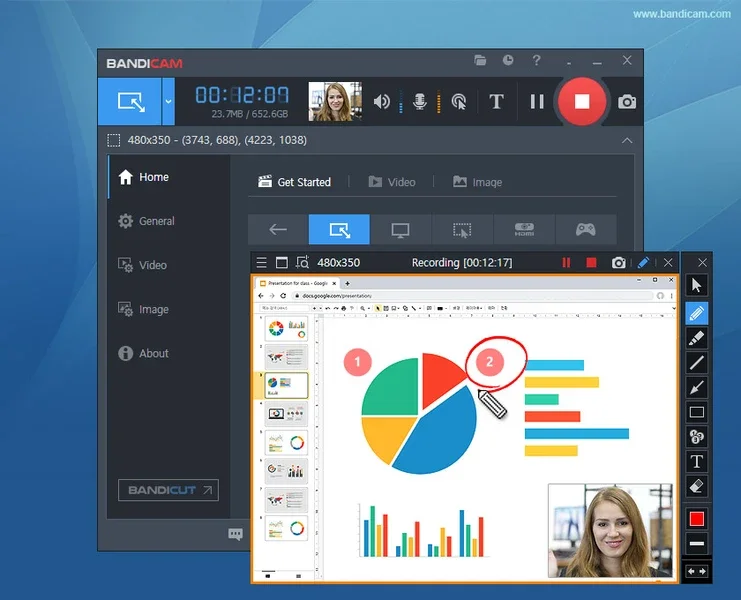
Bandicam captures activity on the PC screen, recording desktop videos and programs that use DirectX or OpenGL graphics. The Select Recording Area option automatically places a rectangle over any window and limits recording to that area. You can also set the recording rectangle manually or enter exact measurements, and if several monitors are connected, you choose which one to record. The entire screen can be recorded too.
Screenshots come in BMP, PNG and JPG, with several compression ranges for JPG. Any keyboard shortcut can be assigned for taking a screenshot, and a custom logo can be added automatically to each one.
Configuration options let you change video quality and size, codec type, frames per second, audio channels and bitrate, and whether the mouse cursor is shown. Without a license key, a watermark appears on all recorded videos; the key goes in the About tab, under Registration. The interface has a button with the Bandicut logo, and clicking it automatically downloads that program from the same developers. Bandicut can edit any video and trim it in seconds. Tutorials are on the developers' official website. Cracks and keymakers are not recommended because they typically install malware.
Download files
58b852c3e614d2c38a024163656711974412b9f4381c971fa6a601e0ffccec74
Signed by Bandicam Company Corp. · valid until Mar 7, 202788fd7fe0e7515ed7c0c99dc81e1cfa02b280f53ecfb6946541e4a930804fbf64
0c21107d93ff31997b32716257498c37c0c4e9e47d48ed49278a7857ac98ef64
d526971adadb1eba1eef87060b885f830dff42fd722953c4f0d075f6466a442e
584f0a10fb9b597d99319da5a00331d0e094e54ea9e4dc03ce477afd44e64172
System requirements
Available on:
Minimum OS:
Windows XP or later
Additional information
Developer
Latest release
Size
Category
File type
SHA-256
58b852c3e614d2c38a024163656711974412b9f4381c971fa6a601e0ffccec74