
ManyCam 9.3.0.11 for Windows
Webcam effects and layered video for calls and streams
You are on macOS — this is the Windows version. See the macOS version
Screenshots

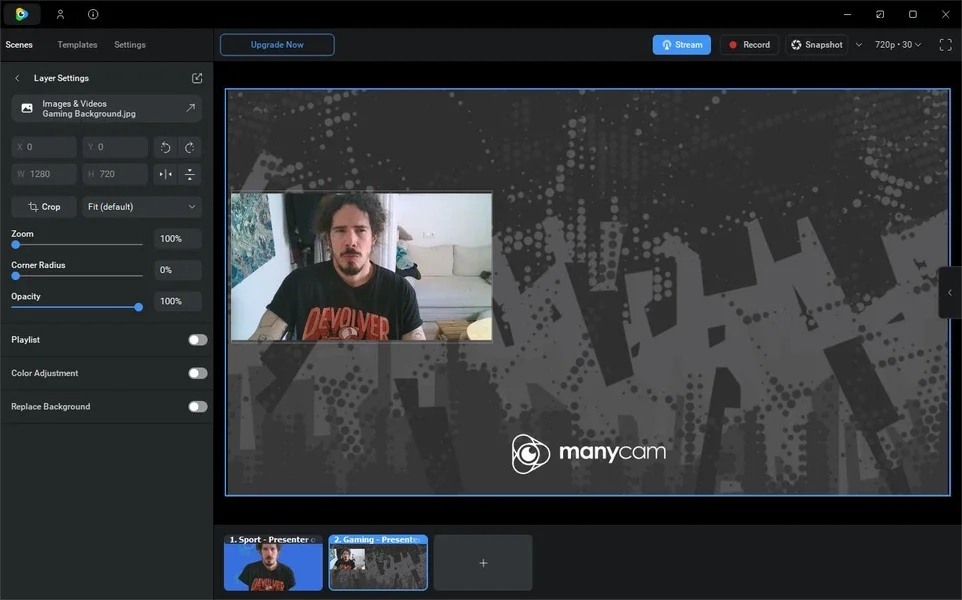
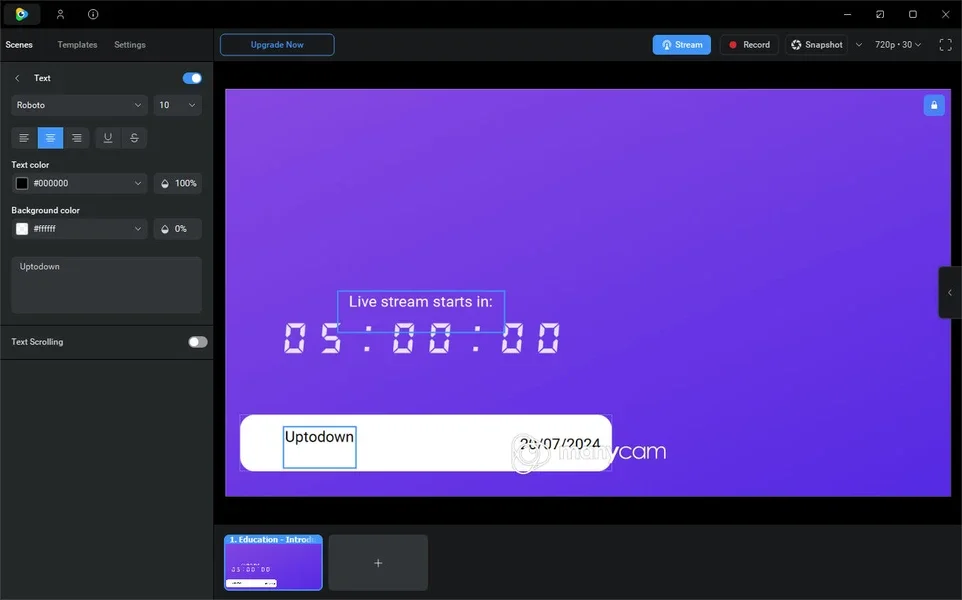
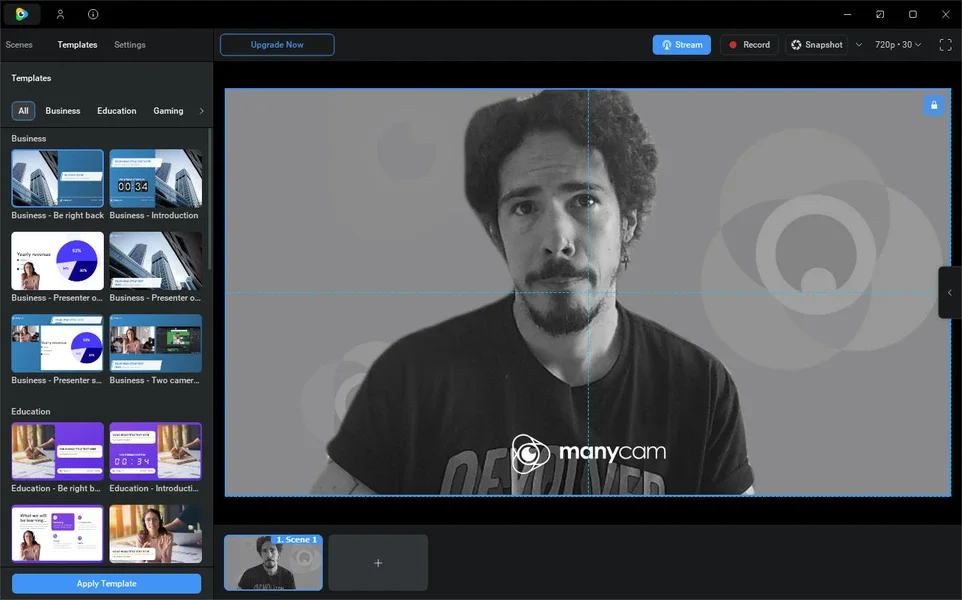
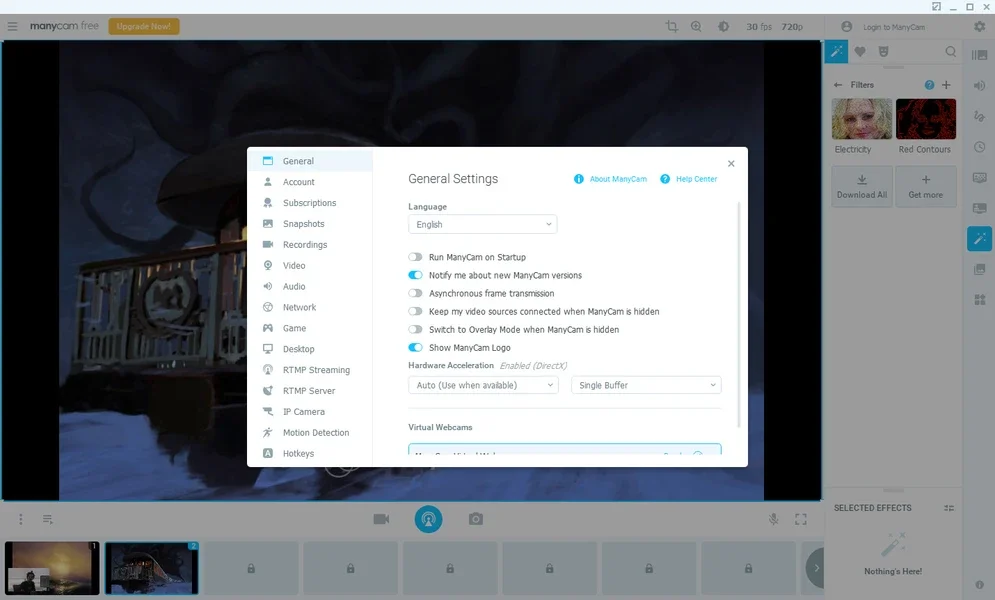
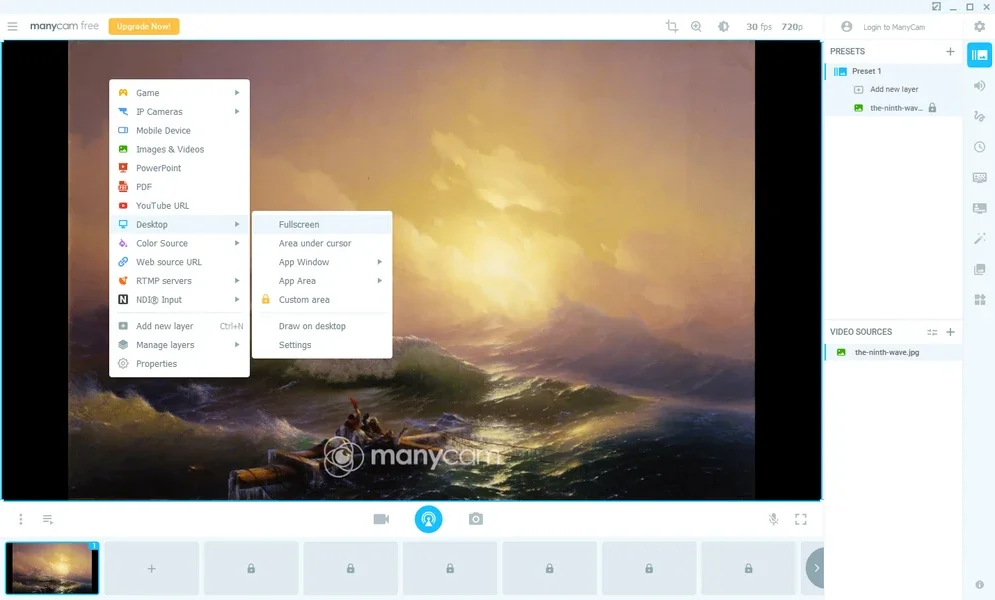

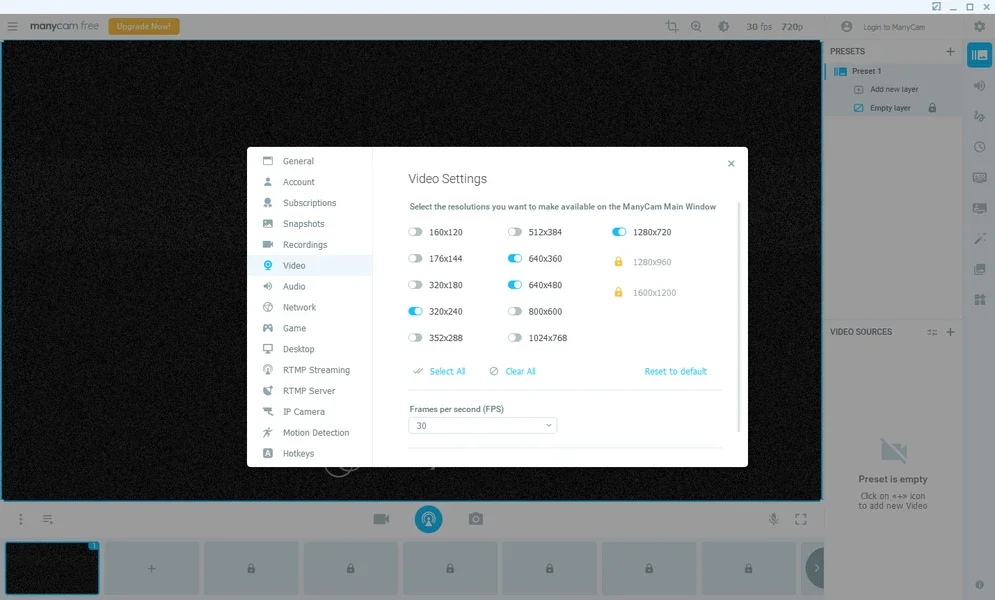
Description
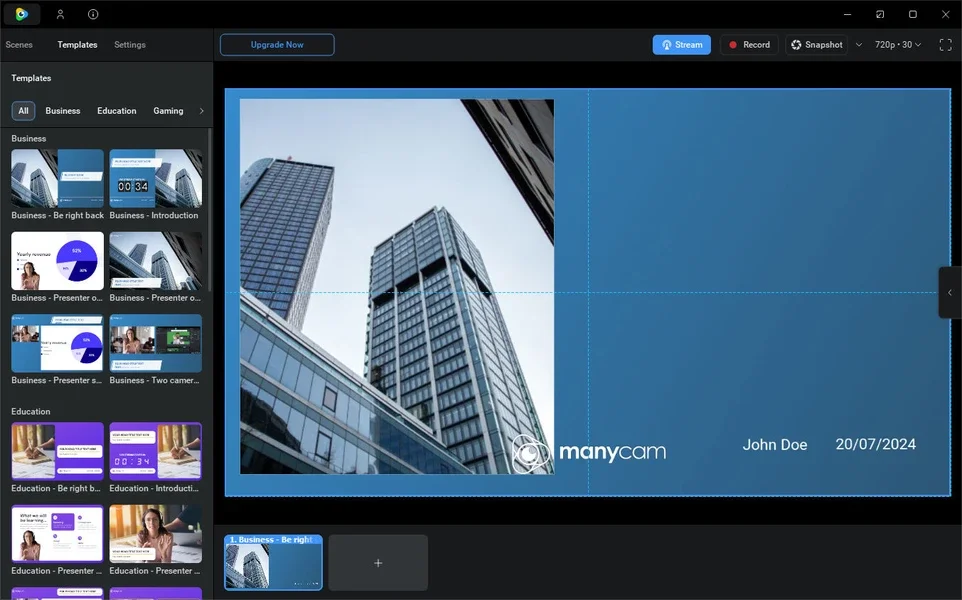
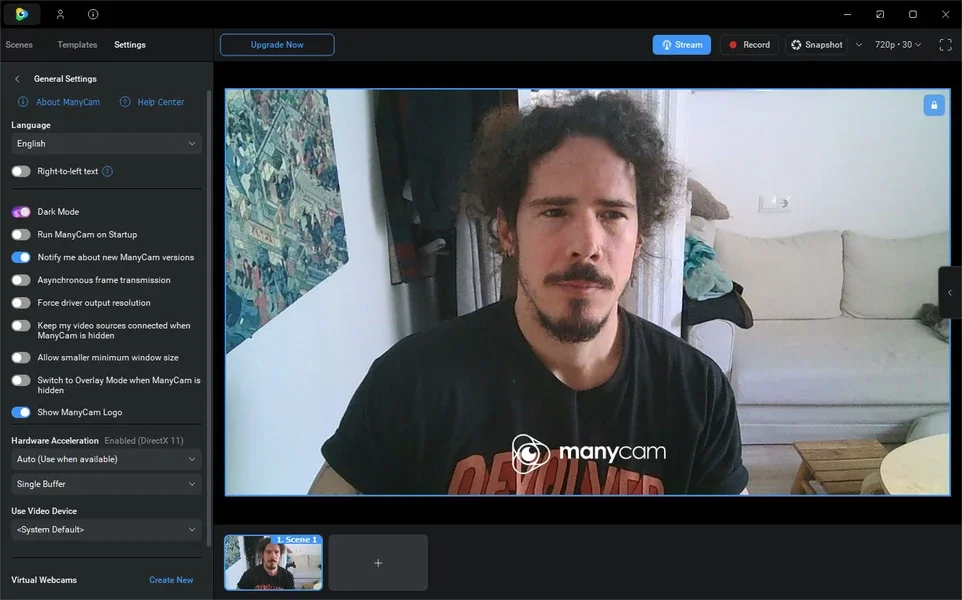
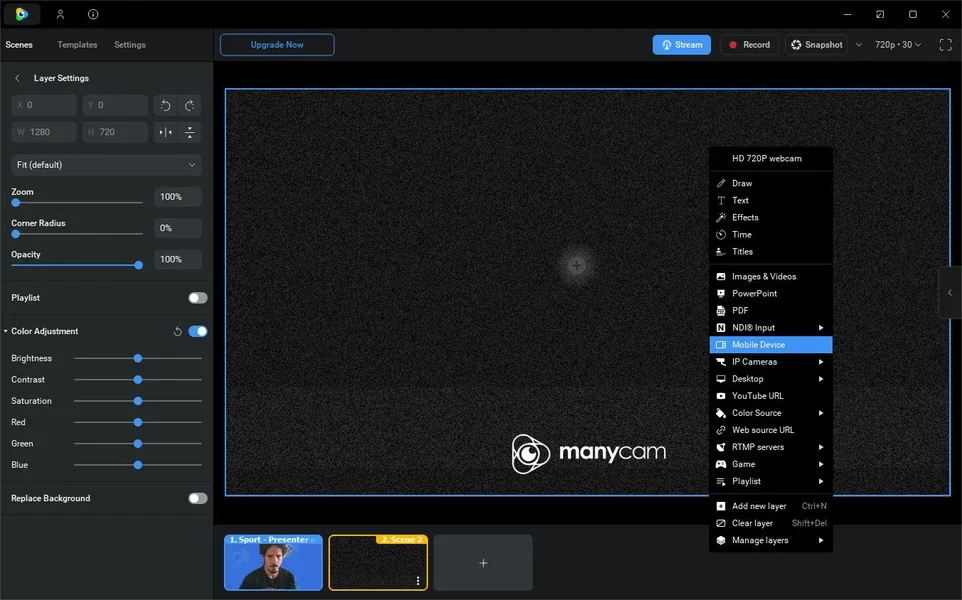
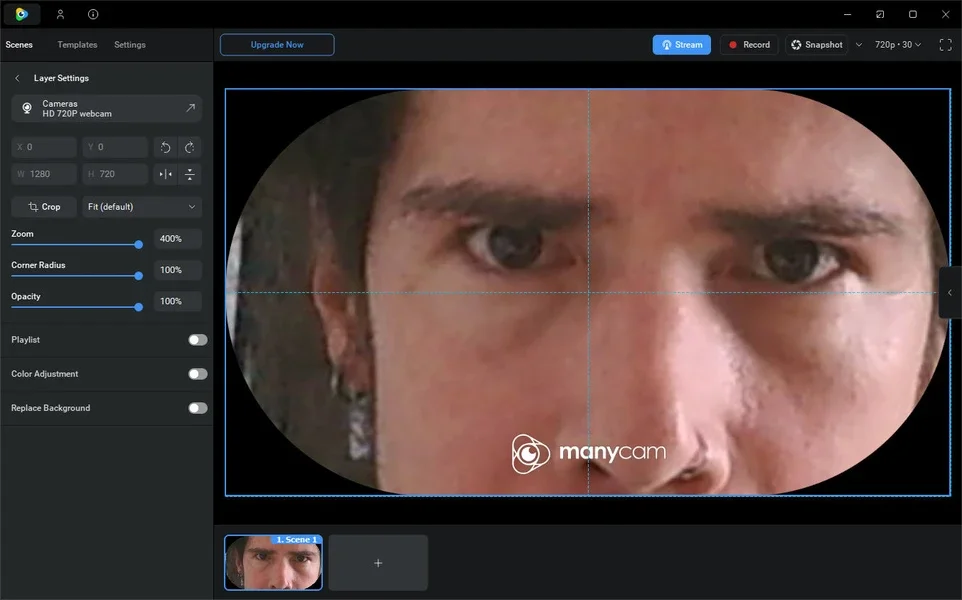
ManyCam is webcam software for video conferences and live streams. It corrects the webcam image and swaps in virtual backgrounds, and the developer describes both as very easy to do. The normal background can be blurred instead. For streams, you can build an image layout out of different video layers.
It works alongside the apps people already use, including Zoom, Microsoft Teams, Google Meet, Facebook, YouTube and Twitch. Over 20 virtual backgrounds aim at a professional look during conferences. Guests can use many basic features without identifying themselves; an account is not required. Registering, which takes a few seconds with a Google, Twitter (X) or Facebook account, is what activates virtual backgrounds and the advanced features.
Many features are Premium or Studio only, and those plans unlock on the official website. Several tutorials sit there too. The app suits live streamers most, though occasional calls and conferences are a fair second use.
Download files
580e783ce5bea28aa91614fb6f4bf57d64d579aa9807de253a501d043c4e2f04
Signed by Intelligent Protection Management Corp. · valid until Jun 11, 2027f7eefd3cdfa03c761db53cd89d2ddd2dcd7f9b63d46069992a555a28c7b2abeb
afd52bcdfd2e4ef63320ec1048aedfd53741288fbeb8dbac31c7bbcda39f6bcb
71df7df4b944d5109a144205e98a24c52bd189480846842c8f19a69bfa487664
0656d5a32b56425383156b4bf0f159ff96c927cd4efd8d4e90f20415a81a50b2
System requirements
Available on:
Minimum OS:
Windows XP or later
Additional information
Developer
Latest release
Size
Category
File type
SHA-256
580e783ce5bea28aa91614fb6f4bf57d64d579aa9807de253a501d043c4e2f04