Bluetooth Version Finder 1.7 for Windows
One-click lookup of the Bluetooth version your PC is using
Screenshots
Description
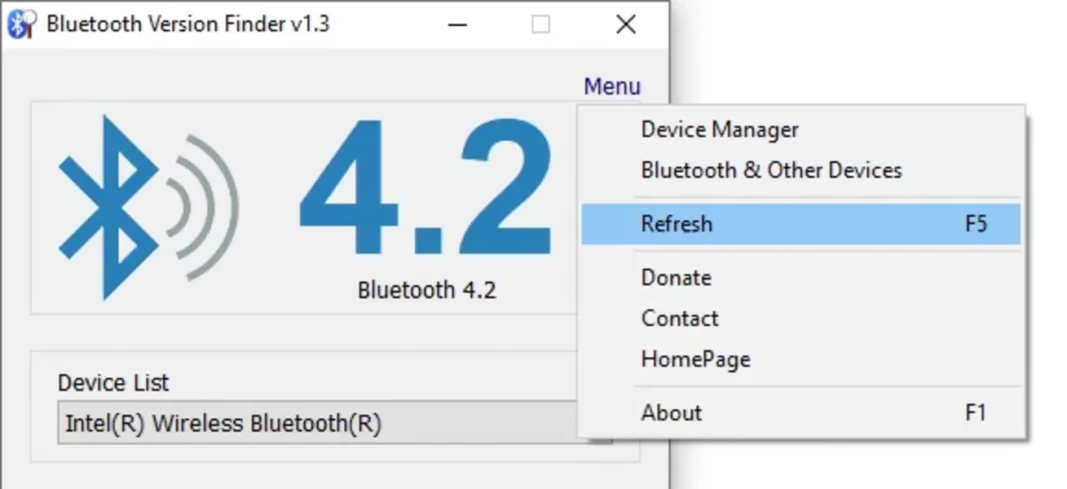
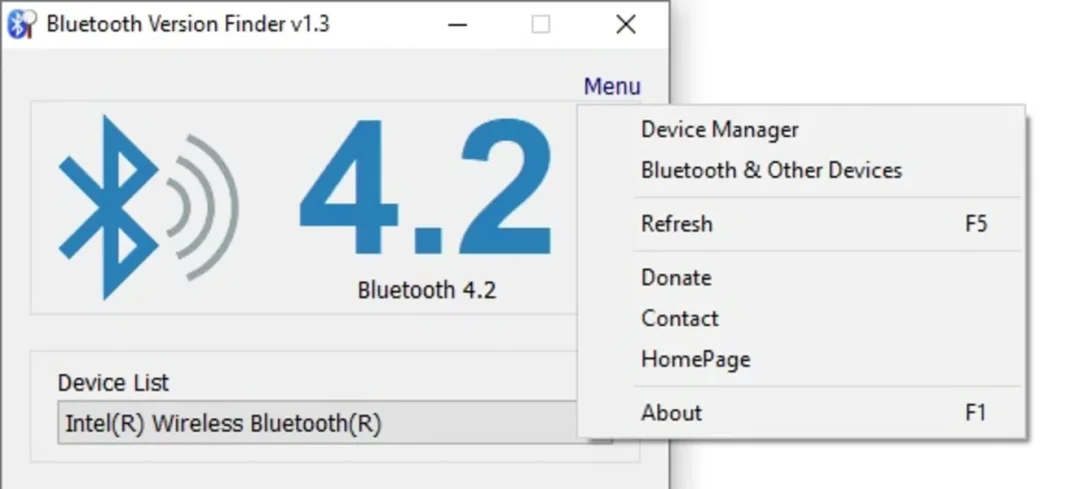
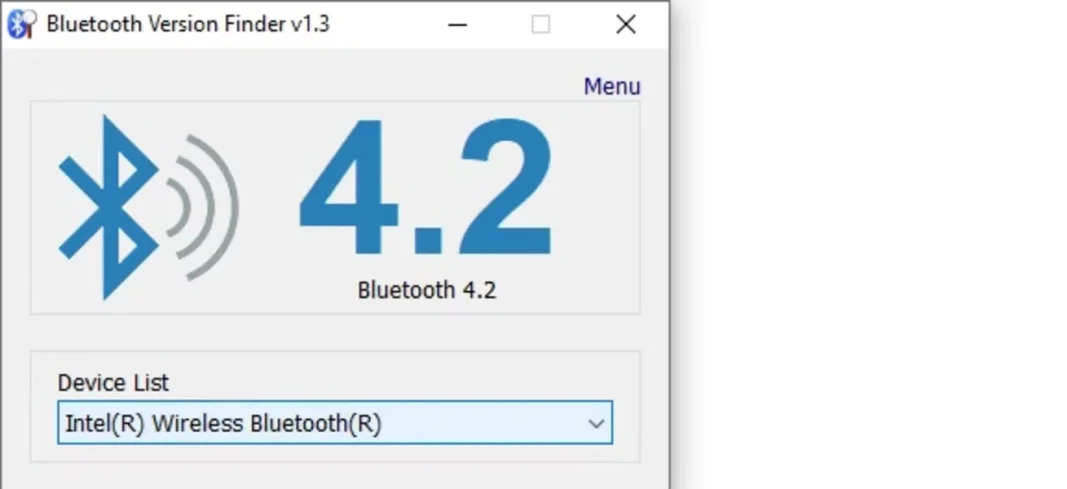
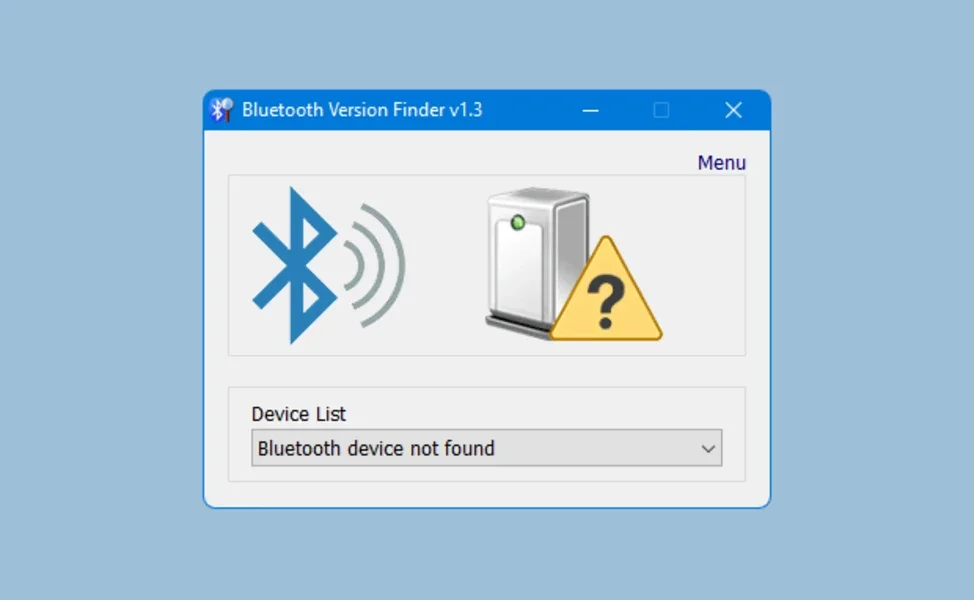
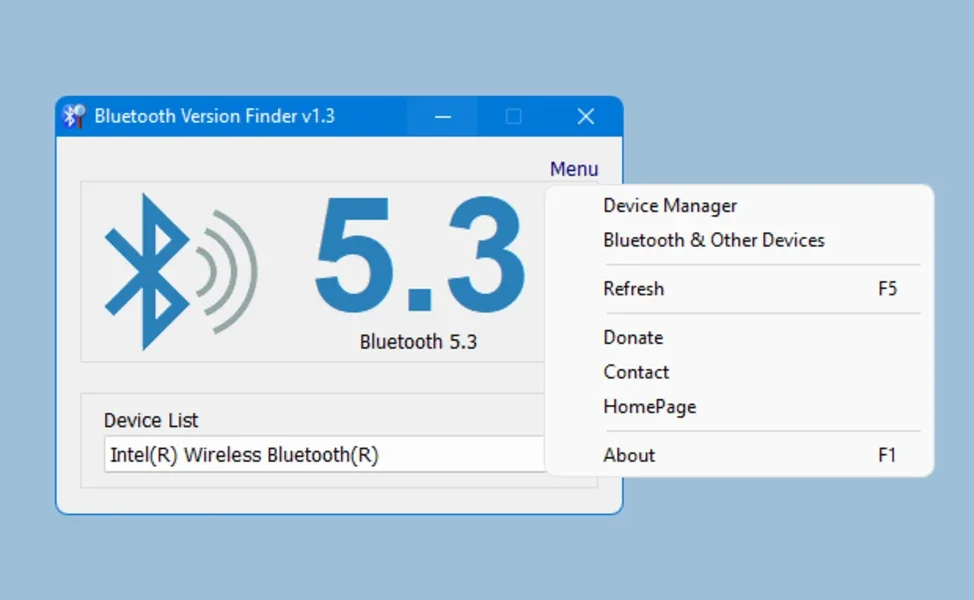
Run Bluetooth Version Finder and it tells you the specific Bluetooth version of the device connected to your PC. One click, and the answer is there.
The tool matters most on older computers that have no way to display connected Bluetooth device details. On those machines, the alternative is Device Manager: expand the Bluetooth device set, then work through further steps to identify the version. Modern desktops can usually show the current Bluetooth version, but that also takes a few extra steps. The program needs only to be run to do its job. The Bluetooth device you want to identify has to be open while the operation runs. Besides the version, it displays more detailed specifications related to the firmware. It also explains why features or options of a device cannot be accessed. One example it notes: Nearby Share file sharing only works on Windows desktops with higher operating systems.
It is free and lightweight, and Sordum releases it.
Download files
dbc837cdcf572930773279b855a0c5ed686fe143883ff718239c687dfe3bf7d4
22e4ff9bf698fefe9e0174fcbc07b6a36da5d3322df285d046a07f8713b6af88
2cbcd04c954edbc79b95a576b1391c068c5810da9b91183eb08b9a773c14d7b4
ea5b2358b7cb2f2a350a378086e4dfc60c90cc0b3ff08c78fe64a7210c462f79
a9383c4d63af869d88c45d8f6c7934c80ed5dccb035edd12ce2544a710bc13ed
System requirements
Available on:
Additional information
Developer
Latest release
Size
Category
File type
SHA-256
dbc837cdcf572930773279b855a0c5ed686fe143883ff718239c687dfe3bf7d4