
BroadWave Streaming Audio 1.29 for Windows
Stream live or recorded audio from a Windows PC
Screenshots
Description
BroadWave Streaming Audio sends audio over the Internet from a Windows PC. It runs as a server on that machine for both live and prerecorded sound.
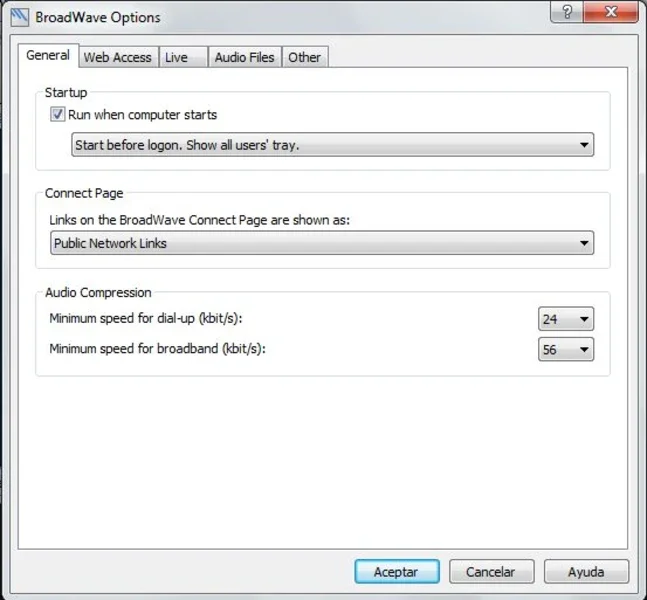
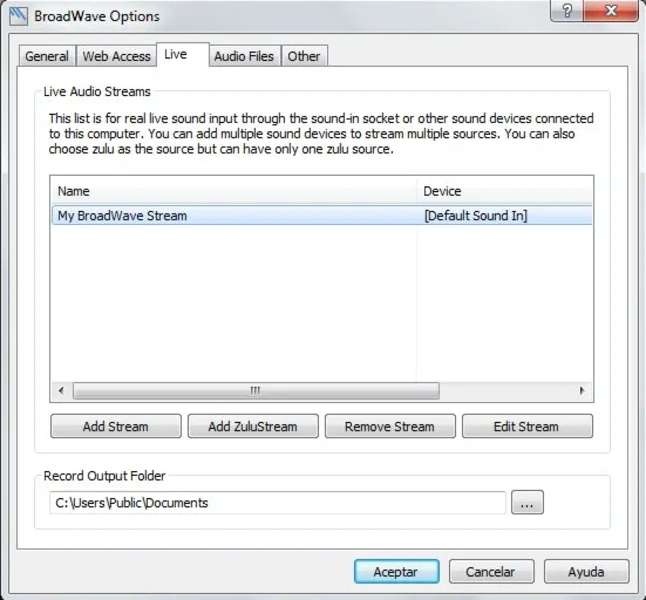
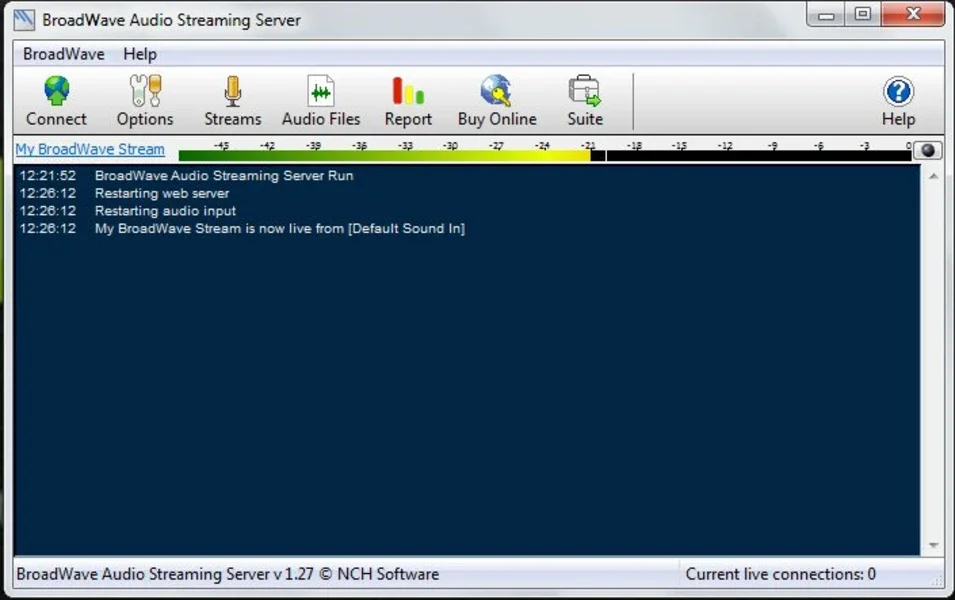
To go live, plug in a microphone, open the Streams button on the main toolbar, then choose Add Stream and Connect. Listeners need nothing installed: the stream plays in the default browser on Windows, Mac or Linux. Prerecorded audio works the other way round. You add files to the main window and get one link for the whole playlist, or a separate link for each file. The recordings can be in WAV, MP3, WMA, AIFF or several other formats. Behind the scenes the program sequences the audio, works out which player format to use, adjusts bandwidth and handles the Internet transmission.
Version 1.29 is the current release.
Download files
b48552129cccd83e6e1b27964b07f49fb69c3ee5972563b7c8c416b2730001ed
Signed by NCH Software · valid until Aug 7, 20155f92416b99780fe7b212a23a8da210ff2b5580292492de61d35bae0b4cefce8e
f41833710fbd744df0ca2771deb703066c32a726b6bec9975aefbe0808e79c10
System requirements
Available on:
Additional information
Developer
Latest release
Size
Category
File type
SHA-256
b48552129cccd83e6e1b27964b07f49fb69c3ee5972563b7c8c416b2730001ed