CamRio Voice 1.0.9 for Windows
Turns text into spoken audio on Windows, with emotion and voice cloning
Screenshots
Description
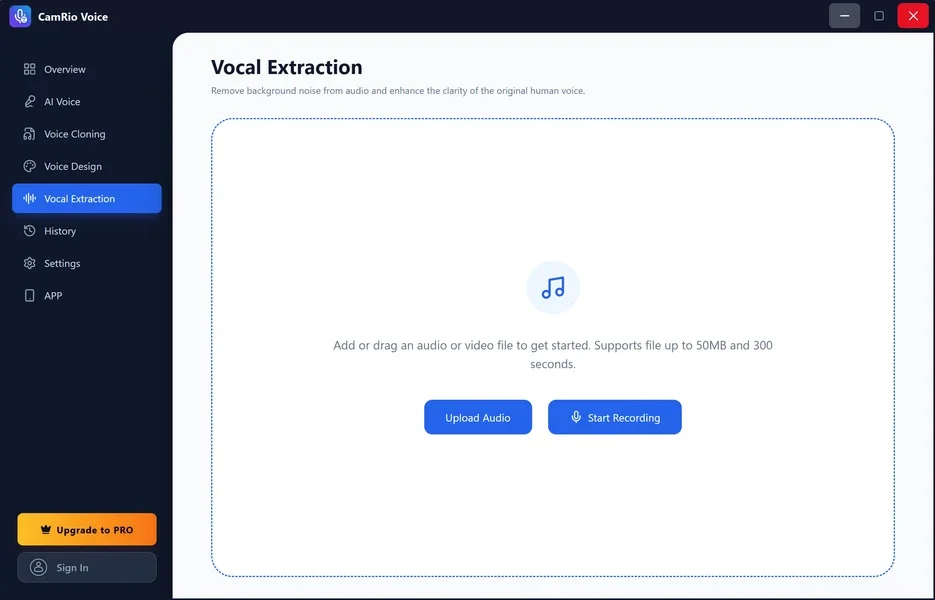
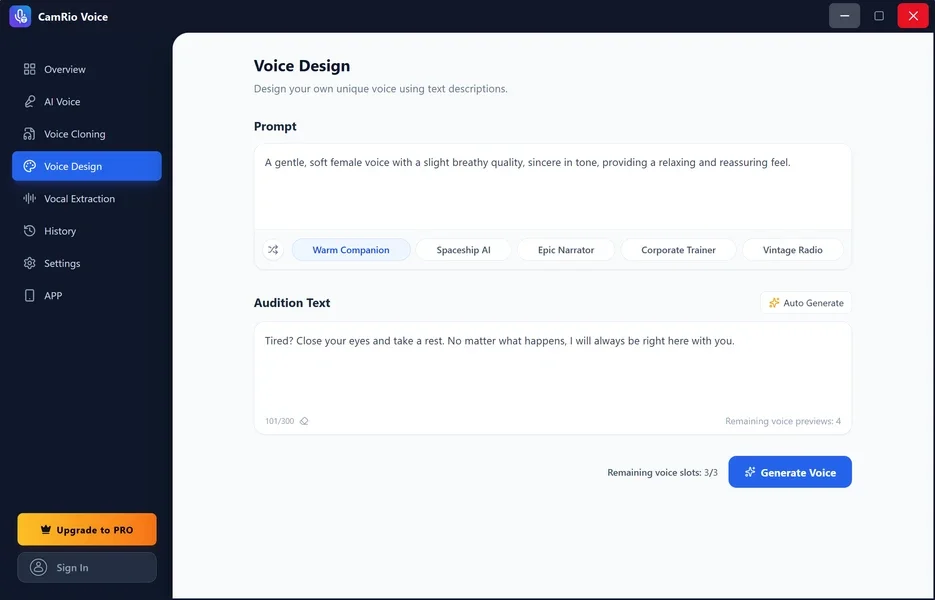
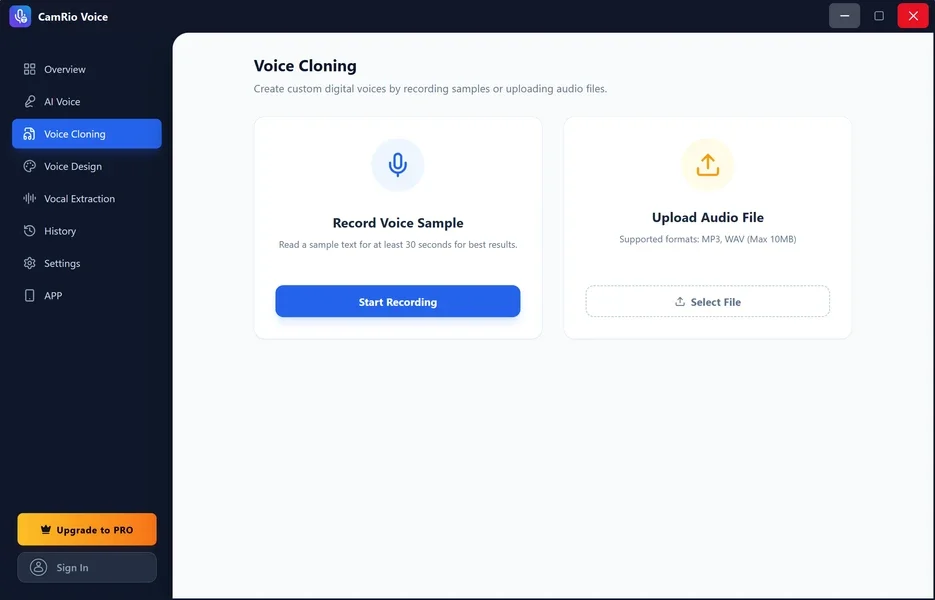
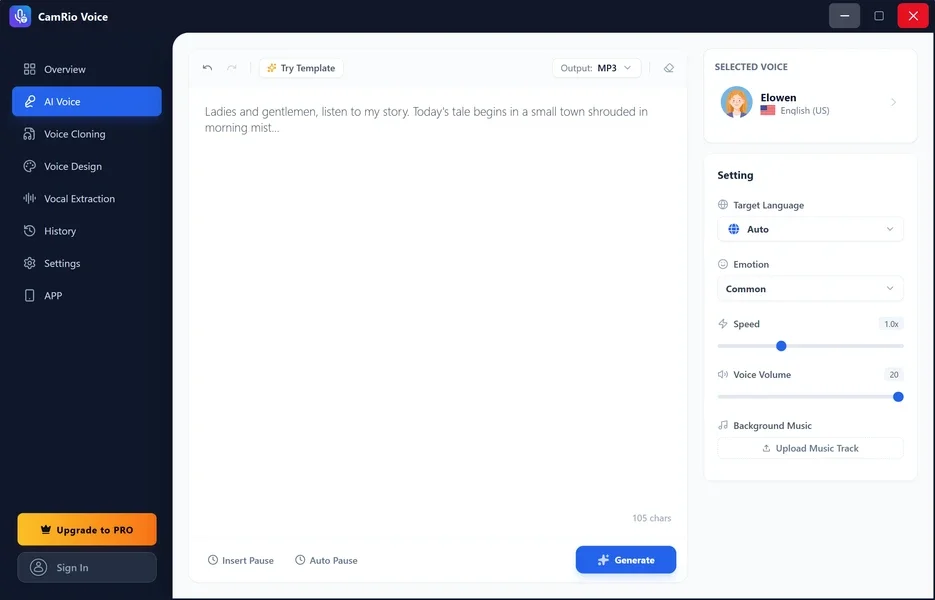
CamRio Voice turns written text into spoken audio on a Windows PC. Paste in a script, pick a voice and language, adjust how it sounds, preview the result, then export the audio file. No microphone, studio, or voice actor is involved.
- AI text-to-speech reads text aloud as natural speech
- Voice cloning builds a voice from a short audio sample
- Emotion controls change tone, speed, and expressiveness
- Speech can be generated in more than 100 languages
The voices suit YouTube and TikTok voiceovers, audiobook narration, podcasts, marketing videos, educational material, product presentations, and accessibility content. The program is built for content creators, video producers, educators, and marketers, though nothing stops anyone else from using it. Subscriptions come in three tiers: Starter for individuals and casual creators, Pro with more generation capacity for creators and professionals, and Ultra for heavy users and professional production. All tiers bill through the payment method linked to the CamRio account and renew automatically unless canceled before the current billing period ends. You can manage or cancel a subscription in the account settings.
Download files
e39f2db8a932892e64c9ad98b6469b47d4496d2b9704fd0a84c067540ff7a92f
Signed by Xiamen Baishengtong Software Technology Co.,Ltd. · valid until Jul 10, 20278c0a8af1952d0c46d183d7e1cfe20c69579aaf0b635d3f003cbc273922586dcc
Signed by Xiamen Baishengtong Software Technology Co.,Ltd. · valid until Jul 10, 2027System requirements
Available on:
Additional information
Developer
Latest release
Size
Category
File type
SHA-256
e39f2db8a932892e64c9ad98b6469b47d4496d2b9704fd0a84c067540ff7a92f