Canva 1.129.0 for Windows
Free graphic design app with templates, AI prompts and a video editor
You are on macOS — this is the Windows version. See the macOS version
Screenshots
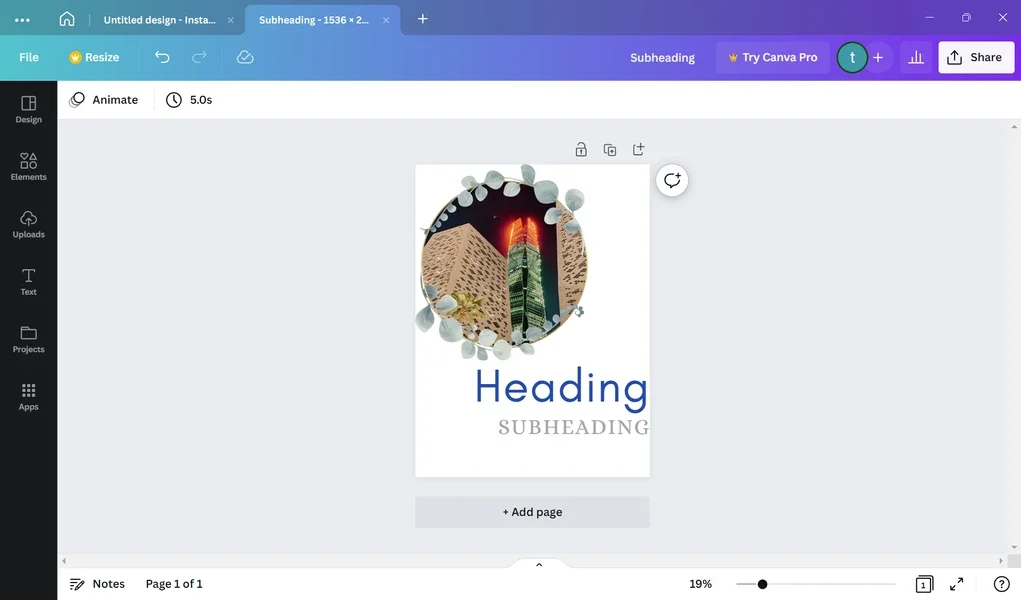
Description
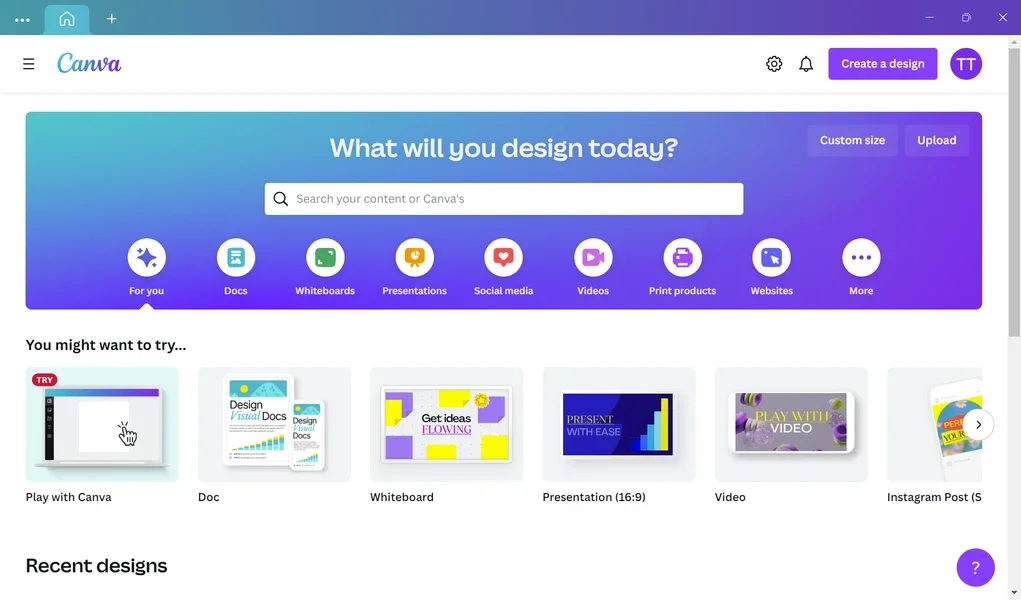
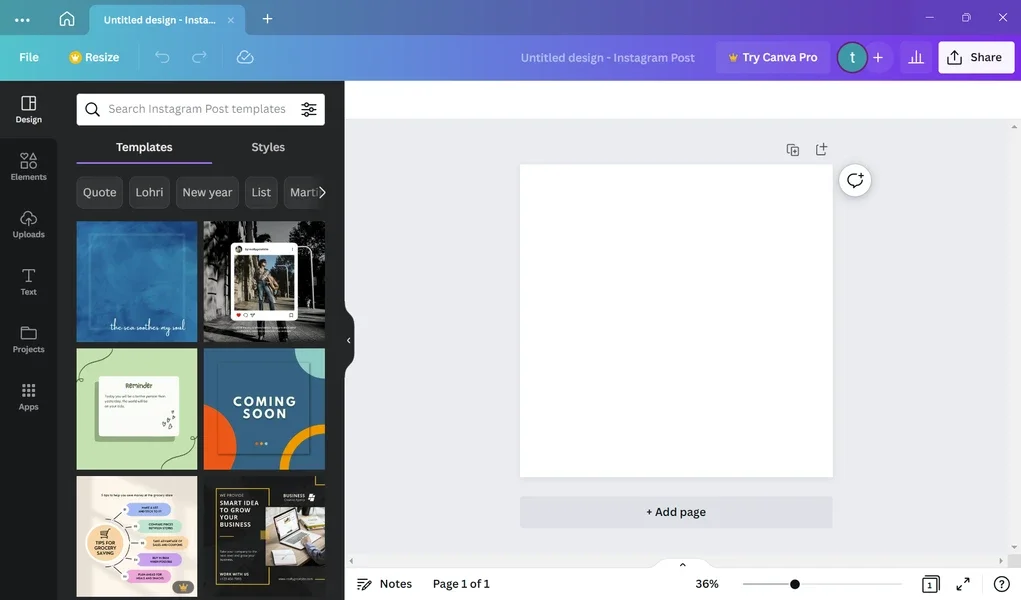
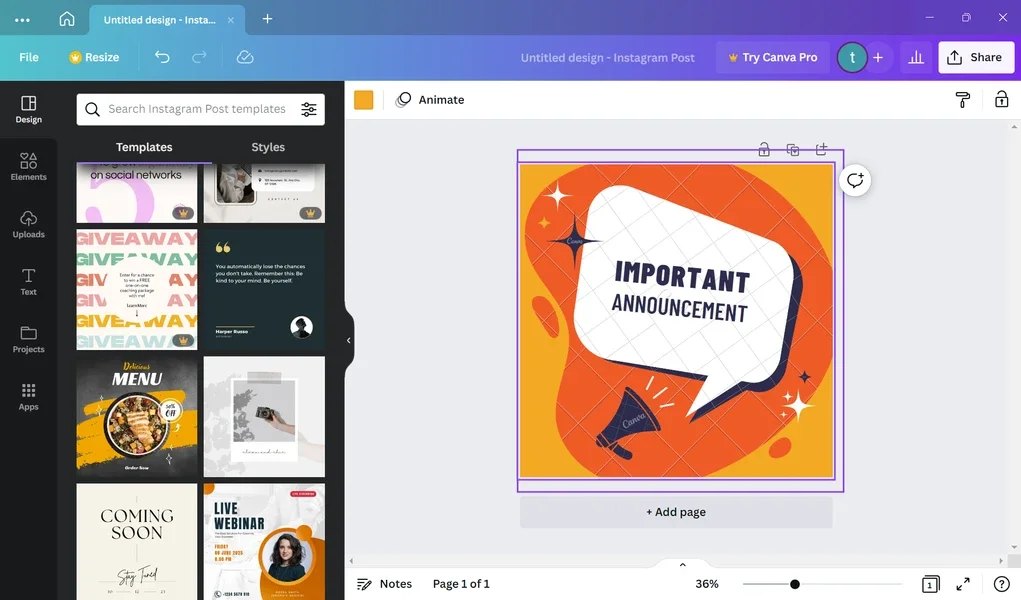
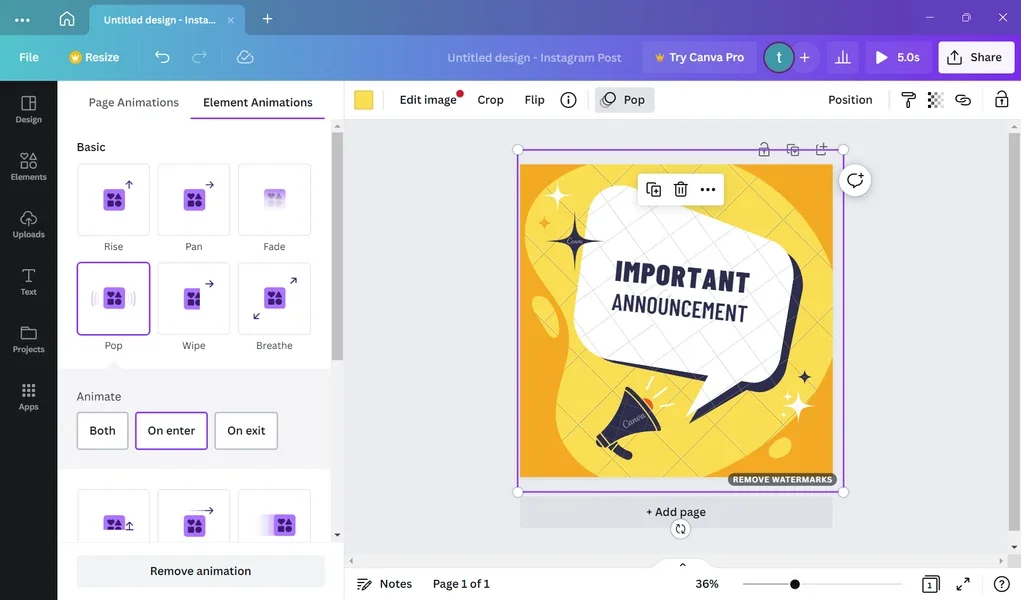
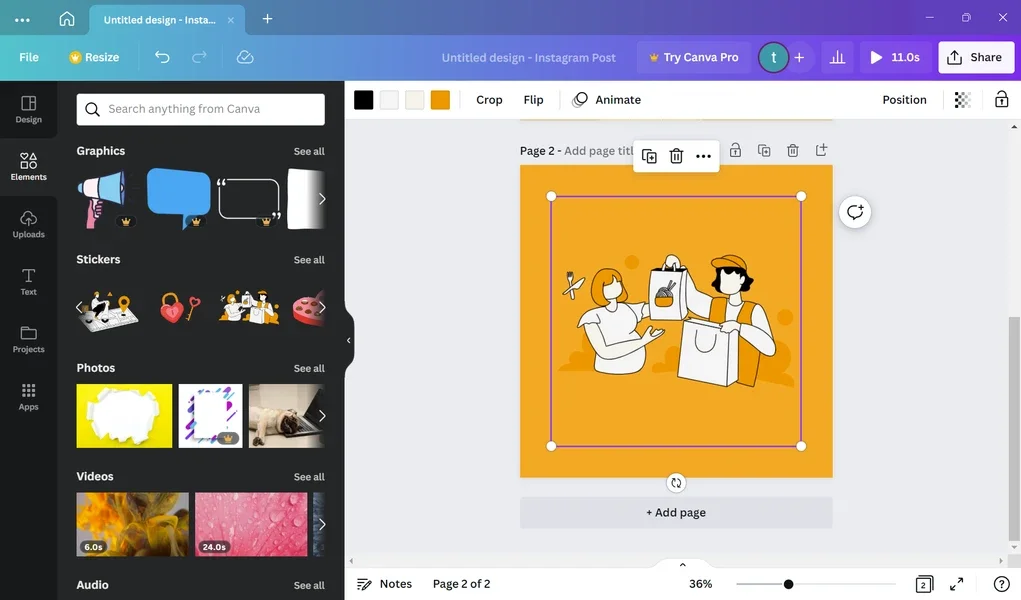
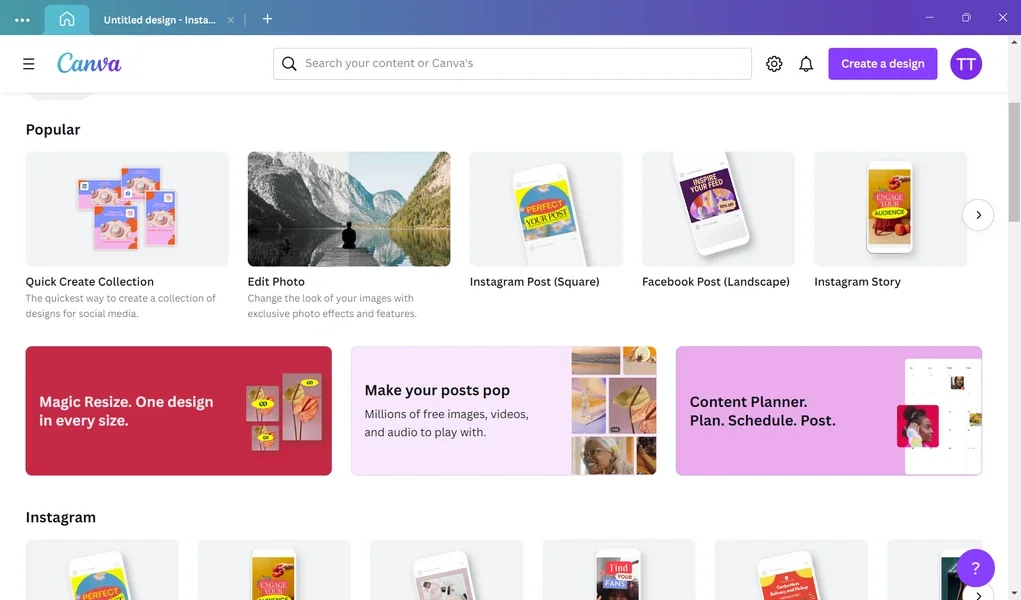
Canva is a free graphic design app for Windows. You edit an existing design, upload a photo, or start from scratch. A template opens with a single click, and the app suggests layouts and templates based on what you want to make. Millions of templates sit in over 100 categories, alongside vectors, stock images, fonts, and illustrations. Output covers posters, flyers, invitations, social posts, pamphlet work, stationery and calendar pieces, resumes, video, infographics and slide decks, menus and logos.
Canva AI 2.0 lets you create and edit designs with natural-language prompts. Magic Edit adds or replaces elements in an image, Magic Eraser removes details you brush over, and Magic Resize reformats a design for another platform in one click. Magic Design builds curated templates from an uploaded image and a selected style. Give an outline and slide content and the editor returns presentation styles; results can be refined by prompt or adjusted by hand. Magic Write handles website copy and presentation summaries in 18 languages, and the Translate feature covers over 100. Brand Intelligence applies approved fonts, colors, and styles, and can update older designs to a fresh brand guideline. Brand Hub holds the team tools, with multiple kits per account.
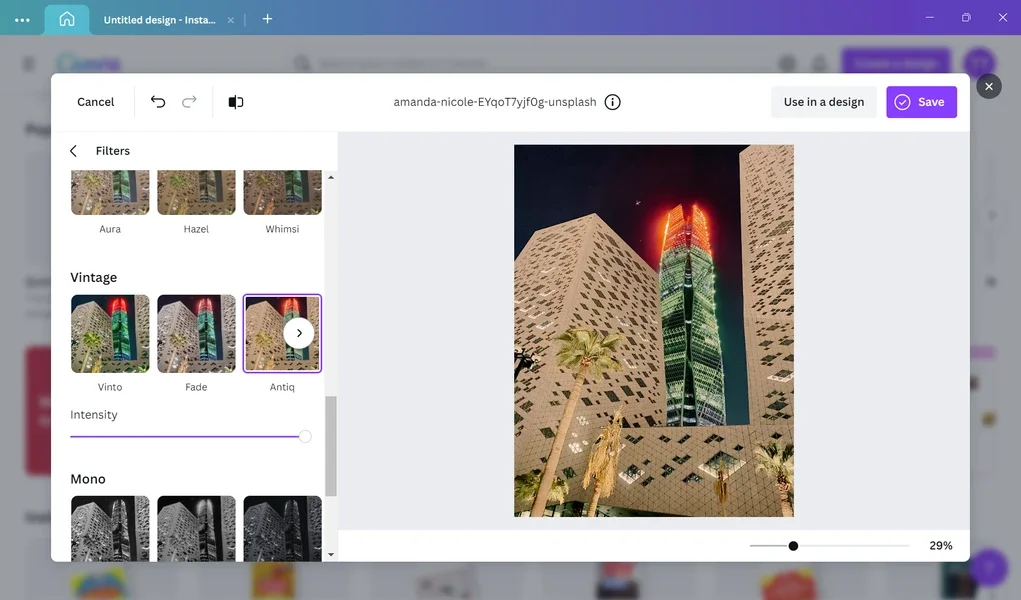
Objects can be layered and arranged, and guide pop-ups keep elements aligned as you move them. Editing includes background removal, blur, and cropping, though pixel-by-pixel work has little depth. There is no pen tool, and vector editing is not sophisticated, so complex designs are restricted. The free version has limited features, and a premium account unlocks the advanced image editing tools. AI feature access varies by plan, account settings, and rollout availability.
Download files
536c29dd56670c8328cf14192103498c664e769721d8f10449978985700f6f84
Signed by Canva · valid until Jan 26, 20283022ca4ccb1419a98bac7d5e02aebaf71d41b83e4ebe73382086a967f282f02c
Signed by Canva · valid until Jan 26, 2028c3a7015b71c600486d6e8ebff5cf3e26750dd4cbf7433ffbd6ded84fb9d21180
Signed by Canva · valid until Jan 26, 202851459302cb63ce564a712be5f5f73dcc58c2d8b543956b9cad4bd9196ade69ce
Signed by Canva · valid until Jan 26, 202820530653cef67f160d623e0586f8955c2f9114538c35517007293173599caba6
Signed by Canva · valid until Jan 26, 2028System requirements
Available on:
Additional information
Developer
Latest release
Size
Category
File type
SHA-256
536c29dd56670c8328cf14192103498c664e769721d8f10449978985700f6f84