
CCleaner Cloud 1.1.1494 for Windows
Scans a PC and shows its state in six browser tabs
Screenshots
Description
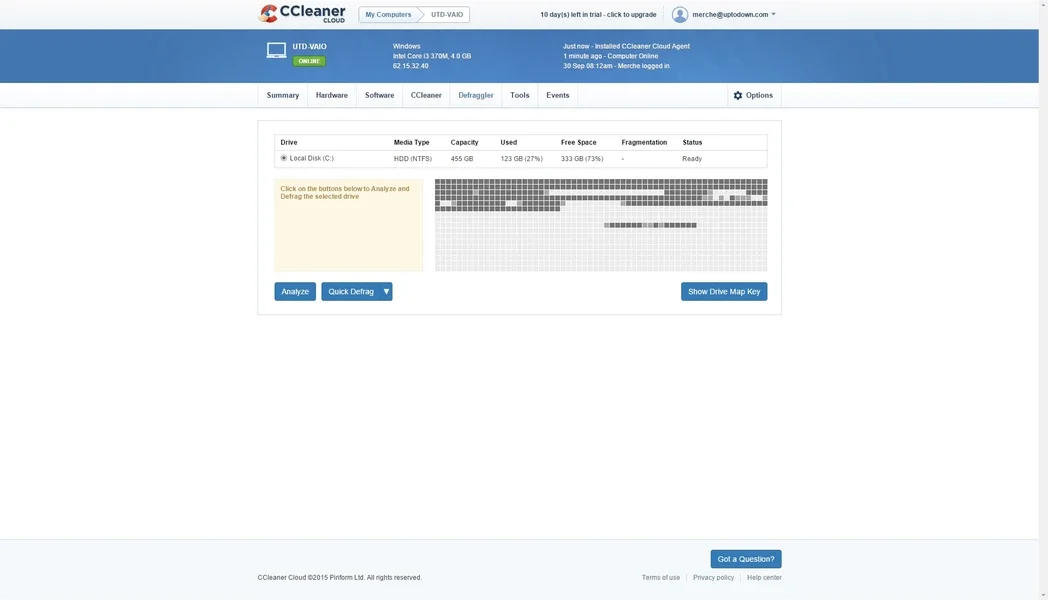
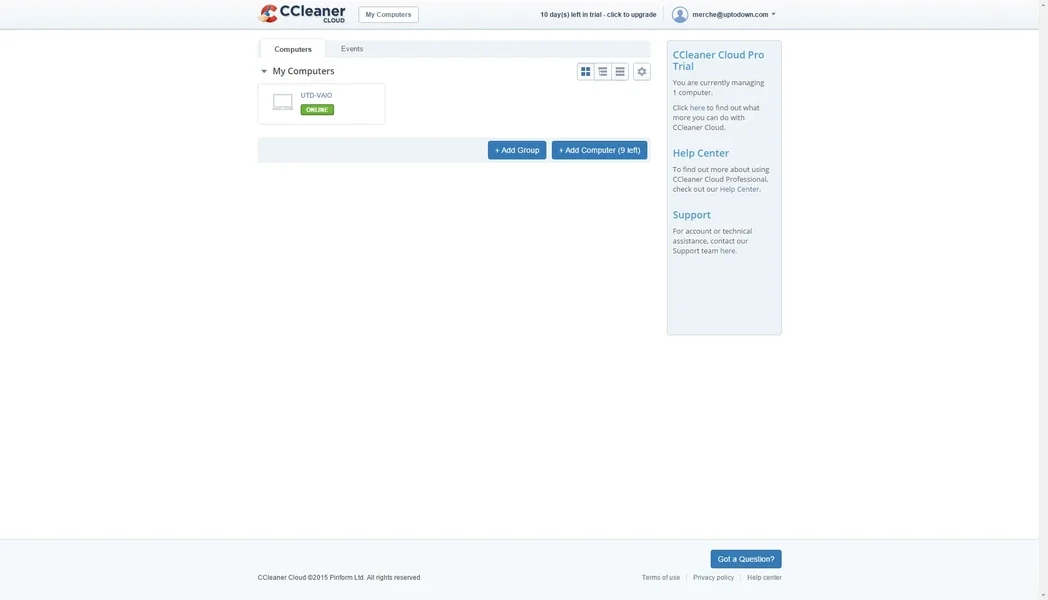
CCleaner Cloud scans a computer and reports what is on it and how it is running. Nothing is installed on the machine: the service runs in a web browser, needs an Internet connection, and connects to the PC a few minutes after it starts, analyzing important data as it goes. Several computers can be handled at once.
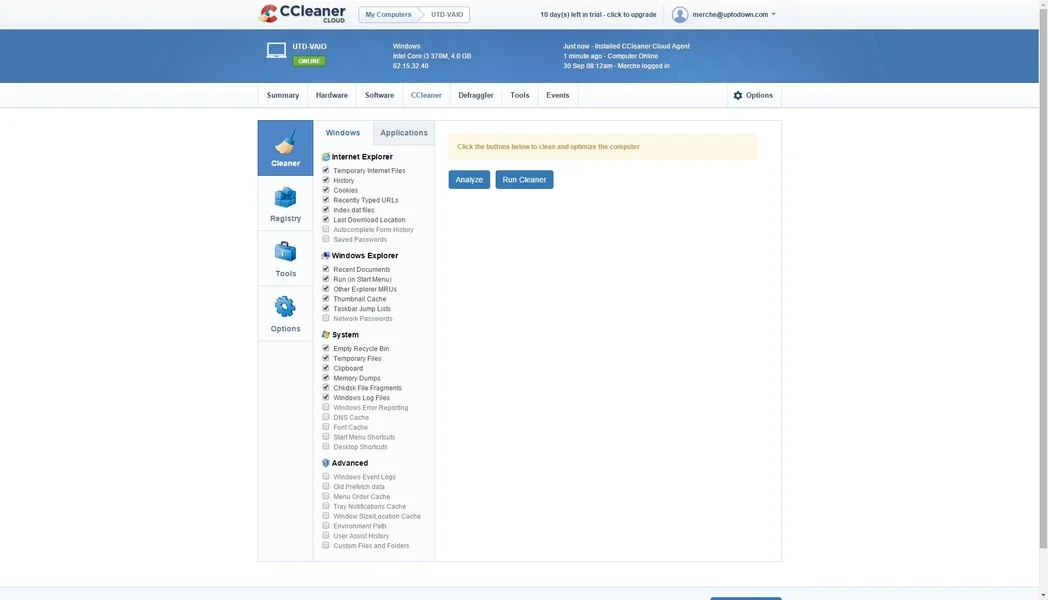
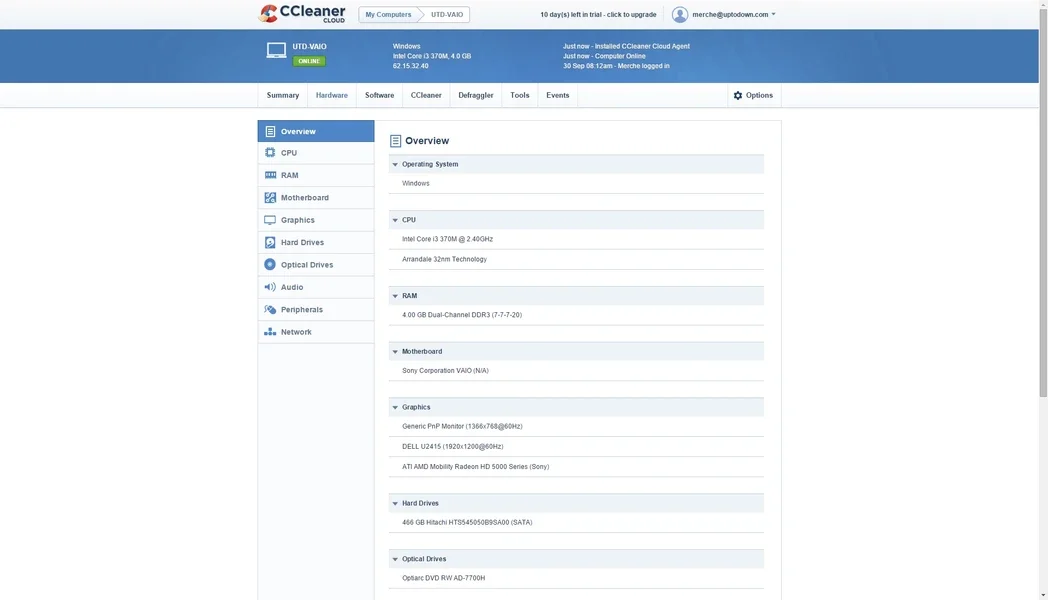
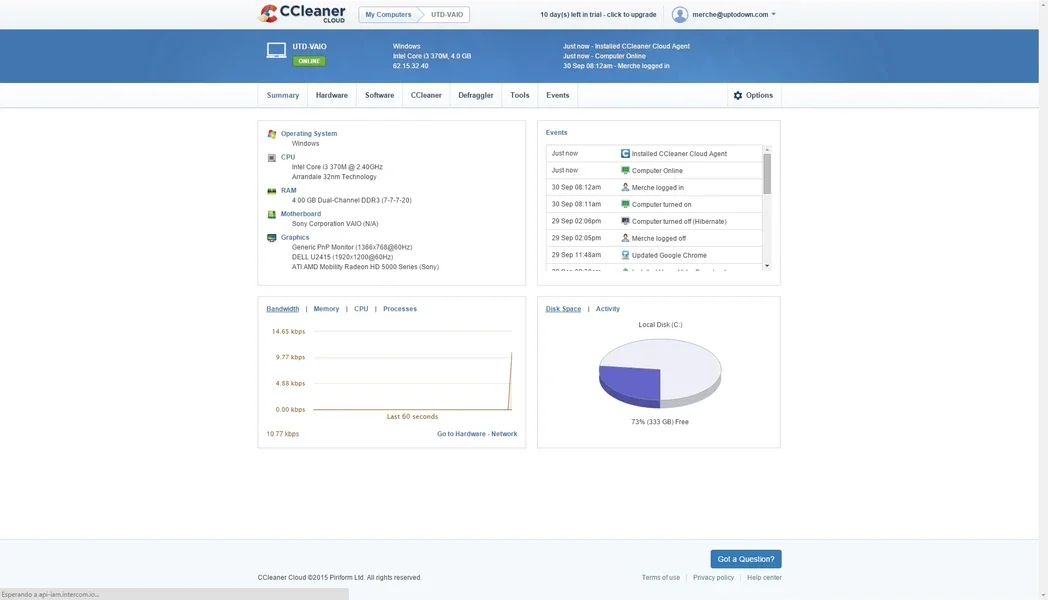
After the scan, six tabs carry the information. The Summary tab has basic operating system information and real-time parameters: CPU usage, RAM, bandwidth used, and free hard drive space. The Hardware tab goes further into physical components, controllers, and their drivers. The CCleaner tab keeps most of the options from the original desktop client and its interface is nearly the same, so the layout should look familiar to anyone who has used that program.
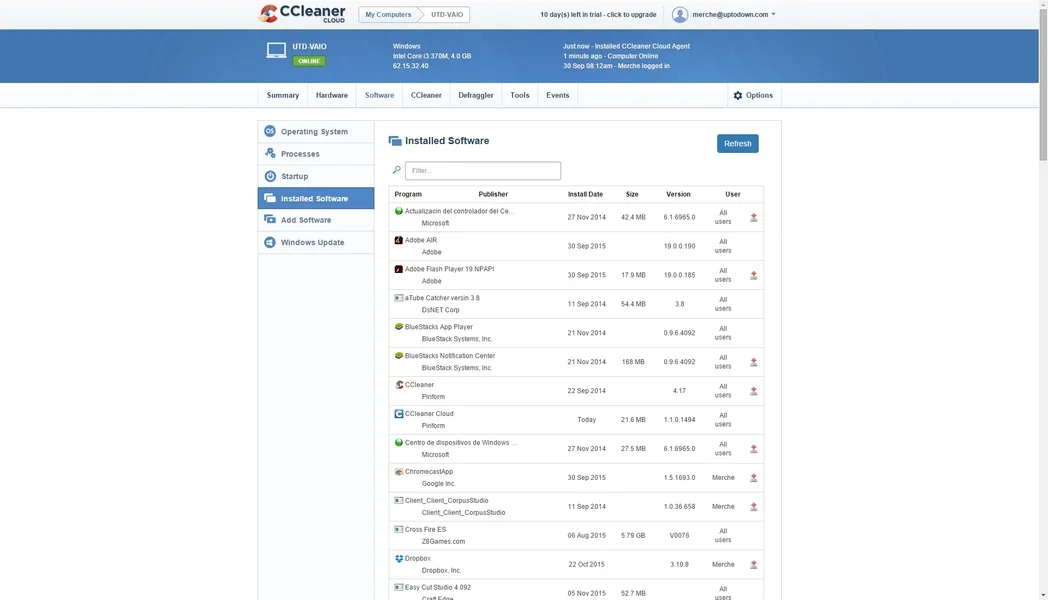
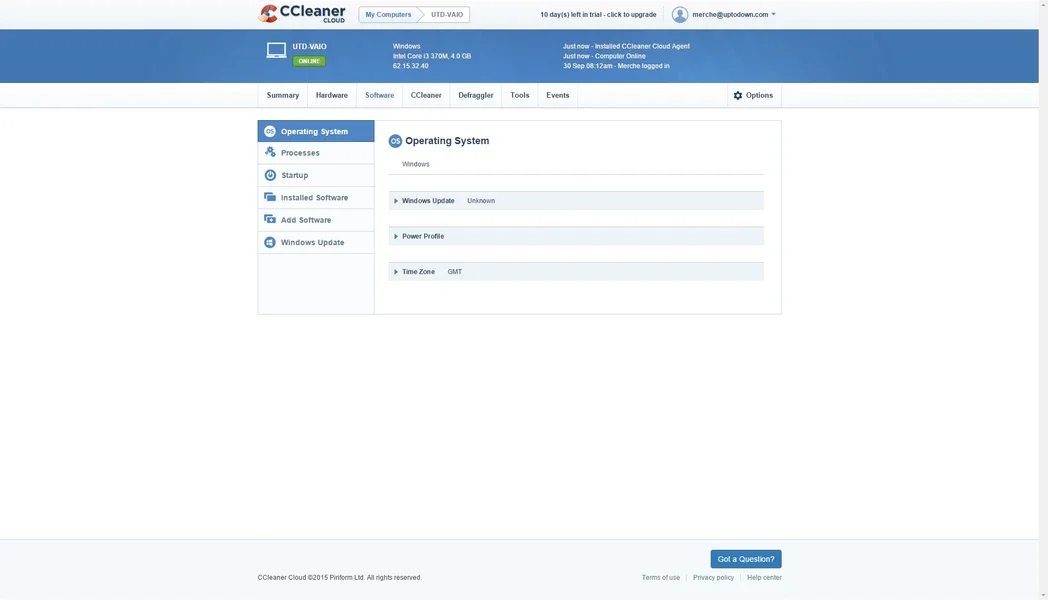
The Software tab covers changes rather than readings. From there you can kill running processes, install software remotely, and search for system updates. Possible threats to the system can also be removed remotely.
Download files
9e1e8b996562f1030280bf0a39e713712bd44b04cf6d900fc6d8c3ff17e2b782
Signed by Piriform Ltd · valid until Oct 10, 2018System requirements
Available on:
Additional information
Developer
Latest release
Size
Category
File type
SHA-256
9e1e8b996562f1030280bf0a39e713712bd44b04cf6d900fc6d8c3ff17e2b782





