cFosSpeed 13.10-3005 for Windows
SHA-256 listed
Traffic shaping that prioritizes bandwidth from a tray icon
All ages
Age rating
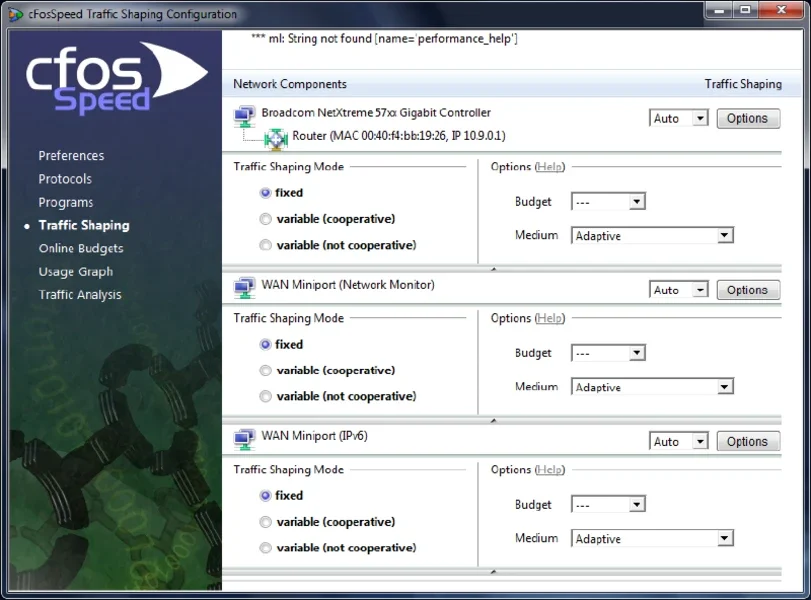
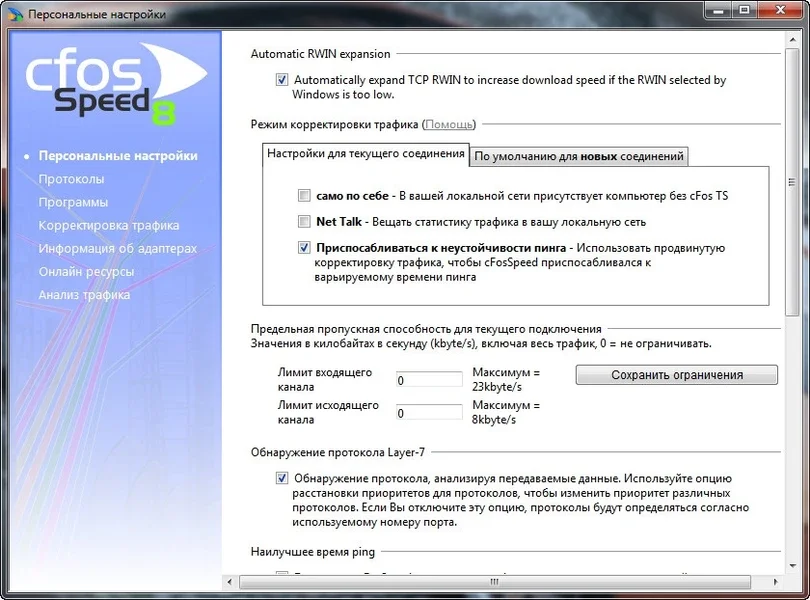
Screenshots
Description
cFosSpeed runs in the background as a system tray icon, and the personalization options behind that icon let you configure which applications receive more bandwidth. The point is to improve internet connection performance by prioritizing the traffic that needs it most.
It improves ping waiting time, VoIP conversations, and streaming of online video or audio. Online game users and p2p programs such as eMule, KaZaA, or BitTorrent are the cases it is recommended for.
The program is free and runs on Windows.
Download files
File13.10-3005
Version13.10-3005
ReleasedMar 13, 2026
Size4.6 MB
SHA-256
Get
6a1ddf921a5ac7d6e5652ce5dabb6a126e9ff62ef2e3deb13cd0869456e3f3c6
Filecfosspeed-13.10-Build-3004.zipZIP
Version13.10 Build 3004
ReleasedJun 17, 2025
Size5.2 MB
SHA-256
Get
0a7e3169b130b7110bd180182eadc7d8673703bfeaa1be51b413549331e3619d
Filecfosspeed-13.02-Build-3003.zipZIP
Version13.02 Build 3003
ReleasedOct 14, 2024
Size5.2 MB
SHA-256
Get
832d80dab1ca1c14d5a7383cc72e82cf7fd1c64c96e230386324e66a6b58631c
Filecfosspeed-13.01-Build-3001.exeEXE
Version13.01 Build 3001
ReleasedMay 15, 2024
Size5.2 MB
SHA-256
Get
436b3cee6e25f8ace73819a9deb3dc0c5f34be056cc608cfeee155919749a9b9
Filecfosspeed-13.00.exeEXE
Version13.00
ReleasedFeb 27, 2024
Size5.2 MB
SHA-256
Get
14907be46280aea0162ae96dc841f5321216b2ead63a88aee5e0f9c2f98e607f
System requirements
Available on:
Minimum OS:
Windows XP or later
Additional information
Developer
Latest release
13.10-3005 · Mar 13, 2026
Size
4.6 MB
Category
SHA-256
6a1ddf921a5ac7d6e5652ce5dabb6a126e9ff62ef2e3deb13cd0869456e3f3c6