

Cinebench 2026.1.0 for Windows
Renders a scene to score processor performance
You are on macOS — this is the Windows version. See the macOS version
Screenshots
Description
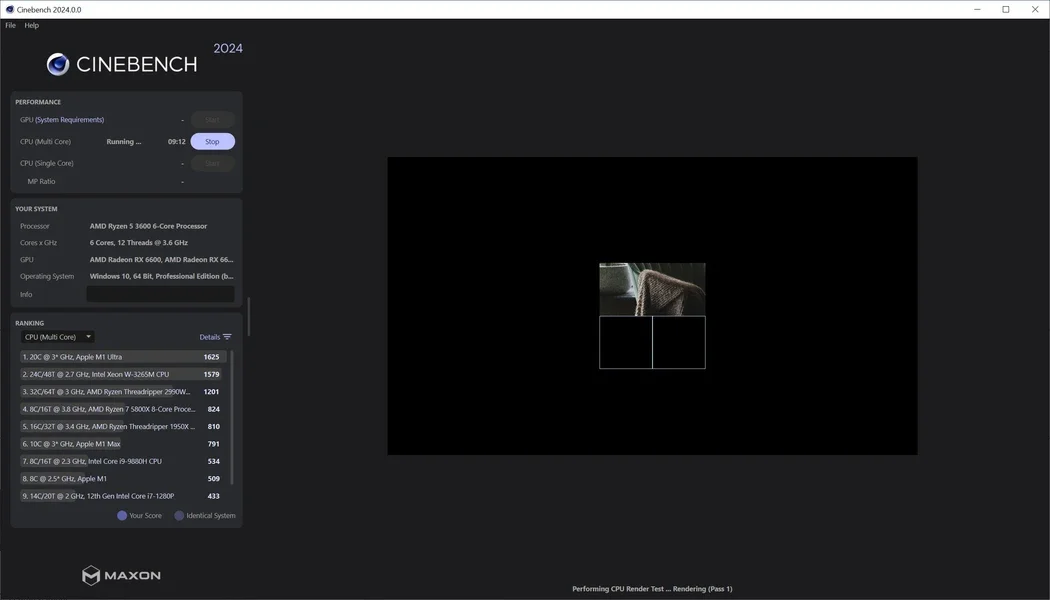
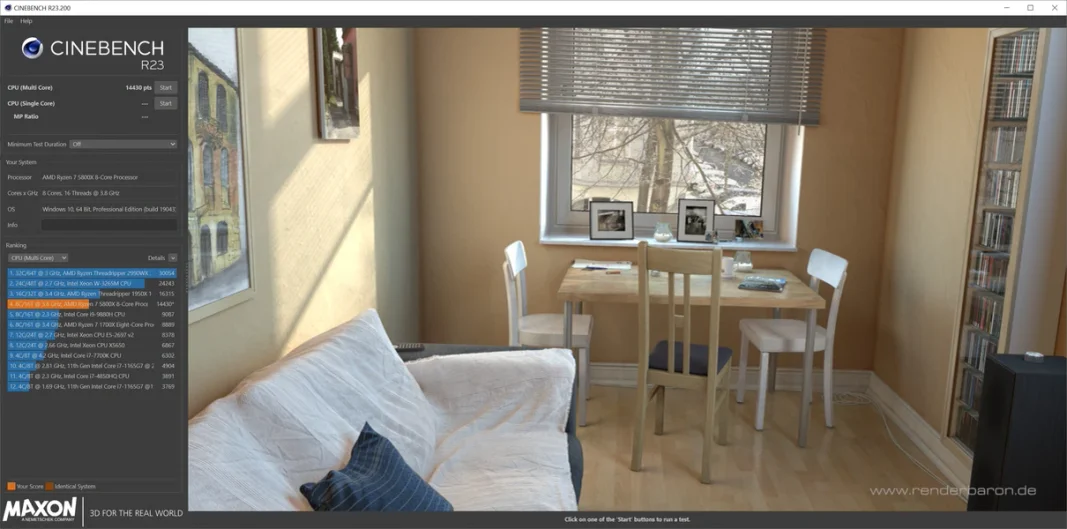
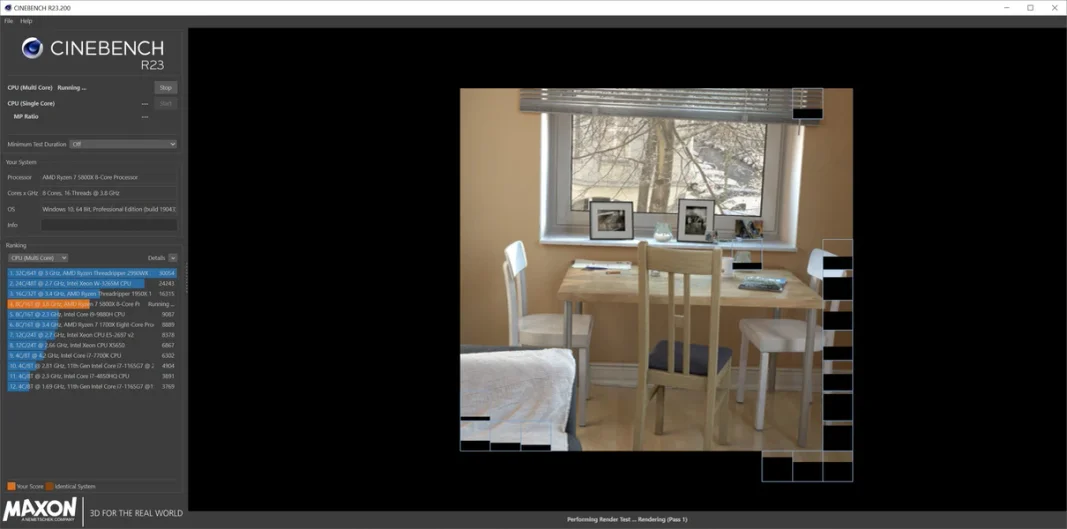
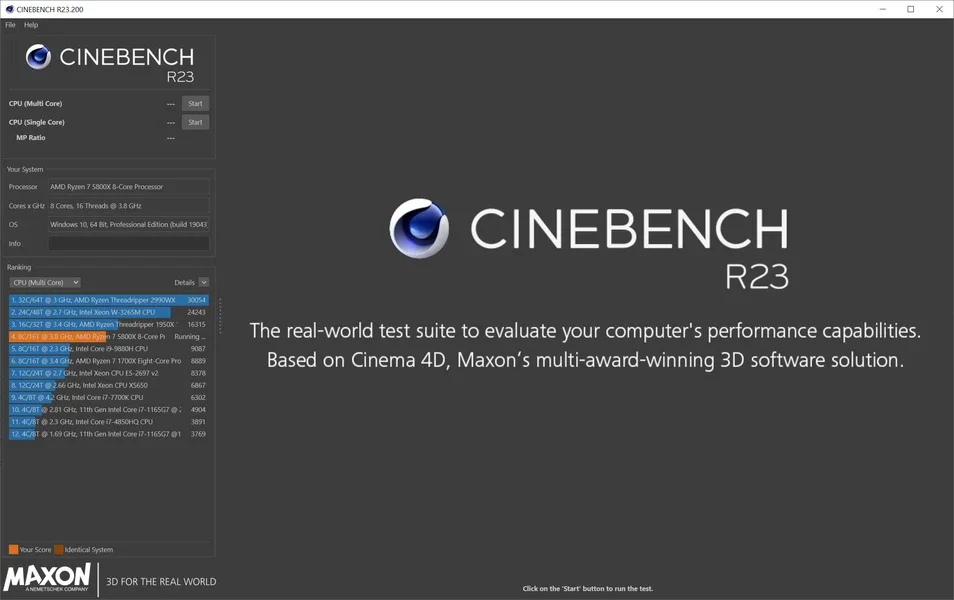
Cinebench evaluates a processor's performance by rendering a scene using only the CPU cores, not the graphics card. Tests can run on all cores or just one, and the program displays the CPU's frequency, cores and threads, model, and the operating system version. More cores and higher frequency produce a better result and faster completion of the test.
Comparing and tuning results
You can use Cinebench to compare a processor's performance with others on the market. Overclocking or increasing RAM frequency can improve the score, though such tweaks gain only a few performance points, and getting a higher frequency than the components already provide is difficult. In a single-core test, only the frequency reached on the best core matters, since cores do not all perform equally.
Download files
7b48438e8e9fb7cc440478d18e30d3b3549379269359dab7f5ea77b36ca4cab1
f93b4925ef0445dc4d4bfa4d44157cf036b68e1eb0caa2ec1e6fd7b1f56a5839
d094d90b2ec20605618461d92abb58879041911930772b649b83d9e8f91d24c9
fff6d34b8f696de64a534fc9f0788ec1e9f1bda880a88aed92df8b96d1797c42
1363b58e68f611918396311ebe6286cf0c92977118e5aa2e5162b106836f8f97
System requirements
Available on:
Minimum OS:
Windows XP or later
Additional information
Developer
Latest release
Size
Category
File type
SHA-256
7b48438e8e9fb7cc440478d18e30d3b3549379269359dab7f5ea77b36ca4cab1





