
Cisdem AppCrypt 3.8.1 for Windows
Locks Windows apps and blocks websites on a schedule
You are on macOS — this is the Windows version. See the macOS version
Screenshots
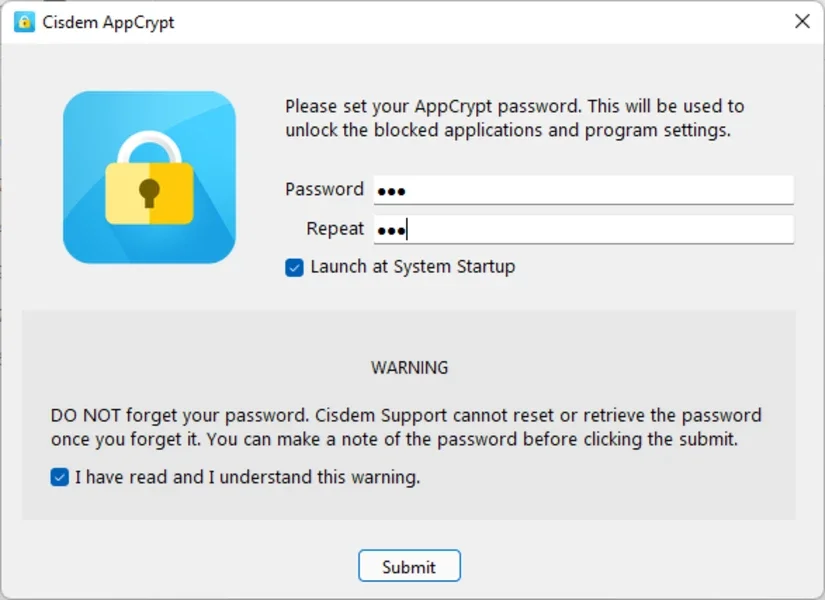
Description
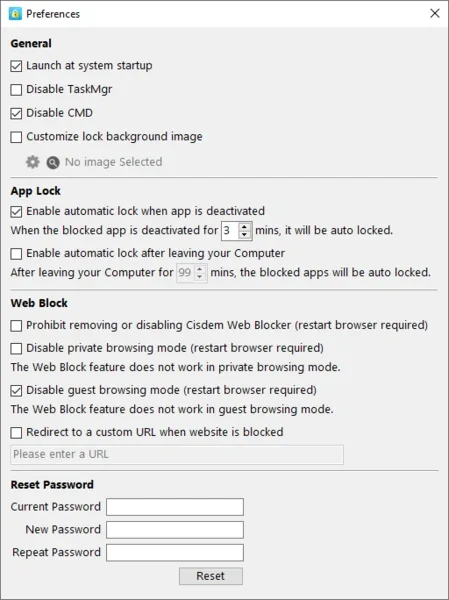
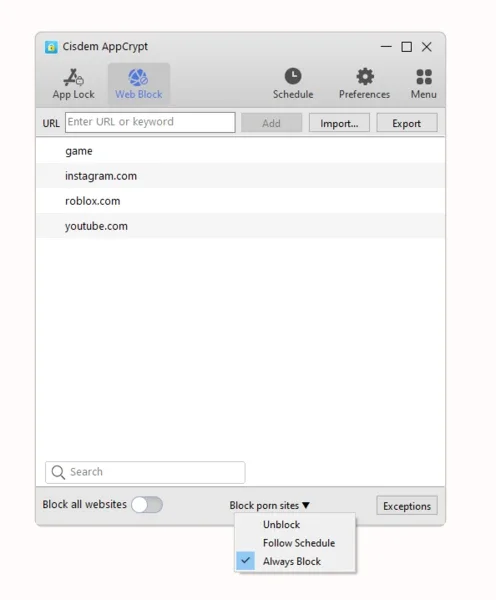
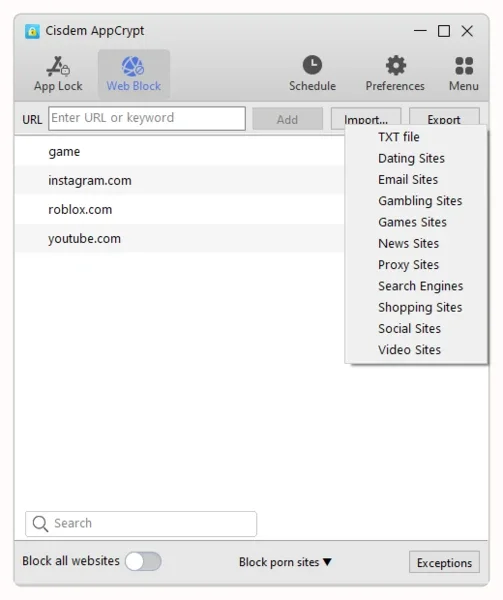
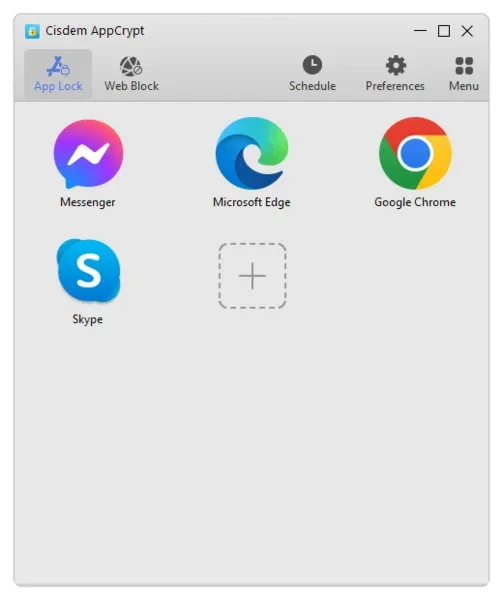
Cisdem AppCrypt locks individual apps and blocks websites on a Windows PC. You pick the apps to lock, such as WhatsApp and browsers, and set a password that unlocks them. Chrome, Edge, Firefox, Opera and Brave are all supported. Blocking works at three levels: whole categories like adult sites, social media and gambling; specific sites and pages like youtube.com; and any URL containing a keyword you specify. You can also flip the default and block all websites except the ones you allow. Apps stay locked and sites stay blocked permanently unless a schedule says otherwise.
Schedules and logging
A schedule can apply to everything locked or blocked, or only to specific apps and sites. You set it by times of day and days of the week. Failed attempts to open AppCrypt or a locked app are recorded. Apps can re-lock themselves automatically after a period of inactivity. The password is needed to unlock apps, unblock sites, change schedules, or quit AppCrypt. Parents use it to keep children and teens off inappropriate sites; others use it to cut distractions and get work done.
Download files
e862032ae2439500e95c76611f4a3e5bbcf1e71bb7bb58d61737a266fea3636c
Signed by Aneesoft Co., Ltd. · valid until Nov 17, 20258c22a6c6da9f18a289b81c8a91fae2a146feb399acedd00b72364fcb95d76dd5
e7715c3b601d2e1e040c589ab7752a6e74e1cdc8d90a9f4b63bc38928f679b1c
1070a24990b1e77b8f66e73d65f23cd696712355f2e4c6f064a2e1686c6c8f43
8d135a127f03b7b2d9d1f6d52d80f106eabda8546b03ccff0fc33cb60e9d1ed7
System requirements
Available on:
Minimum OS:
Windows XP or later
Additional information
Developer
Latest release
Size
File type
SHA-256
e862032ae2439500e95c76611f4a3e5bbcf1e71bb7bb58d61737a266fea3636c