ClipCascade 3.3.1 for Windows
Syncs text, images and files across your linked devices
You are on macOS — this is the Windows version. See the macOS version
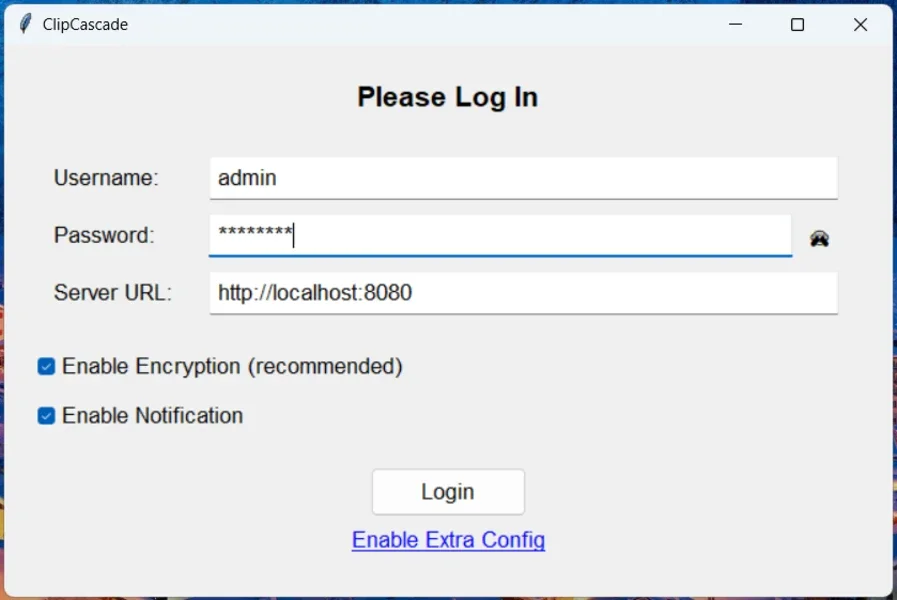
Screenshots
Description
ClipCascade synchronizes text, images, and files across linked devices. Encryption is end-to-end when you turn it on: the source device encrypts the content, and the receiving device decrypts it. The server never needs to know the encryption key. Device exchanges can go through a server that manages the transfer, or over a direct peer-to-peer connection when network conditions allow. A private server can be deployed if you want more control over operation and infrastructure, and the project's community server is available if you would rather not set up your own.
Size limits can be set on what gets synced. Certain security settings can be configured, and when you use multiple operating systems the encryption has to be set up so it is compatible with all of them. How received content is accessed differs by operating system. On Windows, copied files can be managed through the app's options. Versions exist for macOS, Linux, and Android.
Setup and connecting devices can be confusing for anyone unfamiliar with configuring this kind of tool. ClipCascade is open source under Apache 2.0 and free to use.
Download files
aaf91223f772a7059892a40750beeb406b271d896e58483d0789a3603853cbf6
No digital signatureSystem requirements
Additional information
Developer
Latest release
Size
File type
SHA-256
aaf91223f772a7059892a40750beeb406b271d896e58483d0789a3603853cbf6