
Coolmuster Android Assistant 6.0.112 for Windows
SHA-256 listed
Backs up and exports Android content to a Windows PC over a cable
All ages
Age rating
Screenshots
Description
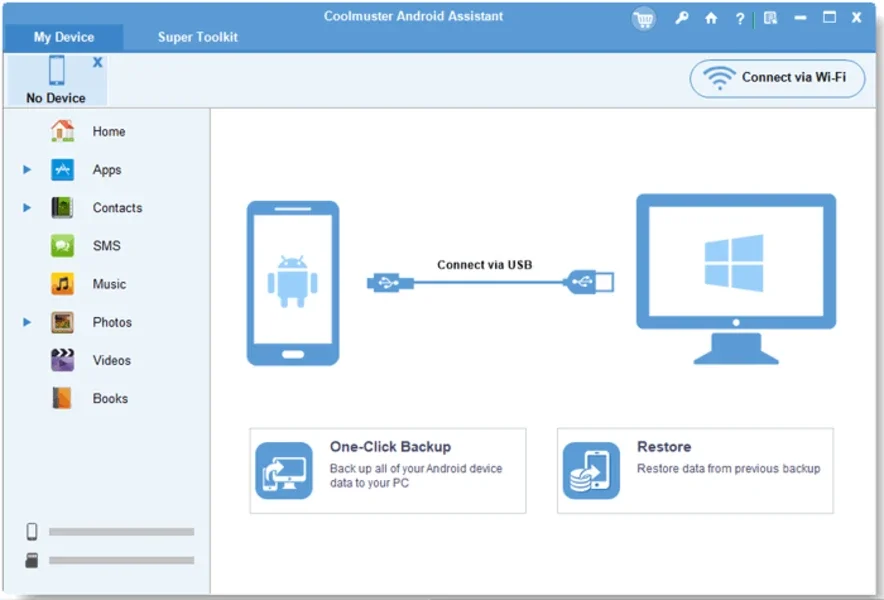
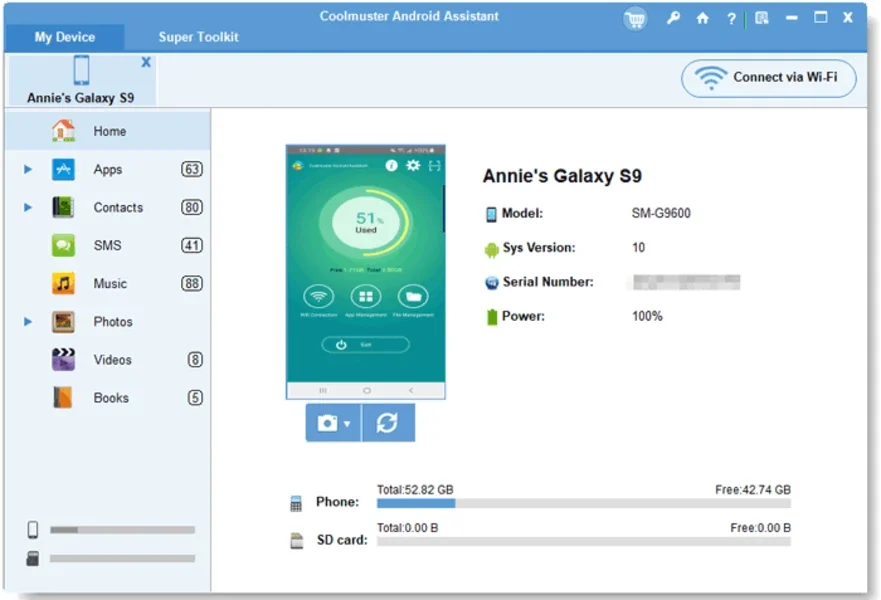
Coolmuster Android Assistant backs up the content of an Android device to a Windows computer, with the phone or tablet connected by cable. A full backup takes about a couple of clicks. Backups are kept locally on the computer's hard drive, so nothing leaves the machine.
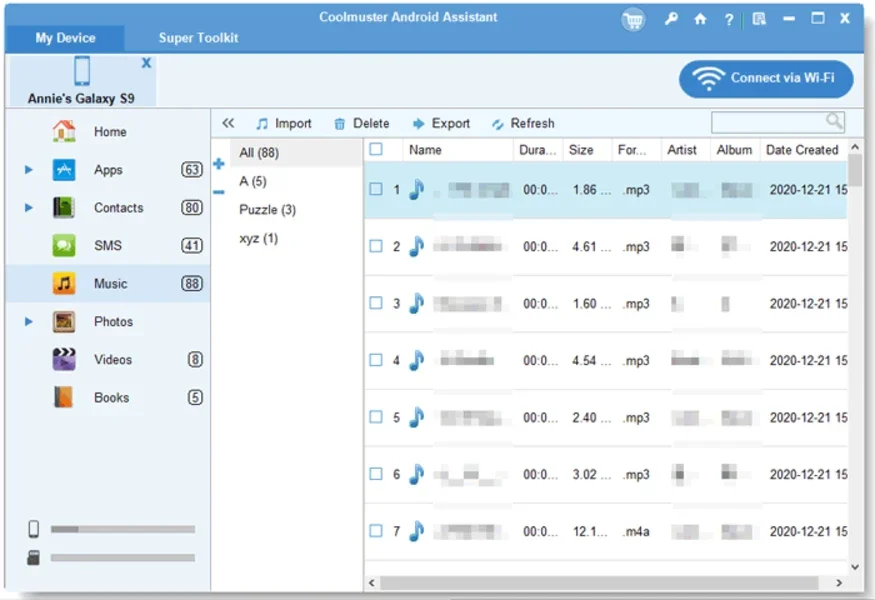
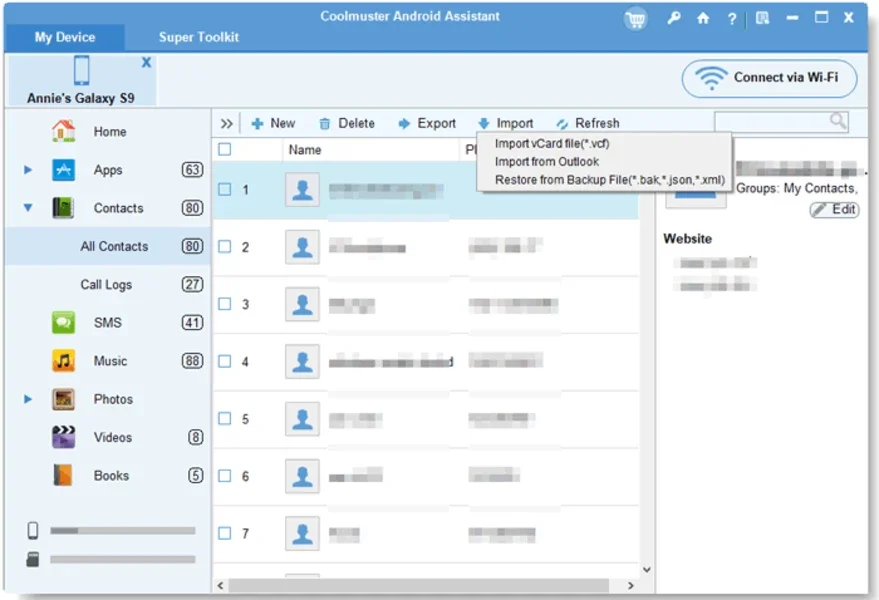
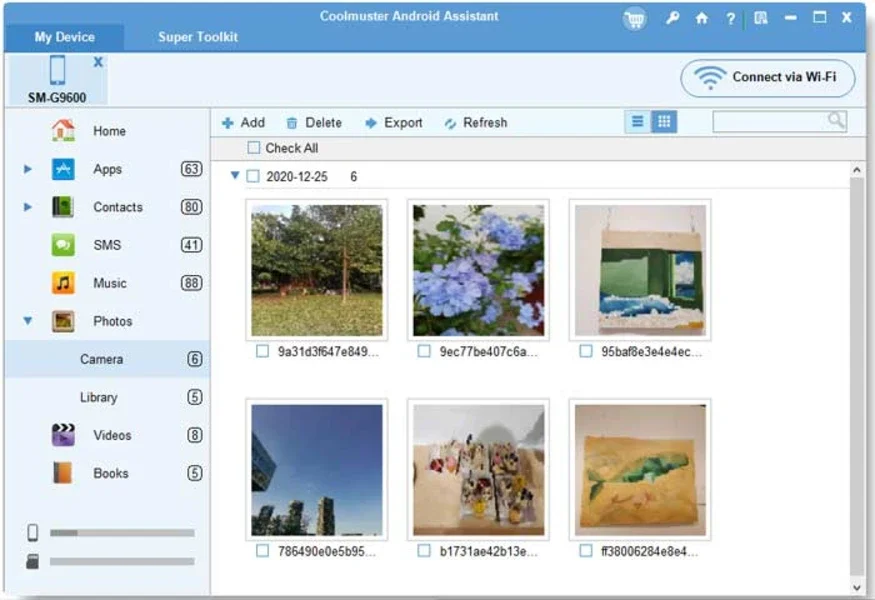
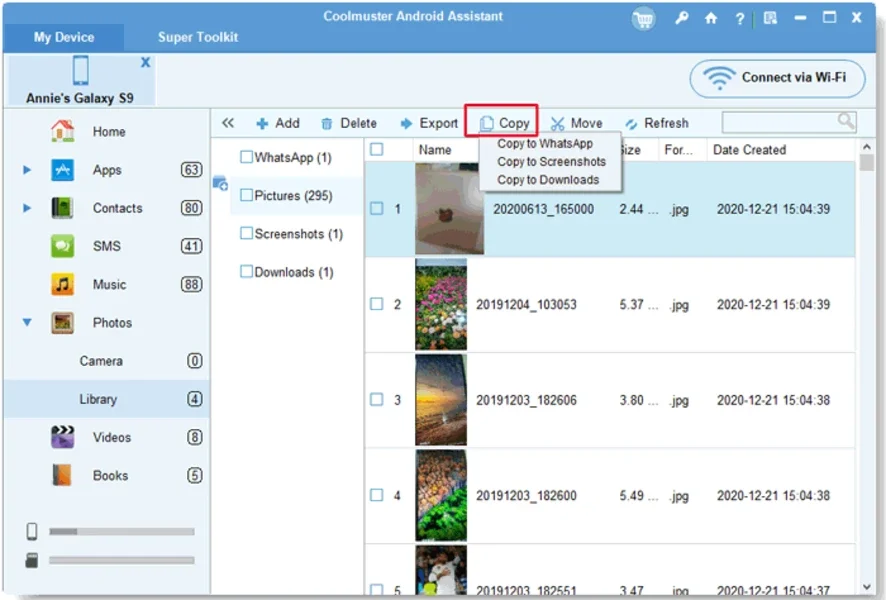
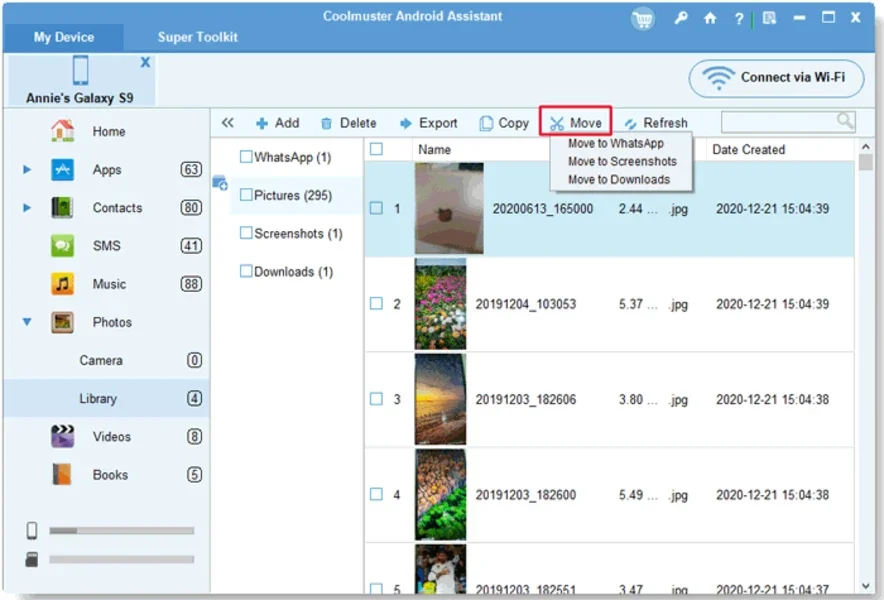
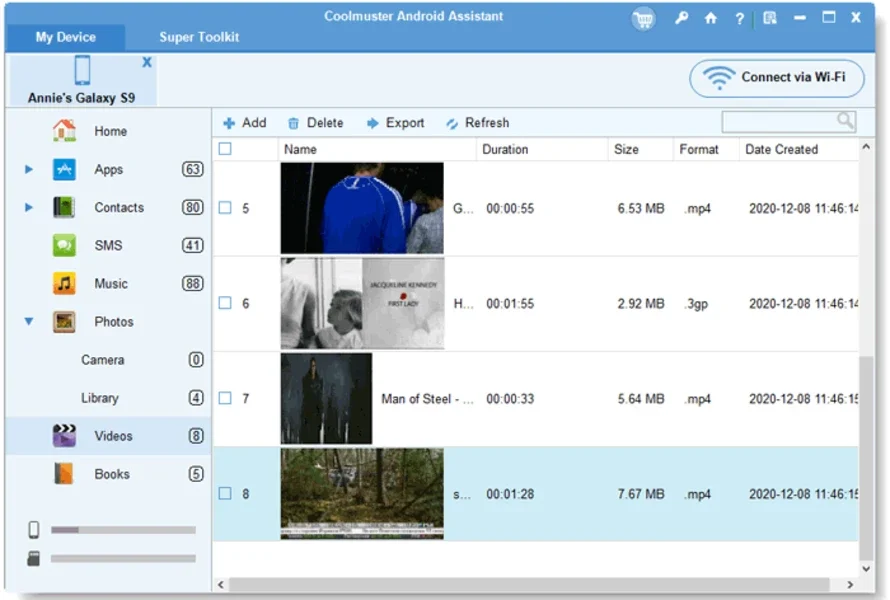
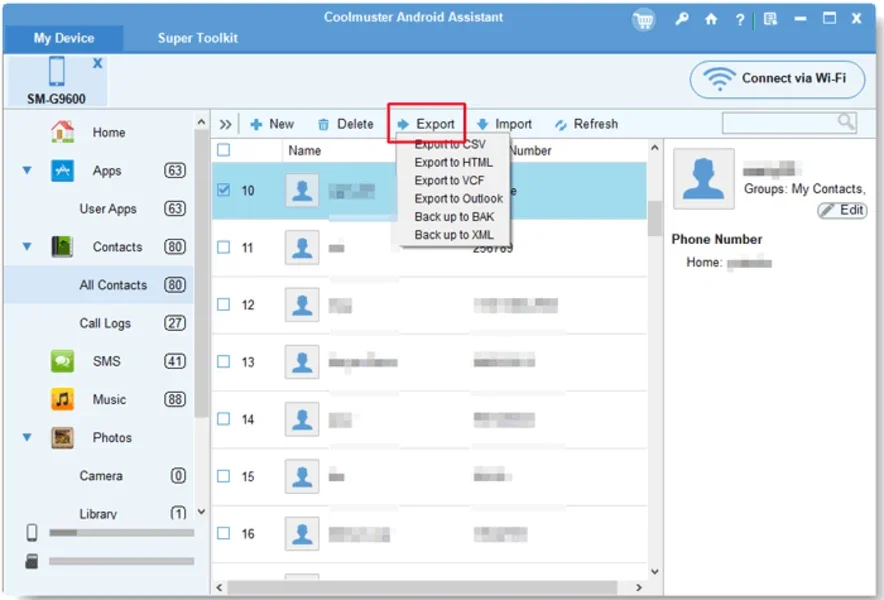
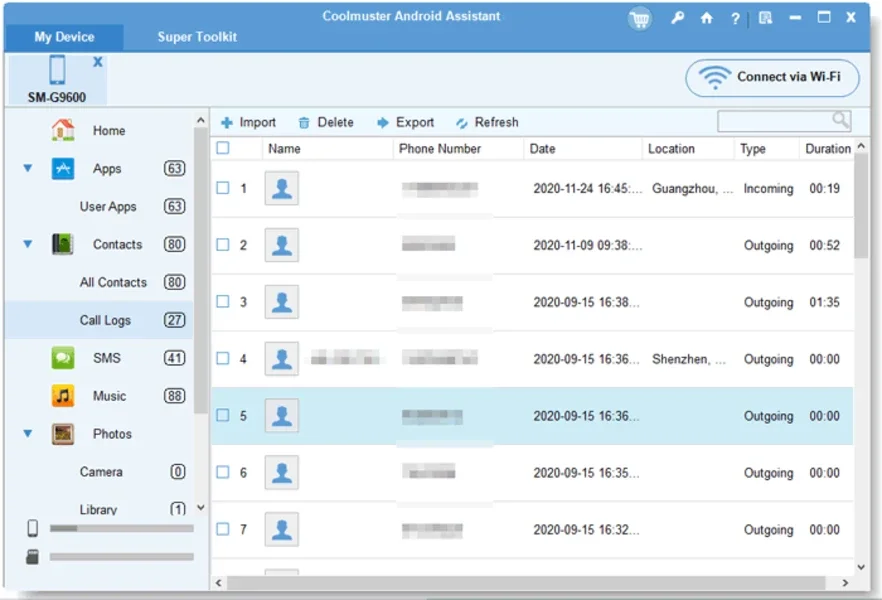
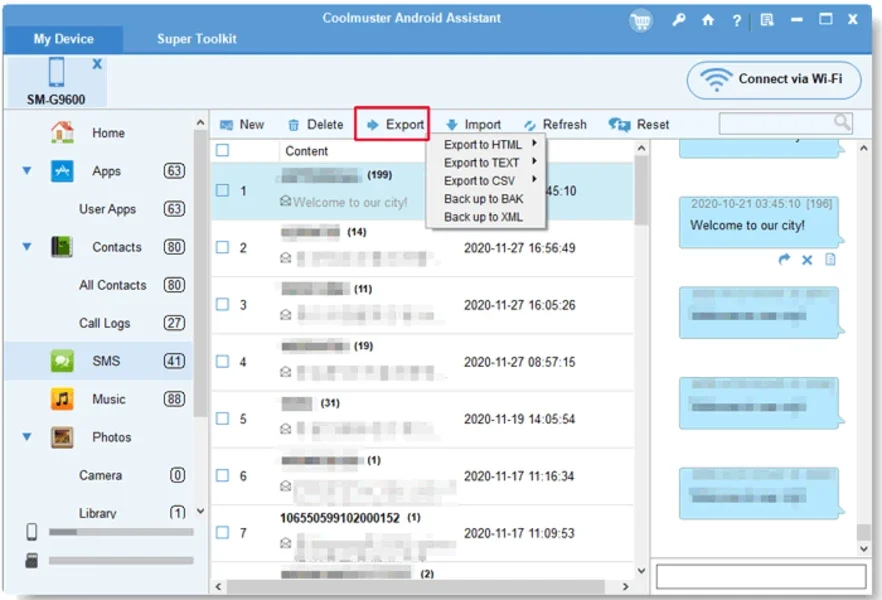
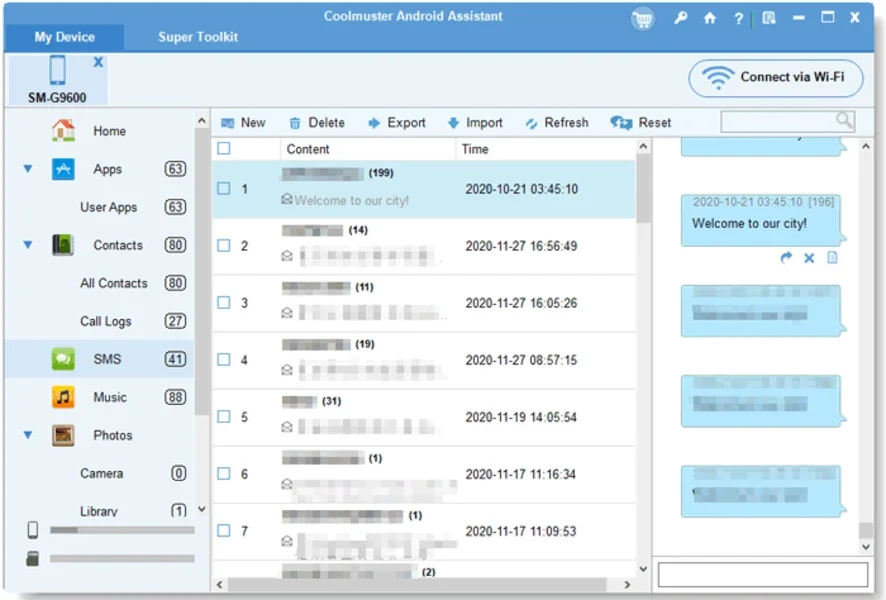
Beyond backup, it exports videos, photos, music, contacts and messages, and pulling content off the device this way helps free up space on it. Exporting a specific set of items is also simple, and almost everything can be done by drag and drop.
It can also copy apps by extracting the APK, so they can be reinstalled later.
Download files
File6.0.112EXE
Version6.0.112
ReleasedFeb 11, 2026
Size24.0 MB
SHA-256
Get
ee01679df47e3f8b66ef88562c893dd7f60663963609d8867c63b003467e790d
Signed by SHENZHEN QIXINGSHI TECHNOLOGY CO.,LTD · valid until Jan 8, 2029Filecoolmuster-android-assistant-6.0.89.exeEXE
Version6.0.89
ReleasedSep 19, 2025
Size24.5 MB
SHA-256
Get
146adc67a00b79c3342f2ab67e067dd06f12dc44c87177eae5f006346772c259
Filecoolmuster-android-assistant-5.2.60.exeEXE
Version5.2.60
ReleasedFeb 19, 2025
Size24.2 MB
SHA-256
Get
415283a5ed03a9519cdddbf1fcc90711931f5fdd46e5eb0d2e789310c7773a3a
Filecoolmuster-android-assistant-5.2.30.exeEXE
Version5.2.30
ReleasedOct 18, 2024
Size24.0 MB
SHA-256
Get
270f58f718acf31203bfa4cb9a3f0ccbdd77ed29622ad9e7d377c82972fbee78
Filecoolmuster-android-assistant-5.2.21.exeEXE
Version5.2.21
ReleasedJun 7, 2024
Size35.9 MB
SHA-256
Get
68e259da0354ab79acc25d2a013d1f16cb4e52461f24b3c0c451a202bb511885
System requirements
Available on:
Minimum OS:
Windows XP or later
Additional information
Developer
Latest release
6.0.112 · Feb 11, 2026
Size
24.0 MB
Category
File type
EXE
SHA-256
ee01679df47e3f8b66ef88562c893dd7f60663963609d8867c63b003467e790d
Digital signature
Signed by SHENZHEN QIXINGSHI TECHNOLOGY CO.,LTD · valid until Jan 8, 2029