
Coolmuster Android Backup Manager 3.5.33 for Windows
Backs up and restores Android devices from a Windows PC
You are on macOS — this is the Windows version. See the macOS version
Screenshots
Description
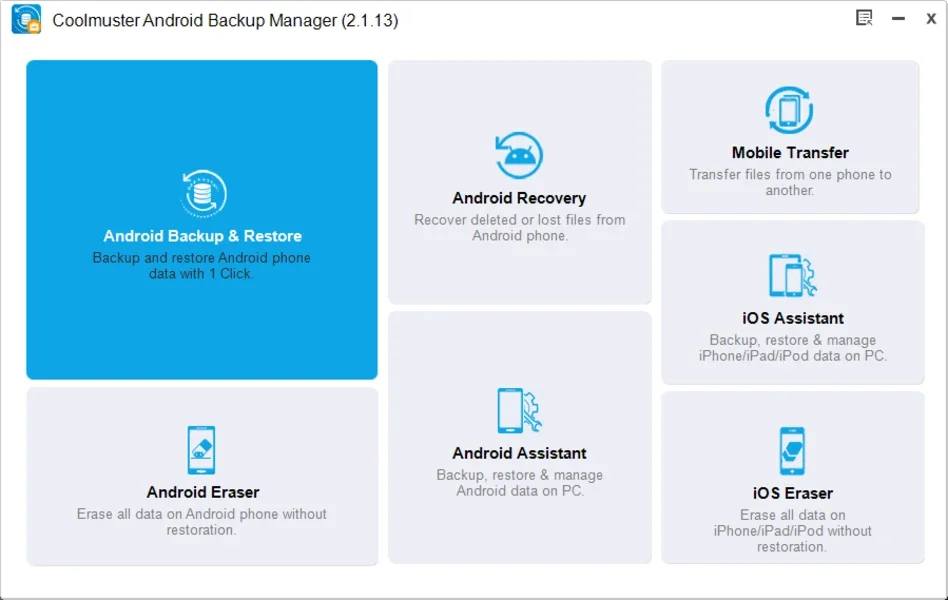
Coolmuster Android Backup Manager backs up Android devices from a Windows computer and puts them back from that backup. You plug the phone into the PC, and the program's menus step you through what follows.
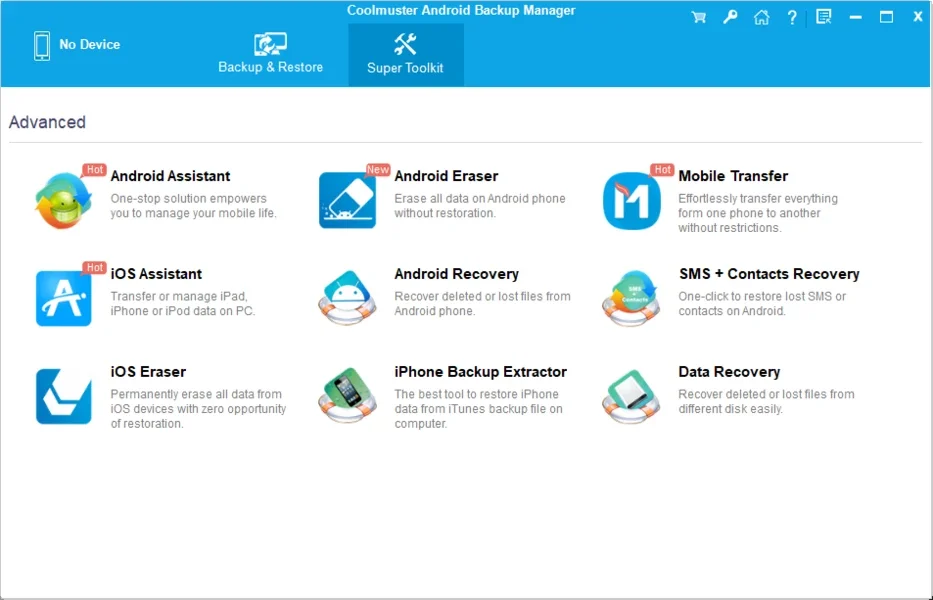
After a few seconds it asks which way you want to go: make a backup, or restore the device. Backups are full ones. Restoring takes an old backup, or resets the device to factory settings instead, and a single button starts it. The extra functions are downloaded separately, but you run them from the same interface once they're installed. They cover wiping data so it can't be restored, recovering deleted files, and moving data between systems. Removing the operating system counts among them too.
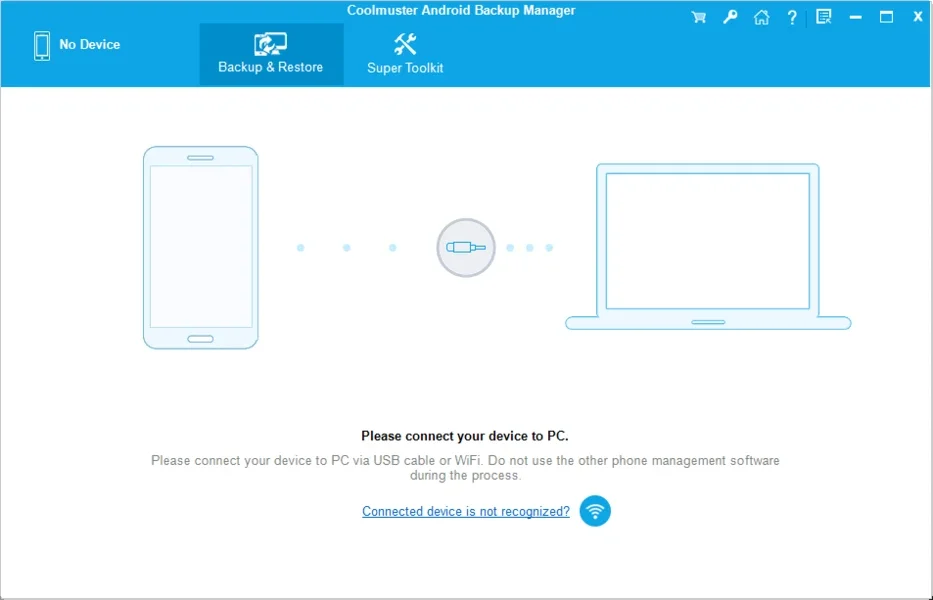
The connection comes first. Launch the program, attach the device, and its functions become available. Trial version.
Download files
16c9f02fdc4c51df18889d5c935f09f4fa2b45f0dddd910465ed2a78ff4d9cbc
Signed by SHENZHEN QIXINGSHI TECHNOLOGY CO.,LTD · valid until Jan 8, 20297f0504c8fe70dbe6ee851967b009e58137676793f6d8a606d01f9cc2f5b3ff59
Signed by SHENZHEN QIXINGSHI TECHNOLOGY CO.,LTD · valid until Jan 8, 202946e63b82e0ed11db3d25a6d7c1c369eec34a45178a6d4a1b95c3a118875828e9
86d2cbe325060062e2ac58dc3a289b9847c0f50890287edbbea3e2a694887834
d1b2cf8c484c3b6a21f088408df009e403385c19fadc02c01b6f8fe585f0ccc6
System requirements
Available on:
Additional information
Developer
Latest release
Size
Category
File type
SHA-256
16c9f02fdc4c51df18889d5c935f09f4fa2b45f0dddd910465ed2a78ff4d9cbc