
Database Designer 1.3.0 for Windows
Designs SQLite and MySQL databases on a graphical canvas
You are on macOS — this is the Windows version. See the macOS version
Screenshots
Description
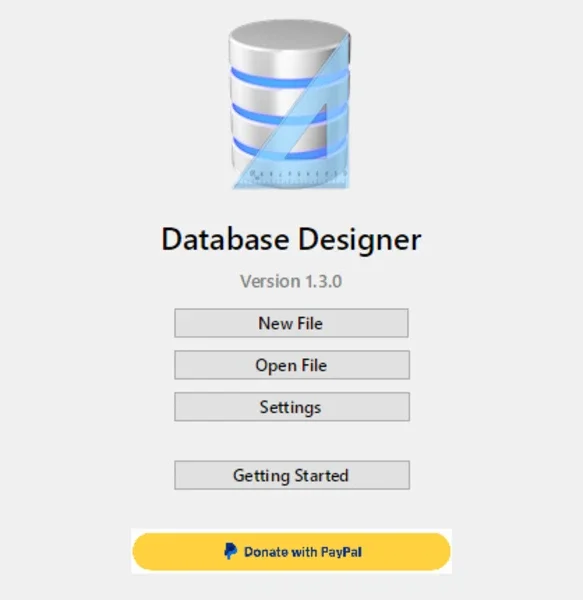
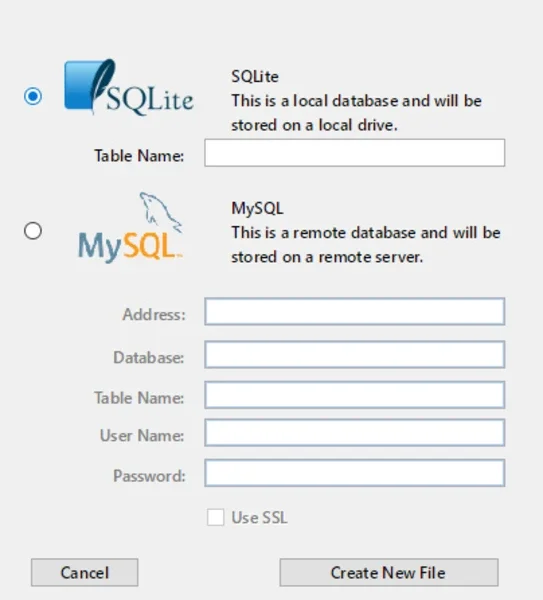
Database Designer is a Windows tool for designing databases through a graphical interface. When you open it, you pick the type of database to create.
- For SQLite, type a name and a local database is created.
- For MySQL, enter the address, table name, user name, and password to manage a remote database.
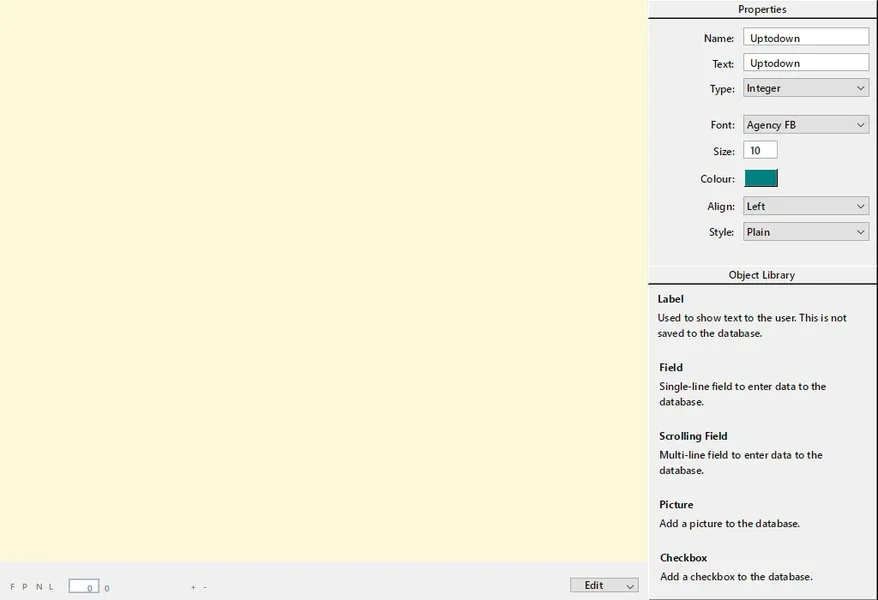
A SQLite database is saved on the hard disk in the folder where the program was unzipped. In the design view you can edit content, add tags, and create fields. Items on the left are added by double-clicking them, and those items include images, fields, labels, and checkboxes.
Designing this way takes no advanced knowledge, and the program runs on modest hardware. Once the visual design is done, changing from Edit Mode to Browse Mode lets you add data. A three-page PDF tutorial ships with the software. It is free and open source under GPL 3.0.
Download files
1dda94e6e8b0dca9380a3ef21eb937d6e61e9b18085df94aaf54aa45c30fc5a8
System requirements
Available on:
Minimum OS:
Windows XP or later
Additional information
Developer
Latest release
Size
Category
File type
SHA-256
1dda94e6e8b0dca9380a3ef21eb937d6e61e9b18085df94aaf54aa45c30fc5a8