
Deepl 1.0.0.0 for Windows
Translates and rewrites text from inside any Windows app
You are on macOS — this is the Windows version. See the macOS version
Screenshots
Description
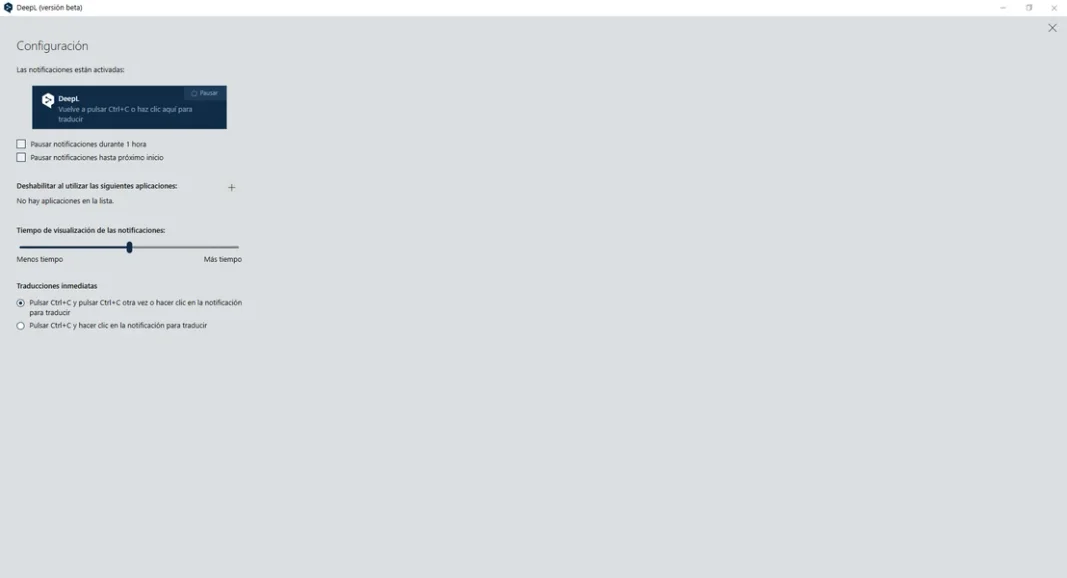
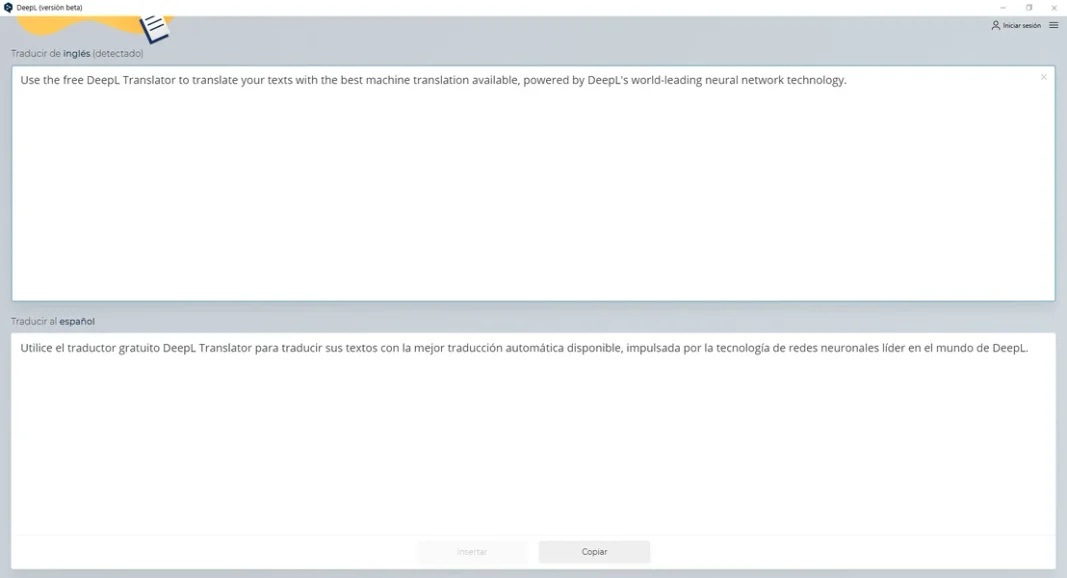
DeepL translates text without leaving the window you are working in. It is a translation program for Windows, and the desktop client holds both DeepL Translator and DeepL Write.
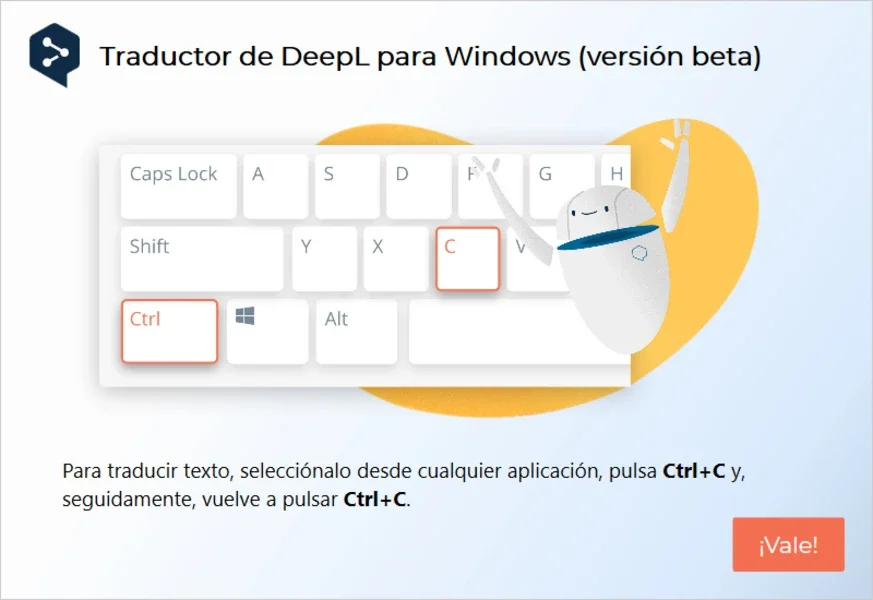
Highlight a passage anywhere and tap Ctrl+C twice; the translation appears on the spot. When you are writing your own text instead, Ctrl+Shift+C+C translates it and lets you pick the target language. DeepL Write rewrites and corrects what you have written with AI assistance, fixing grammar and spelling as it goes, and it can shift a text's tone and style. All of this works while you are in other applications, on documents, emails or anything else you are typing. Because the shortcuts reach the tools from the program you already have open, you do not have to keep switching back to a browser.
It runs on Windows. The current version is 1.0.0.0, from DeepL GmbH, under a proprietary license. It is free.
Download files
c0a01c1361213d505fda9feb17dadd3b2a534a0a90bc86b62bc80e760da333b6
Signed by DeepL SE · valid until Mar 18, 2028e46aa95bf47009cfeb86575ed8b86000e24bef6f1a6093f5cb5519bc9e96f243
Signed by DeepL SE · valid until Mar 18, 20287ebe56c94f5036c35b4b530c64e406bba59b44be03876044334307d6c04cba73
a22623c8568ff3f6f90ea376623bf37b8dc8ce6875307b53df32ec48bb7c39bd
05cd33662616026d772e8e2d9481e69c0f3ecbd0dbd7acf1f860177e56fbe8f9
System requirements
Available on:
Additional information
Developer
Latest release
Size
Category
File type
SHA-256
c0a01c1361213d505fda9feb17dadd3b2a534a0a90bc86b62bc80e760da333b6